Social media users
Sharpen profile images
Turn small selfies, travel shots and AI faces into larger pictures for profiles, stories and posts.
Make pictures bigger while keeping clarity, texture and detail.
Both pictures use the same preview scale. Shown with Instant enlargement; choose AI super resolution in the tool when you need detail reconstruction.
Start with a small photo and see the same picture enlarged for a product layout, portrait print, travel crop or illustrated cover. Each example shows the original size and the real output dimensions.
Try the AI photo enlarger freeBoth pictures use the same preview scale. Shown with Instant enlargement; choose AI super resolution in the tool when you need detail reconstruction.
Enlarge pictures with clearer key details for any creative project.
Prepare pictures for posts, prints, moodboards and design layouts.
Upload an image for automatic 2X enlargement, then choose your preferred scale.
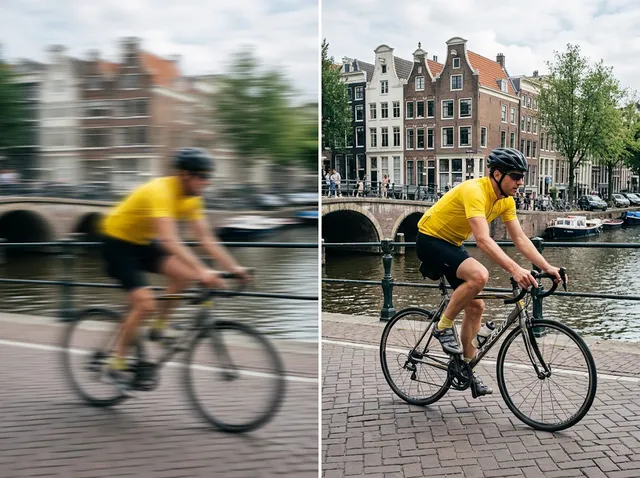
Give a small portrait more room in a profile card, presentation or personal print. Compare the original 320-pixel picture with a 2X version of the same face.
Make your image larger free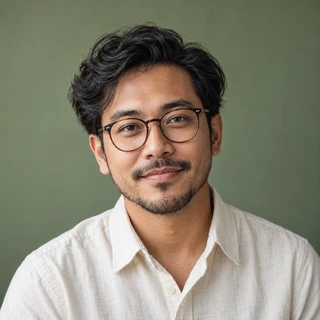
Both pictures use the same preview scale. Shown with Instant enlargement; choose AI super resolution in the tool when you need detail reconstruction.
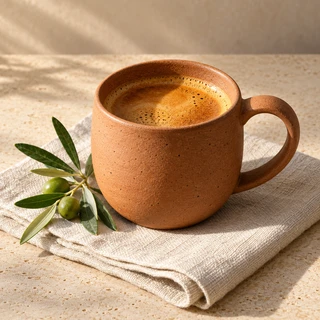
Prepare a small product photo for a larger shop banner or catalogue layout. This 4X example keeps the cup, colour and framing exactly the same.
Enlarge a product photoBoth pictures use the same preview scale. Shown with Instant enlargement; choose AI super resolution in the tool when you need detail reconstruction.
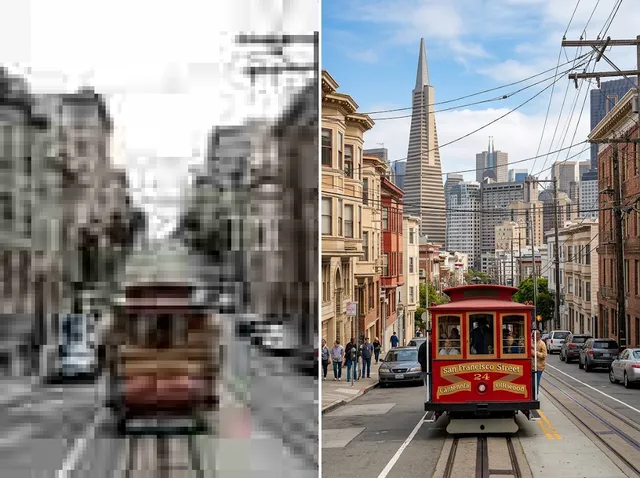
Make a small travel image larger before fitting it into a slide or a new layout. The same heritage shophouse appears at 320 × 320 and 1280 × 1280 pixels.
Enlarge a travel photo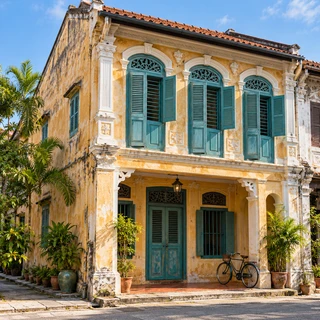
Both pictures use the same preview scale. Shown with Instant enlargement; choose AI super resolution in the tool when you need detail reconstruction.
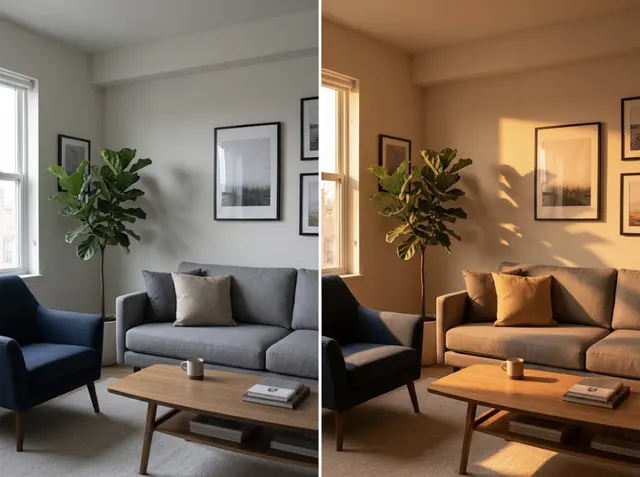
Scale a colourful illustration for a cover, poster or mood board. This 2X example shows the same bird and botanical artwork without changing the composition.
Enlarge an illustration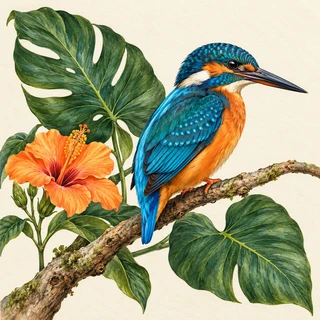
Both pictures use the same preview scale. Shown with Instant enlargement; choose AI super resolution in the tool when you need detail reconstruction.
Turn small selfies, travel shots and AI faces into larger pictures for profiles, stories and posts.
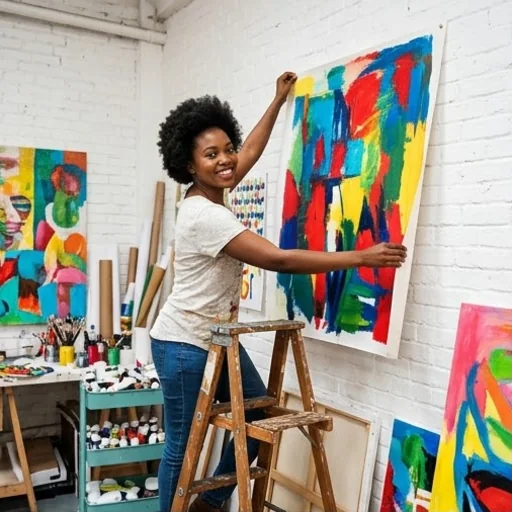
Make sketches, illustrations and AI artwork larger for posters, prints and collections.
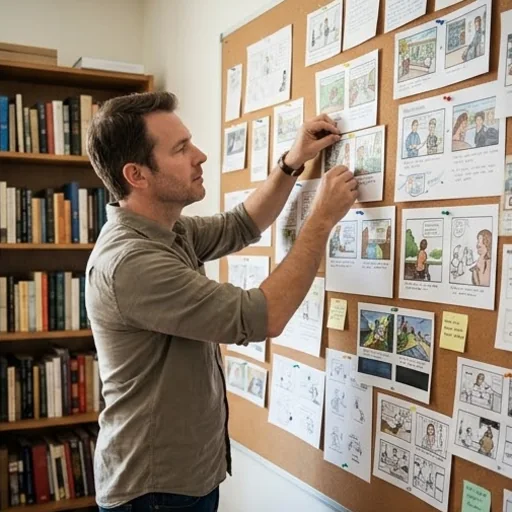
Enlarge story references, scenes and character images for storyboards, novels and writing projects.
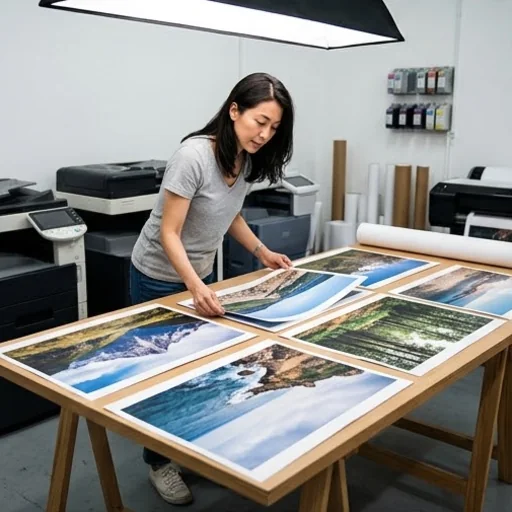
Enlarge travel shots and portraits for portfolios, prints and personal archives.
Step 1: Add your image
Upload or drop the picture you want to enlarge. A 2X preview starts automatically.
Step 2: Adjust the size
Choose 2X, 4X or 8X and adjust detail. Instant mode updates the preview automatically.
Step 3: Download
Preview and download the larger image.
Go from a rough idea to a finished asset in one place: generate, edit, enhance and animate with tools built for real creative work.
Turn text into images
Describe a scene and get photorealistic or illustrated results in seconds.
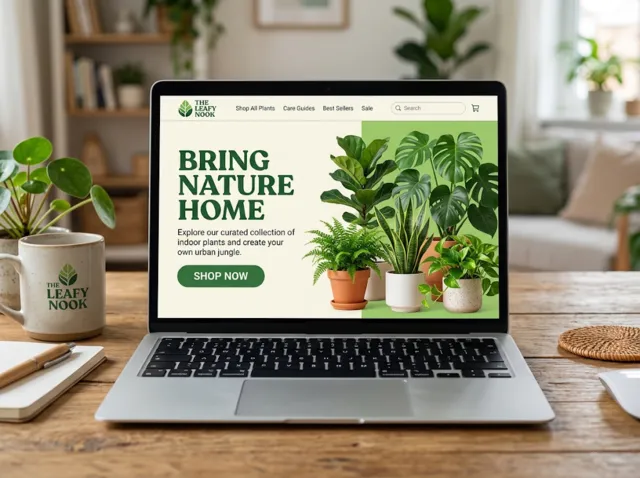
Make platform-ready assets
Posters, banners and flyers sized for social posts, ads and print.
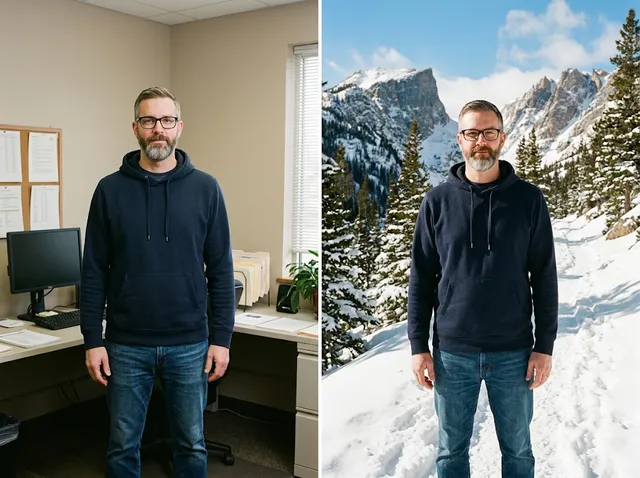
Transform photos
Restyle or change the background of a photo you already have.
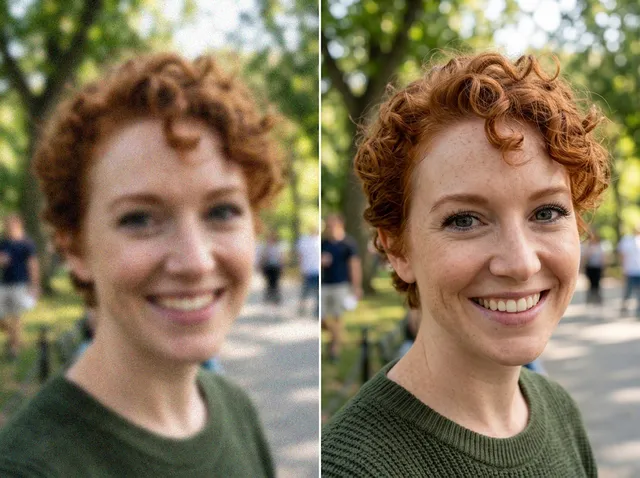
Retouch and enhance
Sharpen faces, remove clutter and upscale images for print.
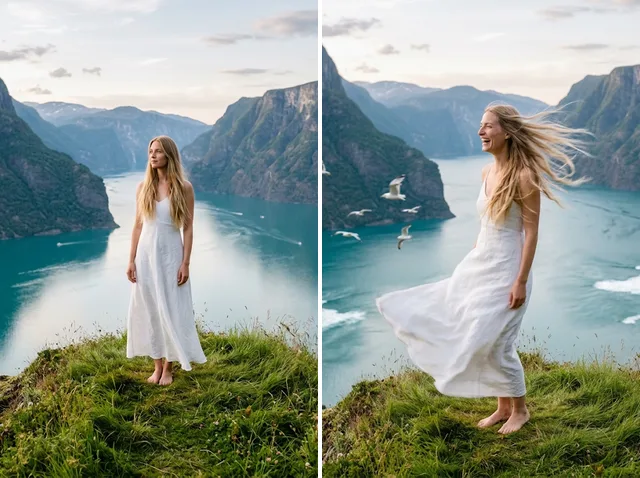
Bring stills to motion
Animate a finished artwork into a short video clip.
From brief to final asset
Chat with the image, one change at a time, until it is right.
A tool that makes an existing image larger. Instant mode resizes it on your device and offers detail sharpening. Optional AI super resolution can rebuild fine detail.
One that is quick and keeps your picture the same. Jitura's enlarger keeps the content and composition, and you can refine, enhance or edit the result with Jitura's other tools in one place.
Upload an image to enlarge it automatically at 2X. Choose 4X or 8X or adjust detail to update the local preview. Select AI super resolution and run it separately if you want AI enhancement.
Instant mode is free, runs on your device and needs no sign-in. Optional AI super resolution requires sign-in and shows the operation cost before you run it.
The enlarger keeps your image as it is. For creative changes afterwards, open the result in the AI Photo Editor, Image Enhancer or Background Remover.
No. Upload an image to start automatically, choose a scale and download the result.
Make your image bigger and turn small pictures into clearer creative assets.
Enlarge your photos now