
Model
Upload Image*
Click to upload an image
We accept JPEG, PNG, or WEBP formats up to 10MB.
Uses 1 daily image generation.
Unblur Image
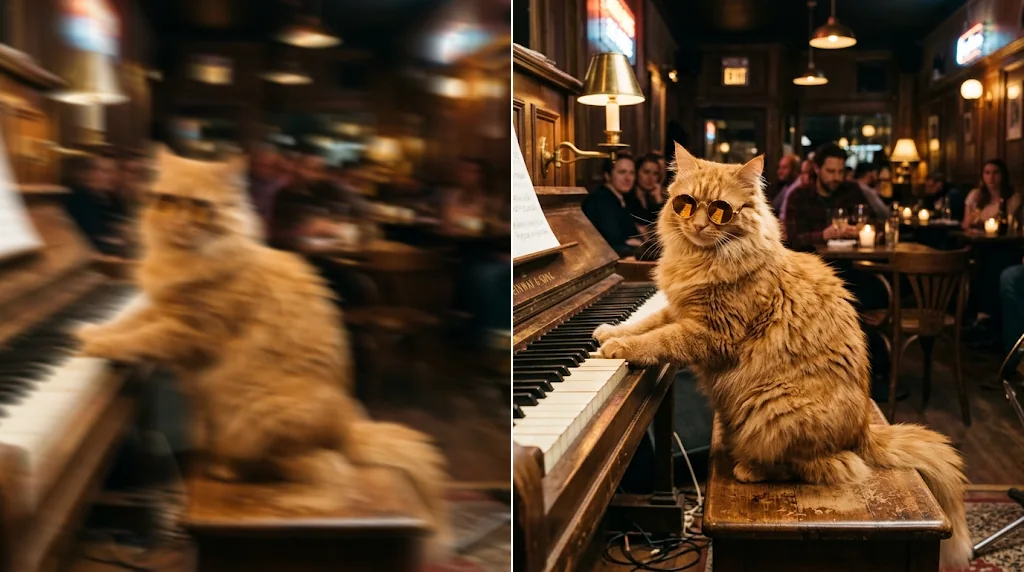
Fix blurry pictures with AI unblur technology
Turn fuzzy, shaky and pixelated photos into crisp, detailed images. Jitura's unblur image tool restores sharp edges and fine texture in seconds, for personal photos and professional work alike.
Unblur your photo nowFix blurry portraits
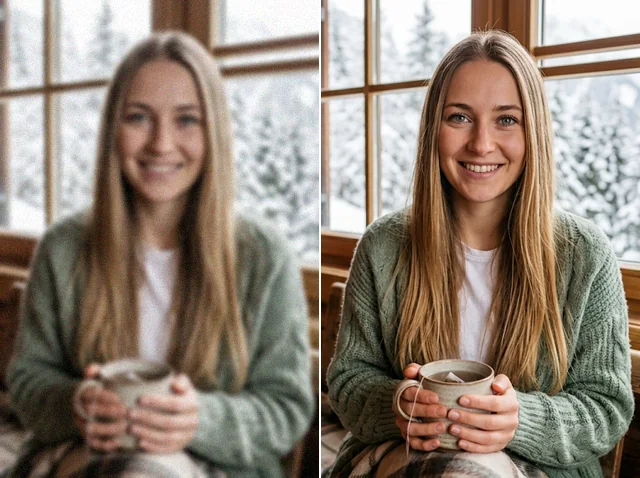
Sharpen soft or shaky portraits so they look professional. Eyes, eyelashes and hair that were too unclear to see come back with natural detail.
Unblur portraits now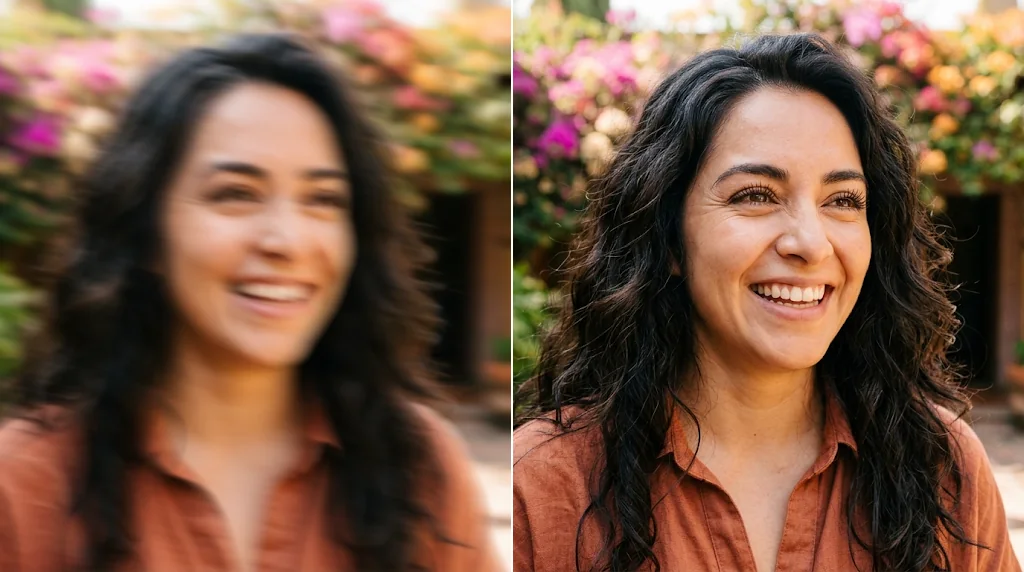
Restore old photos
Bring cherished memories back to life. Recover detail in faded, soft and low-resolution prints so faces and places are clear again.
Unblur old photos now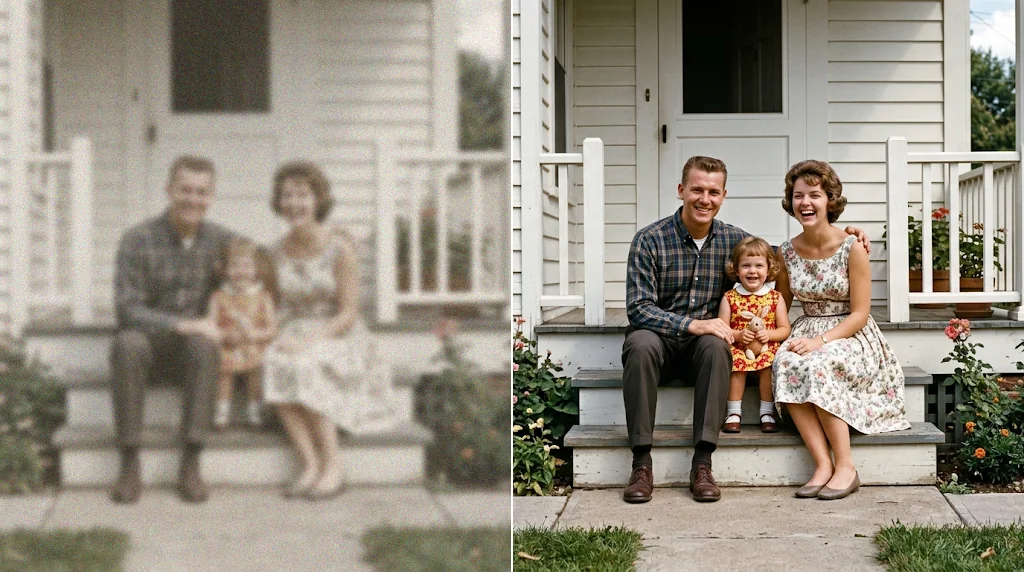
Recover text details
Make blurry lettering readable again, whether it is on a sign, a scanned document, a screenshot or a camera photo.
Recover text now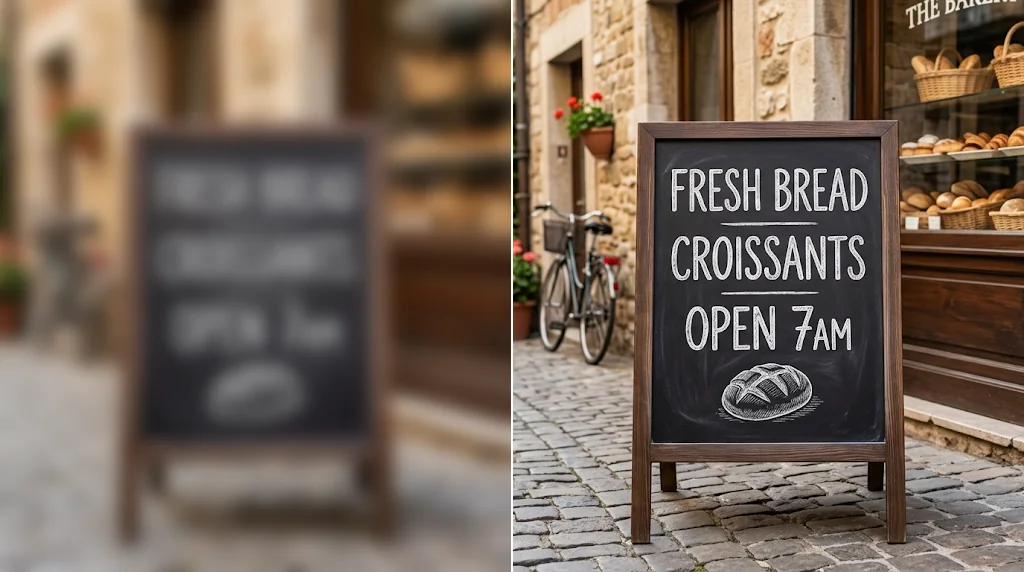
Sharpen product images
Turn fuzzy product photos into crisp images that catch shoppers' attention and show off every detail of what you sell.
Unblur product images now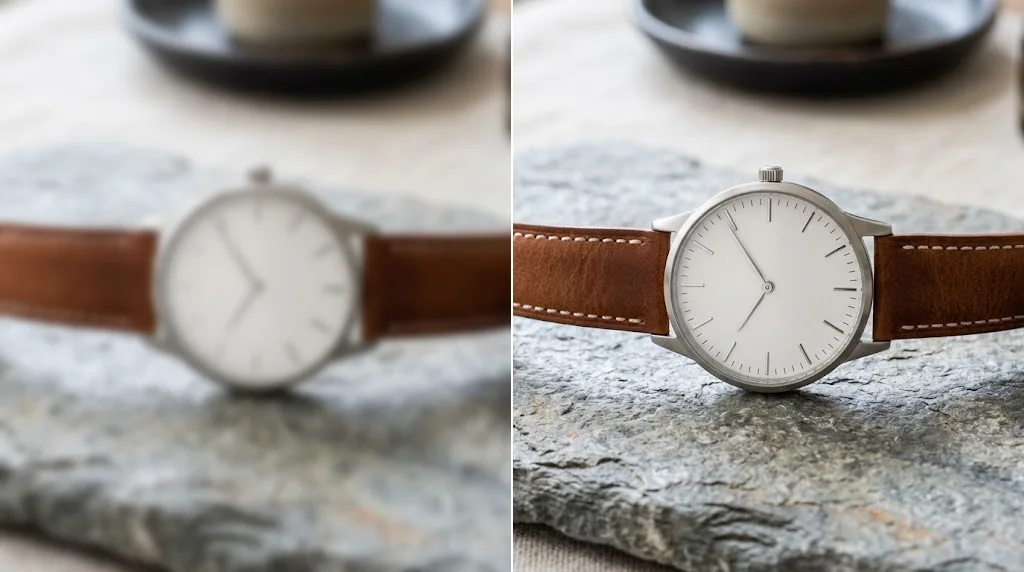
How to unblur an image with Jitura
- 1
Step 1: Upload your photo
Upload the blurry image you want to fix.
- 2
Step 2: Let the AI sharpen it
Pick a model and press Create. The photo is unblurred in seconds.
- 3
Step 3: Download or share
Save the sharp image or share it online.
Your all-in-one AI image studio
Go from a rough idea to a finished asset in one place: generate, edit, enhance and animate with tools built for real creative work.
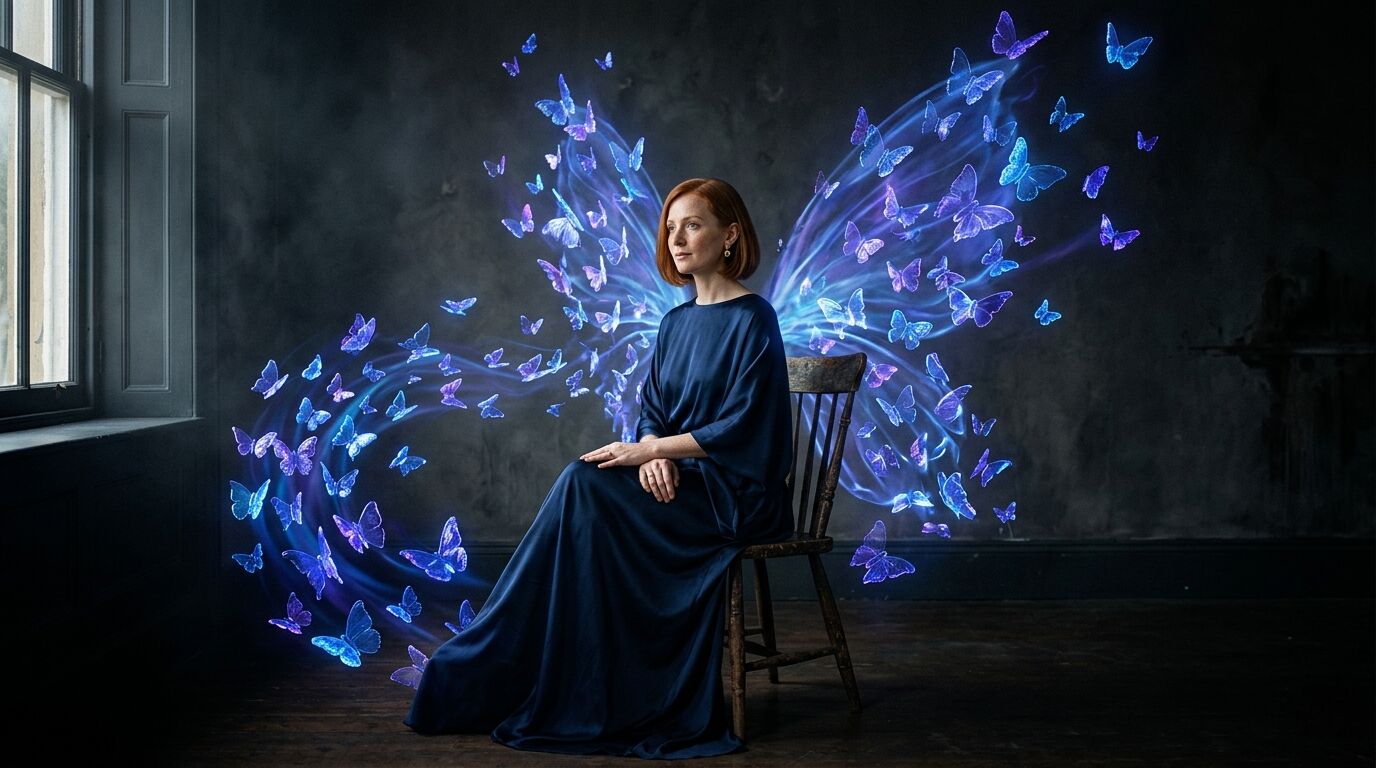
Turn text into images
Describe a scene and get photorealistic or illustrated results in seconds.

Make platform-ready assets
Posters, banners and flyers sized for social posts, ads and print.
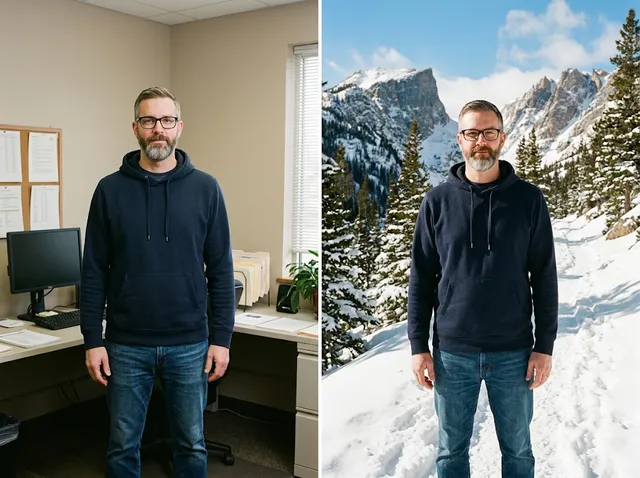
Transform photos
Restyle or change the background of a photo you already have.
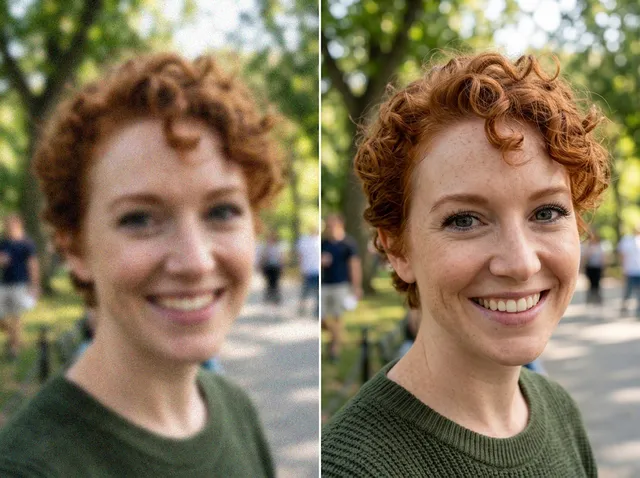
Retouch and enhance
Sharpen faces, remove clutter and upscale images for print.
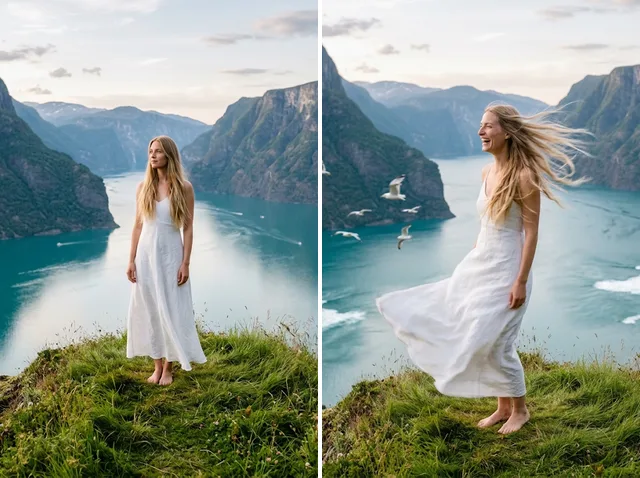
Bring stills to motion
Animate a finished artwork into a short video clip.
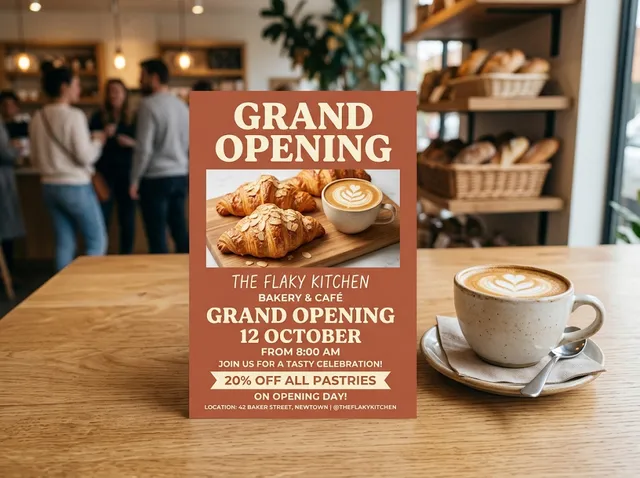
From brief to final asset
Chat with the image, one change at a time, until it is right.
Explore other AI image editing tools

FAQs
What does it mean to unblur an image?+
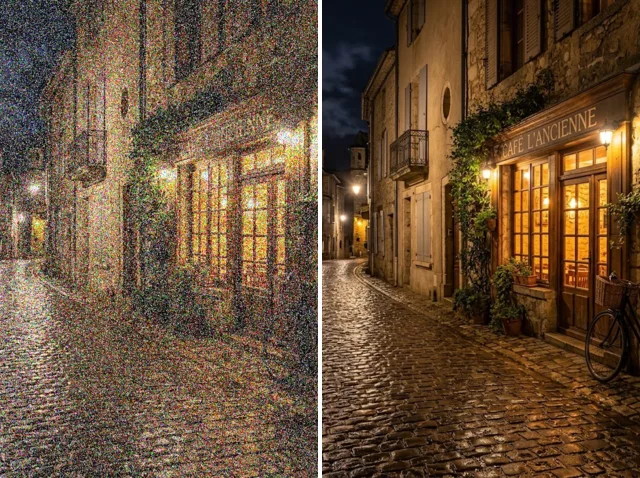
Unblurring makes a blurry, fuzzy or low-resolution photo look clearer and sharper. It works on all kinds of pictures, from portraits and old prints to product shots, so they look better wherever you use them.
What is Jitura's unblur image tool?+
It is an AI tool that sharpens blurry photos in one click. Upload a picture and the model analyses it and restores edges, texture and fine detail, with no editing skills needed.
Is the unblur image tool free?+
Yes. Every signed-in account gets free daily operations. A Jitura Enhance run uses one and Topaz Enhance uses two, and you do not need a credit card to start.
Why use an AI tool to unblur photos?+
Fixing blur by hand can take hours of masking and sharpening. The AI detects the blur and repairs it in seconds, for personal or professional photos alike.
Which model should I choose?+
Start with Jitura Enhance: it is fast and uses one operation. Switch to Topaz Enhance for faces, fine textures and professional photos where you want the most natural detail.
Will every photo come out perfect?+
Most blurry photos come back much clearer, but there is no guarantee of perfection. If a picture is extremely blurred or badly damaged, some detail may be impossible to recover.
Which image formats are supported?+
JPEG, PNG and WebP up to 10MB. The sharpened photo keeps its original size and downloads as a JPEG.
Does unblurring change the size of my photo?+
No. Unblur Image keeps the original size and framing. To enlarge the photo as well, use the Image Upscaler.
Do I need special software or hardware?+
No. Everything runs in the cloud: upload a photo in your browser and the result is ready in seconds, on a laptop, tablet or phone.
What happens to the photos I upload?+
Your photo is sent to the enhancement model only to make your result, and the result is kept in your browser for you to download. See the Privacy Policy for what Jitura stores and for how long.
Unblur any low-quality image with one click
Sharp, clear photos are one upload away.
Try the unblur image tool free