
Upload Image*
Click to upload an image
We accept JPEG, PNG, or WEBP formats up to 10MB.
Scale
Same size as your photo, with sharper detail.
Uses 1 daily image generation.
HD Image Converter
AI HD photo converter for better quality
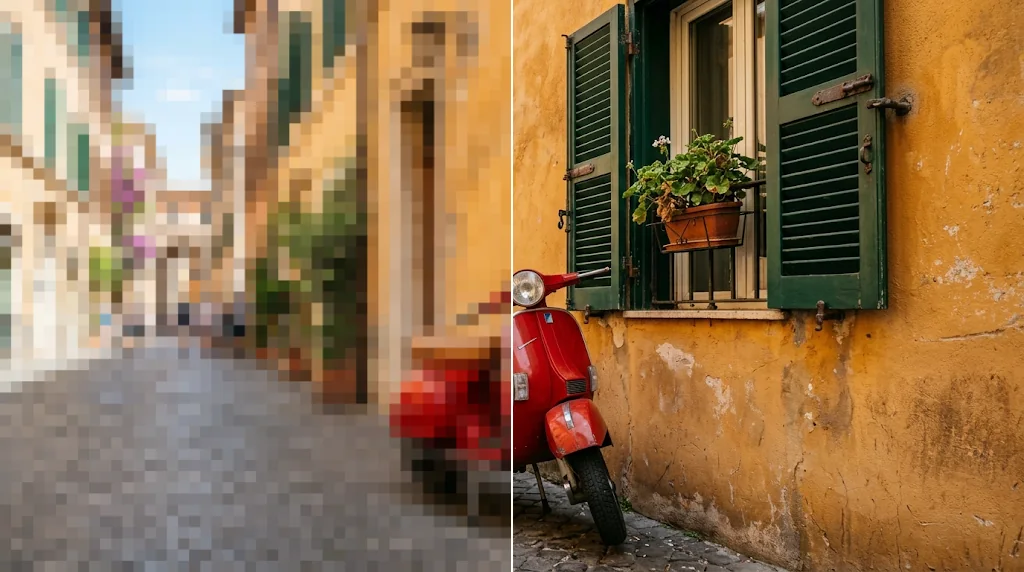
Turn any image into high resolution with Jitura's HD image converter. Improve clarity, rebuild detail and get true HD quality online for free, for old photos, product images and social media visuals.
Try the HD photo converter free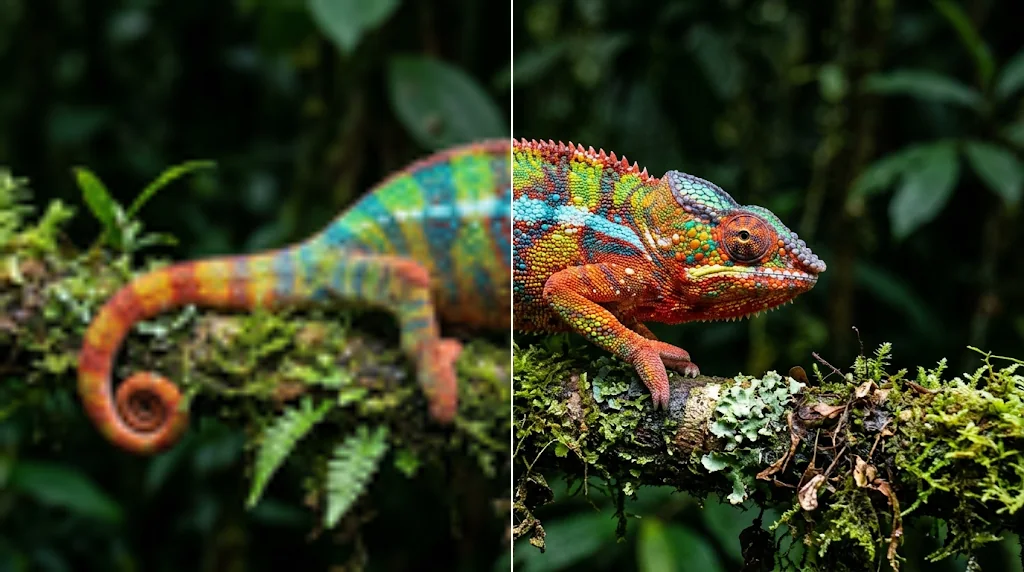
Transform low-res images to HD
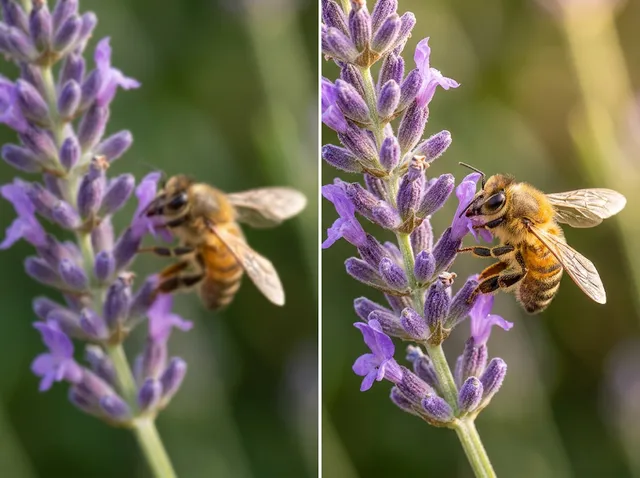
Convert low-quality images into high-quality ones: 2X to 16X larger, up to 8,192 pixels on the long side, with clearer texture and detail.
Try the HD image converter free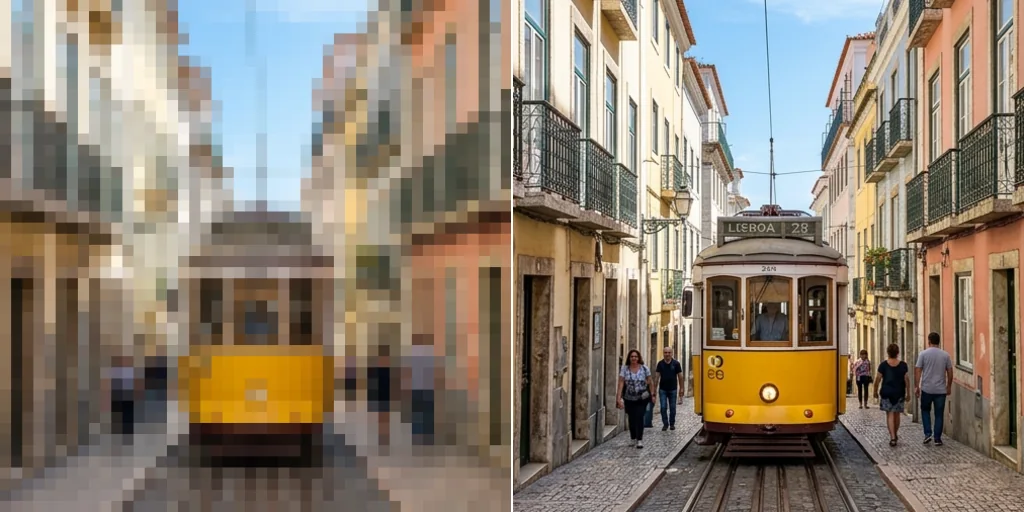
Sharpen product images
Give shop listings crisp, high-resolution product photos that win attention and look professional.
Enhance photo quality online free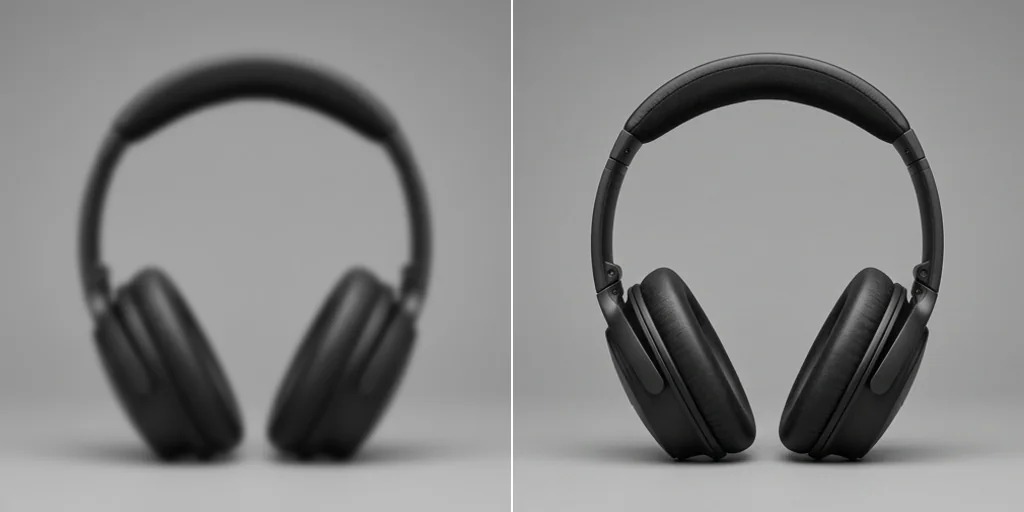
Restore old and blurry photos
Turn a normal photo into an HD photo: remove blur, clean up grain and raise the resolution so memories come back in sharp detail.
Try the resolution changer now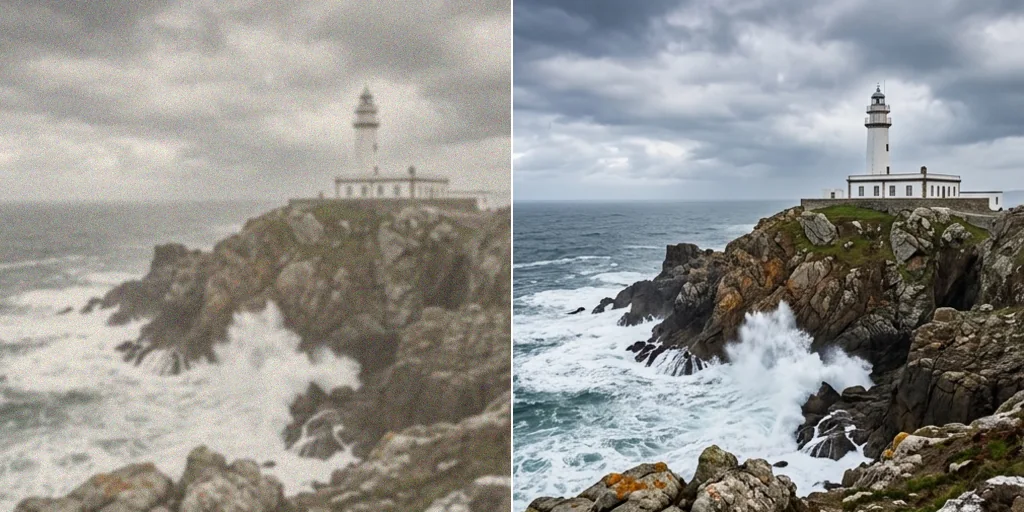
Richer colour and 4K detail
Enlarge to 4K-class sizes for wallpapers and prints with richer colour, cleaner contrast and fine detail.
Try the HD photo converter instantly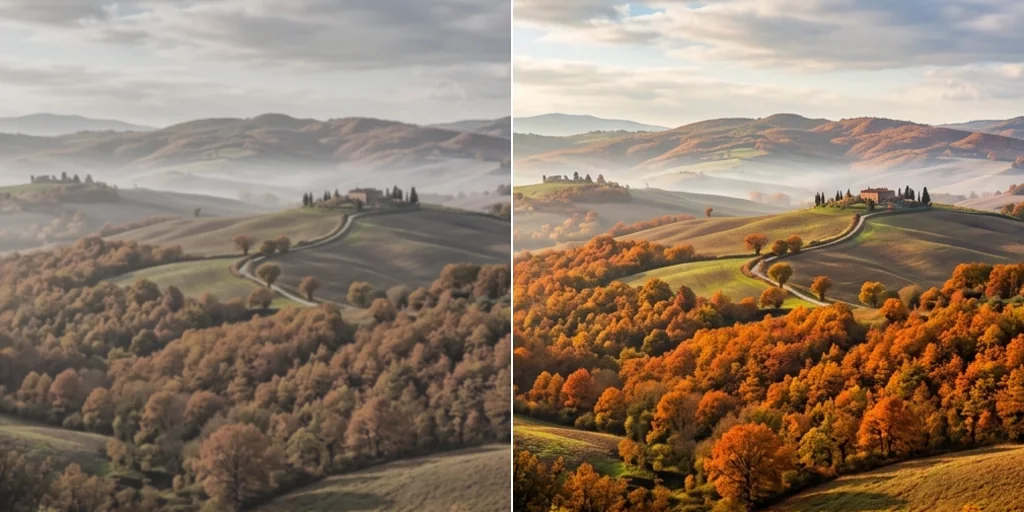
How to make a photo HD with Jitura
- 1
Step 1: Upload your image
Drag in or upload the low-quality image you want to improve.
- 2
Step 2: Pick a scale
Choose Original to 16X and press Create; the AI raises the resolution and clarity.
- 3
Step 3: Download
Download your HD photo or share it online.
Other AI image editing features
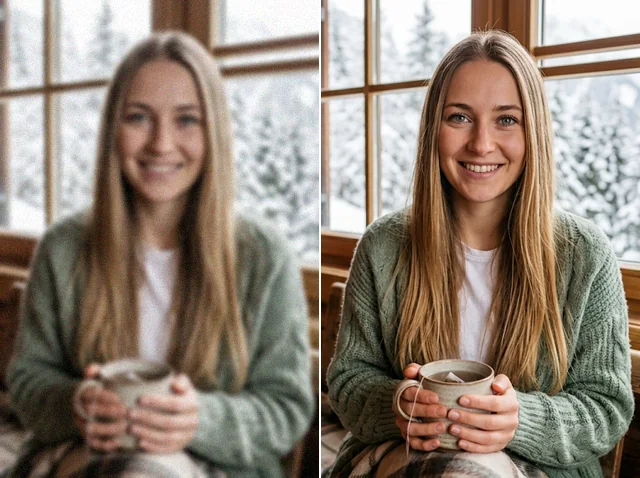

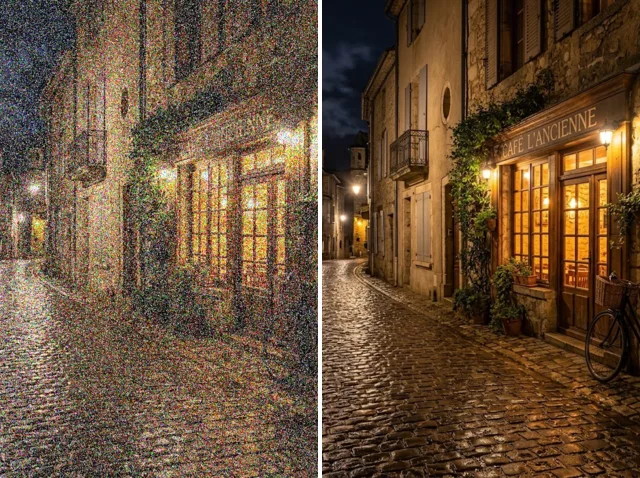
FAQs
What is an HD photo converter?+
A tool that raises an image's resolution and clarity, turning a low-quality picture into a high-resolution one with sharper detail.
What is the best image resolution converter?+
One that adds clarity without inventing a different picture. Jitura's converter runs on Jitura Enhance (SeedVR2), which rebuilds texture naturally while keeping colours and composition.
Can I use the HD photo converter for free?+
Yes. Every signed-in account gets free daily operations. Original, 2X and 4X use one; 8X and 16X use two.
Can I convert images to 4K online?+
Yes. Choose a scale that takes the long side to about 3,840 pixels or more; the panel shows the exact output size before you start. Results are capped at 8,192 pixels on the long side.
How long does it take to enhance an image?+
Usually 10 to 60 seconds; very large 8X or 16X results can take a few minutes.
Will there be watermarks on my images?+
No. Jitura does not add a watermark to converted images.
Try the HD image converter on Jitura
Turn low-quality photos into sharper, high-resolution images with richer detail.
Convert images to HD free