
AI Profile Picture Generator
Create profile-ready portraits from your photo and prompt instantly.
Sign in to create. Every account gets free daily operations; each image uses one.
Create the right profile picture for every platform
Why let one old photo represent every side of you? Jitura's profile picture maker turns your photo and prompt into recognisable portraits in the style you want, with several options to choose from, so you show the right version of yourself on work, social, creator and personal profiles.
Create a profile picture free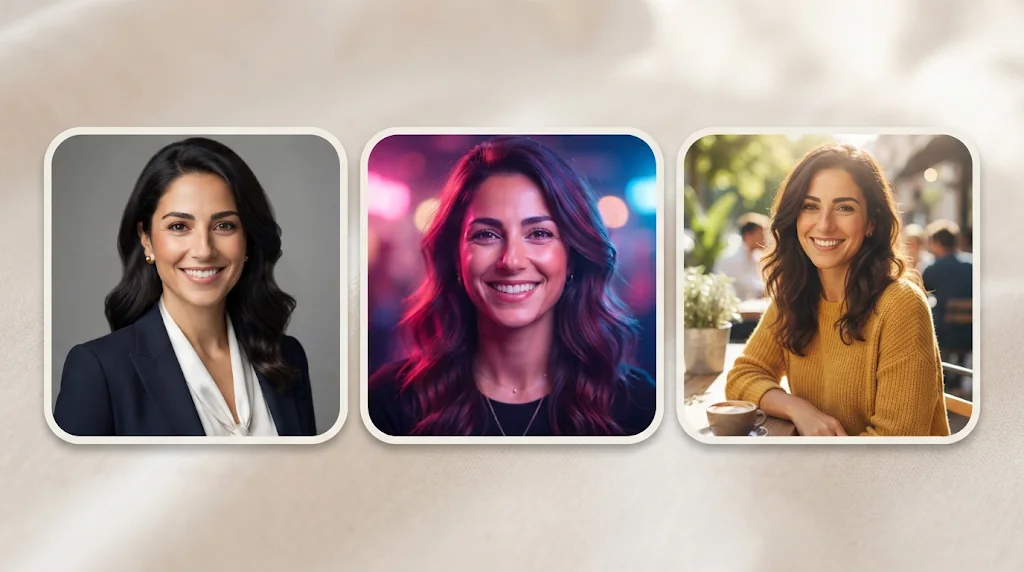
Keep your real face recognisable
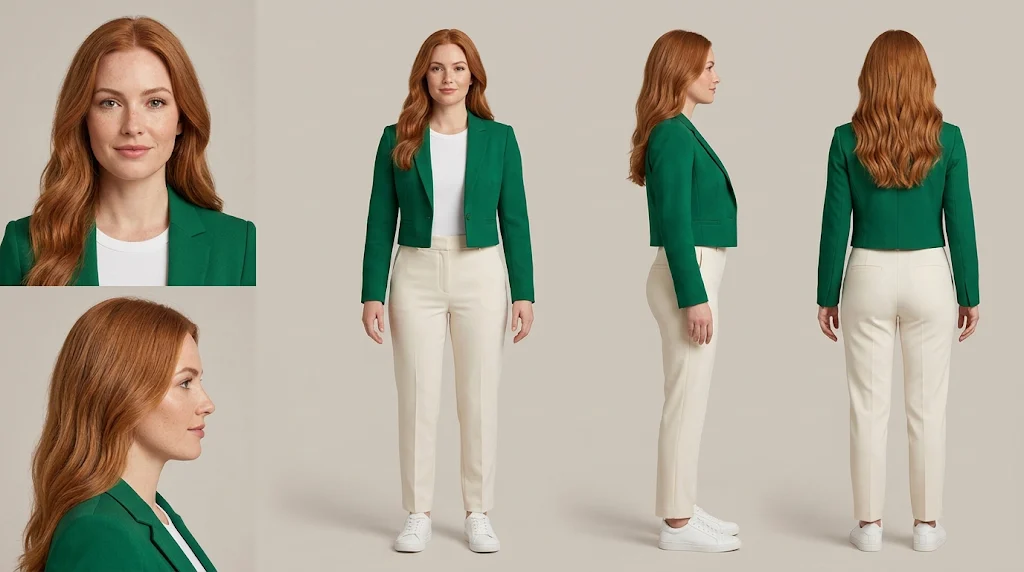
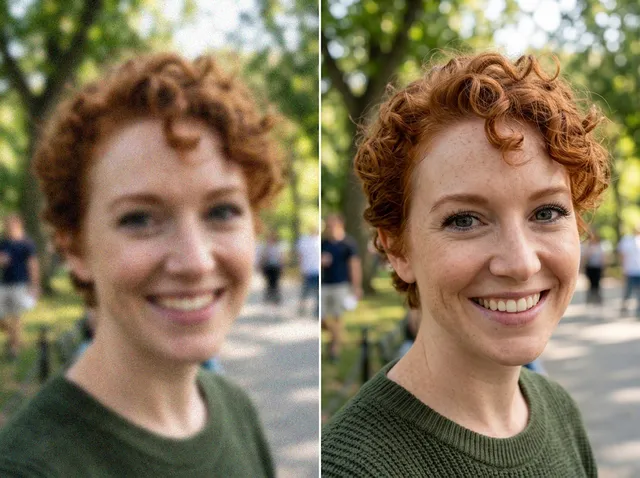
Your selfie becomes profile-ready portraits that keep your key facial features.
A profile picture for every platform
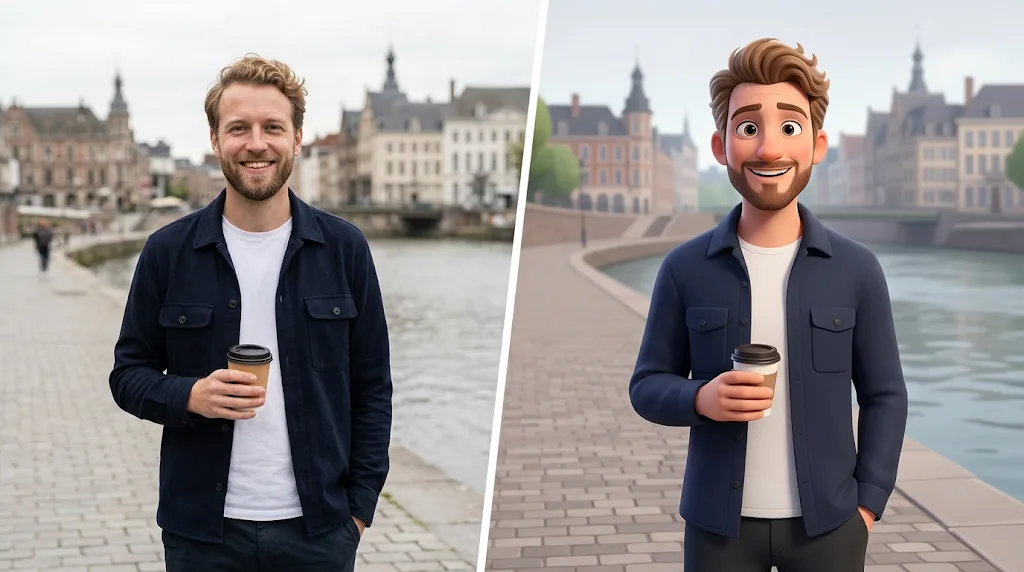
Ask for a career, fashion, artistic or cartoon look for the place people meet you.
Pick the best expression and crop
Make several portraits with different framing and polish and choose the most natural one.
Look more polished, stay recognisable
Add a clear selfie and the profile picture maker keeps your facial traits while it refines pose, light and framing, so you look professional without becoming someone else.
Create profile pictures free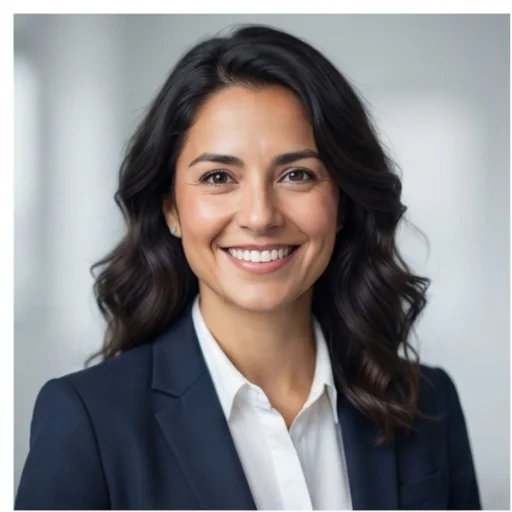
Match each platform's first impression
Choose professional, creator, fashion, cartoon or natural styles for LinkedIn credibility, channel branding or a warmer social profile.
Create profile pictures free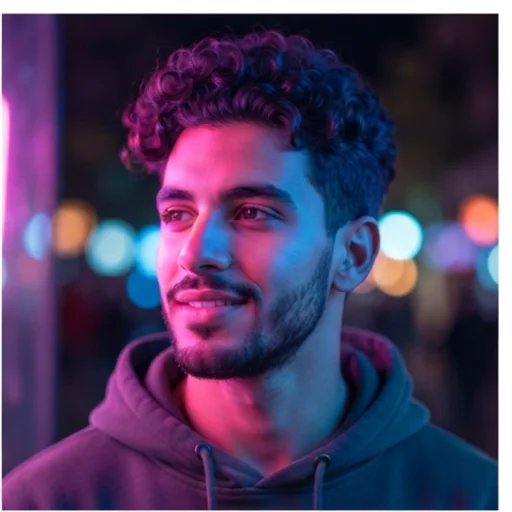
Control the details that matter
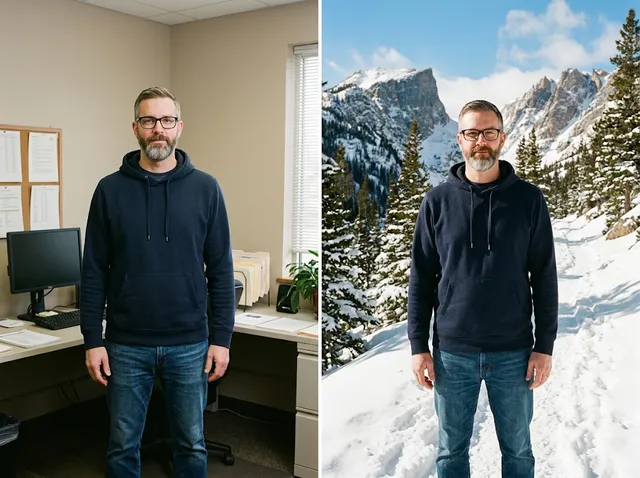
Describe the background, outfit, hairstyle, lighting and texture, and small choices signal personality and role at a glance.
Create profile pictures free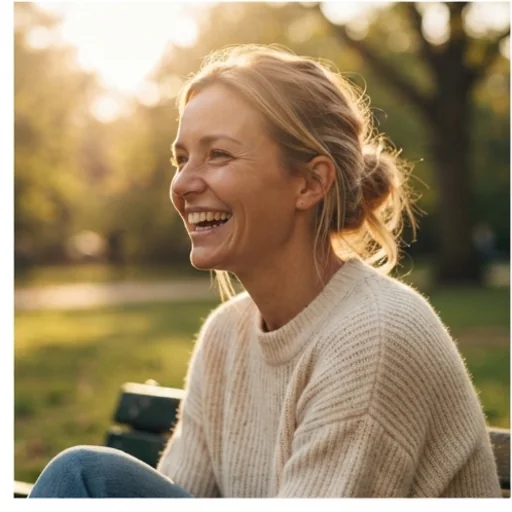
Compare options before you choose
Create up to four portraits at once, compare expressions, crops and light, and pick the one that feels most like you.
Create profile pictures free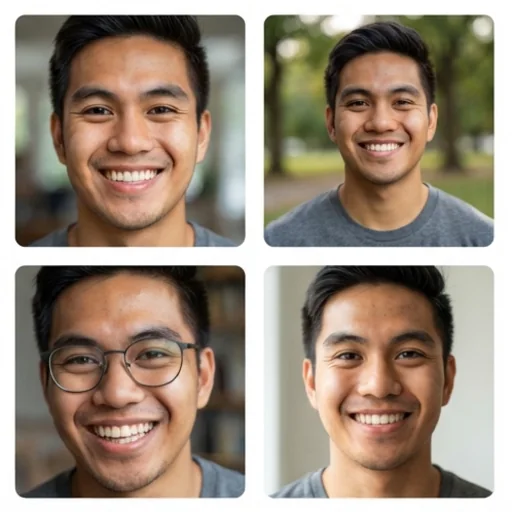
Profile pictures for first-impression moments
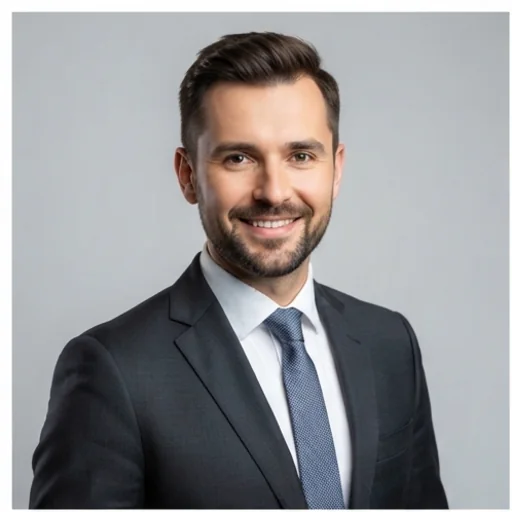
Look credible before the conversation
A clean headshot for LinkedIn, CVs and company bios makes outreach feel trustworthy.
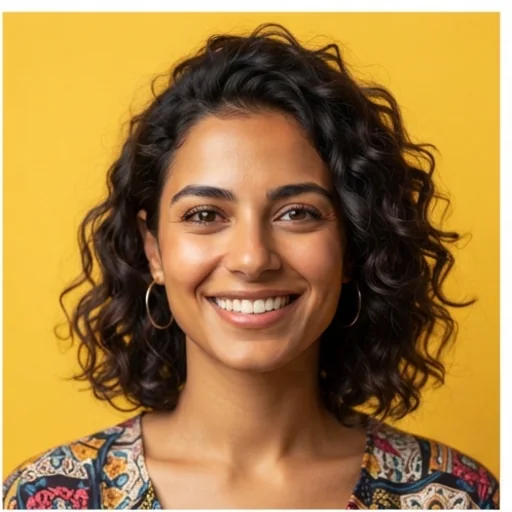
Make your profile instantly recognisable
A creator avatar so audiences connect your face with your content faster.
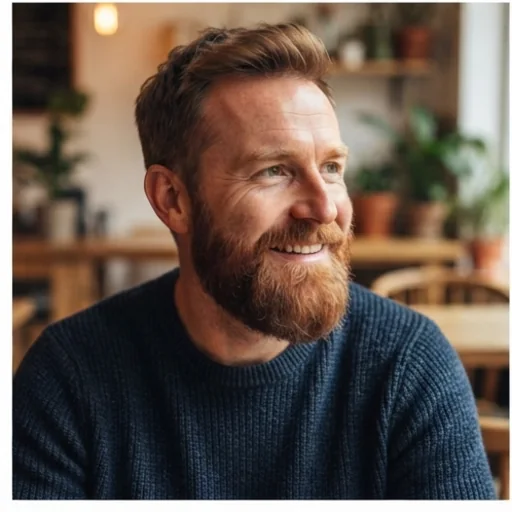
Show personality without losing realism
Natural, friendly options that show your vibe before people read your bio.
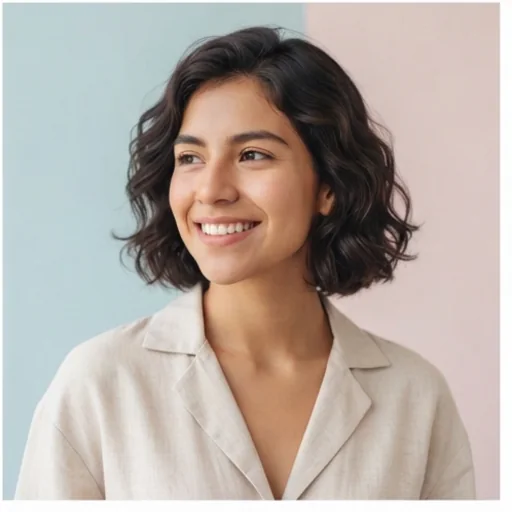
Refresh your image without a shoot
Update an old photo that no longer matches your work, style or online identity.
How to create an AI profile picture with Jitura
- 1
Step 1: Add your photo
Add a clear selfie or portrait with the + button.
- 2
Step 2: Describe the style
Keep Profile Photo selected and describe the background, outfit and lighting.
- 3
Step 3: Create and download
Create your profile pictures and download your favourite.
Discover other AI image generators on Jitura
FAQs
What is a profile picture maker?+
A tool that turns your photo, a style and a short prompt into profile-ready portraits for work, social media, creator branding or anywhere first impressions matter.
What is the best profile picture maker?+
One that keeps you recognisable. Jitura's profile picture maker keeps your facial features, supports many styles and lets you switch to Instagram posts, thumbnails or covers in the same box.
How does the AI profile picture generator work?+
It reads your uploaded photo, keeps the recognisable facial details and creates new portraits from your prompt. Guide the look with background, clothing, hairstyle and lighting.
Will it keep my face recognisable?+
Yes, it is told to keep your face, hair and skin tone the same. A clear, front-facing photo in good light gives the closest likeness.
How can I make pictures for different platforms?+
Run it with different styles: professional for LinkedIn, warmer or more creative for social and creator pages.
Is the AI profile picture generator free to try?+
Yes. Every signed-in account gets free daily operations, and each image uses one. Only upload photos of yourself or people who agreed.
Create profile portraits that show your personality
Turn your selfie into polished profile pictures that feel personal and true to you.
Try the profile picture generator