
Upload Image*
Click to upload an image
We accept JPEG, PNG, or WEBP formats up to 10MB.
Aspect Ratio
Uses 1 daily image generation.
Face Cutout
Cut out a face and hair as a clean sticker-style image.
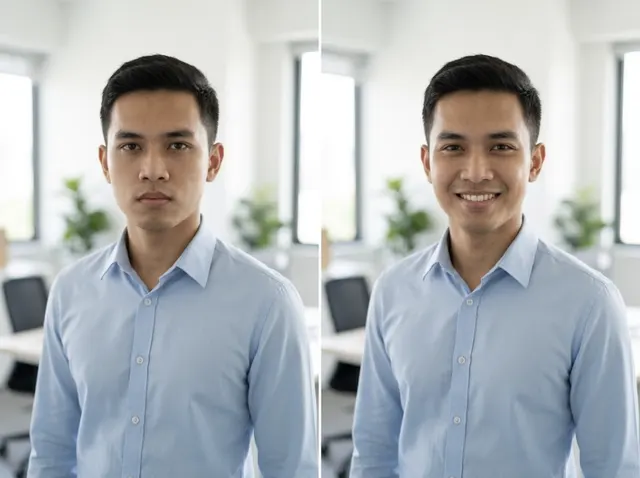
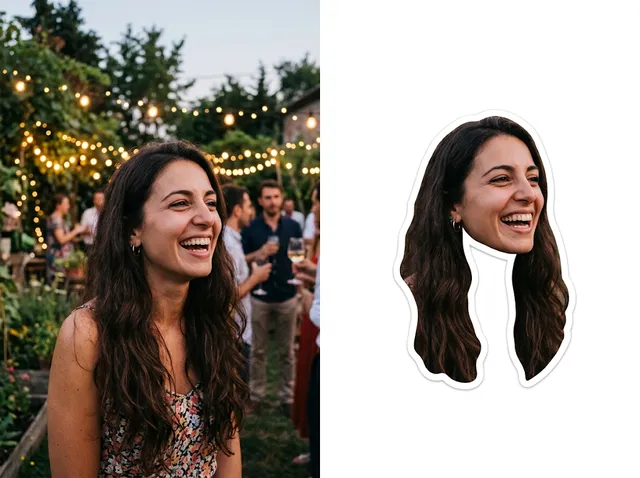 BeforeAfter
Create custom big head cut-outs instantly
Turn your photos into fun face cut-outs: the AI separates the head and hair from the background into a clean, sticker-style cut-out you can print or share.
Make a face cut-out free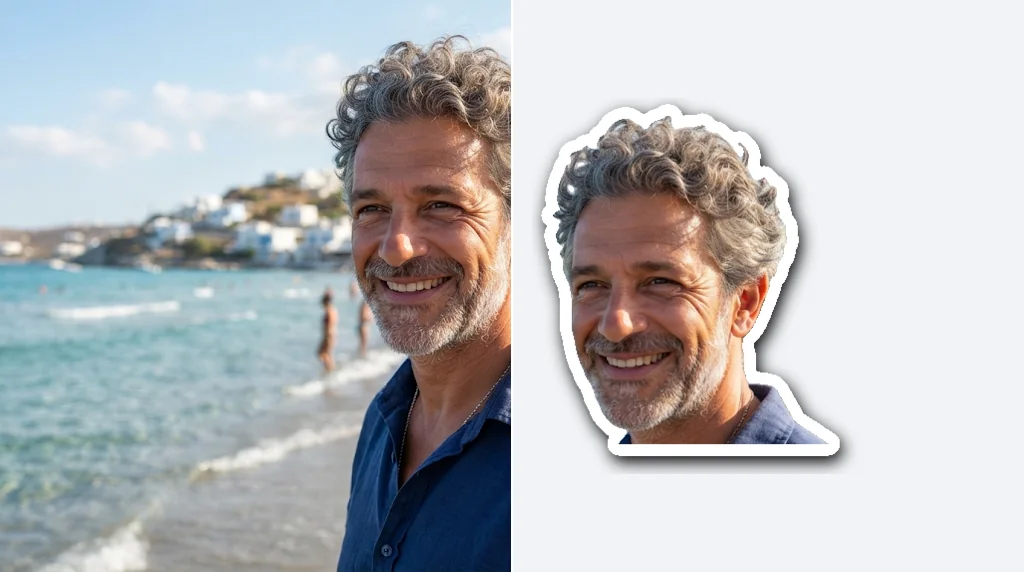
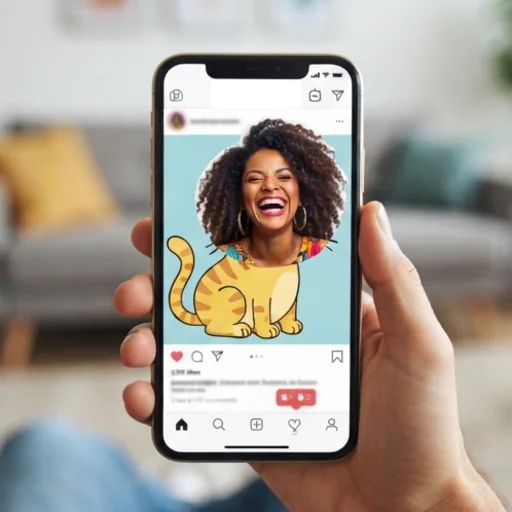
Perfect for events and celebrations
Giant head cut-outs for parties, weddings and sports games.
Make face cut-outs free
E-commerce and marketing materials
Playful cut-outs for branding, ads and promotions.
Make face cut-outs free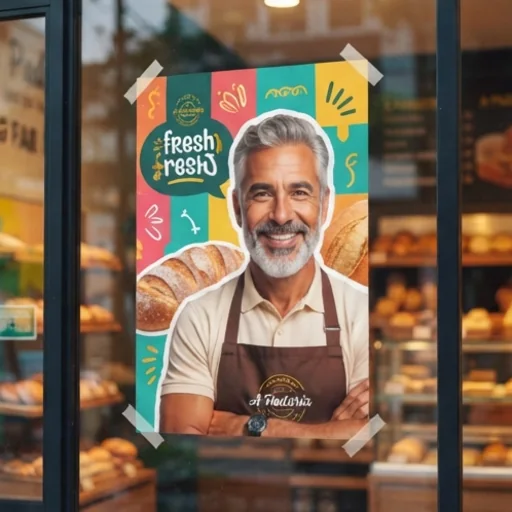
High quality and easy
Clean edges and sharp detail, ready to print or use digitally.
Make face cut-outs free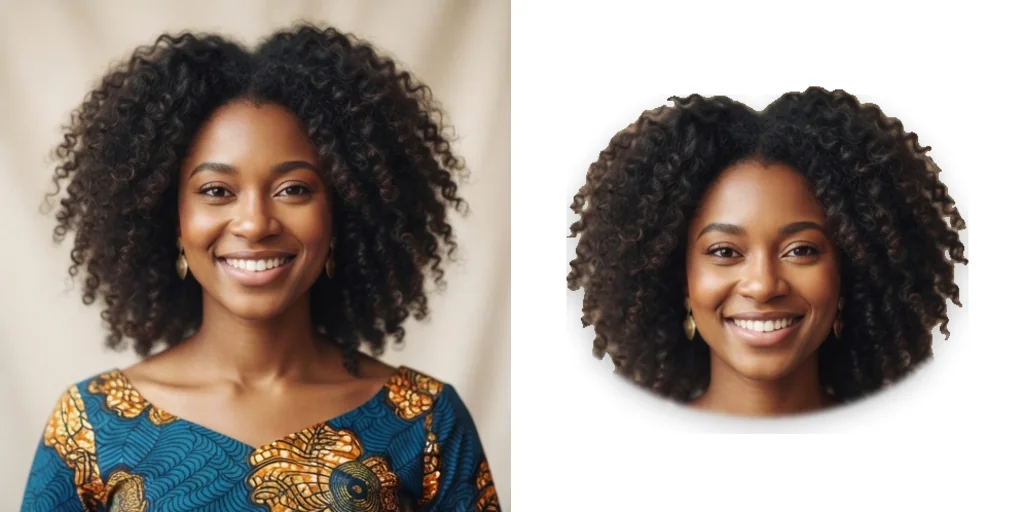
How to use the face cutout tool
- 1
Step 1: Upload a photo
Drag in or select the photo you want to turn into a cut-out.
- 2
Step 2: Create
The AI finds the face and hair and separates them from the background.
- 3
Step 3: Save
Download the cut-out to print or share.
Discover other AI image tools on Jitura
FAQs
What is the face cutout tool?+
A tool that turns a photo into a big head cut-out: the face and hair isolated on a clean background like a sticker.
Can I use it for social media?+
Yes: memes, stories, reaction images and party invitations.
How do I print my cut-out?+
Download it and print it on card at the size you need; upscale it first with the Image Upscaler for very large cut-outs.
Which formats are supported?+
JPEG, PNG and WebP up to 10MB.
Can I customise my cut-out?+
Choose the aspect ratio here, then add text or a new background in Jitura's other tools.
Is it free to use?+
Yes. Every signed-in account gets free daily operations, and each run uses one. Paid plans add more operations.
How do I get the best results?+
Use a clear, well-lit photo with the face fully visible and not covered by hands or hair.
Can I make several cut-outs at once?+
One photo at a time.
Are the cut-outs suitable for marketing?+
Yes, with photos of people who agreed to it.
How do I download my cut-out?+
Press Download under the result.