
AI Photo Filter
Upload a photo and apply AI filters for portraits, selfies, anime looks, art styles, cartoon edits and realistic effects.
Free outputs may appear in the public gallery. Learn more
Add AI filters to photos online
Restyle a photo with a filter you describe, from dreamy film to watercolour or anime, while faces and the main subject stay clear and recognisable.
Add an AI filter free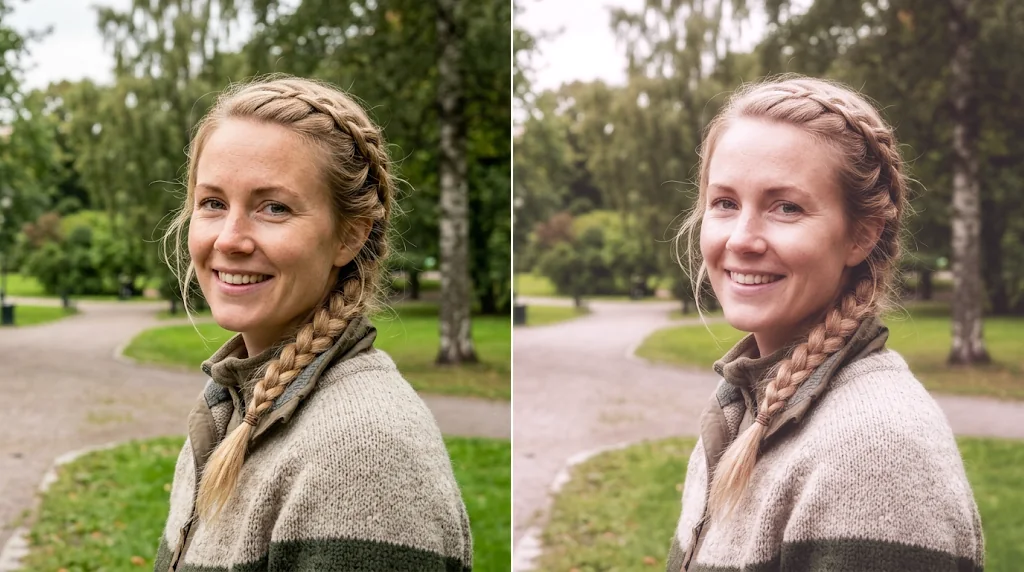
Compare styles without an editor
Try looks by describing them.
Faces stay recognisable
Identity is kept under the filter.
Post-ready creative direction
Filters that suit feeds and campaigns.
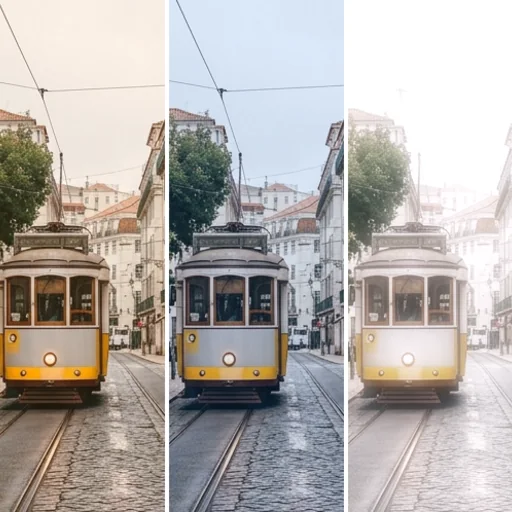
Portrait filters that keep identity
Glow, film or painterly looks that keep the face.
Add AI filters free
Anime, art and realistic style checks
Compare anime, watercolour and cinematic versions.
Add AI filters free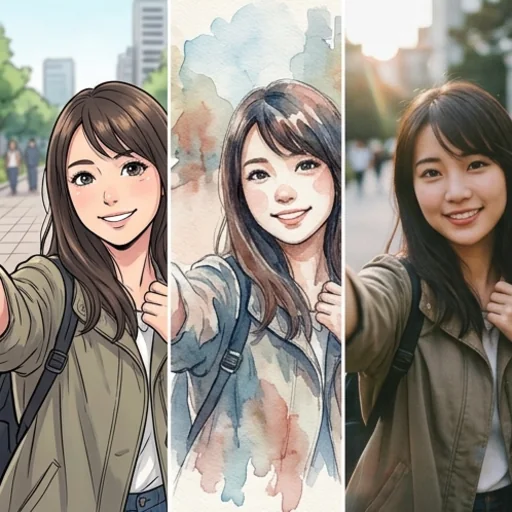
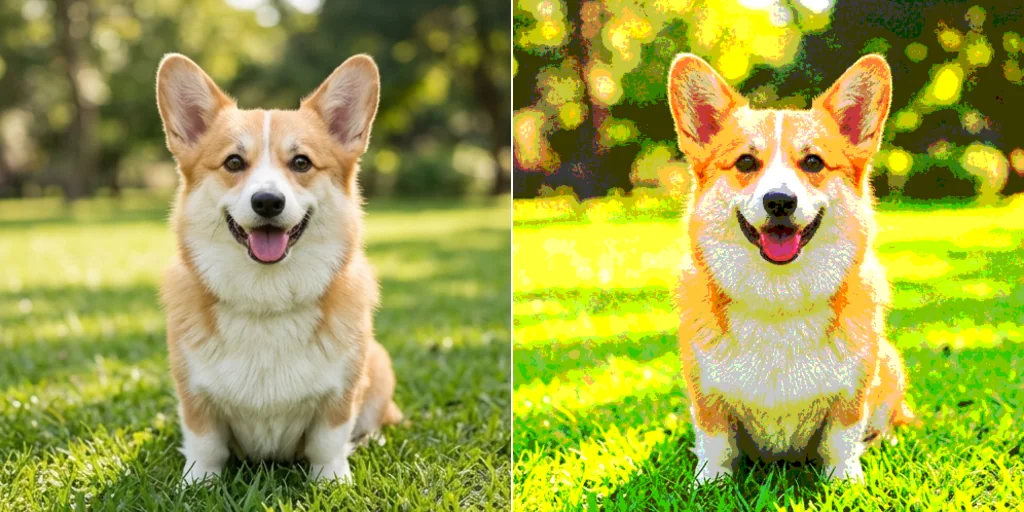
Who uses an AI photo filter
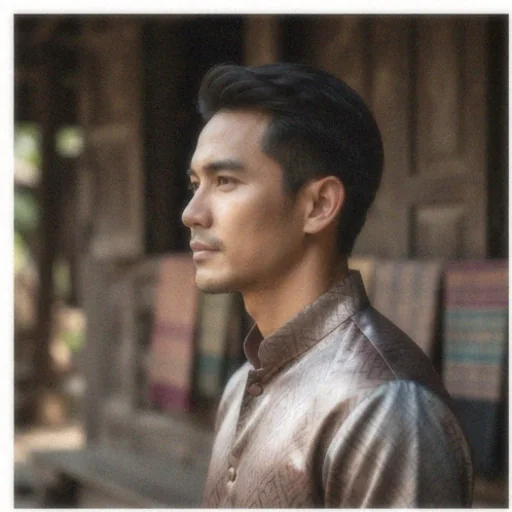
Avatar refreshes
New looks for profile pictures.
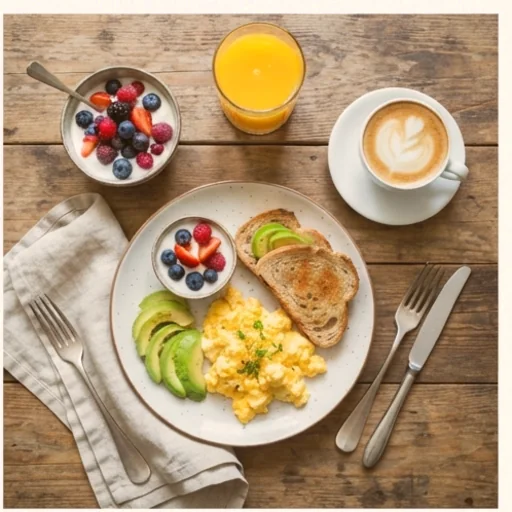
Feed style experiments
Test a consistent feed look.
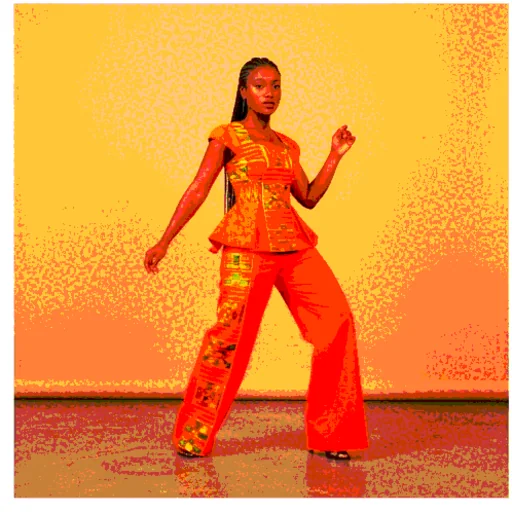
Campaign mood tests
Try moods before a shoot.
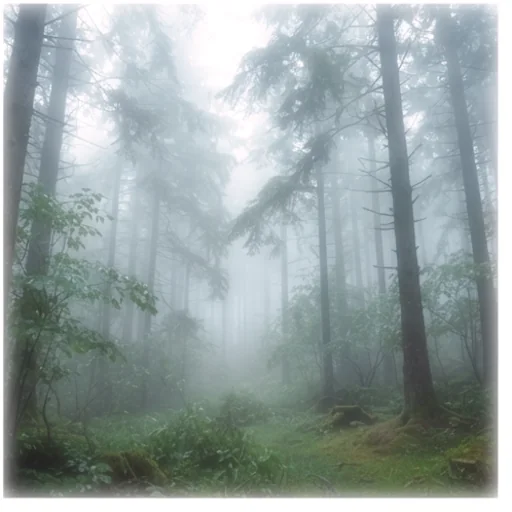
Mood board samples
Quick style references.
How to use an AI filter for photos
- 1
Step 1: Add your photo
Add the photo with the + button.
- 2
Step 2: Describe the filter
Describe the filter or pick a style.
- 3
Step 3: Create and download
Create and download the filtered photo.
Discover other AI image tools on Jitura
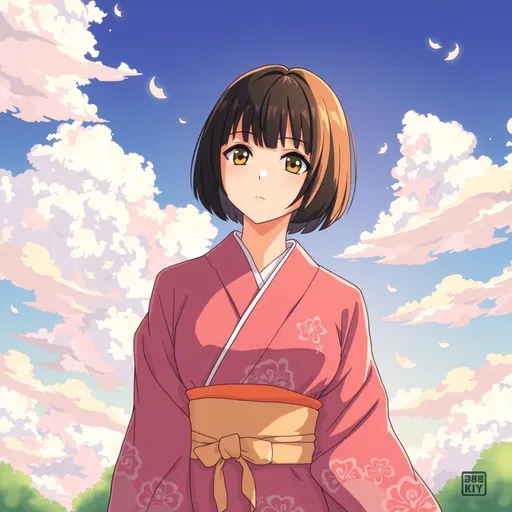
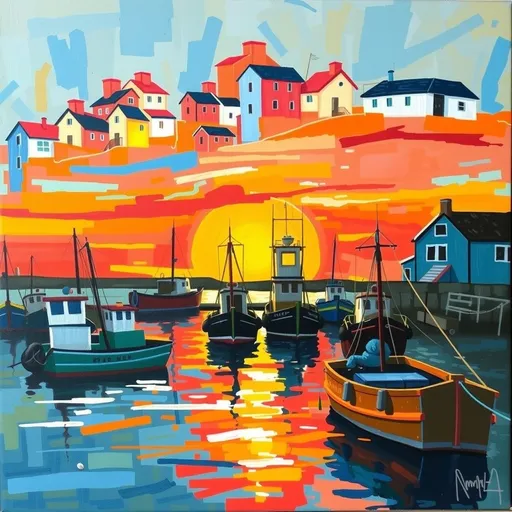
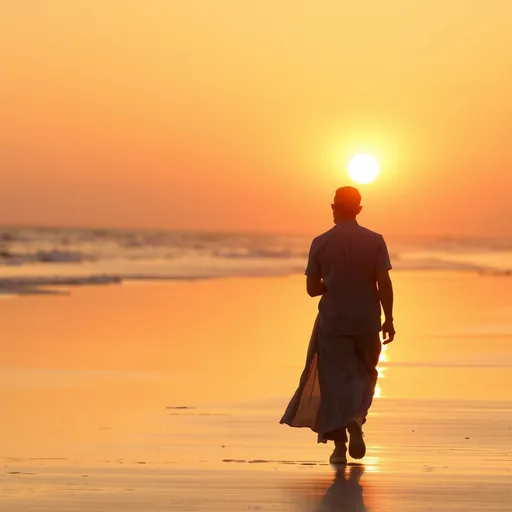
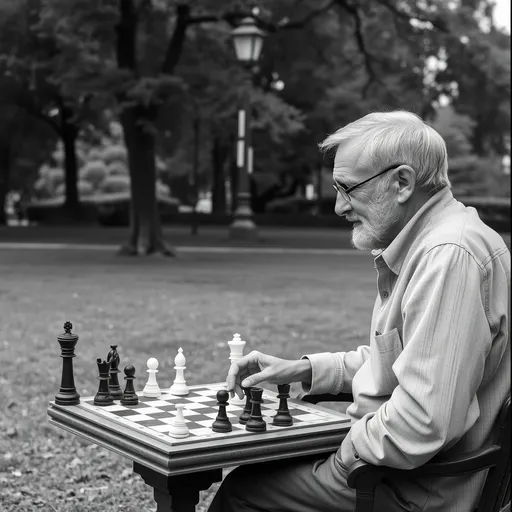
FAQs
What is an AI photo filter?+
An effect that restyles a whole photo from a description, from subtle film looks to anime or painting, while keeping the subject.
What is the best AI photo filter?+
One that changes the style without changing who is in the photo. Jitura's editor keeps faces and composition.
Can I use an AI filter for free?+
Yes. Every signed-in account gets free daily operations, and each image uses one. Paid plans add more operations and higher resolutions.
How do I add AI filters to photos online?+
Add the photo, describe the filter and create.
Can AI filters make images look more realistic?+
Yes. Ask for natural light, cinematic grading or film realism instead of a stylised look.
Which filters are best for portraits?+
Soft film, warm glow, clean black and white and gentle painterly filters keep faces flattering and recognisable.