
Black and White Filter
Turn any photo into a timeless black and white image with balanced light and high-contrast tones.
Free outputs may appear in the public gallery. Learn more
Add timeless value with high-contrast monochrome
Are bright colours pulling focus from your subject? The black and white filter balances light and shadow into rich monochrome with deep blacks and clean whites.
Apply the filter free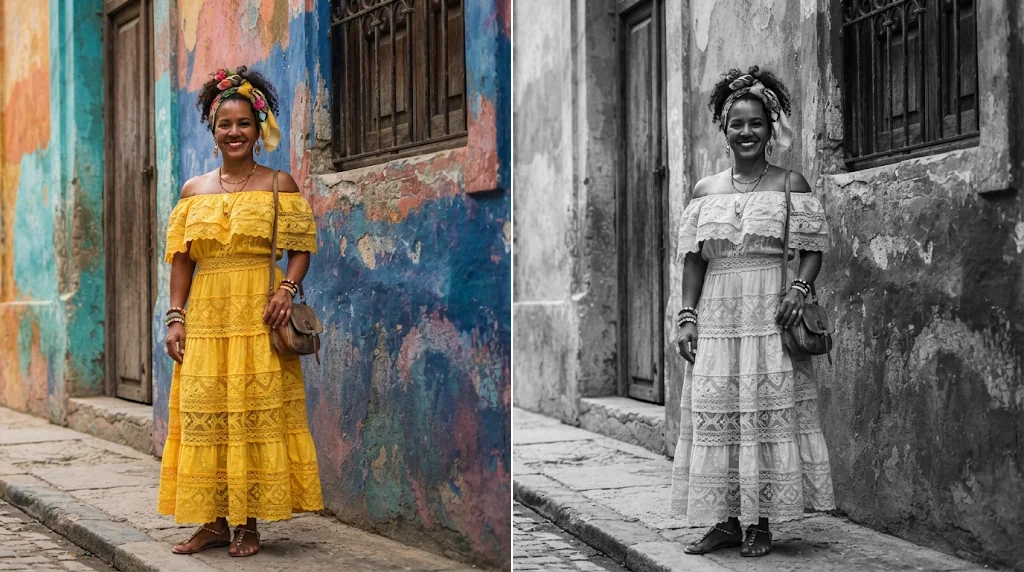
Automatic contrast and tone
Balanced tones without learning editing tools.
Sharpness and clarity kept
Detail stays crisp in monochrome.
No technical skill needed
Darkroom-style results in one step.
An artistic film look for your feed
Capture the soul of your subject without colour distractions.
Apply the filter free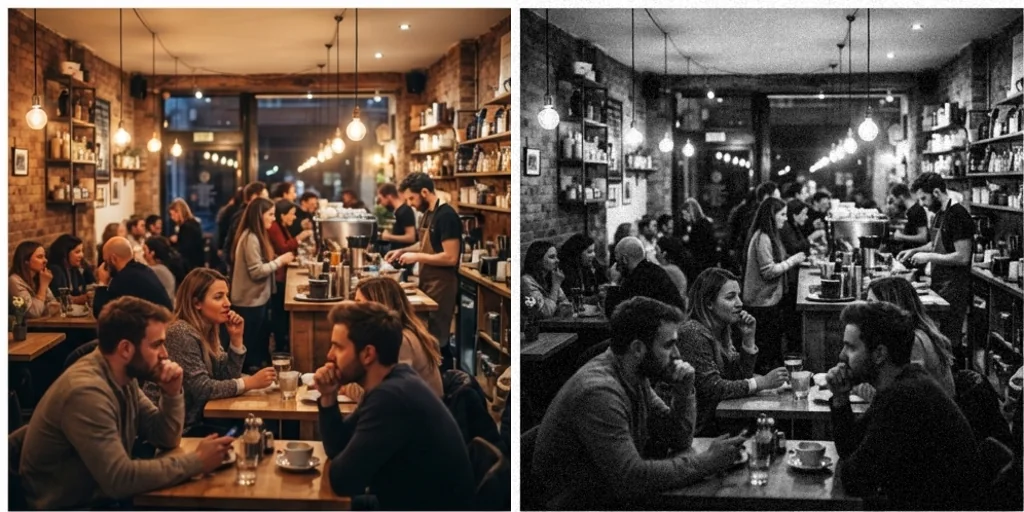
Save photos with poor colour
Shots with bad colour balance look great in monochrome.
Apply the filter free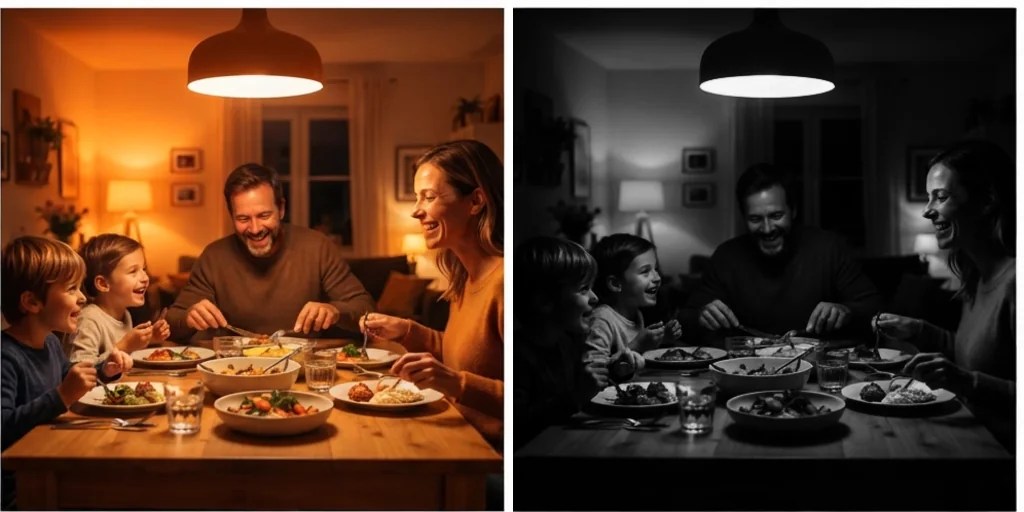
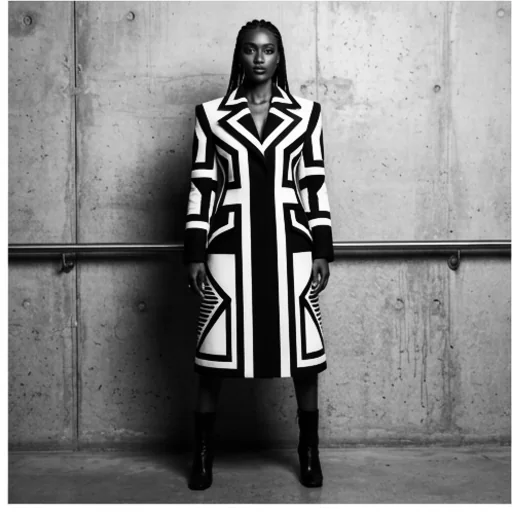
Emotion and texture in portraits
Bring out fine detail and feeling in every face.
Apply the filter free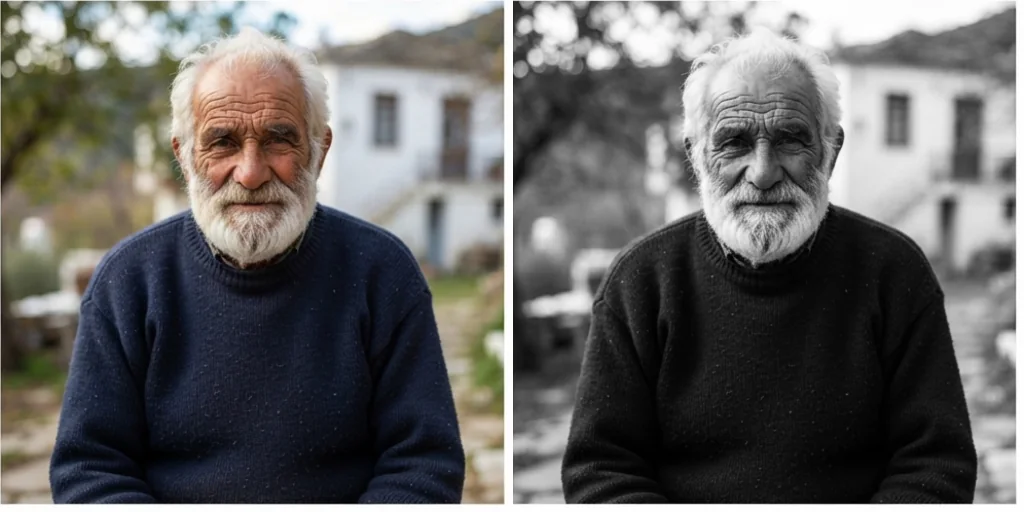
Black and white filter for every field
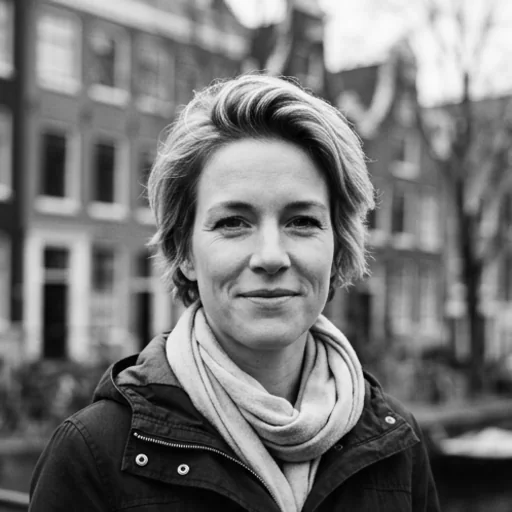
Timeless headshots
Gallery-ready monochrome portraits.
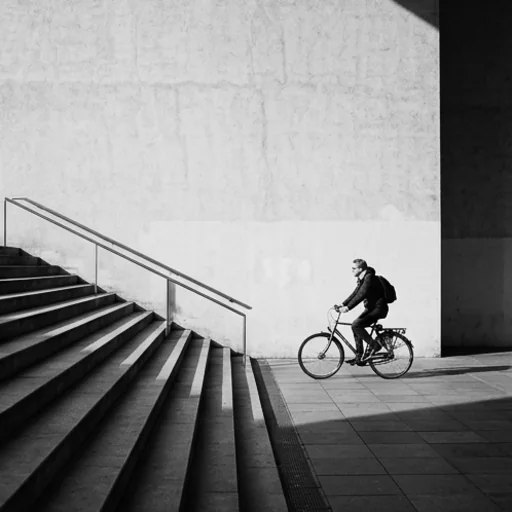
A signature aesthetic
A consistent monochrome feed.
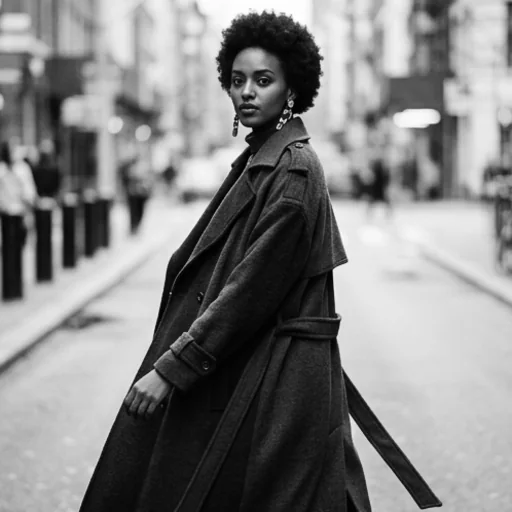
Magazine-worthy imagery
Editorial black and white fashion.
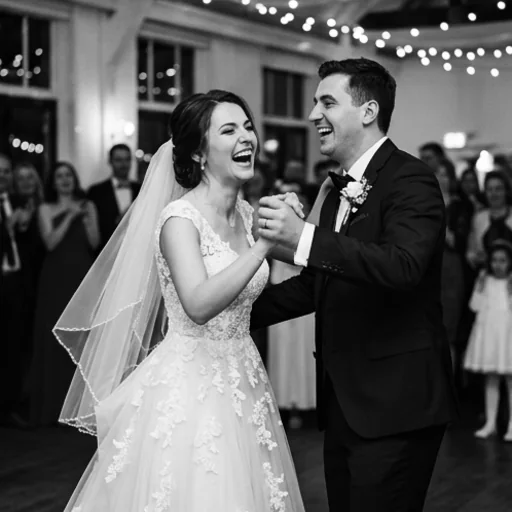
Deep emotion for big moments
Monochrome wedding photos.
How to use the black and white filter with Jitura
- 1
Step 1: Add your photo
Add a colour photo with the + button.
- 2
Step 2: Create
The filter prompt is ready; adjust it if you like and create.
- 3
Step 3: Download
Download your black and white image.
Discover other AI image tools on Jitura

FAQs
What is a black and white filter?+
An editing effect that removes colour and converts a photo into black, white and grey tones.
Can I use it for free?+
Yes. Every signed-in account gets free daily operations, and each image uses one. Paid plans add more operations and higher resolutions.
How do I turn a colour photo black and white?+
Add the photo and create; the instruction is already filled in.
Will a black and white filter help my photo?+
Often: it simplifies busy scenes, hides bad colour and puts focus on light, shape and emotion.
Is it good for wedding photos?+
Yes. Monochrome gives wedding moments a timeless feel.
Does it lower quality?+
No. Detail and sharpness are kept.
Turn your photos into timeless black and white
A professional black and white look in one step.
Try the black and white filter