
Upload Image*
Click to upload an image
We accept JPEG, PNG, or WEBP formats up to 10MB.
Aspect Ratio
Uses 1 daily image generation.
Colorize Black and White Photos
Add natural colour to black-and-white photos.
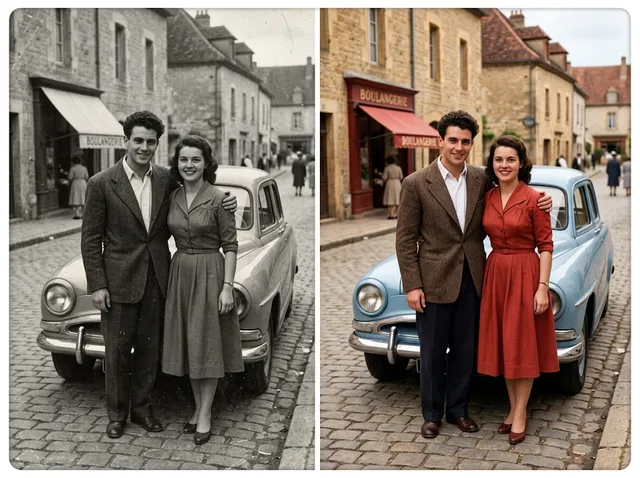 BeforeAfter
Free photo colorizer for black-and-white photos
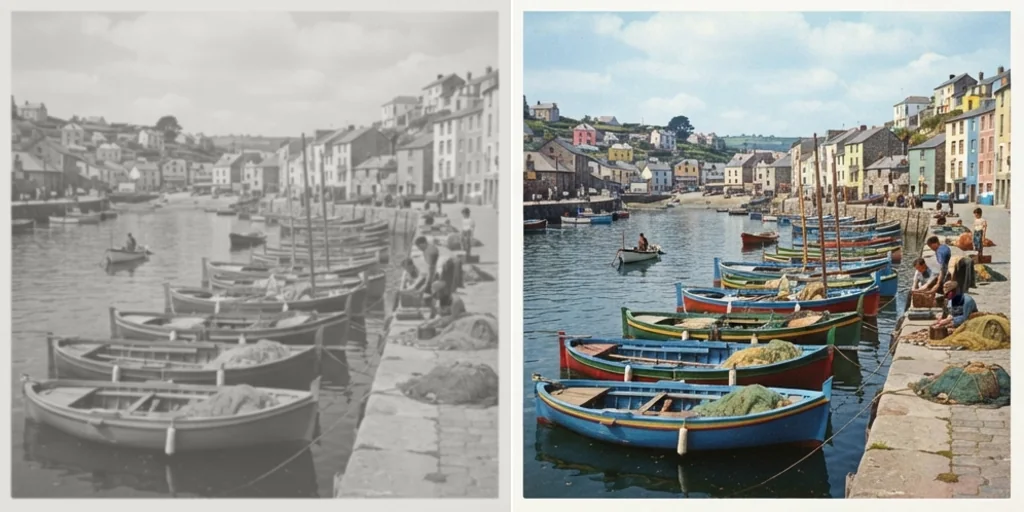
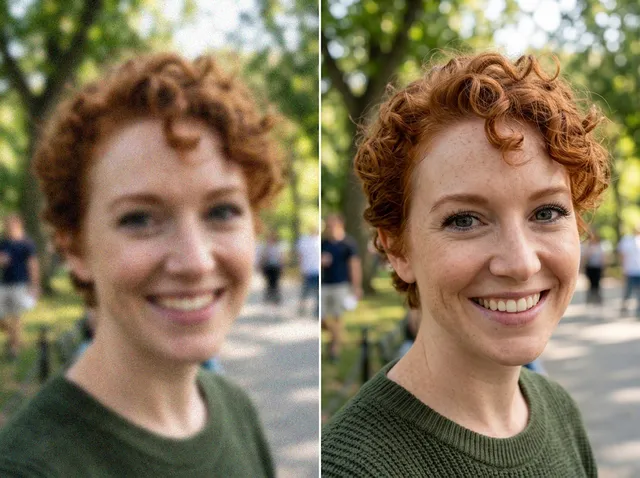
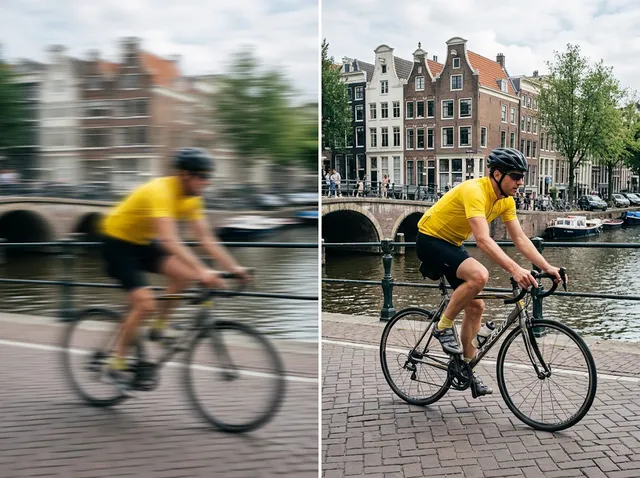
Breathe new life into black-and-white and faded photos. The AI adds natural colour that suits the era, skin tones, clothing and scenery.
Colorize photos free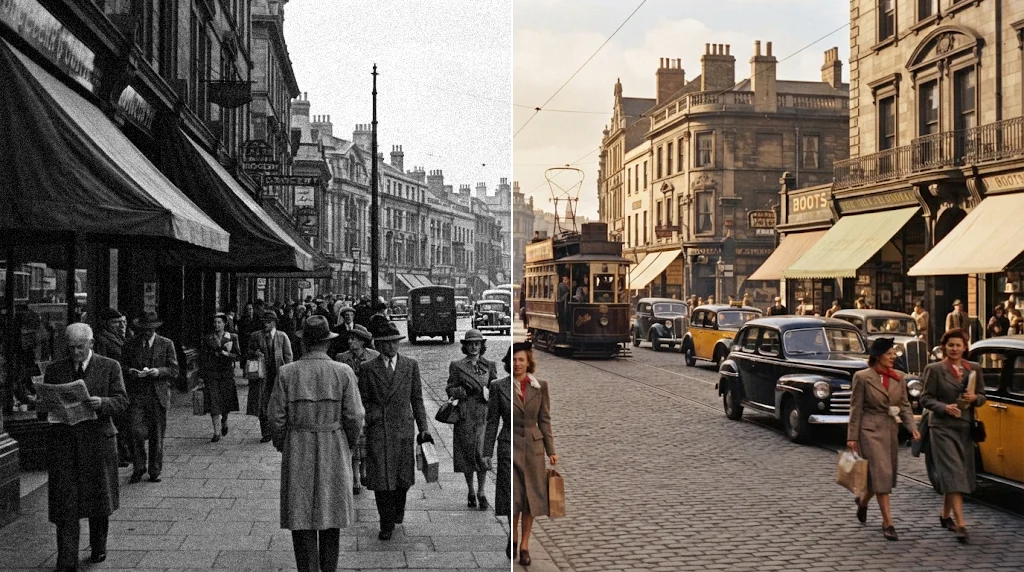
Bring old photos into the modern age
Turn old black-and-white images into vivid colour photos.
Colorize photos free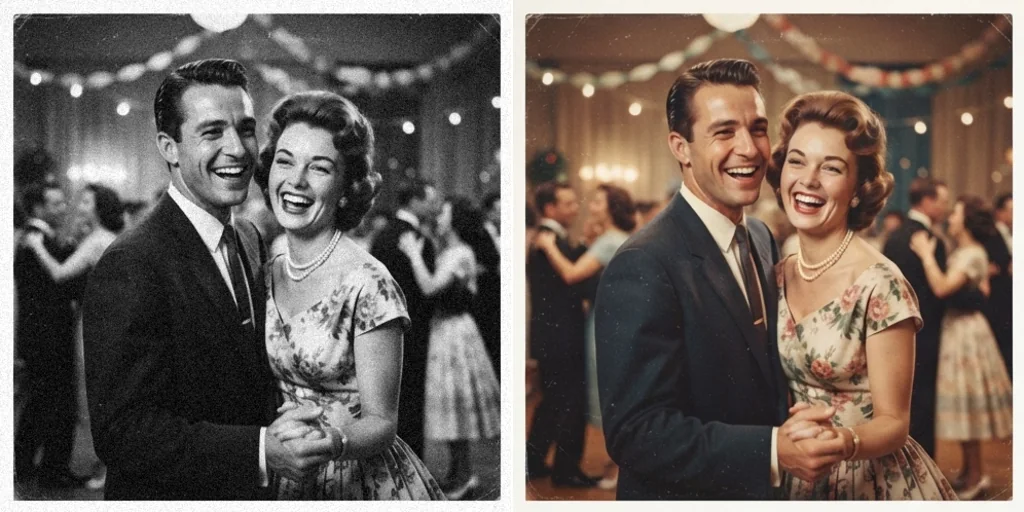
Colourise immediately and accurately
Realistic colour in seconds without hours of hand-tinting.
Colorize photos free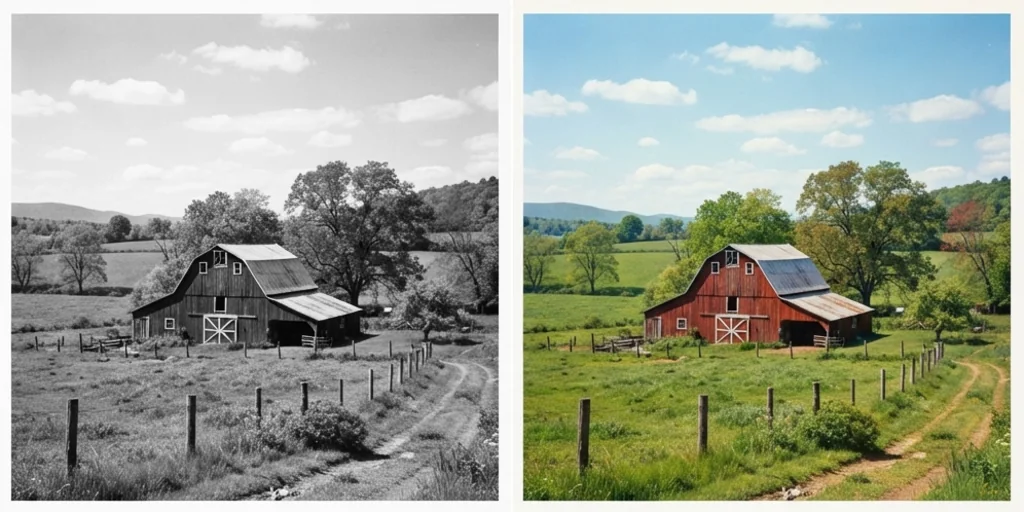
Family photos, travel snaps and more
From family heirlooms to old travel pictures.
Colorize photos free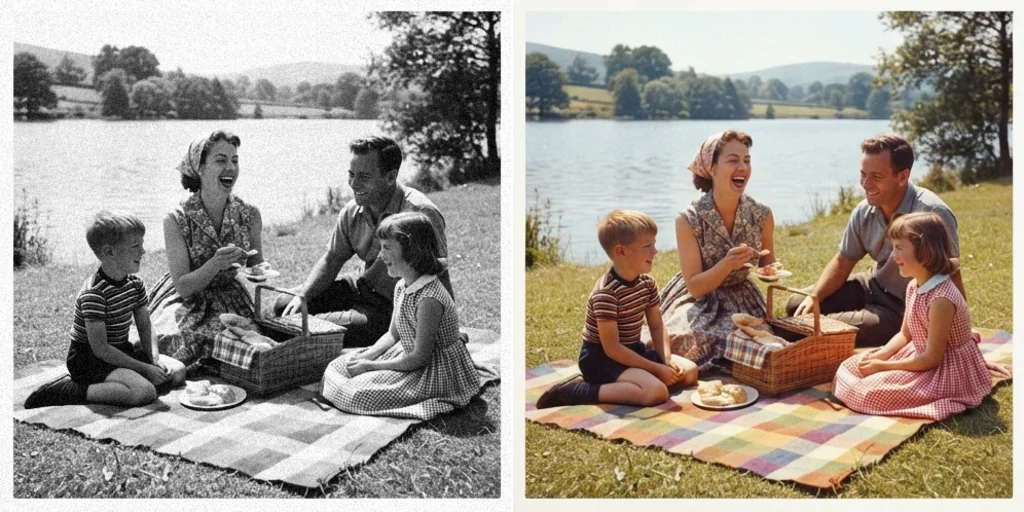
How to colorize black-and-white photos
- 1
Step 1: Upload your photo
Click to upload or drag in a black-and-white photo.
- 2
Step 2: Create
Pick the aspect ratio and press Create; the AI adds fitting colours.
- 3
Step 3: Download
Download and share the colourised photo.
Discover other AI image tools on Jitura
FAQs
What is an AI photo colorizer?+
A tool that adds realistic colour to black-and-white photos automatically.
Why use Jitura's colorizer?+
It brings old family and historical photos back in natural colour while keeping every face and detail.
What is the best AI photo colorizer?+
One that chooses believable colours for the era and keeps the photo unchanged otherwise.
How do I colorize a photo?+
Upload it, choose the aspect ratio and press Create.
Is the colorizer free?+
Yes. Every signed-in account gets free daily operations, and each run uses one. Paid plans add more operations.
Is it accurate?+
Colours are realistic estimates; the AI cannot know the true original colours, so some clothes or objects may differ.
How does it choose colours?+
It recognises skin, sky, plants, fabrics and materials and gives each a natural colour for the scene.
Which devices can I use?+
Any modern browser on a computer, tablet or phone.
What can I do with the colourised photos?+
Save, print and share them; they are yours to use when the original is yours.
How do I get the best results?+
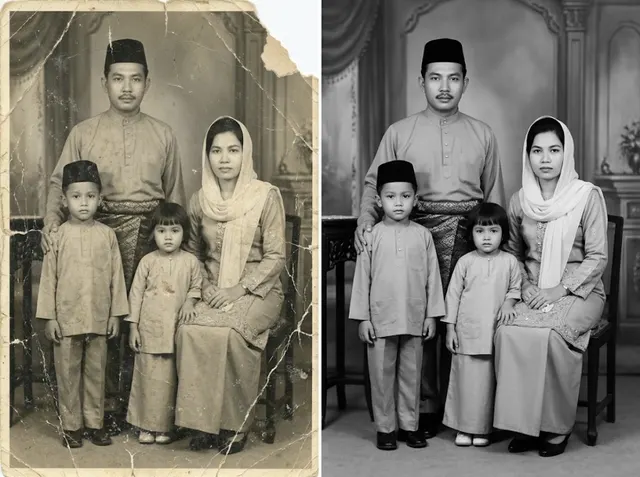
Use a clear scan where people and objects are visible; restore damaged prints first with Photo Restoration.
Colorize black-and-white photos for free
Turn black-and-white photos into colour in seconds.
Try the photo colorizer