
AI Vintage Filter
Turn any photo into a vintage image with retro colour, film grain, old-camera tones and nostalgic effects.
Free outputs may appear in the public gallery. Learn more
Add a vintage filter to photos online
Give photos the warmth of old film: retro colour, grain and faded tones from the decade you choose, without hunting for presets.
Add a vintage filter free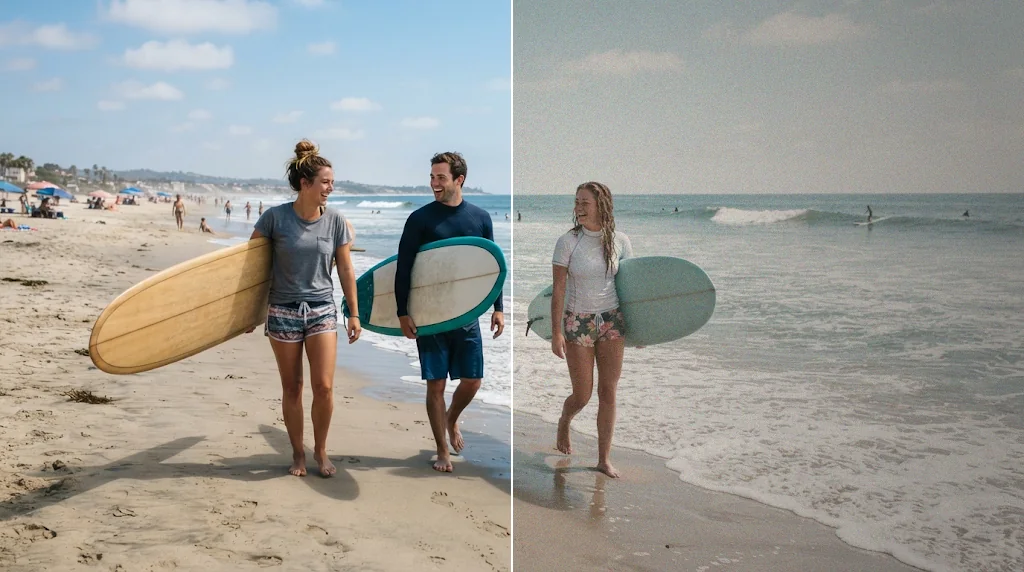
Vintage style without presets
Describe the look instead of hunting for filters.
Decade looks that feel intentional
1950s, 1970s, 1990s and more.
Ready for profiles and products
Retro moods for feeds and shops.
Retro colour with a clear mood
Warm, faded or cross-processed colour that sets the tone.
Add vintage filters free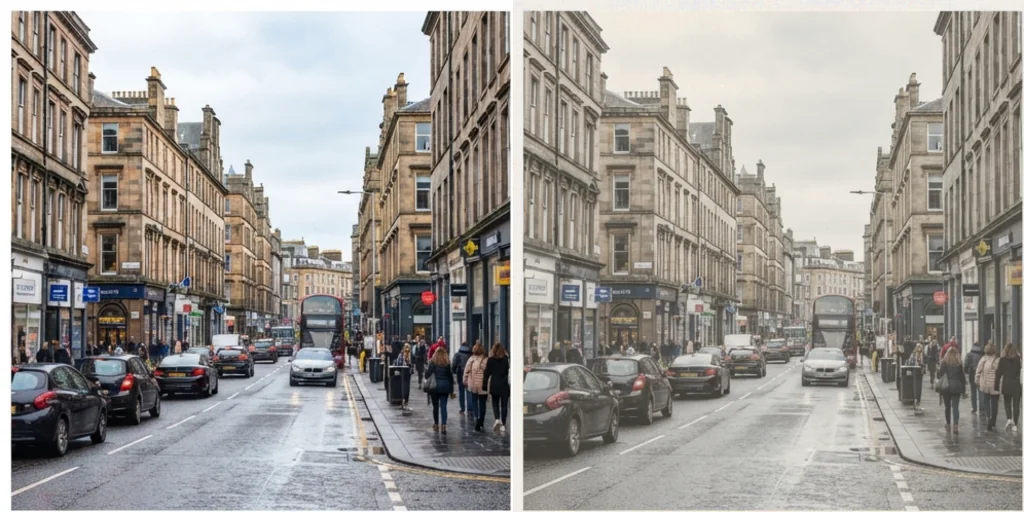
Decade-specific looks
Ask for a 1960s print, a 1980s snapshot or 1990s disposable camera.
Add vintage filters free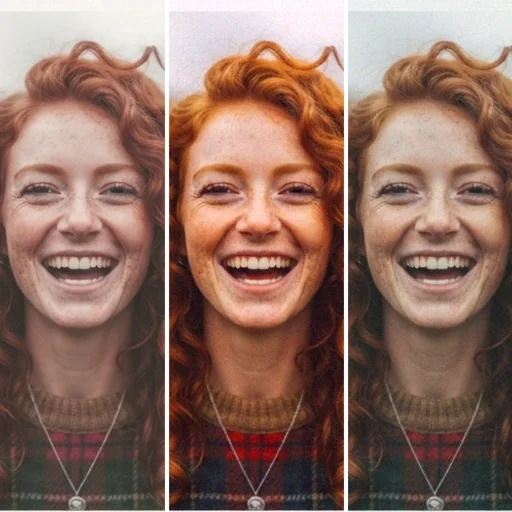
Analogue feel without manual presets
Grain, light leaks and vignettes added naturally.
Add vintage filters free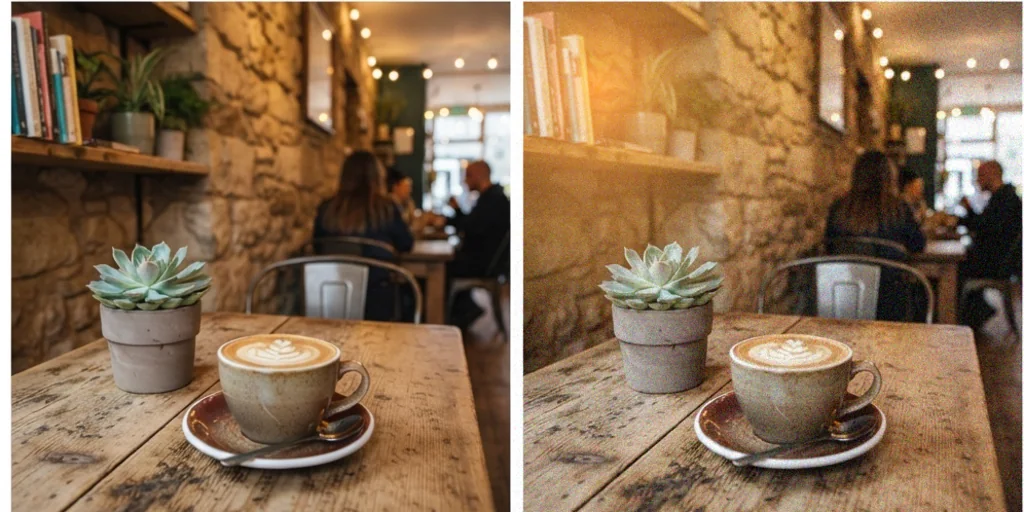
Subtle ageing that keeps the subject
The photo looks older without hiding what matters.
Add vintage filters free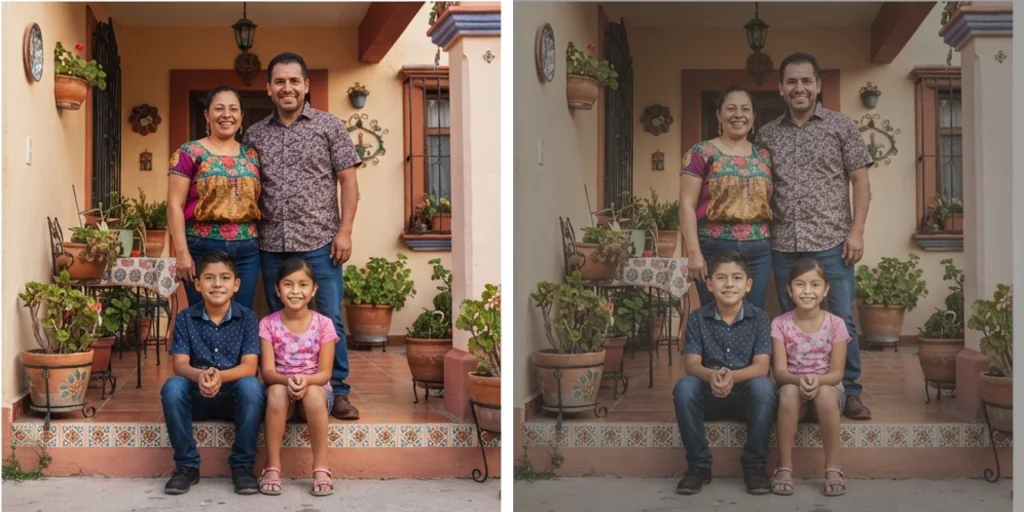
Where an AI vintage filter fits

Retro profile and feed images
A nostalgic look for your feed.
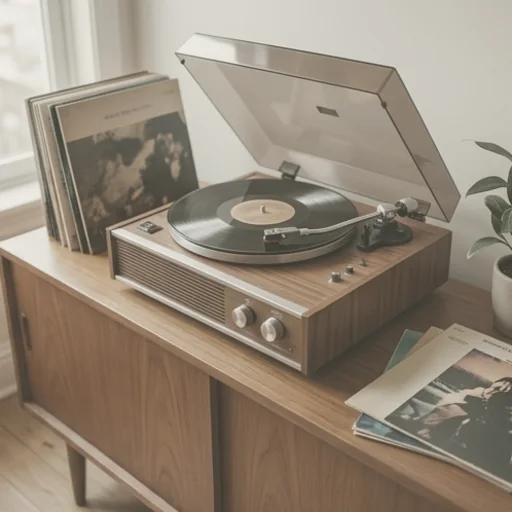
Nostalgic product images
Retro moods for vintage-style products.
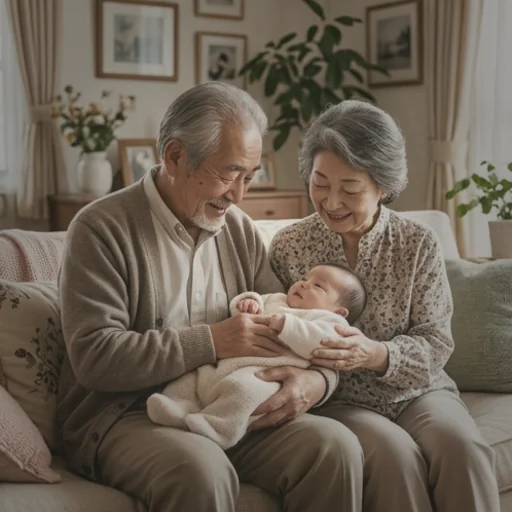
Old-photo keepsakes
New photos that feel like heirlooms.
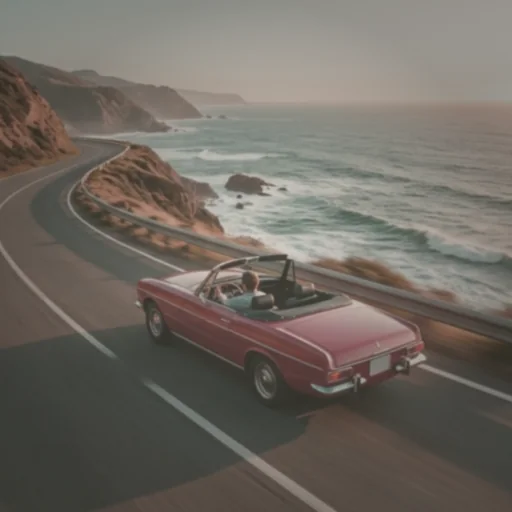
Mood board references
Decade looks for creative briefs.
How to make photos look vintage
- 1
Step 1: Add your photo
Add the photo with the + button.
- 2
Step 2: Choose the decade
Keep the 1970s look or describe another decade.
- 3
Step 3: Create and download
Create and download the vintage photo.
Discover other AI image tools on Jitura
FAQs
What is an AI vintage filter?+
An effect that gives modern photos an old look: retro colour, film grain, faded tones and light leaks.
What is the best AI vintage filter?+
One that looks like real film without hiding the subject. Jitura follows the decade and mood you describe.
Can I add a vintage filter for free?+
Yes. Every signed-in account gets free daily operations, and each image uses one. Paid plans add more operations and higher resolutions.
How do I make a photo look vintage online?+
Add the photo, keep or edit the prompt and create.
What is the difference between a retro filter and an old-photo look?+
Retro filters add period colour and grain; an old-photo look also adds fading, scratches and soft focus.
Can I use it on phone photos?+
Yes, on photos from any phone in JPEG, PNG or WebP; save HEIC photos as JPEG first.