
AI Glitch Effect
Add a striking glitch effect to your photos with AI, no design skills or complex editing needed.
Free outputs may appear in the public gallery. Learn more
Transform your ideas into distinctive glitch images
Give photos a futuristic edge with RGB splits, scan lines, pixel sorting and digital noise, while your subject stays clear and recognisable.
Add a glitch effect free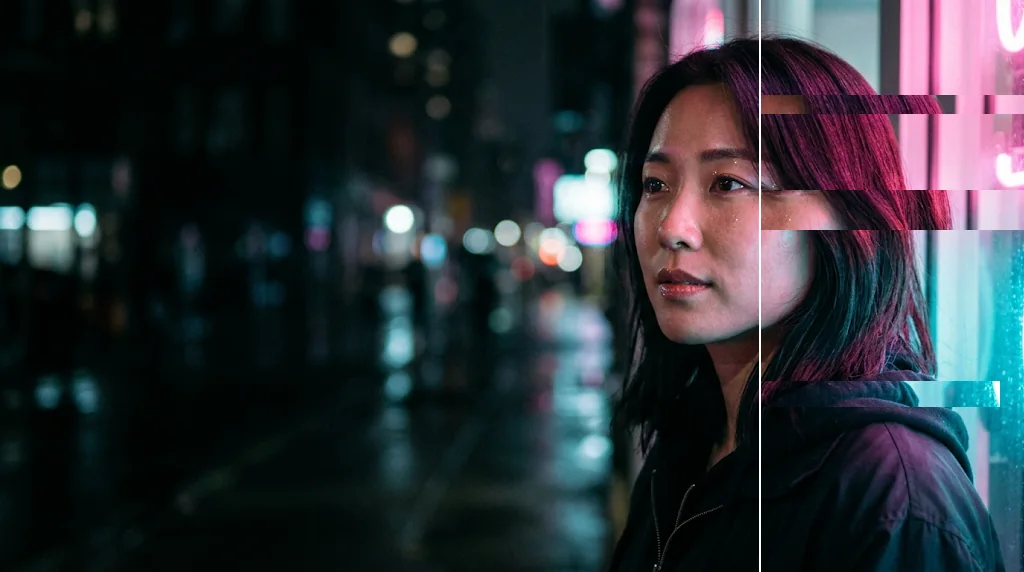
Versatile creative uses
Covers, posters, avatars and social posts.
Multiple glitch styles
From subtle VHS lines to heavy datamosh.
Effortless editing
Describe the glitch and create.
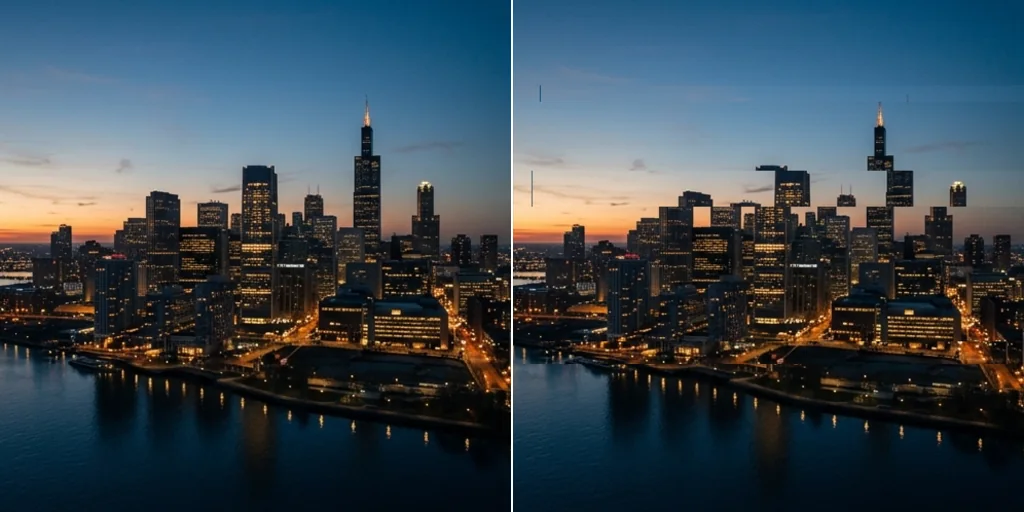
Enhance visual storytelling
Glitches that suggest tech, tension or another world.
Add glitch effects free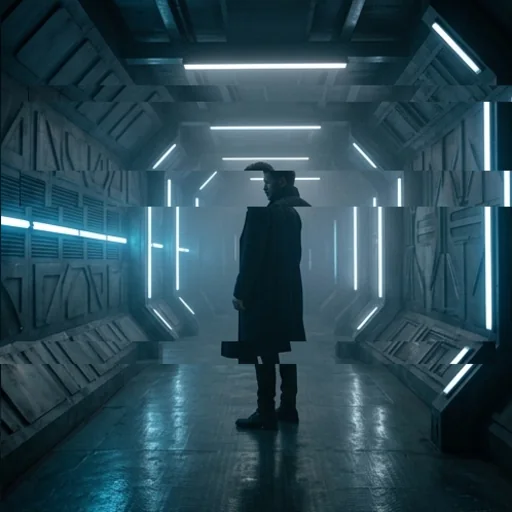
Keep your creative details
The subject and key details stay readable under the effect.
Add glitch effects free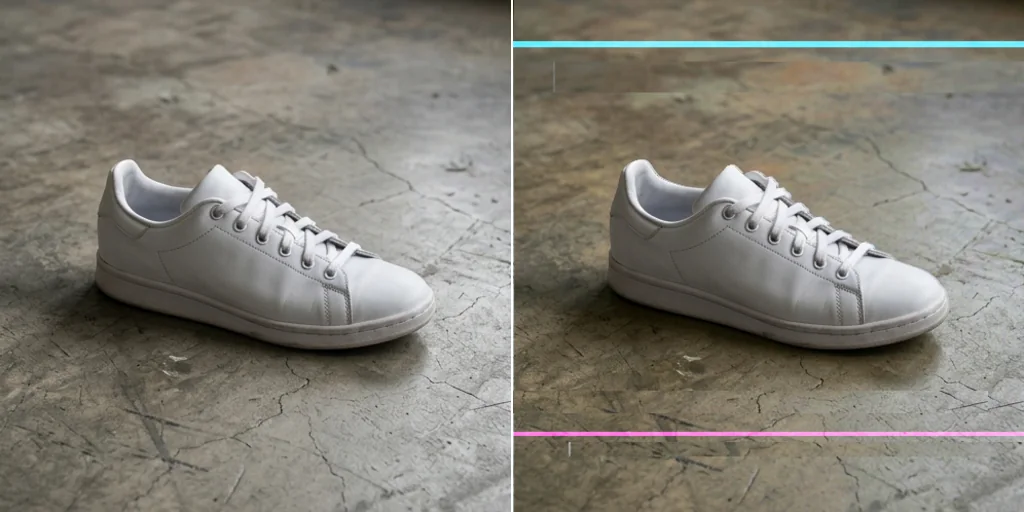
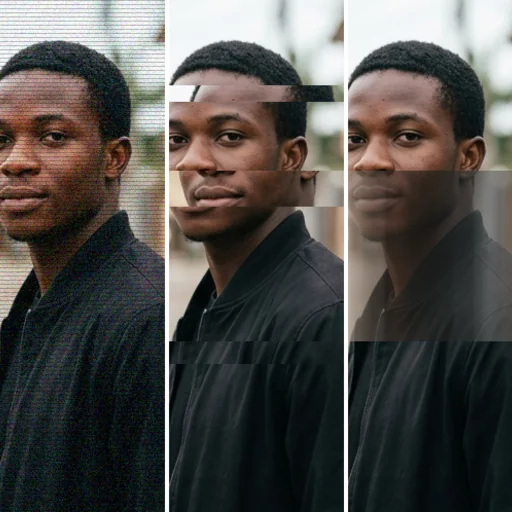
Create glitch images for every creative need
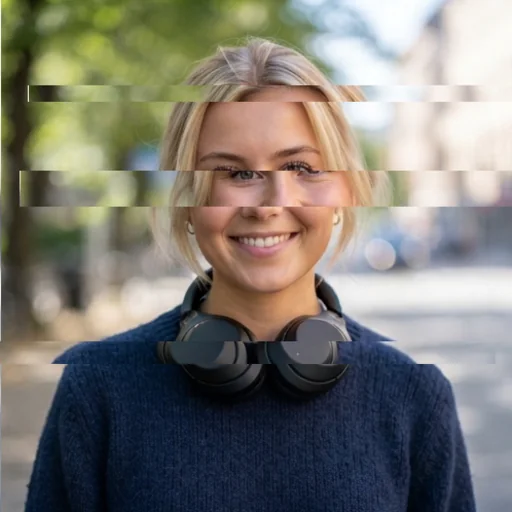
Upgrade profile images
Futuristic glitch avatars.
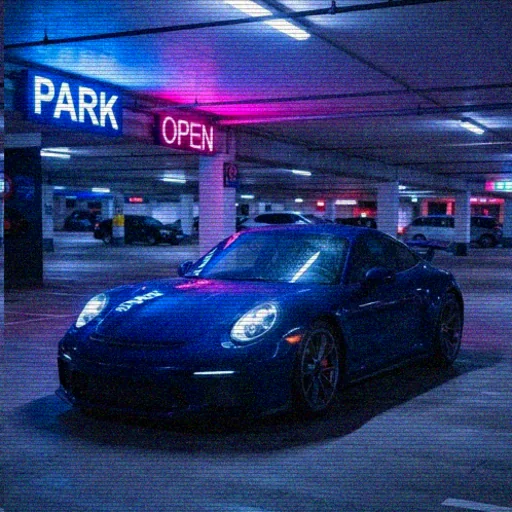
Explore visual directions
Glitch tests for campaigns and covers.
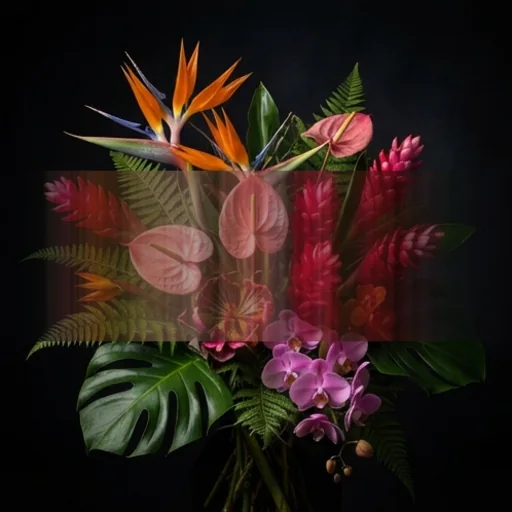
Build digital artwork
Glitch art for prints and posts.
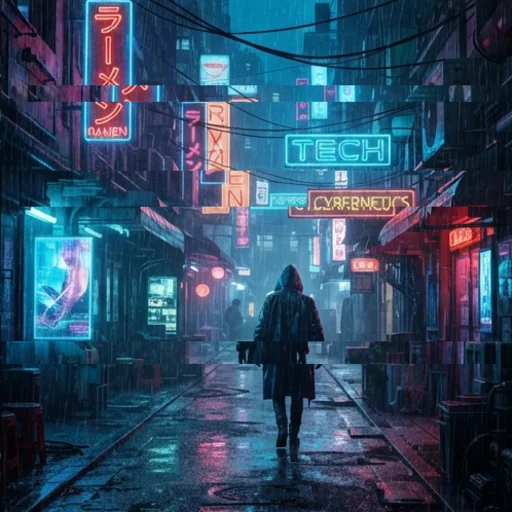
Visualise story worlds
Sci-fi and cyberpunk scenes.
How to add a glitch effect to images on Jitura
- 1
Step 1: Add your image
Add the photo with the + button.
- 2
Step 2: Describe the glitch
Keep the prompt or describe the glitch style and strength.
- 3
Step 3: Create and download
Create and download your glitch image.
Discover other AI image tools on Jitura
FAQs
What is the AI glitch effect?+
An effect that adds digital distortion such as RGB splits, scan lines, pixel sorting and blocky datamosh to a photo.
What is the best AI glitch generator?+
One that keeps the subject readable under the effect. Jitura's editor changes only the look you describe.
How does it work?+
The AI photo editor applies the glitch style from the prompt to your photo.
Is the glitch effect free?+
Yes. Every signed-in account gets free daily operations, and each image uses one. Paid plans add more operations and higher resolutions.
What can I create with it?+
Album covers, posters, avatars, thumbnails and digital art.
How can I guide the style?+
Describe it: subtle VHS lines, strong RGB split, pixel-sorting streaks or heavy datamosh.
Do I need editing skills?+
No. Add the photo and create.