
AI Album Cover Generator
Create striking AI album cover art for singles, albums and playlists.
Free outputs may appear in the public gallery. Learn more
Build a strong visual identity for your music
Need a cover that makes your music recognisable at first glance? Turn vague visual ideas into cohesive square cover art with the mood, genre and title treatment your release needs.
Create album covers free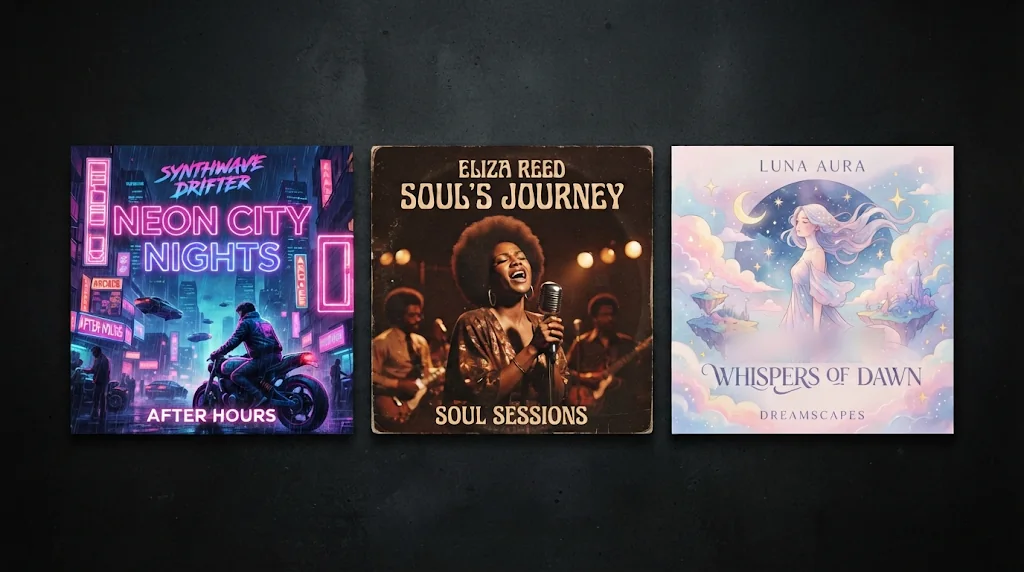
Turn text prompts into cover art
Describe mood, genre, colour and composition for a clear visual identity.
A style that fits the track
Vintage, hip-hop, electronic: the artwork follows the sound.
Covers that work harder
Square art with strong composition and space for text, for streaming pages and promos.
Polished covers from text prompts
Genre, theme, colour, composition and lighting become a complete square cover that sets the mood fast.
Create album covers free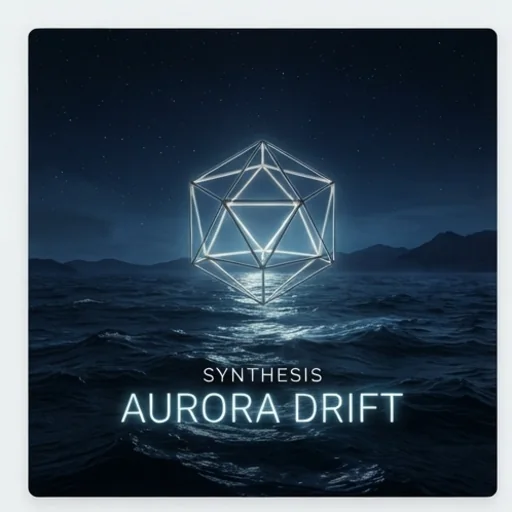
Find the right style for your sound
Vintage, synthwave or hip-hop directions give the art a clear genre signal.
Create album covers free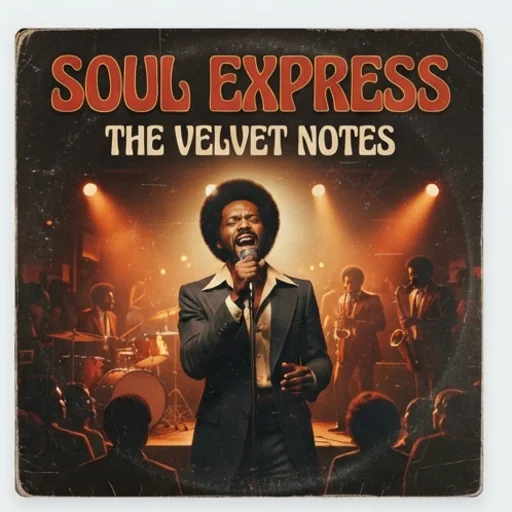
Album text that feels integrated
Titles and artist names designed into the art, readable in streaming thumbnails.
Create album covers free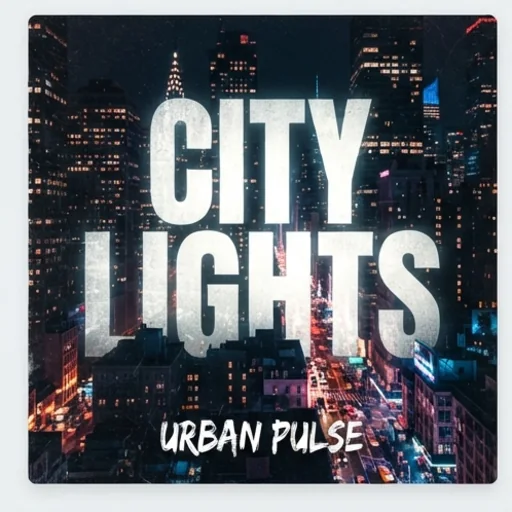
Several HD concepts in one go
Square covers with different framing and detail to compare before release.
Create album covers free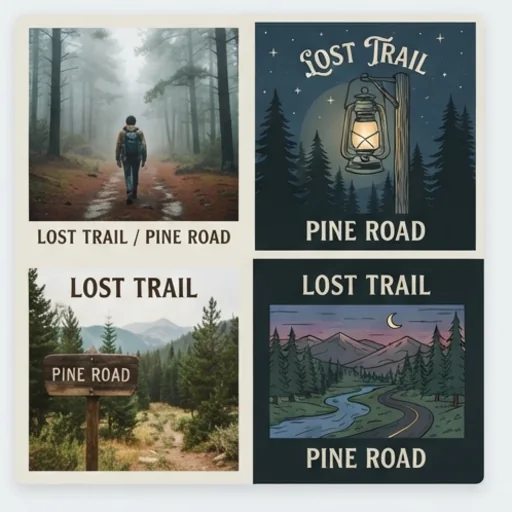
AI album covers for real music promotion
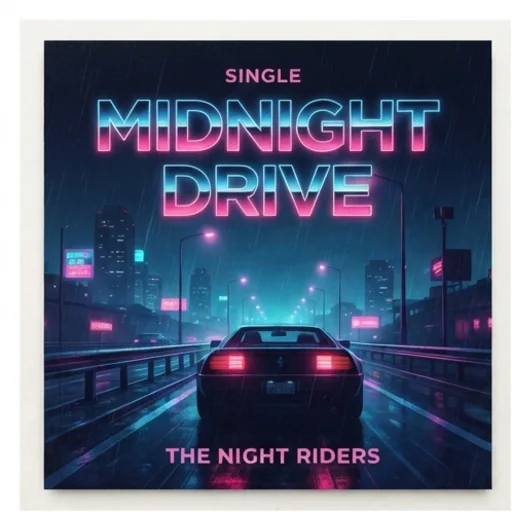
Give one track a clear face
A cover that captures a single's mood in feeds and playlists.
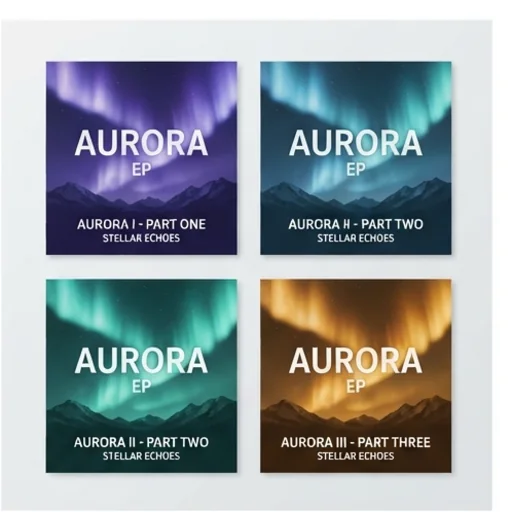
Shape a cohesive project look
One consistent concept for an EP or album.
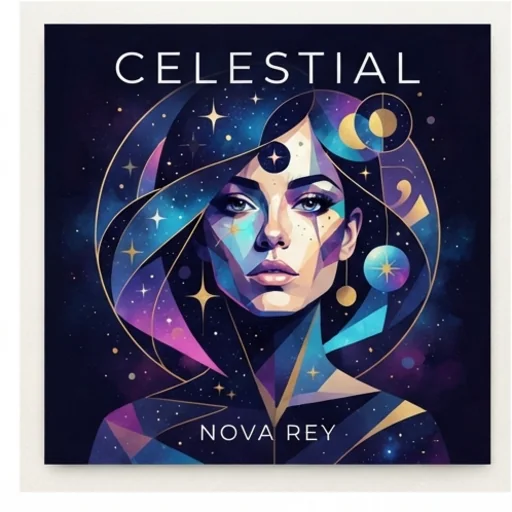
Refresh your visual identity
Covers closer to your current sound and image.
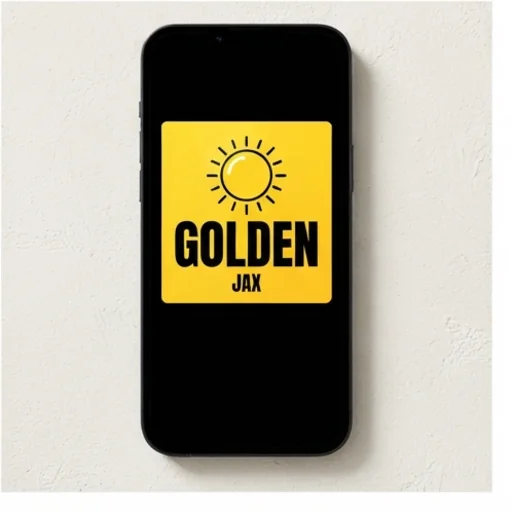
Make your cover easy to notice
Bold art with clear titles for thumbnails and announcements.
How to create AI album covers with Jitura
- 1
Step 1: Enter your music
Write the genre, album title, artist name and theme.
- 2
Step 2: Describe the look
Add colours, composition, typography and vibe.
- 3
Step 3: Create and choose
Create square cover options and pick your favourite.
Discover other AI image generators on Jitura
FAQs
What is an AI album cover generator?+
A tool that creates cover art from text prompts and music details, turning a song, EP or album idea into a clear visual concept.
Can it add titles and artist names?+
Yes. Write them in the prompt and they are designed into the artwork.
What styles can it create?+
Vintage, minimal, hip-hop, electronic, abstract, cinematic, surreal, dreamlike and more, matched to your description.
How do I create an album cover with Jitura?+
Enter your release details, give a style direction and create; refine it further in Jitura's other image tools.
Can I use the album cover generator for free?+
Yes. Every signed-in account gets free daily operations, and each image uses one. Paid plans add more operations, higher resolutions and private outputs.
What should I put in my prompt?+
The music style, theme, colours, lighting, composition, typography and whether you want photo-real or illustrated art.
Create an attention-grabbing album cover
Turn your track idea into cover art with a stronger identity and more impact.
Try the album cover generator