
AI Wallpaper Generator
Create custom AI wallpapers that make every phone, desktop and tablet screen feel personal and polished.
Free outputs may appear in the public gallery. Learn more
Create one-of-a-kind wallpapers for every screen
Need a background that feels personal without hunting through stock sites? Create polished wallpapers with vivid subjects, balanced colours and a size that fits your device.
Create wallpapers free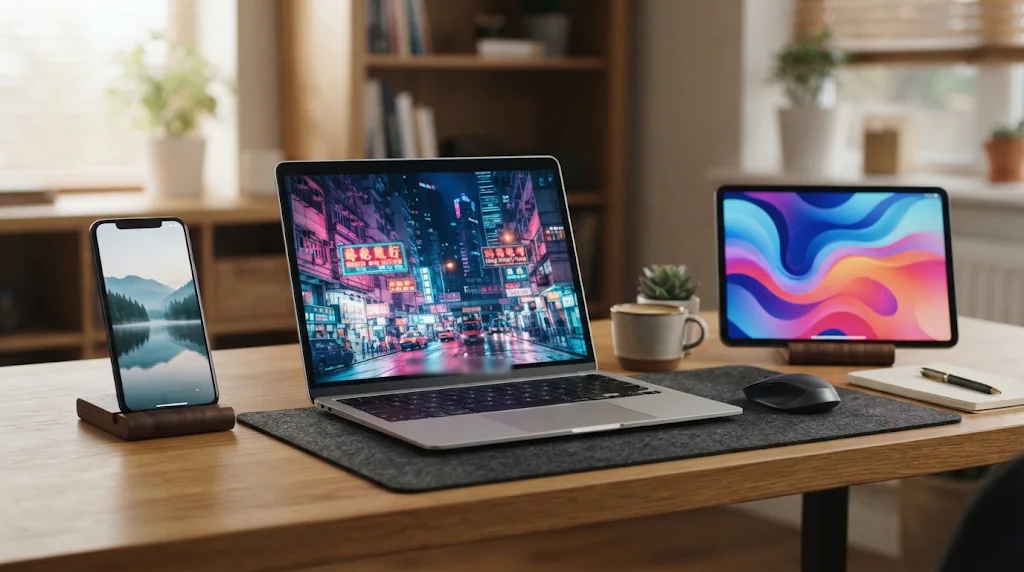
Make every screen personal
A prompt becomes a wallpaper with your subject, palette and atmosphere.
Designed around your style
Describe the look first so each wallpaper fits your setup.
High resolution, fast
Several sharp versions in one run to compare and download.
Words into screen-ready wallpaper
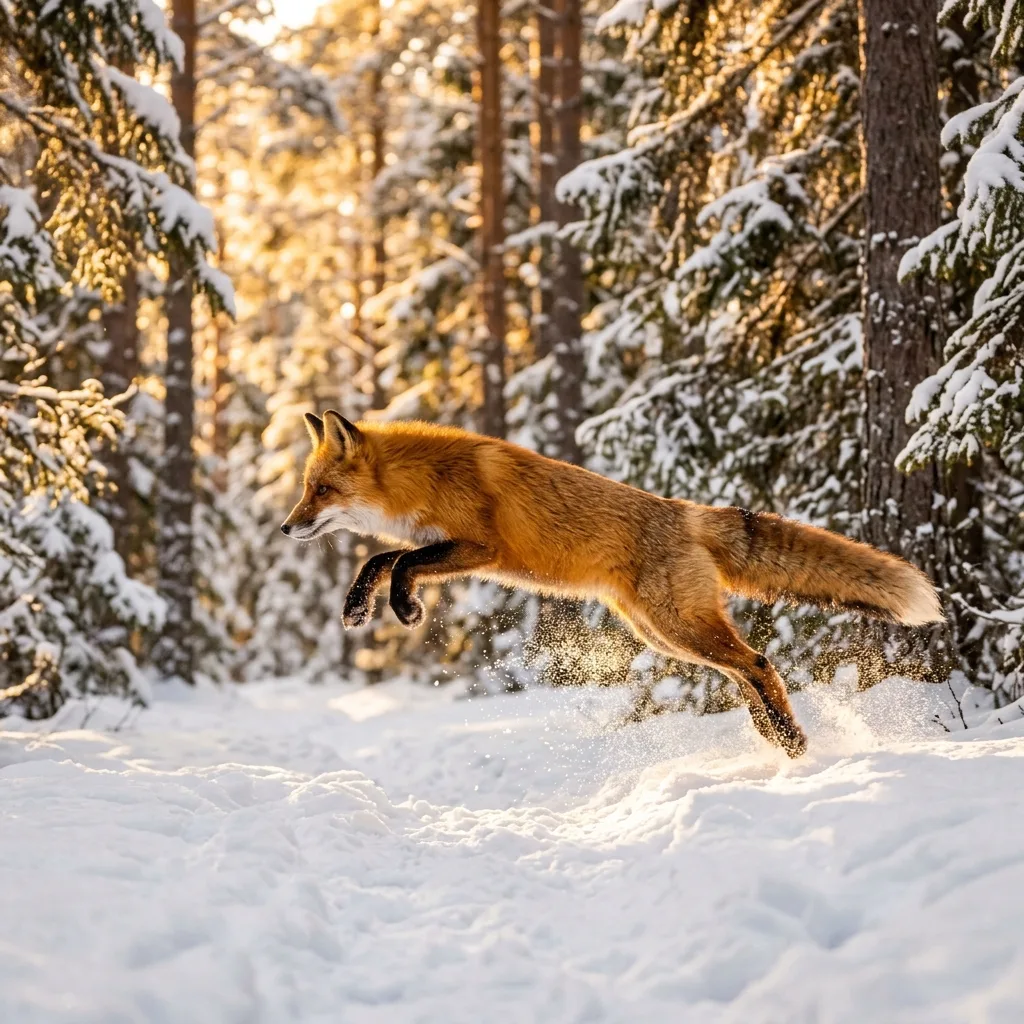
Landscapes, anime scenes, animals or cars: clear composition and screen-ready detail for phones and desktops.
Create wallpapers free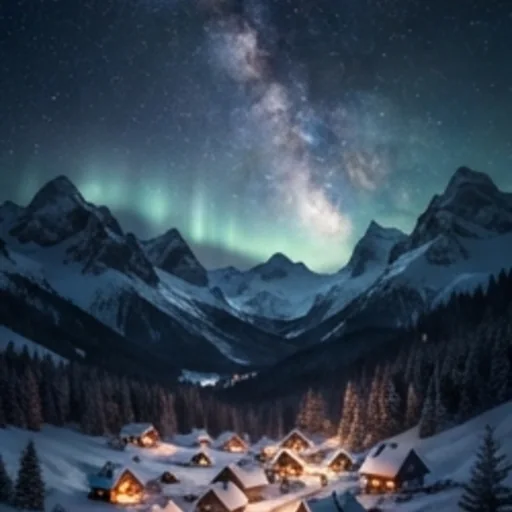
Match the style to your mood
Anime, cinematic, minimalist, abstract or realistic looks with a consistent mood.
Create wallpapers free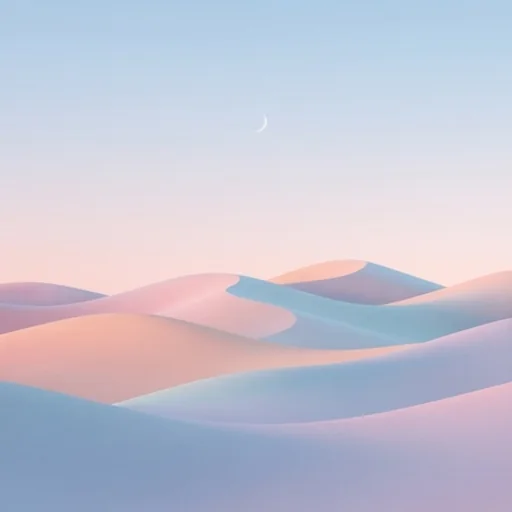
The right fit for every device
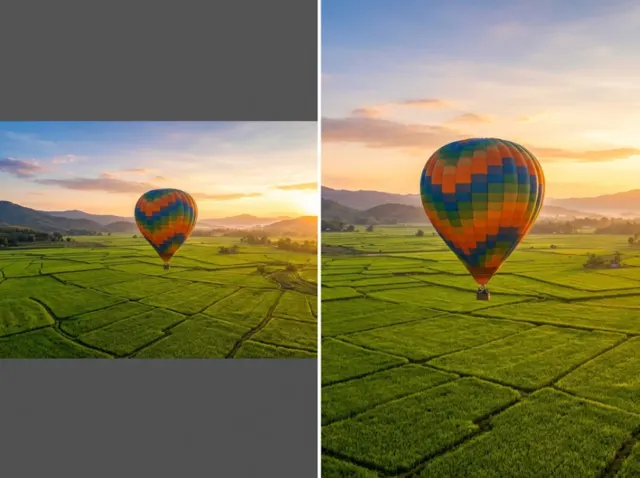
Choose phone, desktop or tablet shapes before you create; subjects stay centred and clear.
Create wallpapers free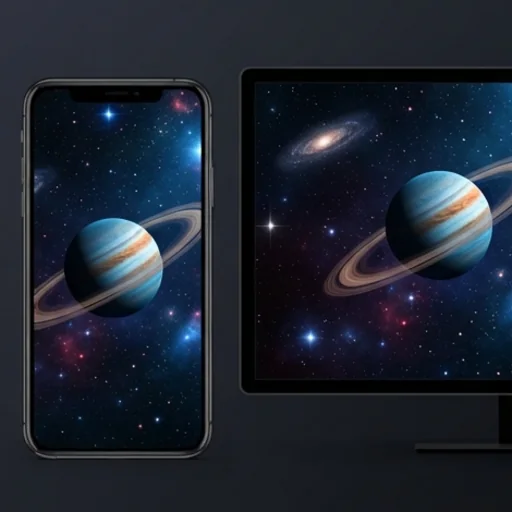
More options at once
Up to four high-resolution wallpapers per run to compare colours and compositions.
Create wallpapers free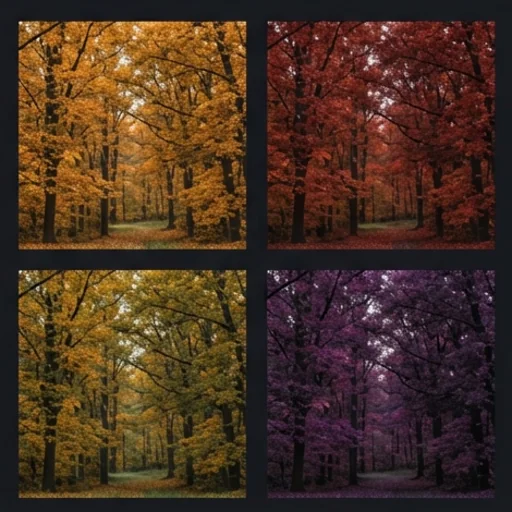
AI wallpapers for phones, desktops and setups
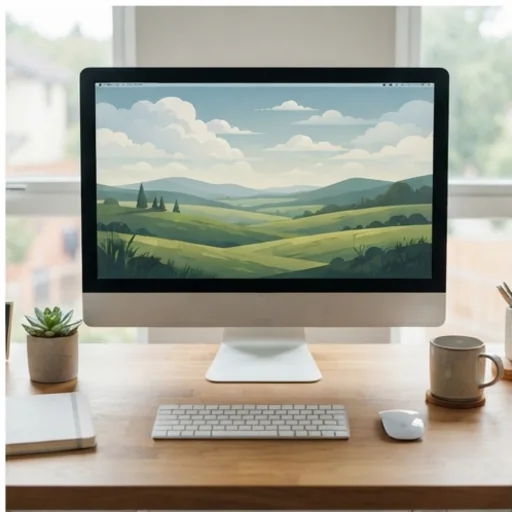
Calmer, more focused work screens
Clean compositions that support long sessions.
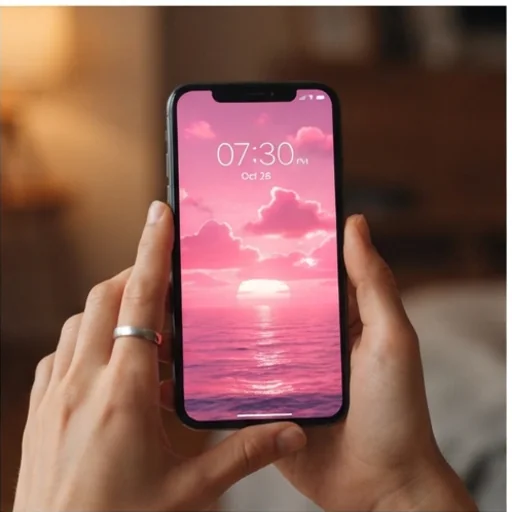
A lock screen that feels right
Colours, subjects and mood matched to your phone.
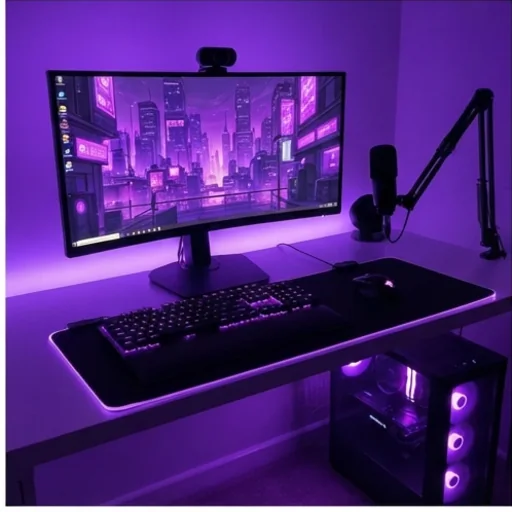
A consistent online identity
Themed backgrounds for streams, profiles and setup photos.
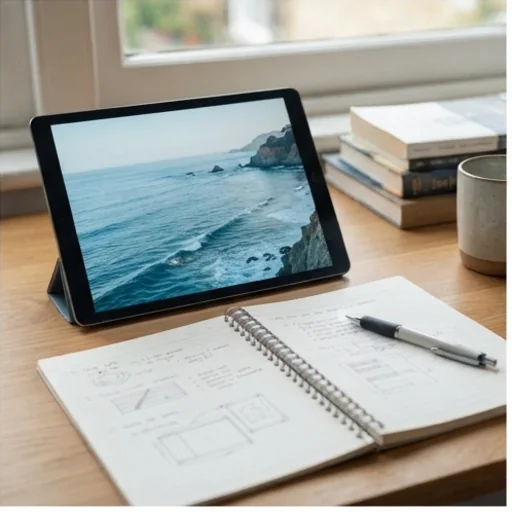
Focused reading and study
Calm colours and balanced space for tablets.
How to create an AI wallpaper on Jitura
- 1
Step 1: Describe the wallpaper
Write the subject, colours, lighting and mood.
- 2
Step 2: Pick style and size
Name an art style and choose the aspect ratio for your device.
- 3
Step 3: Create and download
Create several wallpapers and download the best fit.
Discover other AI image tools on Jitura

FAQs
What is an AI wallpaper generator?+
A tool that creates custom wallpapers from a prompt, a style and a device shape: describe the subject, palette, mood, lighting and composition and get screen-ready images.
How do I create an AI wallpaper with Jitura?+
Write a prompt, name a style, choose the aspect ratio and create; compare the results and download the one you like.
Can I make 4K wallpapers?+
Choose a model that offers 4K under Resolution on a paid plan, or upscale your favourite with the Image Upscaler.
What styles can it create?+
Anime, cinematic, minimalist, abstract, realistic, fantasy and more; describe the style accurately for the best match.
Can I try the wallpaper generator for free?+
Yes. Every signed-in account gets free daily operations, and each image uses one. Paid plans add more operations, higher resolutions and private outputs.
Create stylised AI wallpapers instantly
High-resolution wallpapers that make every device feel more personal.
Try the wallpaper generator