
Turn Photo Into Painting
Upload your photo and get a gallery-ready painting in seconds: oil, watercolour, impressionist and more.
Free outputs may appear in the public gallery. Learn more
Turn your photos into paintings that grab attention
Tired of photos sitting in your camera roll? Turn any photo into a painting with authentic brushstrokes and rich colour, in the style you choose.
Turn a photo into a painting free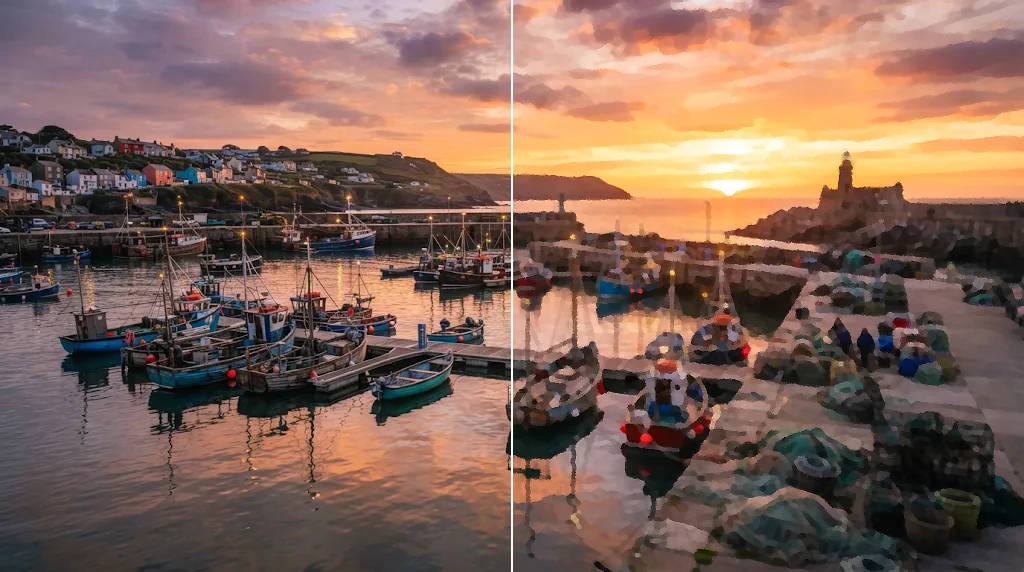
Rich canvas textures
Authentic brushstrokes and vibrant palettes.
Endless style variations
Oil, watercolour, impressionist, pop art and more.
Print-ready quality
High-resolution results for prints and posts.
One photo, many art styles
Try oil, watercolour and impressionist versions of the same picture.
Turn photos into paintings free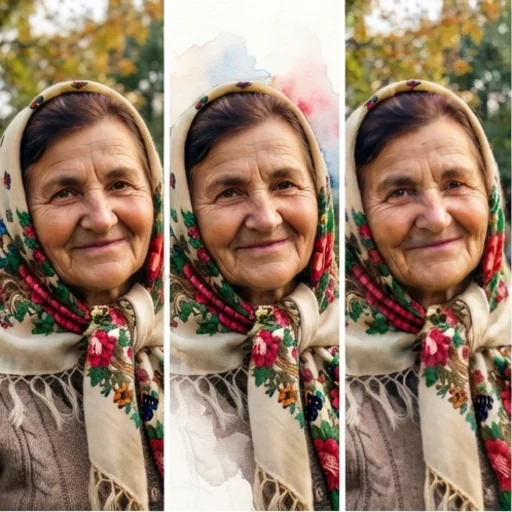
Paint-by-numbers outlines
Ask for a clean outline version for colouring and activities.
Turn photos into paintings free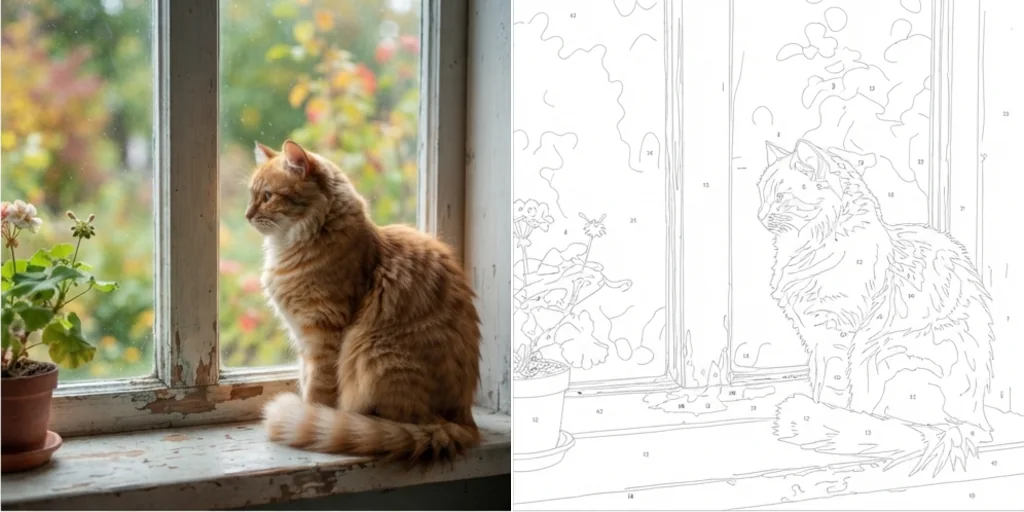
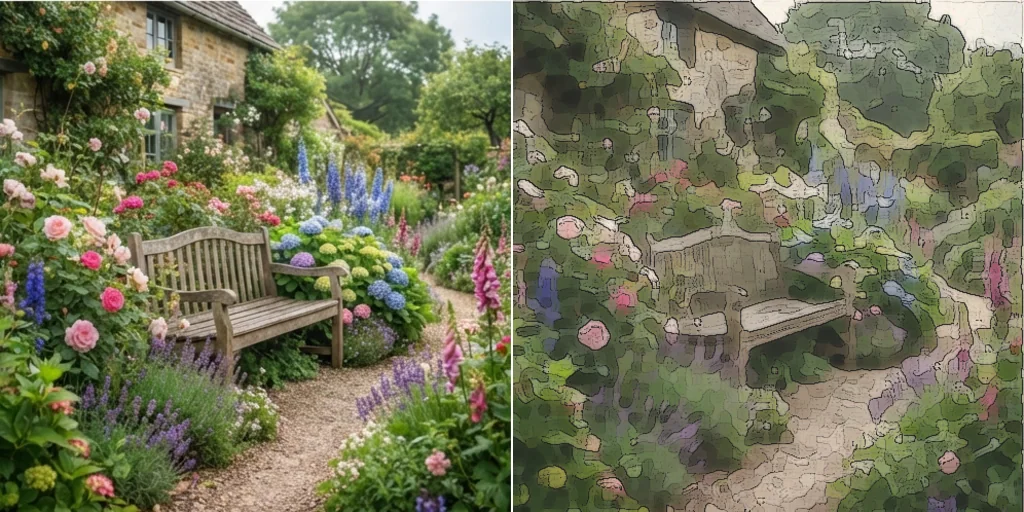
Refresh old assets
Give existing photos a new artistic life without a new shoot.
Turn photos into paintings free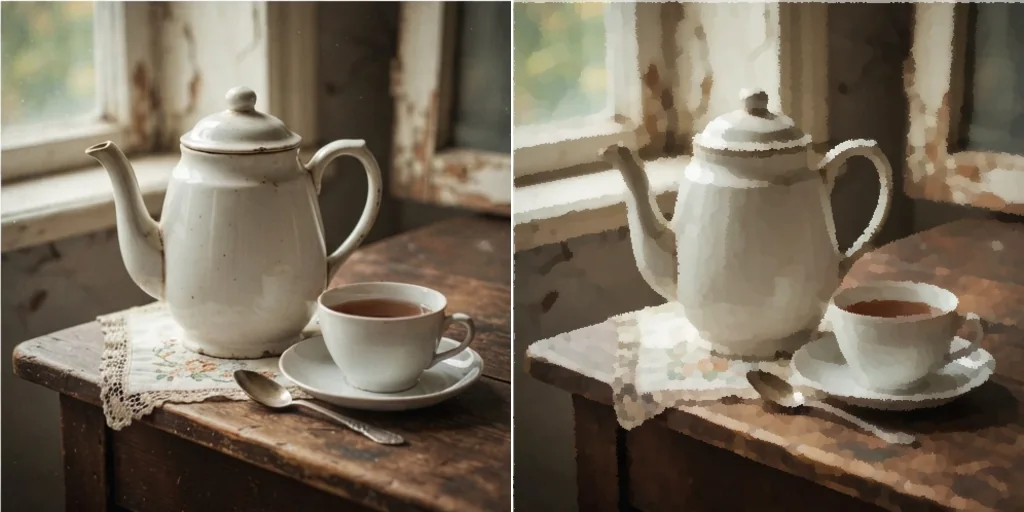
Turn photos into paintings for every creative need
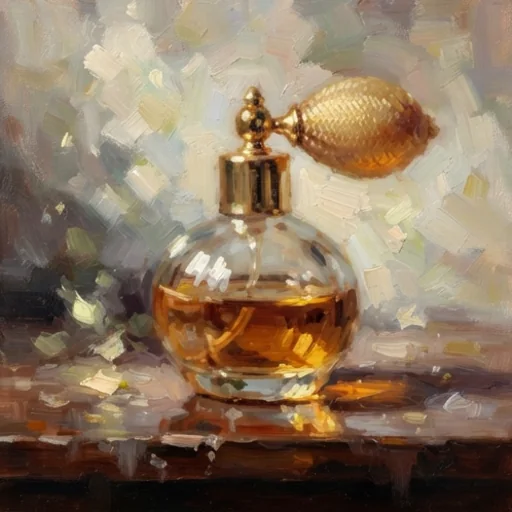
Artistic product shots
Paintings of products for standout pages.
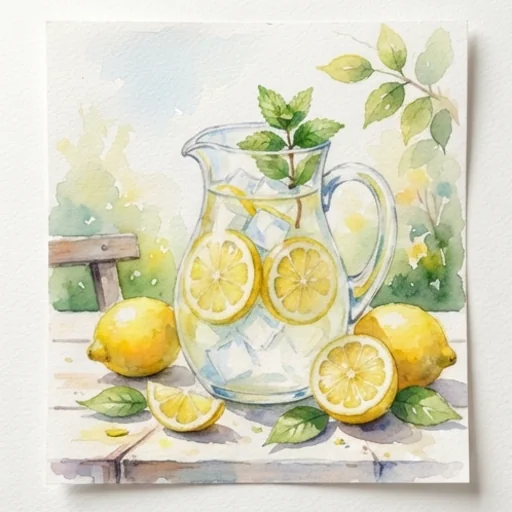
Beat ad fatigue
Painted variations of ad visuals.
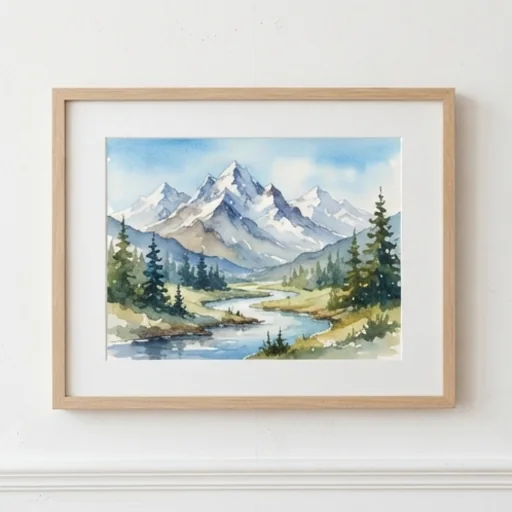
Expand your catalogue
Art prints from your photography.
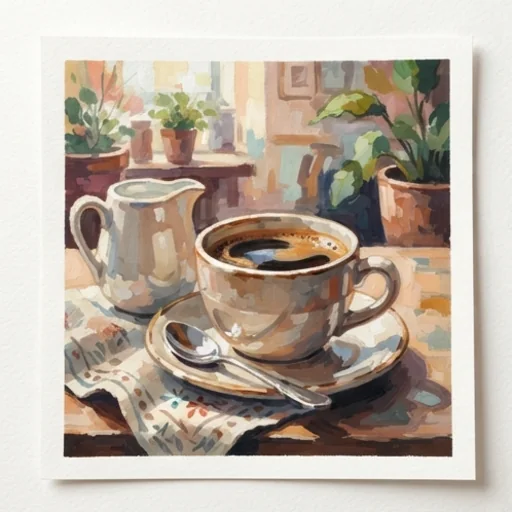
Polished feed flair
Painted headers and posts.
How to turn a photo into a painting with Jitura
- 1
Step 1: Add your photo
Add the photo with the + button.
- 2
Step 2: Describe the style
Name the painting style in the prompt or pick one from Style.
- 3
Step 3: Create and download
Create the painting and download it.
Discover other AI image tools on Jitura

FAQs
What is a photo to painting converter?+
An AI tool that repaints your photo in a painting style with brushstrokes and paint texture, keeping the subject and composition.
Can I turn a photo into a painting for free?+
Yes. Every signed-in account gets free daily operations, and each image uses one. Paid plans add more operations and higher resolutions.
Can I make a watercolour painting?+
Yes. Write watercolour in the prompt or choose a watercolour style.
Can I make a paint-by-numbers outline?+
Yes. Ask for a clean black outline with numbered areas on white for colouring.
How do painted pictures help my ads?+
They stand out in feeds full of photos and give campaigns a distinctive, premium feel.
Are the paintings good enough to print?+
Yes for most sizes; upscale the result with the Image Upscaler for large prints.
Turn your photos into paintings worth keeping
Upload any photo and get a finished painting.
Try photo to painting