
Photo to Sketch
Turn an image into a sketch for portraits, fan creations, pet drawings and pencil-style pictures ready to share.
Free outputs may appear in the public gallery. Learn more
Turn photos into sketches worth sharing
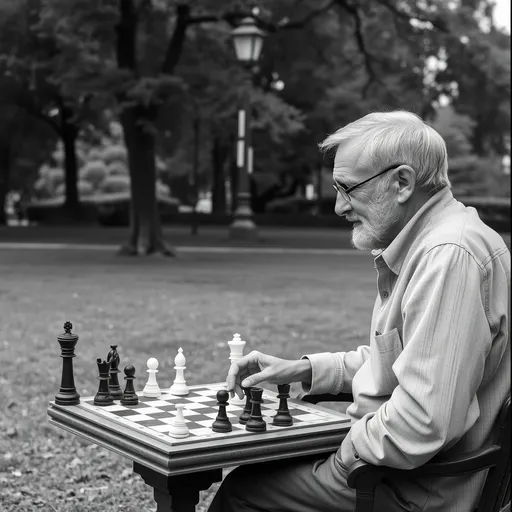
Jitura's photo to sketch converter turns a selfie, a pet photo or a favourite picture into a clean pencil drawing that feels hand-drawn but still looks like the original.
Turn a photo into a sketch free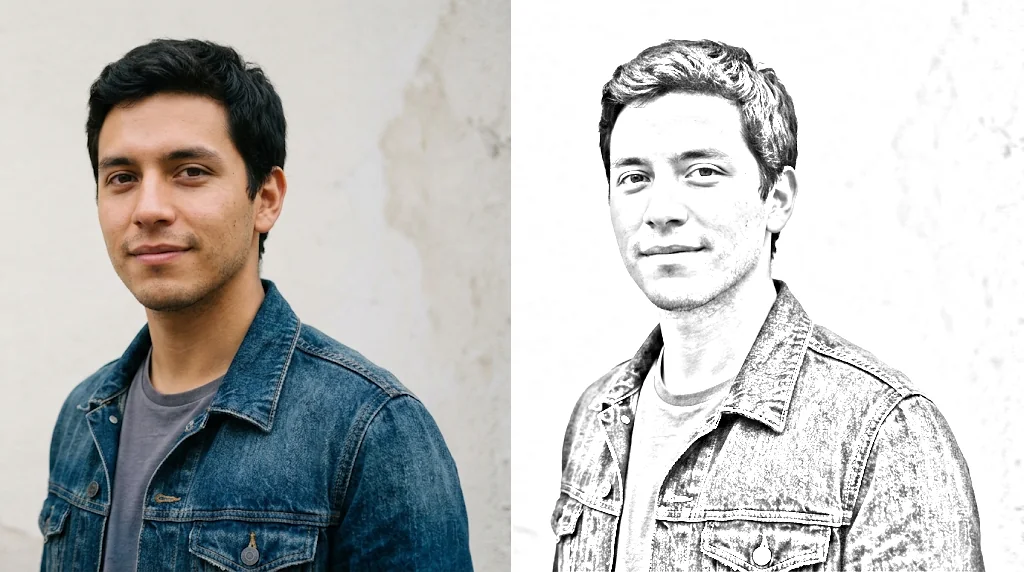
Fast sketch results
One upload, a pencil sketch in seconds.
Cleaner than a sketch filter
Real linework, contrast and shading.
For portraits, pets and fan works
Profile sketches, pet drawings and more.
Recognisable pencil portraits
Faces keep their likeness while turning into a drawing.
Turn photos into sketches free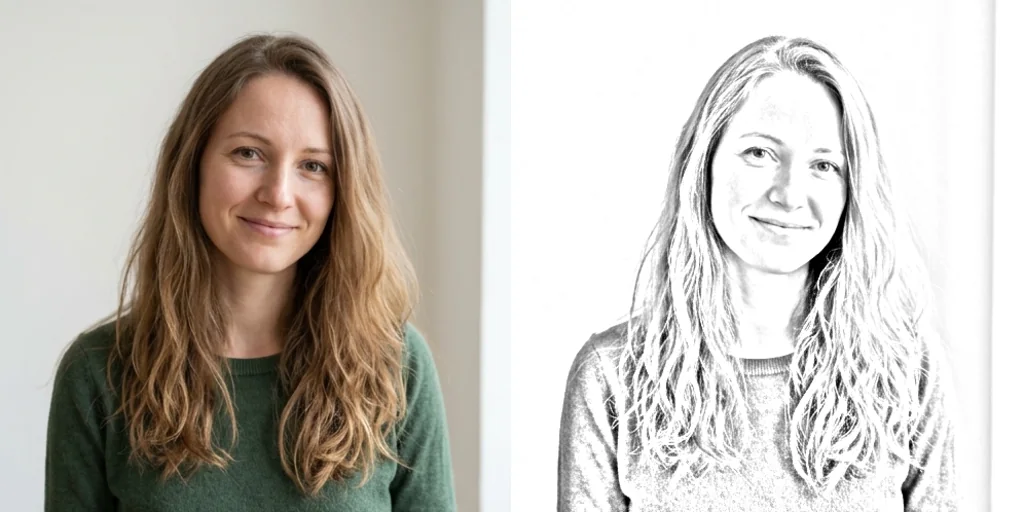
Clean sketch lines
Clear outlines and controlled shading instead of noisy filters.
Turn photos into sketches free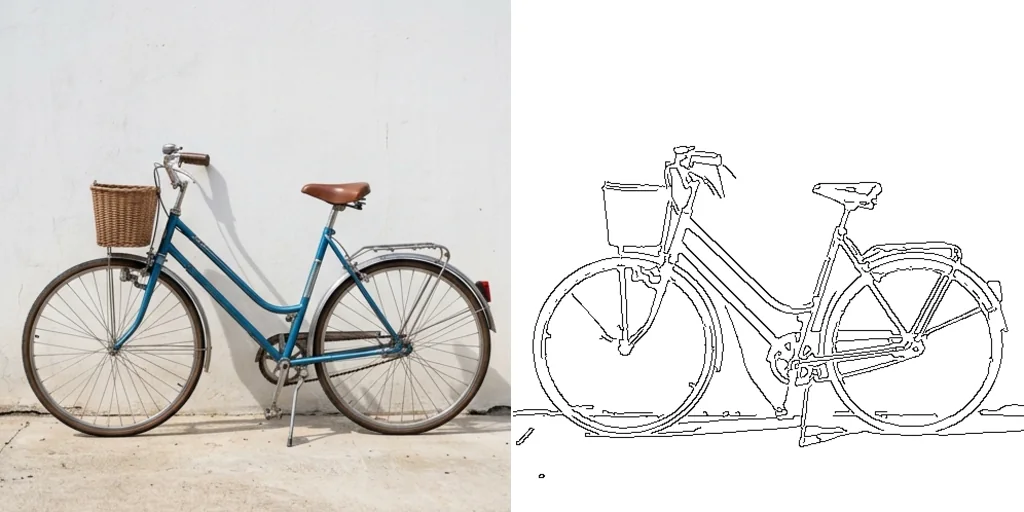
Sketch art for fan works
Turn cosplay or character photos into drawn art.
Turn photos into sketches free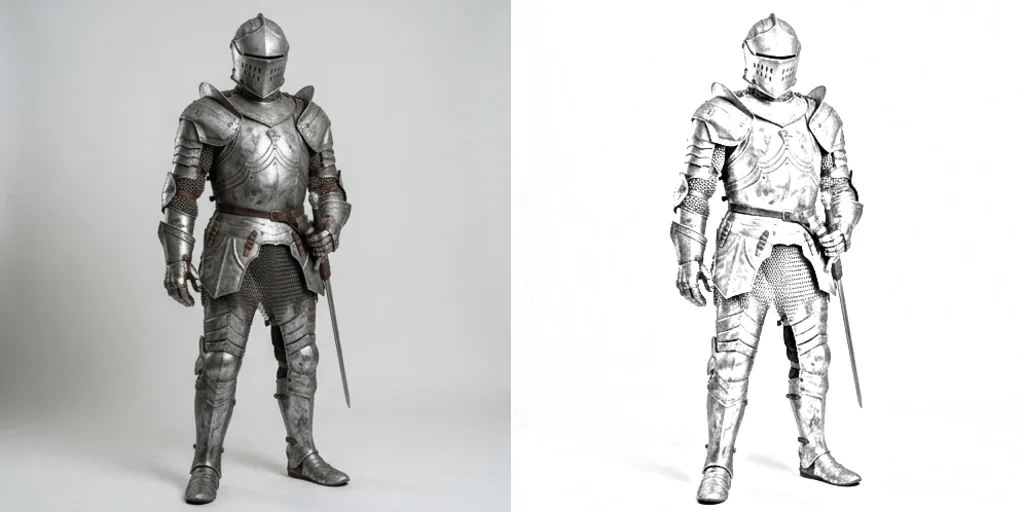
Skip drawing and revising
Get a finished sketch without hours at the drawing desk.
Turn photos into sketches free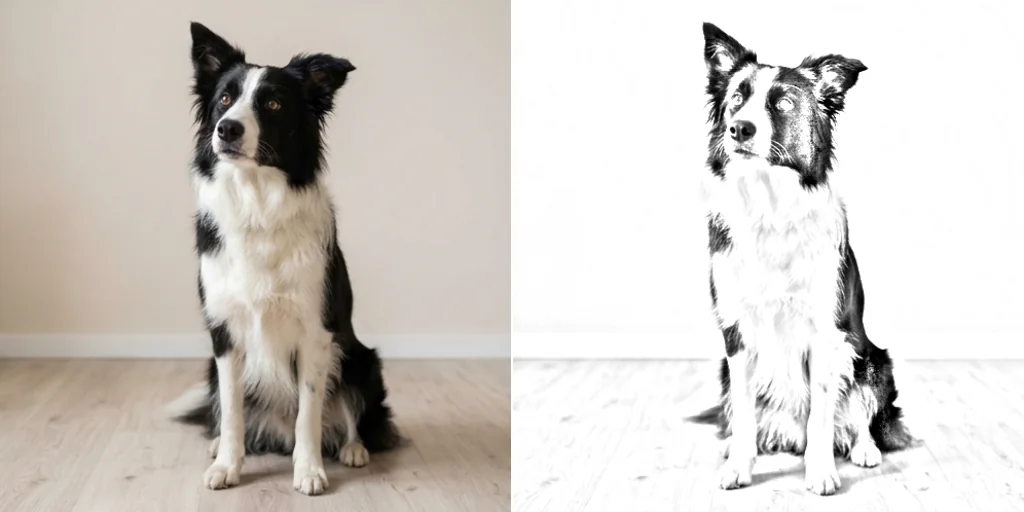
Photo to sketch moments for personal creativity
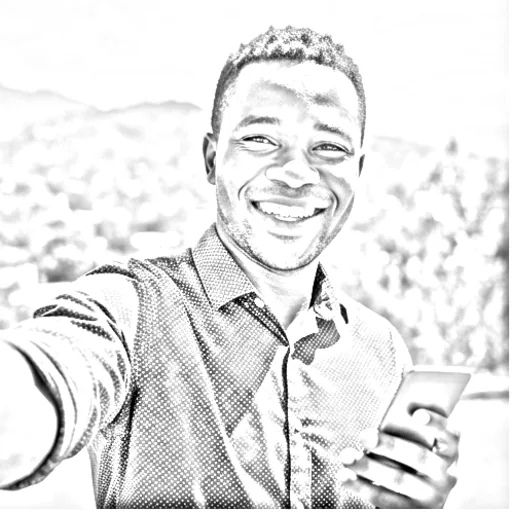
Make faces feel hand-drawn
Selfies and portraits as sketches.
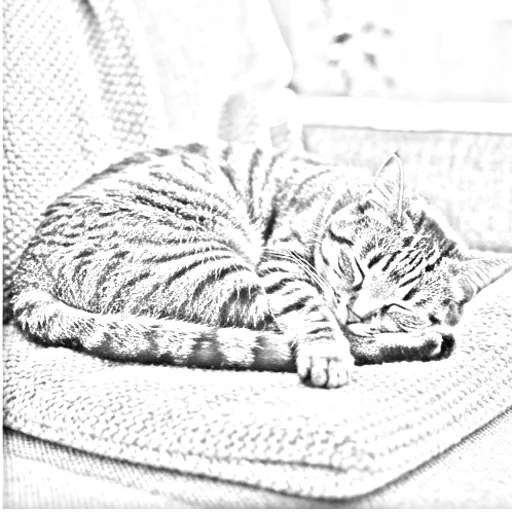
Save a pet moment as a drawing
Framed pet sketches and gifts.
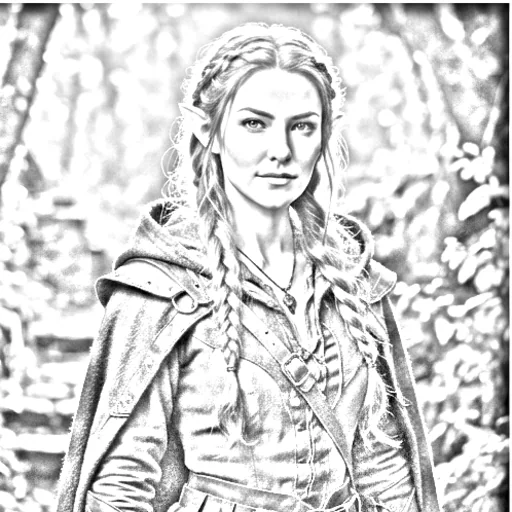
Give images a creative twist
Sketch-style fan works.
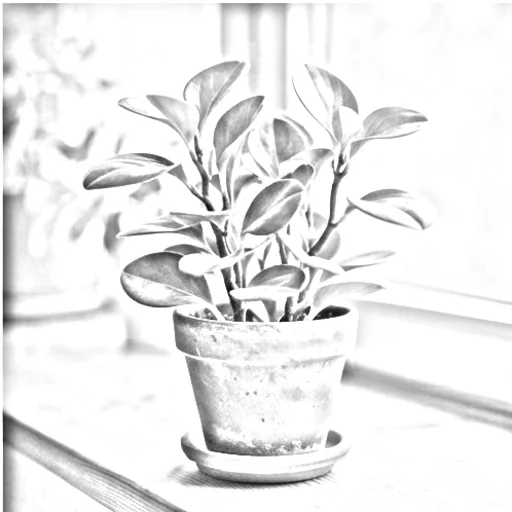
Make a clean base faster
A sketch to colour or trace.
How to turn a photo into a sketch on Jitura
- 1
Step 1: Add your photo
Add the photo with the + button.
- 2
Step 2: Pick the style
Keep the pencil sketch prompt or choose another sketch style and size.
- 3
Step 3: Create and download
Create the sketch, preview it and download it.
Discover other AI image tools on Jitura
FAQs
What is photo to sketch?+
An online tool that turns photos into pencil-style drawings.
How do I turn a photo into a sketch online?+
Add your photo, keep or edit the prompt and create.
Which photos make the cleanest sketches?+
Photos with good contrast, a visible subject and a simple background.
Is it better than a normal sketch filter?+
Yes. It redraws real outlines and shading instead of tracing edges, so the result looks hand-drawn.
How is it different from drawing by hand?+
Hand drawing gives full control; the converter gives a finished sketch in seconds that you can still refine.
Can I use the converter for free?+
Yes. Every signed-in account gets free daily operations, and each image uses one. Paid plans add more operations and higher resolutions.