
AI Photo Collage Maker
Turn scattered images into a polished AI photo collage instantly.
Free outputs may appear in the public gallery. Learn more
Turn photo sets into scroll-stopping visual stories
Struggling to make scattered photos look like one polished story? Jitura's AI photo collage maker builds balanced layouts, places your key images and adds a style that suits the theme, for product promos, memory boards and posts people save.
Make a collage free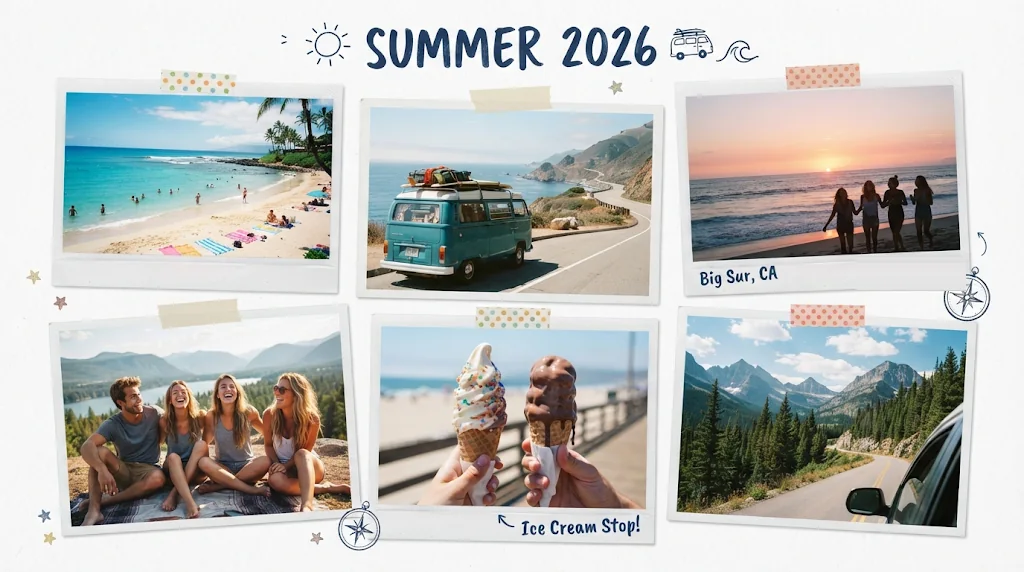
Collages that look designed
Clean spacing, a clear focus and a layout made to impress.
AI arranges every photo
Photos are placed by faces, subjects, colour and mood so each one feels natural.
Ready for sharing
Social posts, memory boards and printable designs with a fast, polished finish.
Polished layouts for brand posts
Balanced collages without dragging photos around: turn product and customer photos into curated posts that keep your feed active.
Make a collage free
Key subjects arranged for personal collages
People, subjects and colours get the right visual weight, so family albums tell a clear, warm story.
Make a collage free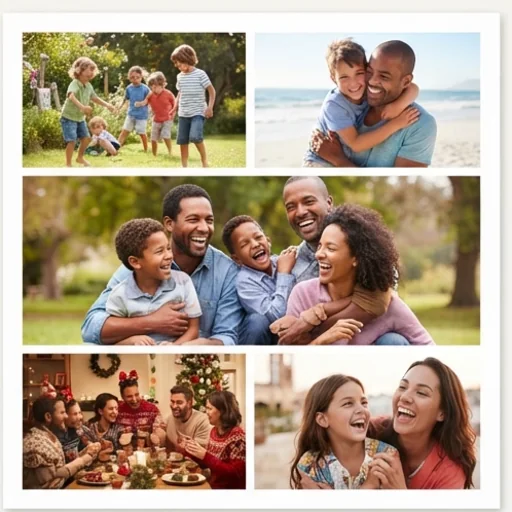
The right mood for themed collages
Describe the style and birthday, holiday or moodboard photos become an expressive collage made for the occasion.
Make a collage free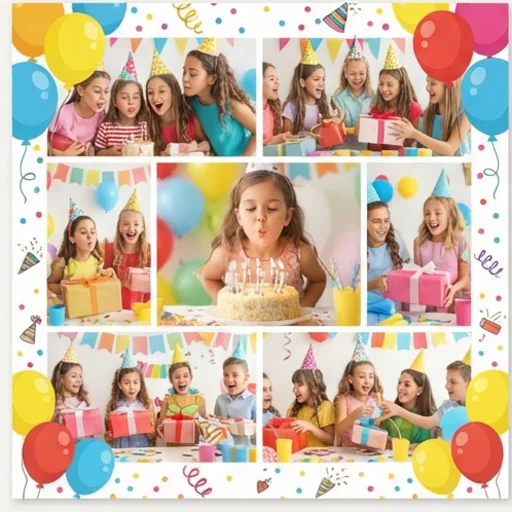
Every detail polished for social and print
Unify backgrounds, borders and colour tones so the collage feels finished for posts or prints.
Make a collage free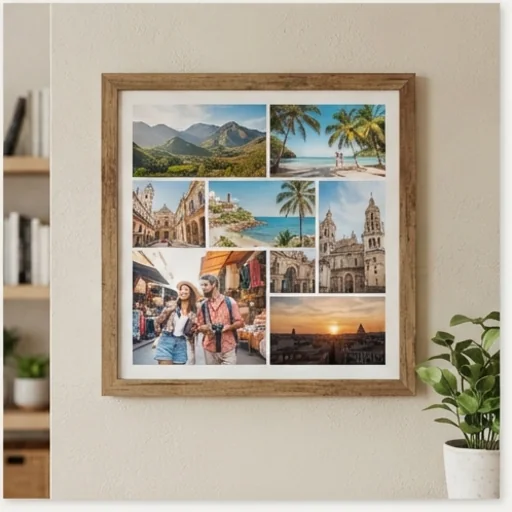
AI photo collages for real creative and brand moments
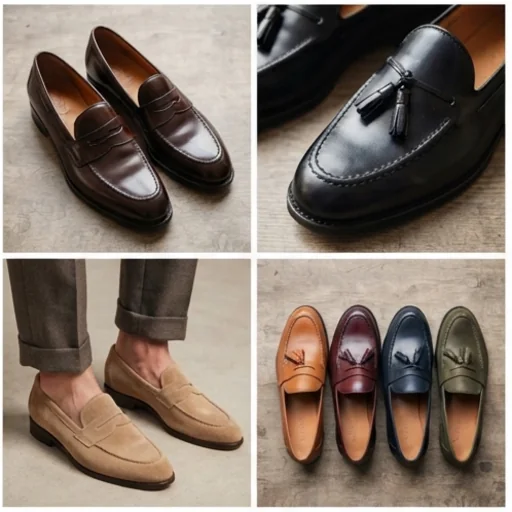
Show more in one strong visual
Combine products, colour options and detail shots so shoppers grasp the collection faster.
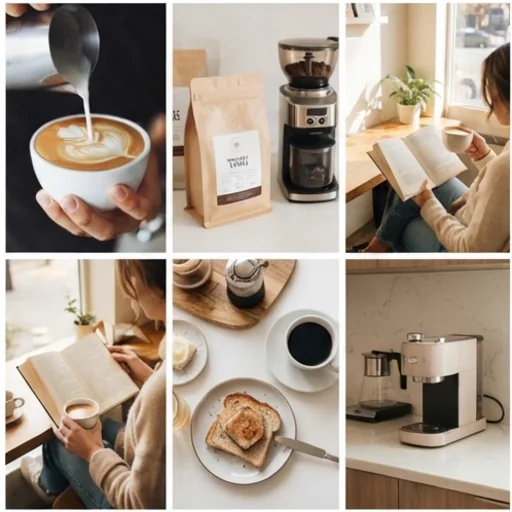
Keep your feed alive
Daily product, lifestyle and campaign collages that keep every update recognisable.
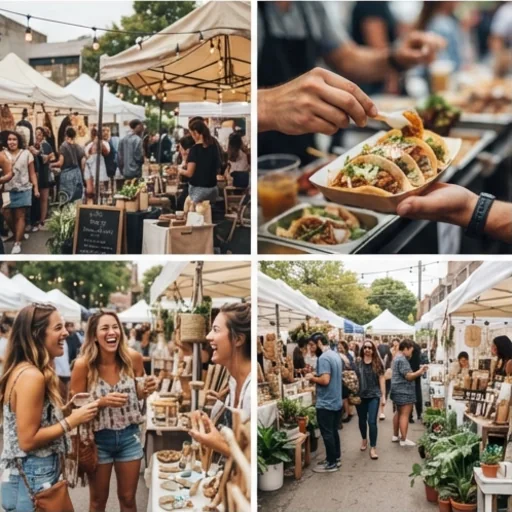
Turn many moments into one story
Launches, pop-ups and community events in one shareable collage.
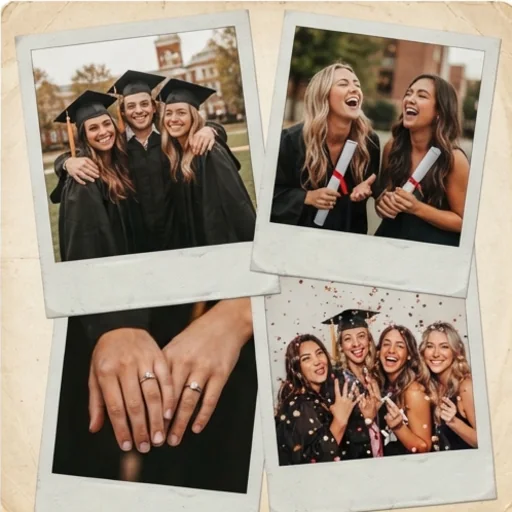
Make favourite photos giftable
Travel, graduation and friendship photos as a warm keepsake.
How to create AI photo collages on Jitura
- 1
Step 1: Add your photos
Add up to four photos with the + button.
- 2
Step 2: Describe the style
Edit the prompt with your theme and title, and choose the aspect ratio.
- 3
Step 3: Create and share
Create your collage, then download or share it.
Discover other AI image generators on Jitura

FAQs
What is an AI photo collage maker?+
A tool that turns several photos into a designed collage layout automatically, for brand posts, memory boards, product displays and prints.
How does Jitura make collages from photos?+
The model reads your photos, arranges them by subject and balance, and designs the layout, theme, background and borders around them, keeping every person and scene recognisable.
Can I use it for brand social media posts?+
Yes. It works well for daily brand posts, product updates, campaign recaps and visual stories.
Can I use the AI photo collage maker for free?+
Yes. Every signed-in account gets free daily operations, and each collage uses one. Most models take up to four photos per collage.
Do I need design skills?+
No. The AI handles arrangement, theme, background, colour and borders.
Create a share-ready AI photo collage in minutes
Turn product shots, memories and campaign moments into collages people save and share.
Try the photo collage maker