
AI Invitation Maker
Create polished invitations instantly, ready to share digitally or print beautifully.
Sign in to create. Every account gets free daily operations; each image uses one.
Create invitations that turn announcements into anticipation
Why not send an invitation guests will remember? Jitura's invitation maker turns event details and photos into invitations that match the mood, in several versions you can share or print, so you welcome guests warmly and get faster replies.
Create an invitation free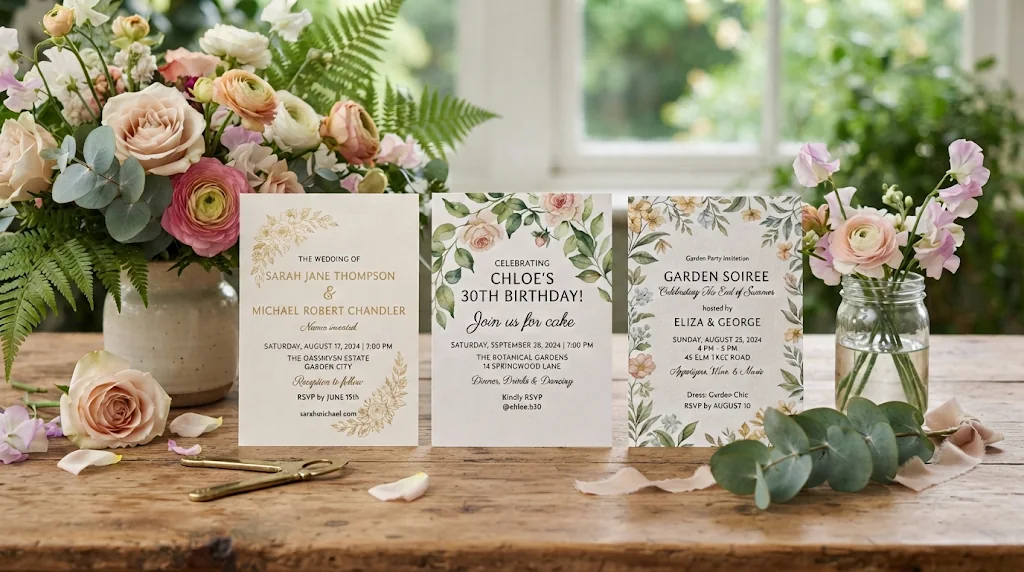
Build anticipation before the day
Turn meaningful details and pictures into a first impression that makes guests excited to reply.
Match the mood guests hope to feel
Romance for a wedding, fun for a birthday: the design fits the occasion.
Share clearly, print with confidence
High-resolution options with readable event details for every guest.
Invitations guests want to open
Enter the event details or add photos and illustrations. The invitation generator blends them into a polished design that feels personal enough to earn a quick yes.
Create invitations free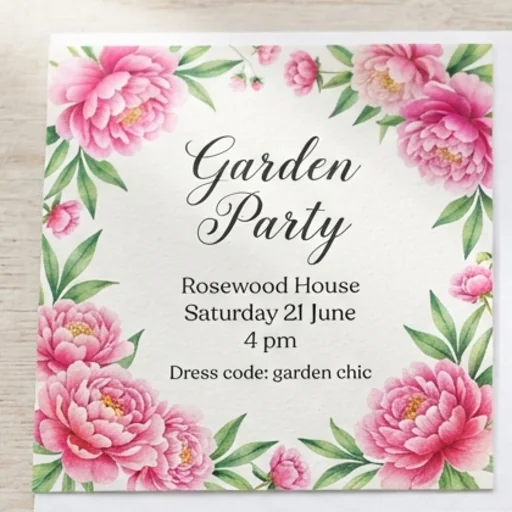
Set the mood before the celebration
Describe the occasion and get visuals and atmosphere to match: romantic weddings, playful birthdays, elegant dinners.
Create invitations free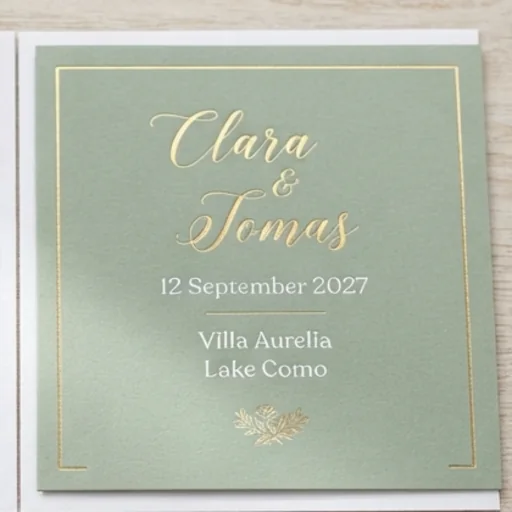
Keep every detail clear and personal
Share the wording, date, time, venue and style; the invitation maker arranges them so the card reads clearly and feels personal.
Create invitations free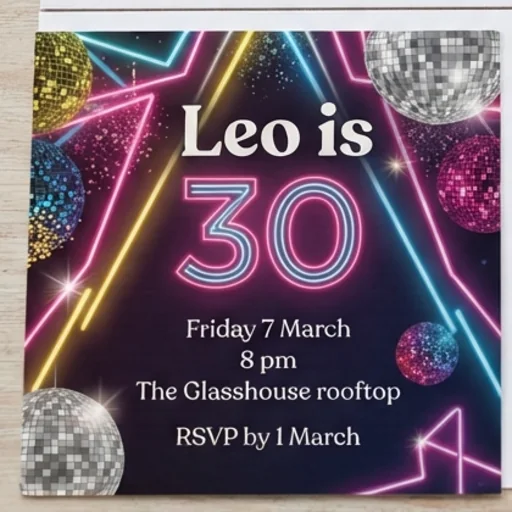
Choose a design worth saying yes to
Generate several high-resolution concepts, pick the strongest and use it for online sharing or printing.
Create invitations free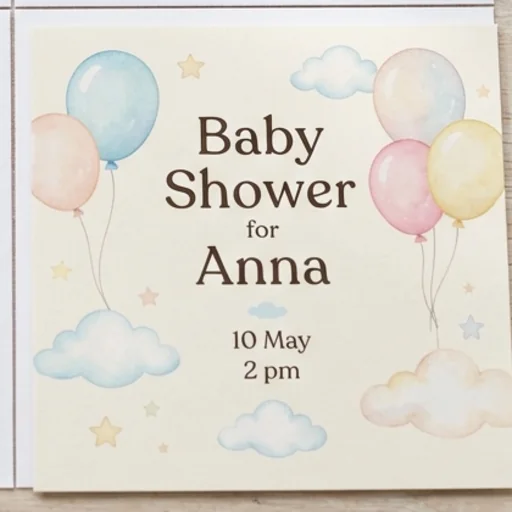
Invitations for moments people want to join
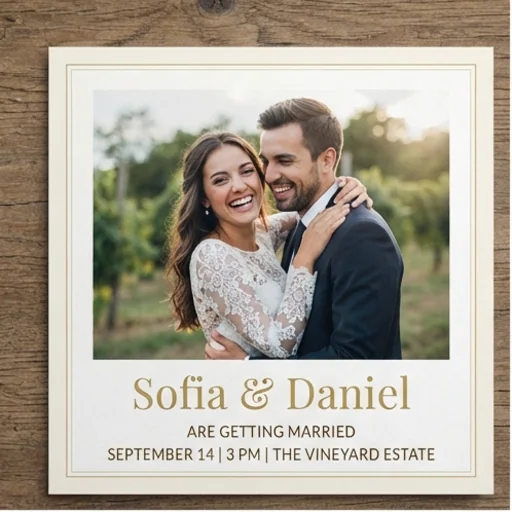
Make the first impression worthy
Pair personal photos with an elegant design so guests feel part of the story before the vows.
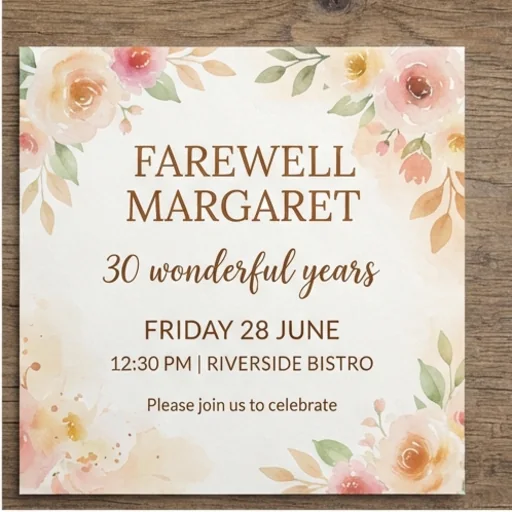
Turn milestones into shared memories
A respectful farewell or retirement invitation that makes colleagues feel included.
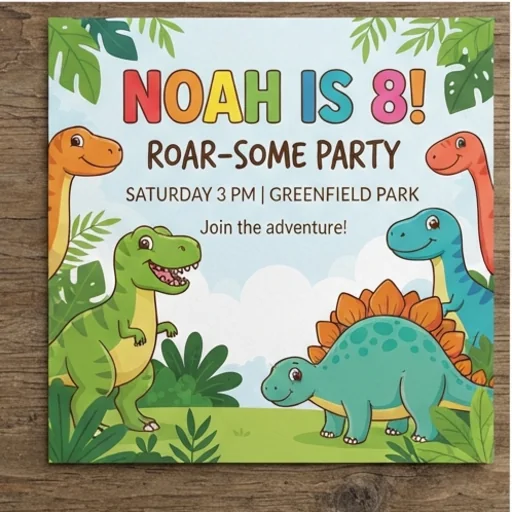
Let personality lead the party
Turn a favourite photo and a theme into a lively birthday invitation.
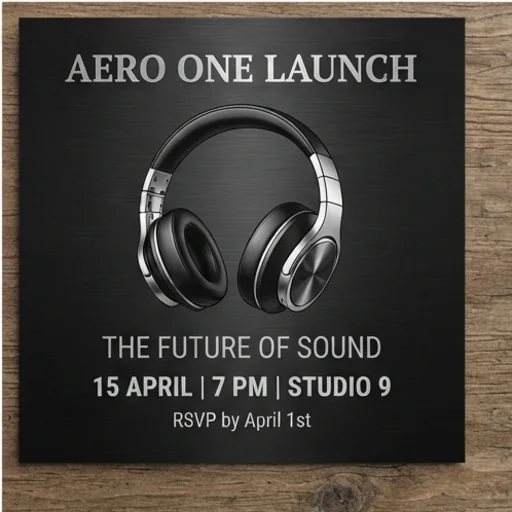
Make the first touchpoint reflect your brand
Event details and brand colours become a polished launch invitation.
How to create an invitation with Jitura
- 1
Step 1: Describe the event
Write the occasion, wording, date, venue and theme.
- 2
Step 2: Add photos
Add your photos with + and choose the Run Mode.
- 3
Step 3: Create and download
Create high-resolution options and download your favourite.
Discover other AI image tools for celebrations
FAQs
What is an invitation maker?+
A tool that turns your event description, wording and optional images into complete invitation designs with the right mood and clearly organised details.
Can it create printable invitations?+
Yes. Download high-resolution results and upscale the one you choose for print. Check the size and your printer's requirements before a large order.
What is the best invitation maker?+
One that writes your wording correctly and balances it with the picture. Jitura's invitation maker follows your exact text and lets you switch to a flyer, poster or menu in the same box.
Do I need design skills?+
No. You provide the event information and direction; the AI handles layout, balance and style.
Is the invitation generator free to try?+
Yes. Every signed-in account gets free daily operations, and each image uses one. Paid plans add more operations, higher resolutions and private outputs.
Make every invitation feel worth attending
Turn event details and personal photos into polished invitations now.
Try the invitation maker