
AI Flyer Generator
Create scroll-stopping flyers from any idea or photo in one click and make your next promotion impossible to miss.
Sign in to create. Every account gets free daily operations; each image uses one.
Make every promotion impossible to miss
Need your message noticed before people scroll or walk past? Jitura's flyer maker turns ideas or images into polished layouts and organises the key details, building anticipation before events, urgency around sales and action from attention.
Try the free flyer maker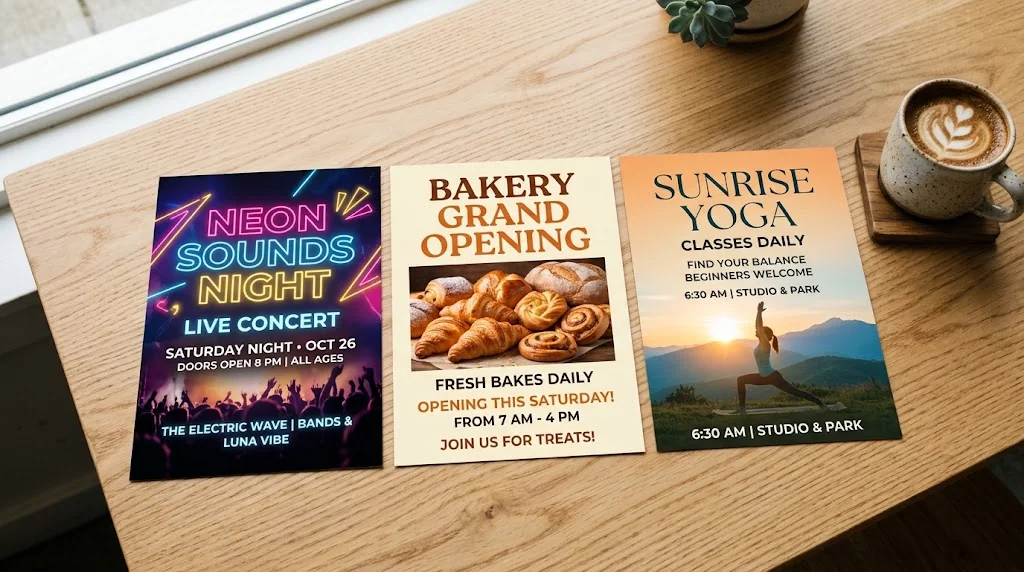
A complete promotion from one idea
Shape the theme, offer, picture, colours, headline and layout into one flyer.
Brand-ready visuals
Place your product, portrait, logo or event photo at the centre so every flyer looks credible.
Flyers for every channel
High-resolution formats that stay clear for printed handouts, posts and digital ads.
Turn ideas into attention-grabbing flyers
Describe a concert that needs fuller seats or a sale that needs urgency, and the flyer generator builds a complete design with a strong picture, matching palette, bold headline and a clear layout.
Try the flyer maker free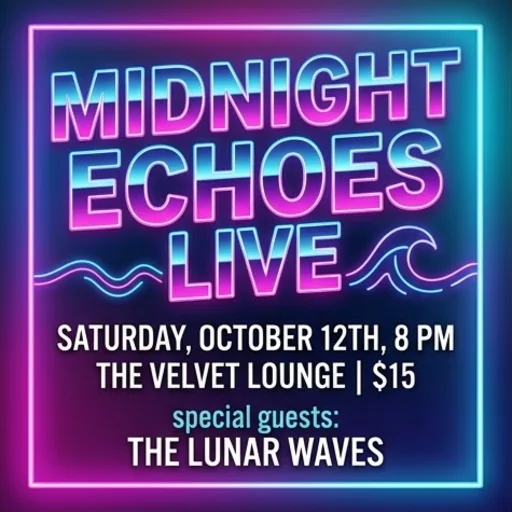
Make every visual feel professionally branded
Add a product shot, portrait, logo or event photo. The flyer maker works the subject into the composition rather than pasting it on, so the design stays cohesive.
Try the free flyer maker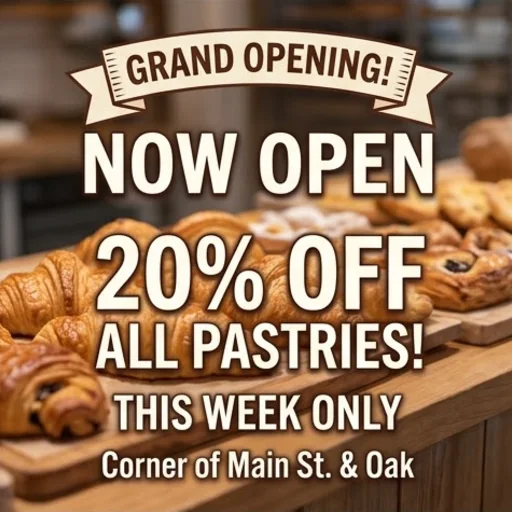
Guide viewers from details to action
From events to flash sales, headlines, dates, venues, prices and the call to action are arranged in a clear order, so people know what to do next.
Make a flyer free
Reach every channel without redesigning
Pick portrait, square or landscape for handouts, emails and ads, and keep the layout balanced in every format.
Make a flyer free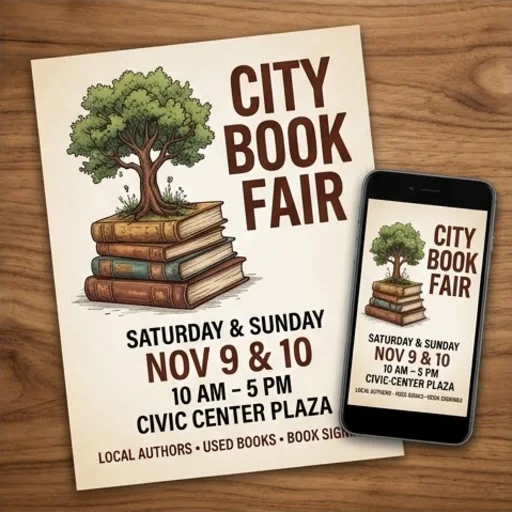
Flyers that turn real promotion moments into action
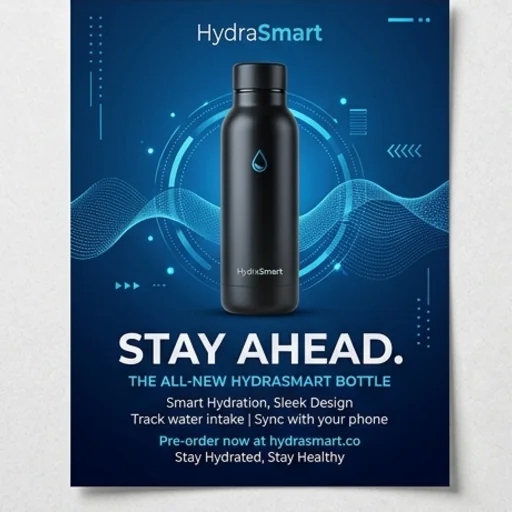
Make the release worth noticing
Blend your logo, product, key benefit and launch message into a flyer that builds interest early.
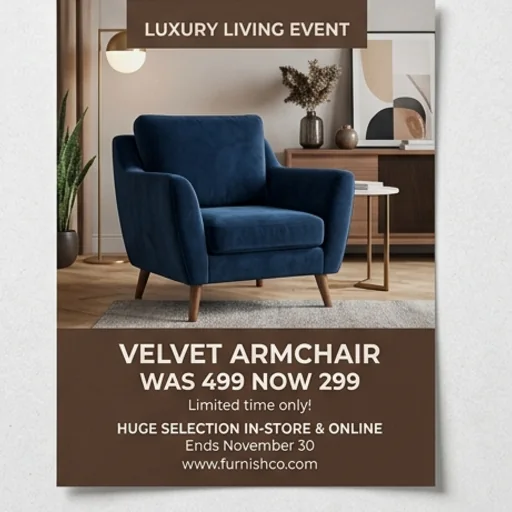
Make the value impossible to miss
Give the price, discount, deadline and call to action a strong visual order.
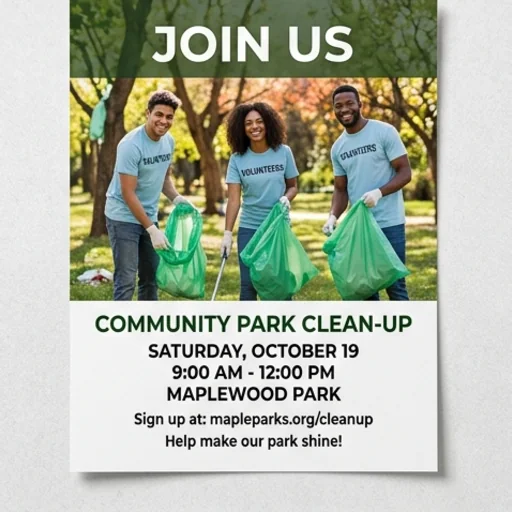
Make taking part feel immediate
Turn a fundraiser, school notice or neighbourhood project into an inviting flyer with a clear next step.
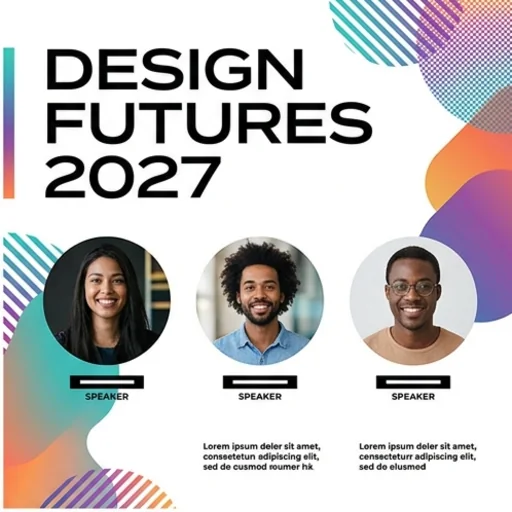
Turn details into anticipation
Frame the date, venue, speakers or performers around a clear reason to attend.
How to create flyers with Jitura
- 1
Step 1: Enter the details
Write your event theme, offer, audience and the information that must appear.
- 2
Step 2: Add a photo
Add a photo with + if you have one, and choose the Run Mode.
- 3
Step 3: Create and download
Create, review and download your flyer.
Discover other AI image generators on Jitura

FAQs
What is an AI flyer generator?+
A tool that turns a prompt or an uploaded image into a complete promotional design, shaping the main picture, colours, headline, text hierarchy and layout for a polished flyer.
How do I make a flyer with Jitura?+
Write your message, add any key image with +, keep Flyer selected and send. Download the design you like.
What is the best AI flyer generator?+
One that arranges your words and pictures into a clear hierarchy without manual work. Jitura's flyer maker follows your exact text and lets you switch to a poster, invitation or menu in the same box.
Do I need graphic design skills?+
No. The flyer maker organises imagery, colours, typography and hierarchy for you.
Can it make flyers for print and digital channels?+
Yes. Make portrait, square or landscape flyers for printed handouts, posts, emails and ads, and upscale the final one for print.
What should I put on my flyer?+
A clear headline, the date and place, the price or offer, supporting details and one call to action. Always check names, prices, dates and codes in the result before you publish or print it.
Can I make a flyer for free?+
Yes. Every signed-in account gets free daily operations, and each image uses one. Paid plans add more operations, higher resolutions and private outputs.
Create flyers that grab attention
Turn every message into a polished flyer that drives action.
Try the flyer maker now