
AI Banner Generator
Turn your images and campaign copy into conversion-ready banners.
Free outputs may appear in the public gallery. Learn more
Make every banner win attention and drive action
Still losing attention to slow, cluttered banner design? Jitura brings your product or portrait, campaign message and visual direction together in one design: the subject stands out, every detail is organised and the size fits the channel.
Create banners free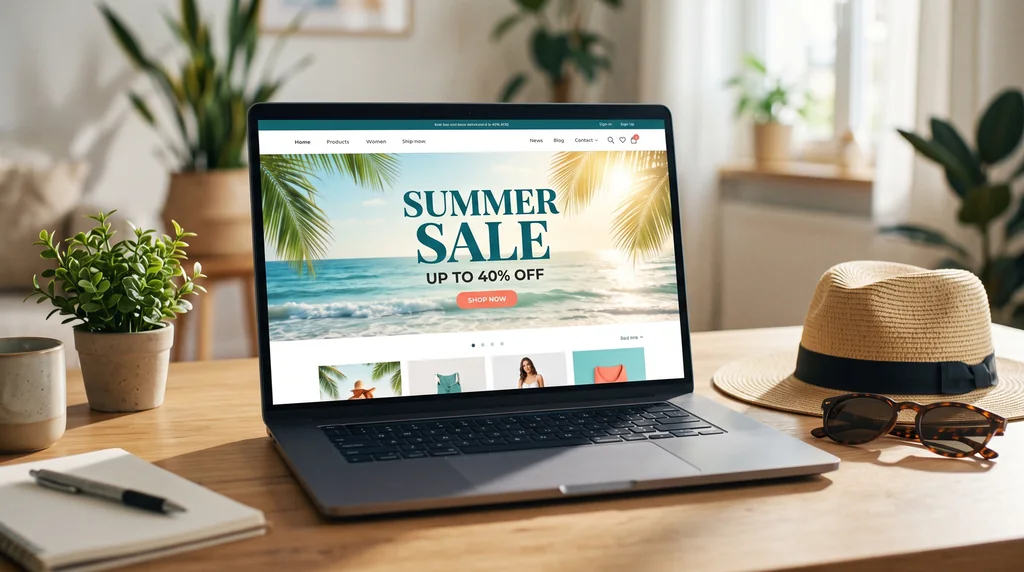
Offers impossible to miss
Turn a product image and key message into a banner that makes the promotion easy to understand.
The product front and centre
Light, contrast and focus keep shoppers' eyes on the product before the decoration.
Every size from one idea
Make wide, square or tall banners for web campaigns and print with sharp, balanced text.
Turn your campaign story into a banner
Add a product image or brand visual and describe the message and style. The banner generator builds a complete banner with a matching background, message and focal point.
Create banners free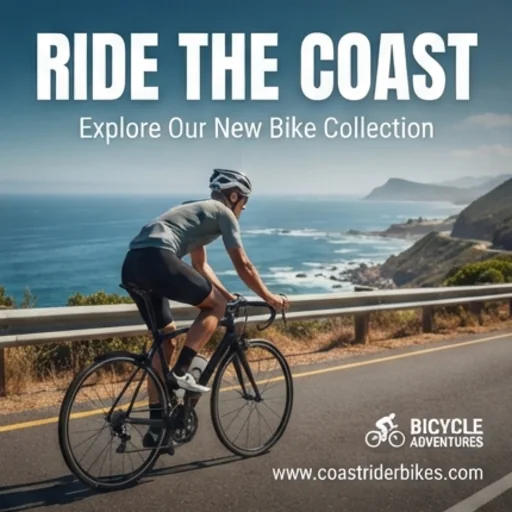
Put the product first
The generator keeps the product or person recognisable and prominent while it improves the background, light and accents.
Create banners free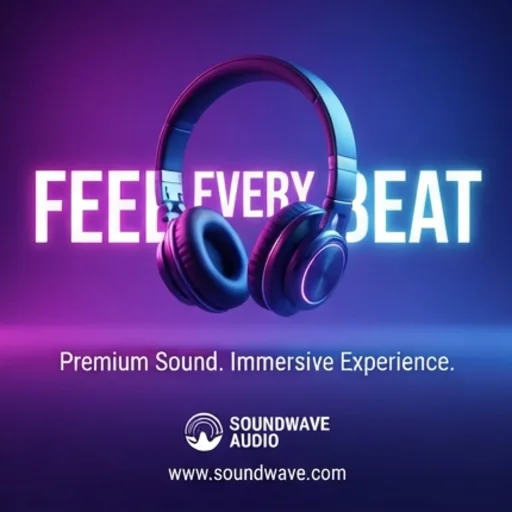
Make every offer clear at a glance
Your headline, price and call to action are arranged by length and importance so the offer is scannable.
Create banners free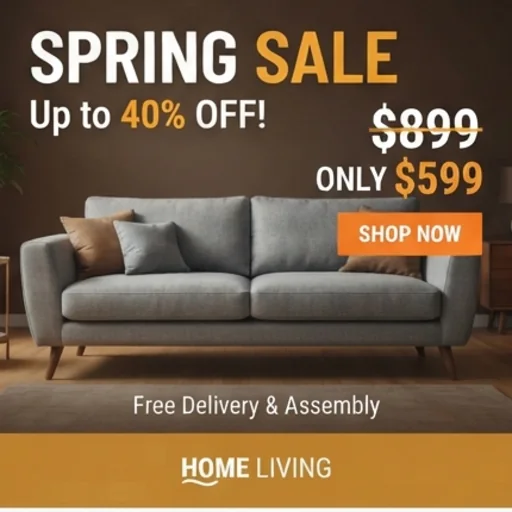
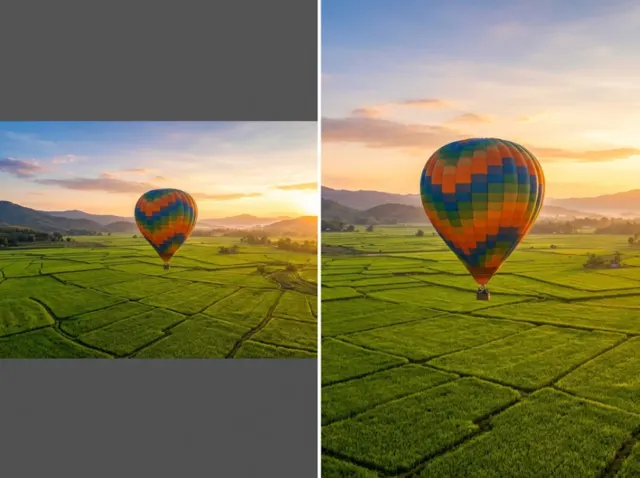
Sharp from small screens to large displays
Pick the aspect ratio and create high-resolution banners for website heroes, store promotions or printed displays.
Create banners free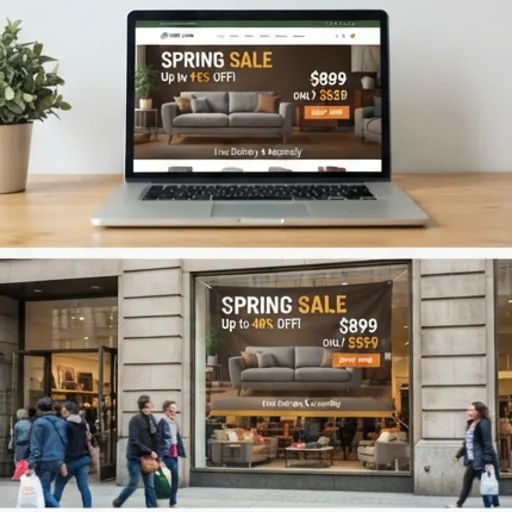
AI banner designs for real campaign moments
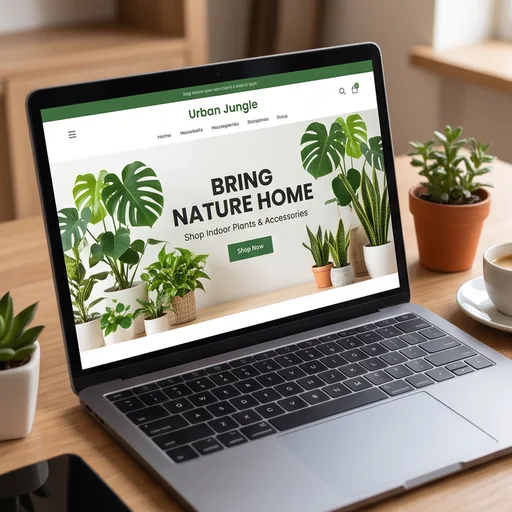
Show visitors your main offer immediately
Put the product, headline and call to action in one website banner.
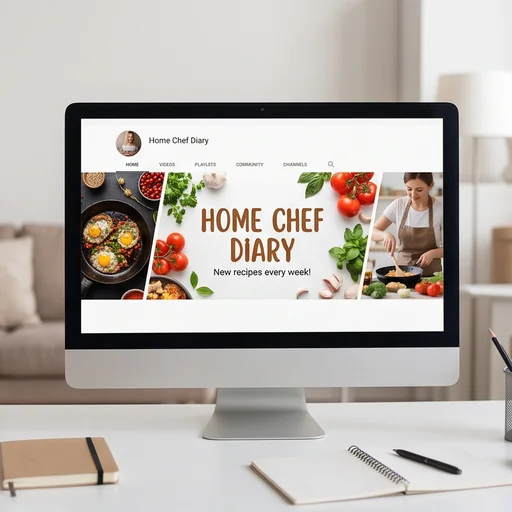
Make every profile polished and on brand
Create channel art and page covers with clear, consistent branding.
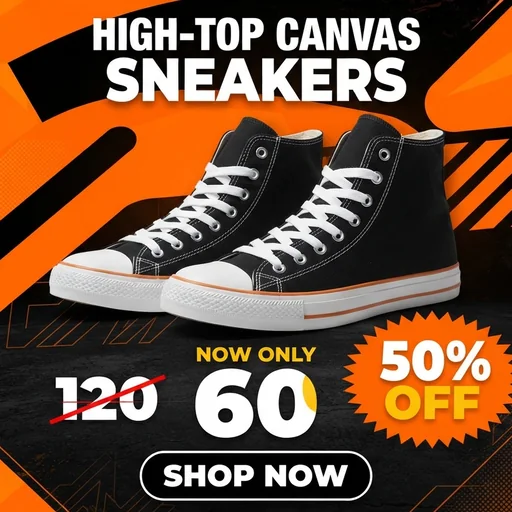
Put the price and discount in clear view
Sale banners that show the product, original price, discount and call to action.
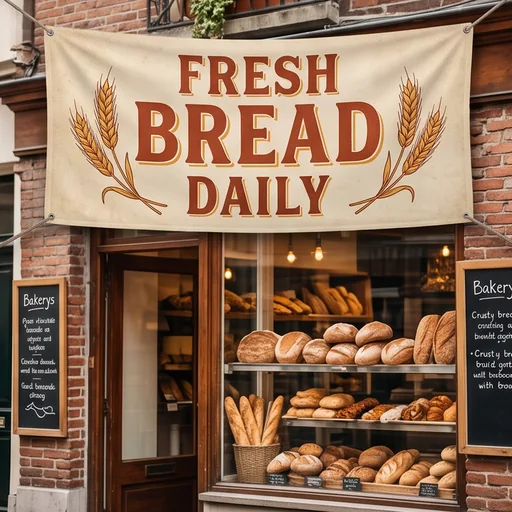
Make store offers clear before customers walk past
Banners for entrances and checkouts that explain the promotion instantly.
How to create banners with Jitura
- 1
Step 1: Add an image and copy
Add an image with + and write your headline, selling points, price and call to action.
- 2
Step 2: Choose the size
Pick how many banners to make and the aspect ratio.
- 3
Step 3: Create and download
Create, review the design and download the banners.
Discover more AI image tools on Jitura

FAQs
What is an AI banner generator?+
A tool that combines your images, written message, layout priorities and visual direction into one complete promotional graphic, with background, text, subject and decoration designed together.
How do I create banners with it?+
Add an image, write what the banner should say, choose the quantity and aspect ratio, and create.
Can it create print-ready files?+
Yes. Download PNG or JPG results and upscale the one you like for storefront or event printing.
How does it handle text at different sizes?+
It arranges the text for the shape you choose. Short headlines and focused messages give the clearest results, especially on narrow banners.
Can I use the banner generator for free?+
Yes. Every signed-in account gets free daily operations, and each image uses one. Paid plans add more operations, higher resolutions and private outputs.
Create conversion-ready banners in seconds
Make a polished banner that clarifies your offer and drives action.
Try the banner generator