
Model
Prompt
Translate PromptReference image (optional)
Style
Advanced
Public Visibility
When this option is enabled, your output image and its unprotected prompt may be selected by Jitura for the community gallery. Reference photos are not included. Visit the gallery for more info.
Pixel Art Generator
Create vibrant retro pixel art from a text prompt: game scenes, sprites, avatars and wallpapers with crisp, blocky pixels.
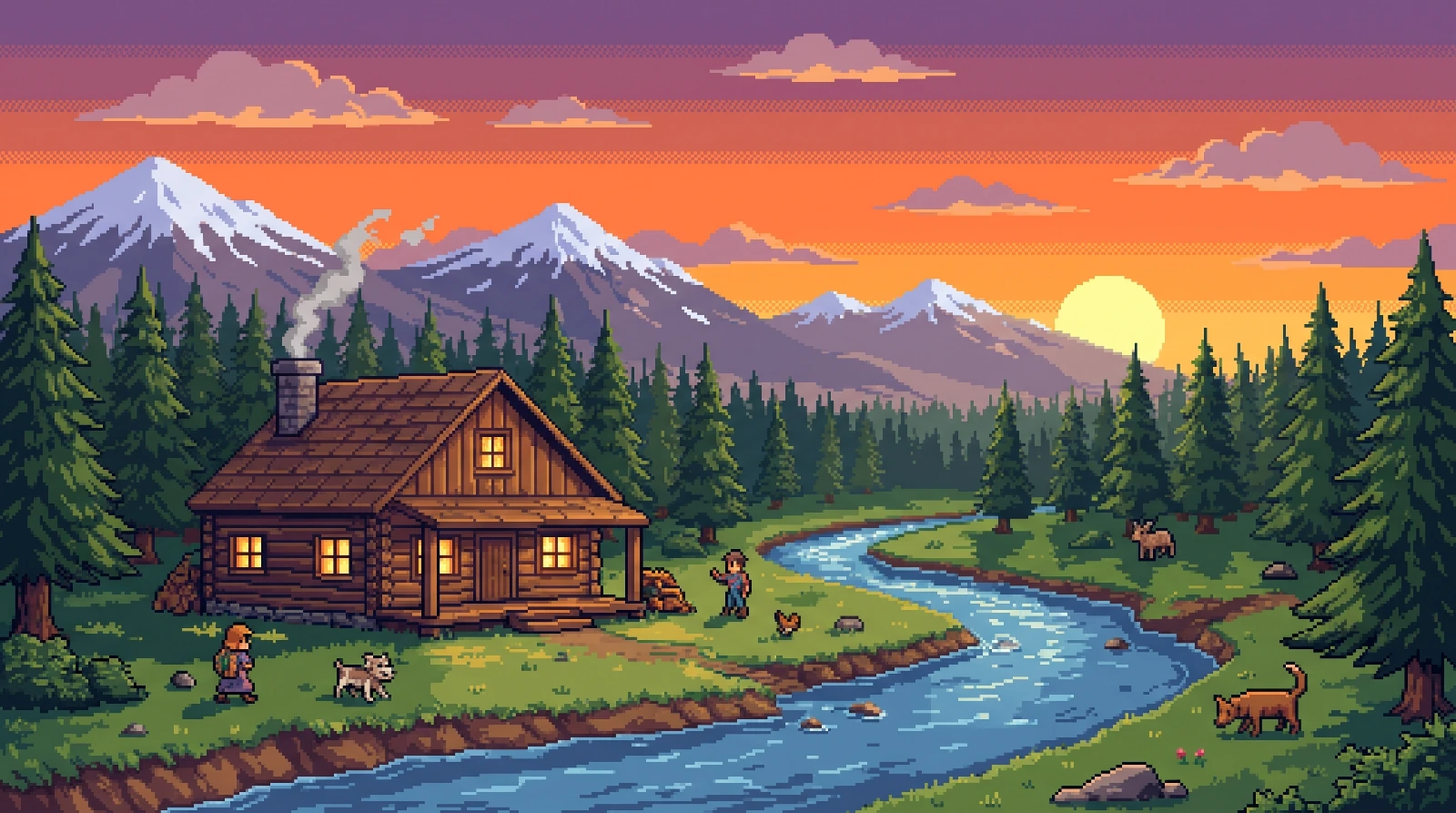
Relive Retro Pixel Magic
Bring back the look of classic games in seconds. Describe a scene, a character or an object and the pixel art generator turns it into vibrant, blocky artwork for games, posts and profile pictures.
Create pixel art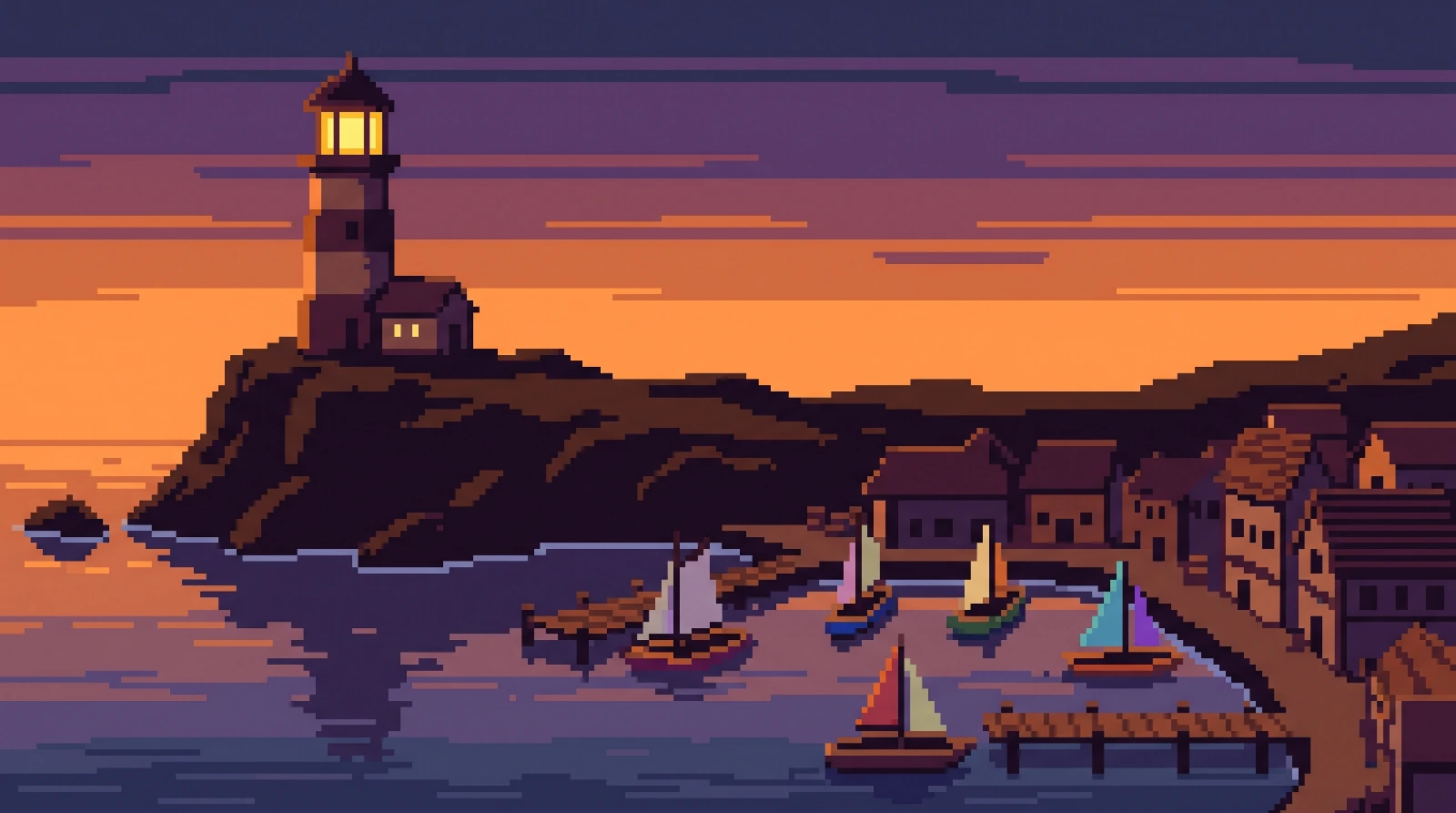
Classic Pixel Charm
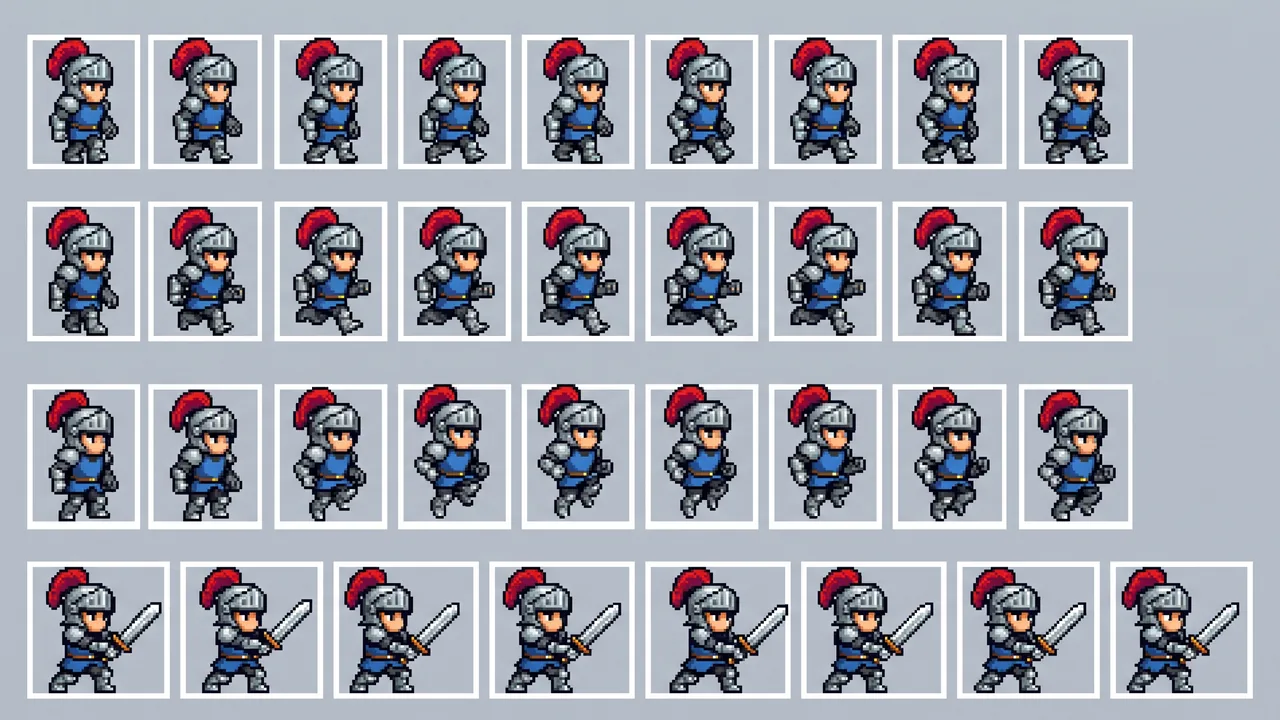
Bright sprites, bold palettes and hard-edged pixels give every picture the feel of a well-loved console game. Pixel Art is selected by default, so even a short prompt comes out clean and blocky.
Try the Pixel Art Generator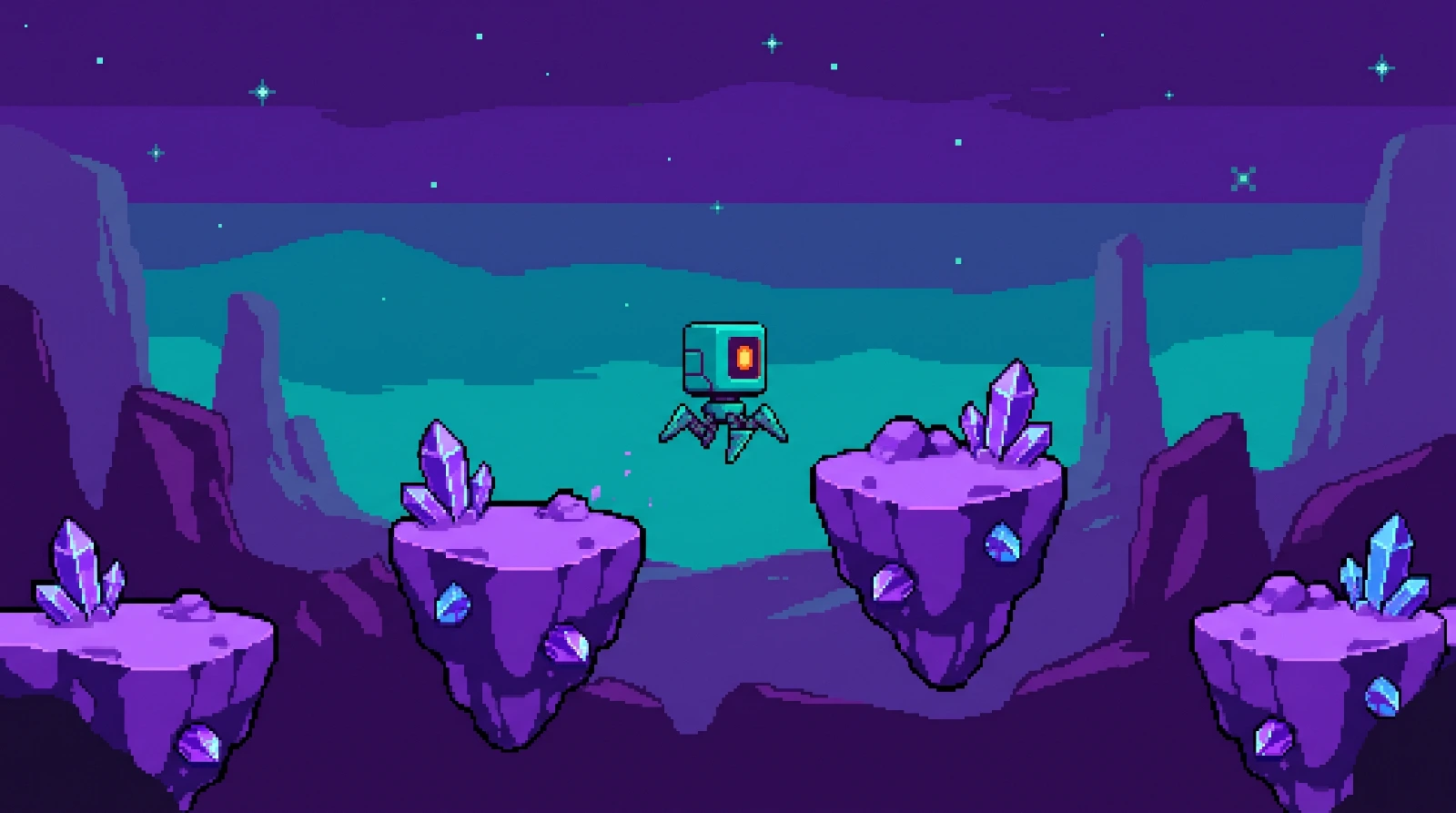
Multi-Use Pixel Art
Make art for game prototypes, posters, stream overlays, stickers and profile pictures. Pick a square, wide or tall shape for where it will be used, and make up to four versions at once.
Try the Pixel Art Generator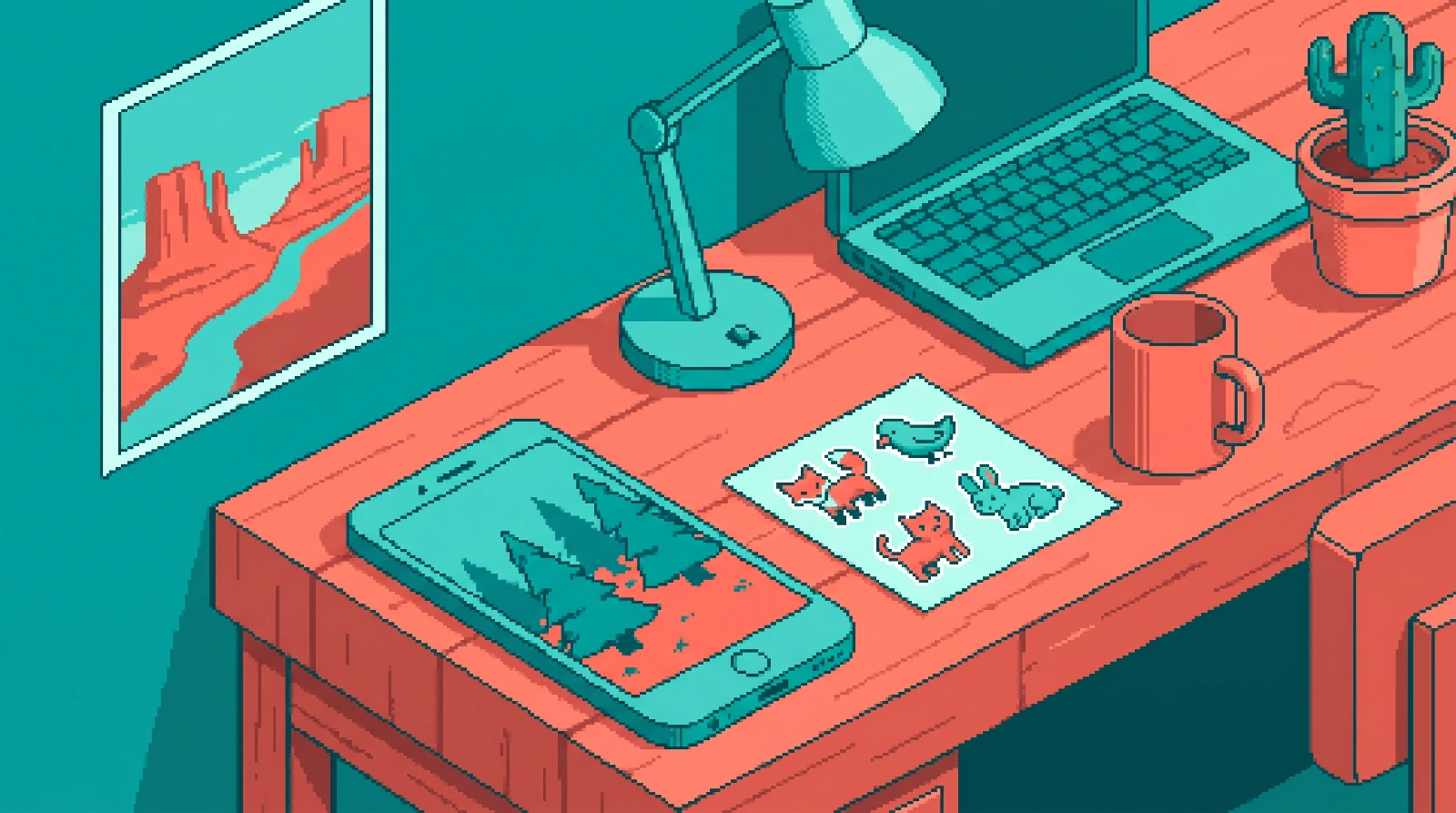
Pixel Art Creativity
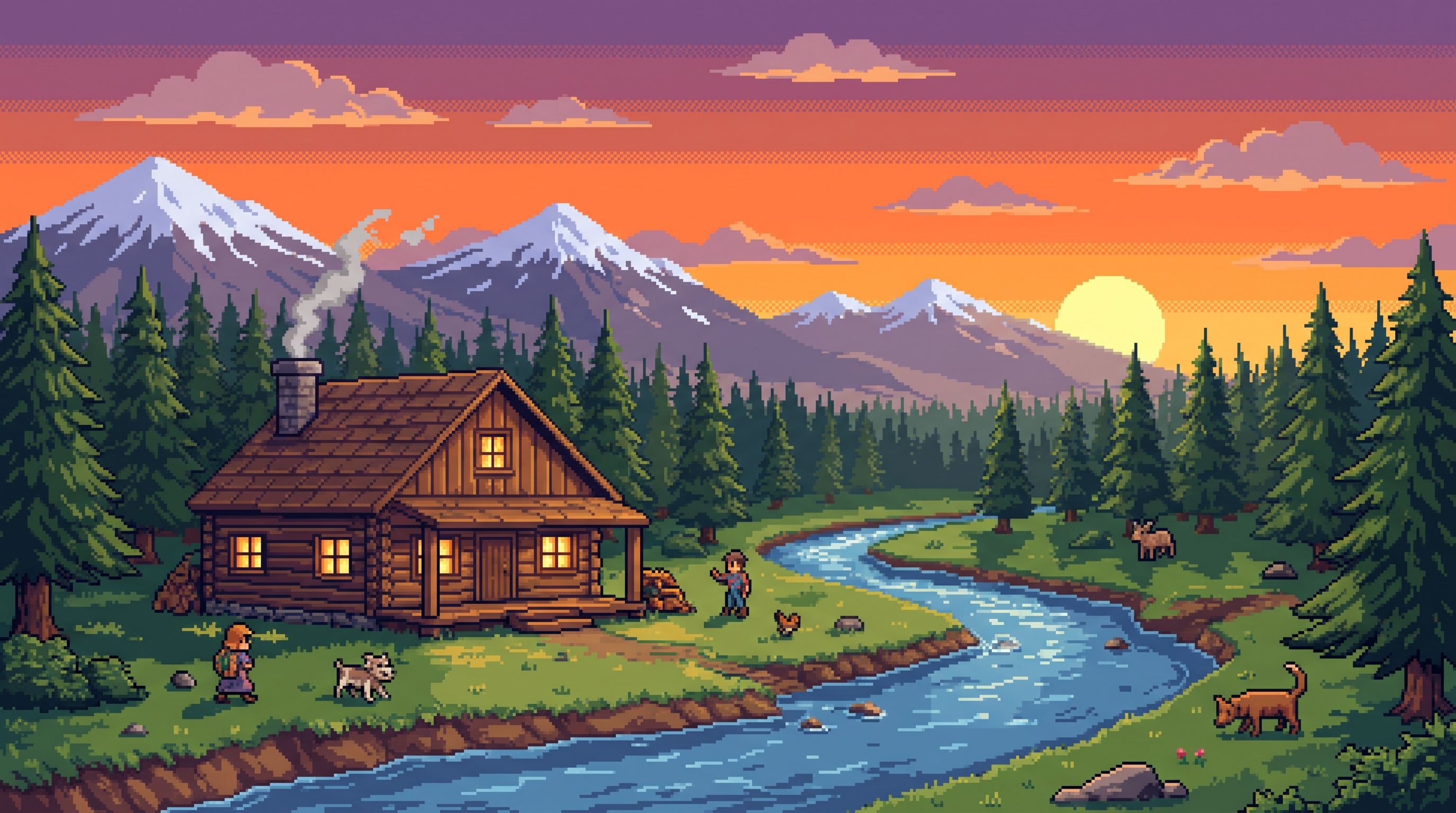
Turn any idea into a retro scene, from a neon city at night to a quiet forest cabin. Use the Ideas under the prompt box when you need a spark, then edit the words to make it yours.
Try the Pixel Art Generator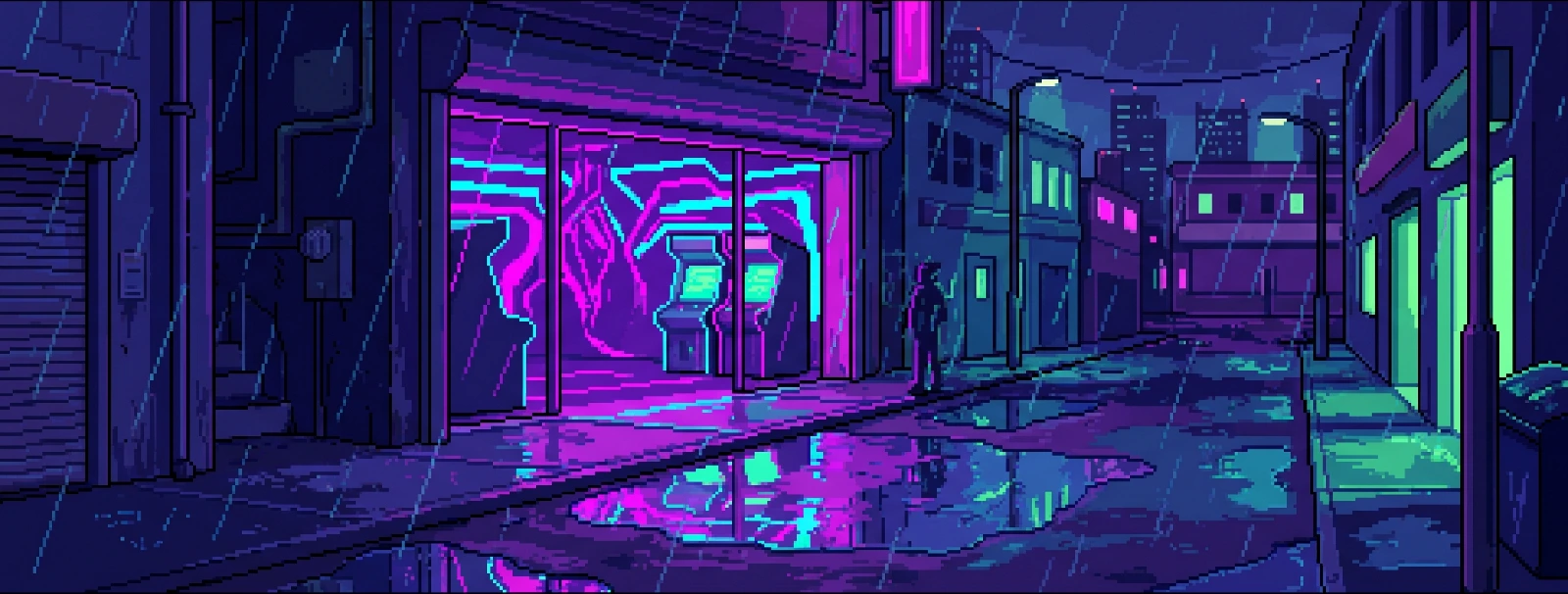
Diverse Pixel Styles
Keep Pixel Art selected and describe an 8-bit or 16-bit look in your prompt. You can also choose Isometric from the Style gallery. Compare versions and keep the one that suits your project.
Try the Pixel Art Generator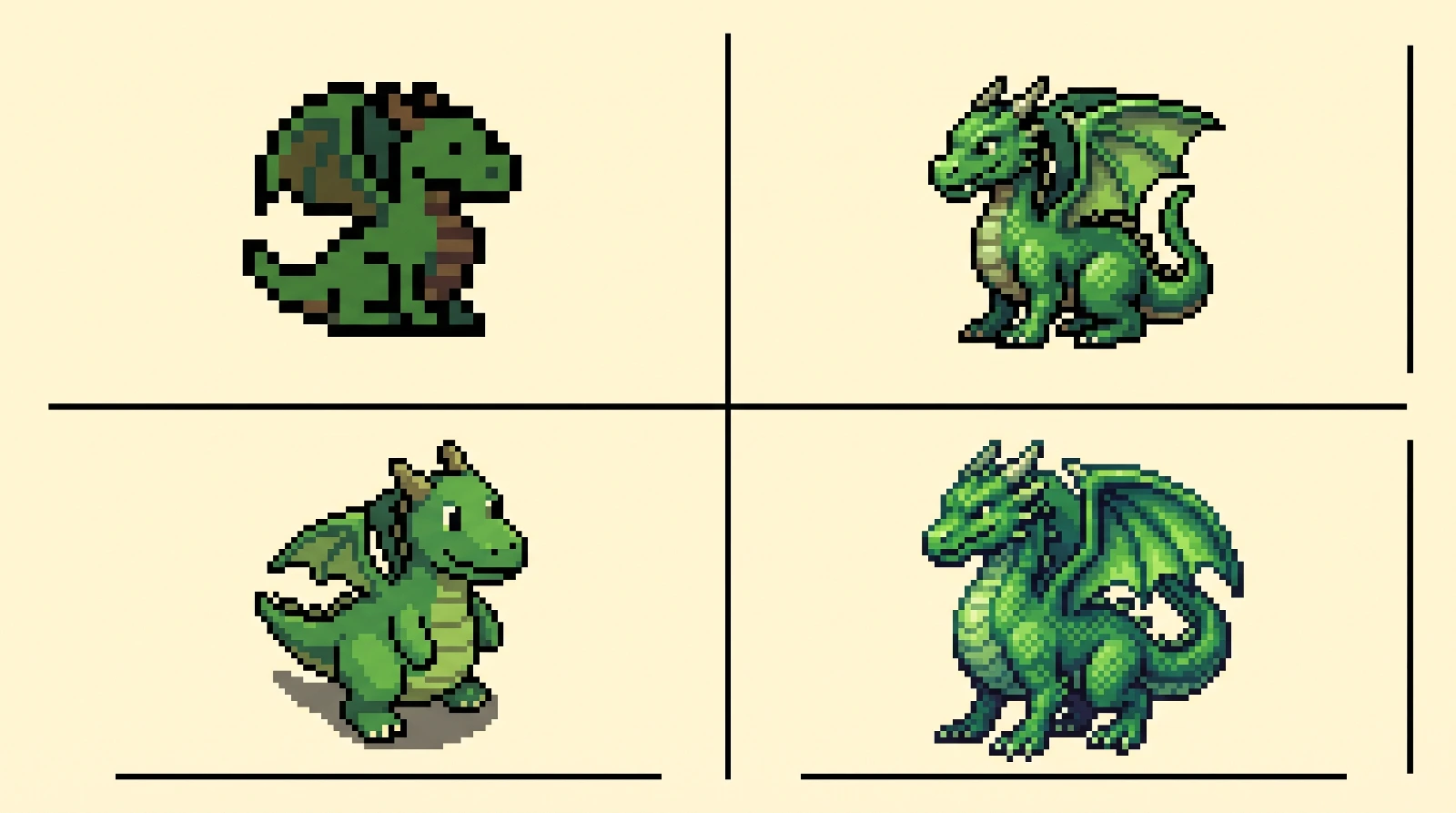
How to Create AI Pixel Art with Jitura
- 1
Step 1: Describe your pixel art
Type the subject and scene you want, or pick one of the Ideas under the prompt box.
- 2
Step 2: Choose a style and create
Keep the Pixel Art style or pick another, choose the shape, number of images and resolution, then press Create.
- 3
Step 3: Save or share
Preview the result, open it at full size and download the original image to use in your game or post.
Discover Other AI Image Generators
FAQs
What shapes the AI's pixel art designs?+
Your description and the selected style. The generator sends both to the image model you choose, which draws the scene with a limited palette and visible square pixels.
Can I try the pixel art generator for free?+
Available generations depend on your account's credits and the selected model. Check Pricing for current allowances and supported models. Downloads keep the original resolution returned by the model.
Can I share my pixel art online?+
You can download your result and share it, subject to the model's terms and any rights in your inputs. Public Visibility allows a result to be considered for Jitura's community gallery. Eligible paid accounts can turn it off. Uploaded reference images are not included in the gallery.
Is the pixel art good for game development?+
It works well for concept art, mood boards, backgrounds and prototype sprites. For animation frames in a grid, try the AI Sprite Sheet Maker, and check results before shipping them in a game.