
AI Bookmark Maker
Turn a theme, name, quote or lesson topic into a polished, printable bookmark in seconds.
Free outputs may appear in the public gallery. Learn more
Printable bookmarks for every reading moment
Out of bookmark ideas? Turn a theme, name, quote, lesson topic or brand detail into polished bookmarks for readers, gifts, shops, classes, book clubs and events, with no design skills needed.
Make bookmarks free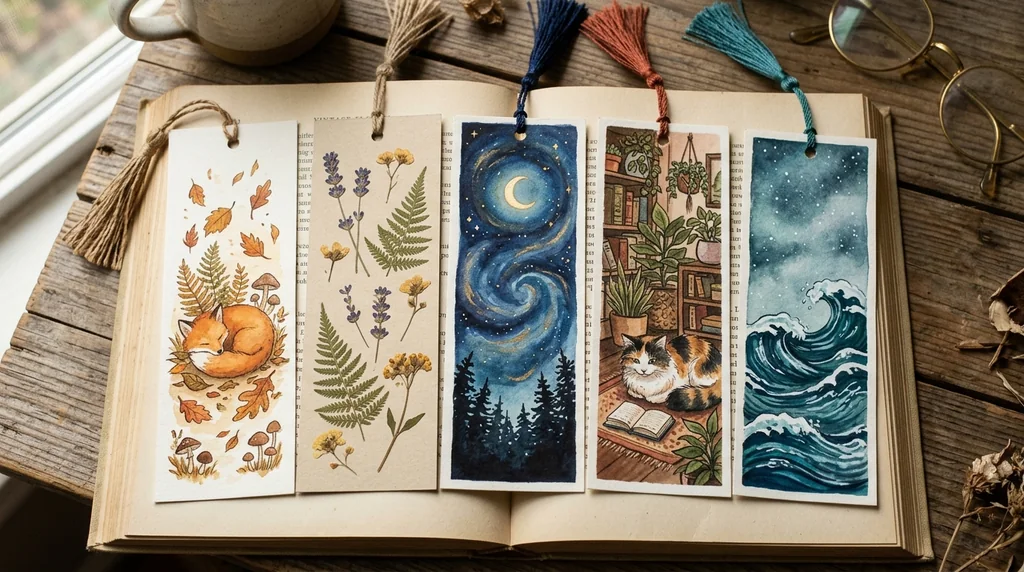
No skills needed
No drawing or layout tools required.
Cute printable styles
For gifts, school, book clubs and shops.
Several at once
Create a set from one prompt.
Polished bookmarks in seconds
Type a short prompt or upload an image and get attractive bookmark designs fast, for teachers, readers and sellers.
Make bookmarks free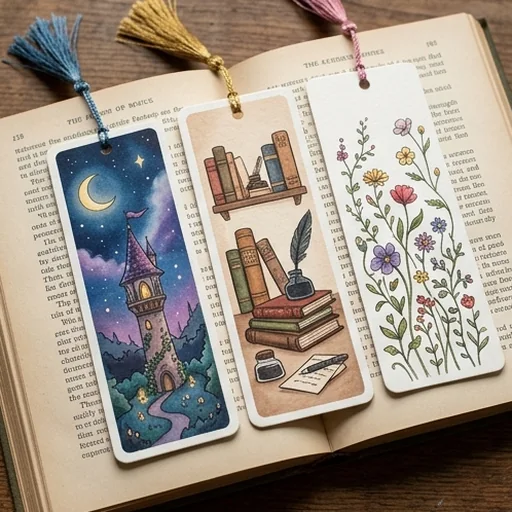
No design skills required
Describe the bookmark you want and the AI turns it into a clean, usable design.
Make bookmarks free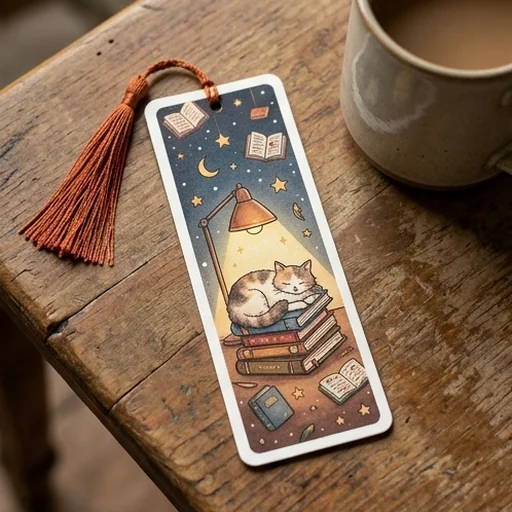
Ideas into polished art
Colours, textures, borders and small motifs come together in one cohesive design that looks giftable.
Make bookmarks free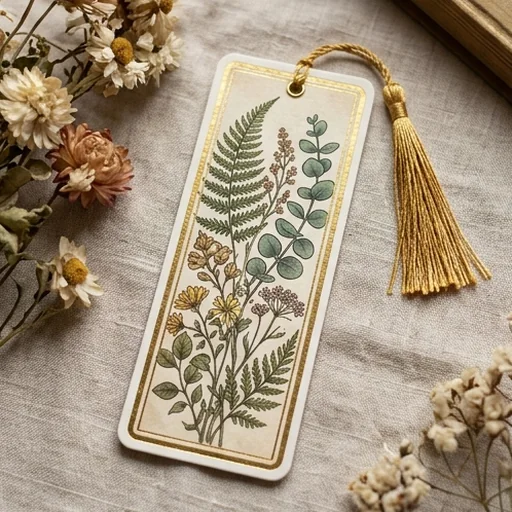
Printable designs for shops
Balanced layouts for home printing, class sheets and printable downloads.
Make bookmarks free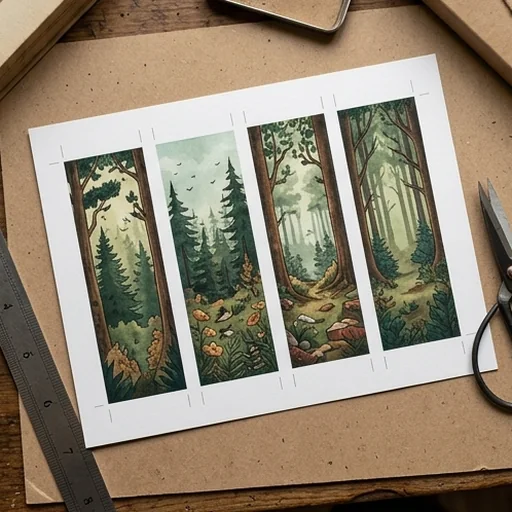
Better bookmark designs for every use
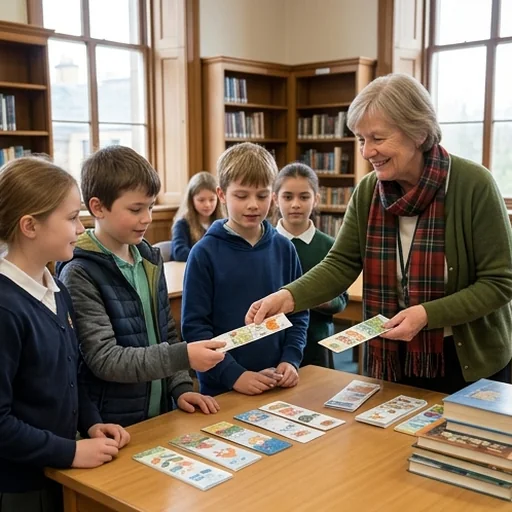
Reading rewards students keep
Teachers make bookmarks for class themes, reading logs and library events.
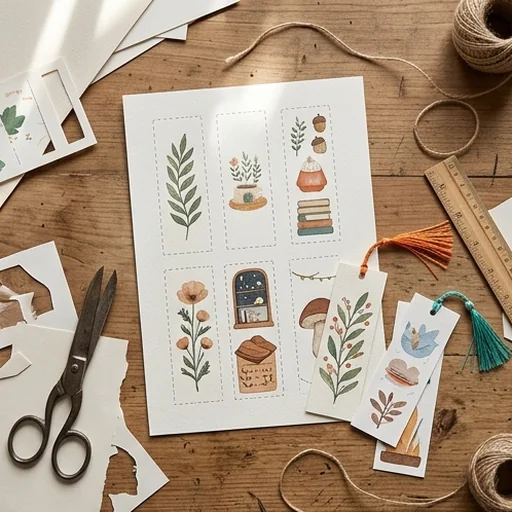
Printable sets for your shop
Sellers build seasonal sets for fantasy, romance or study niches.
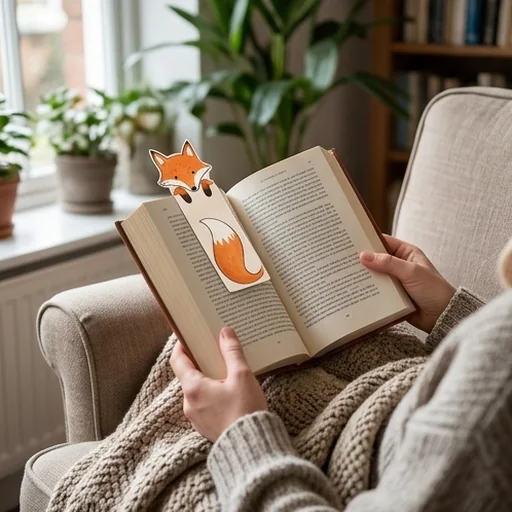
Cute bookmarks for fans
Creators turn quotes and reading lists into printable rewards.
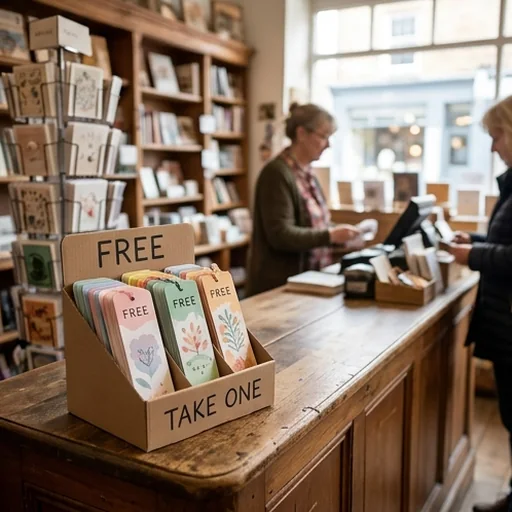
Simple giveaway designs
Brands make bookmarks for launches, inserts and bookshop events.
How to make a bookmark with Jitura
- 1
Step 1: Describe the bookmark
Include the theme, colours, quote, audience and style.
- 2
Step 2: Create
The AI creates bookmark options from your direction.
- 3
Step 3: Download
Download your favourite to print, gift, sell or share.
Discover other AI image tools on Jitura
FAQs
What is an AI bookmark maker?+
A tool that creates custom bookmark designs from prompts for readers, schools, shops and gifts.
How do I make bookmarks with Jitura?+
Write a clear prompt, choose the style and shape and create several options. Change the colours or text and create matching sets.
Why use Jitura's bookmark maker?+
It creates cute, themed bookmarks fast from a prompt and works with Jitura's other tools for editing and enlarging.
Can I make bookmarks from my own art?+
Yes. Upload your art as a reference or describe its key details, and the AI keeps its theme, colours and mood.
Can I refine my bookmark design?+
Yes. Use the AI Photo Editor to adjust details and the Image Upscaler for a sharper print.
Create better bookmarks with Jitura
Make bookmarks that feel polished, thoughtful and ready to use.
Make bookmarks free