
AI Label Generator
Turn product details into distinctive, well-structured labels that make your packaging look ready for the shelf.
Free outputs may appear in the public gallery. Learn more
Turn product details into labels that build trust
Does your packaging look as good as your product? Jitura's label generator turns a short brief into a well-structured label design that matches purpose, style, information, shape and language, so every launch looks professional on the shelf.
Create a label free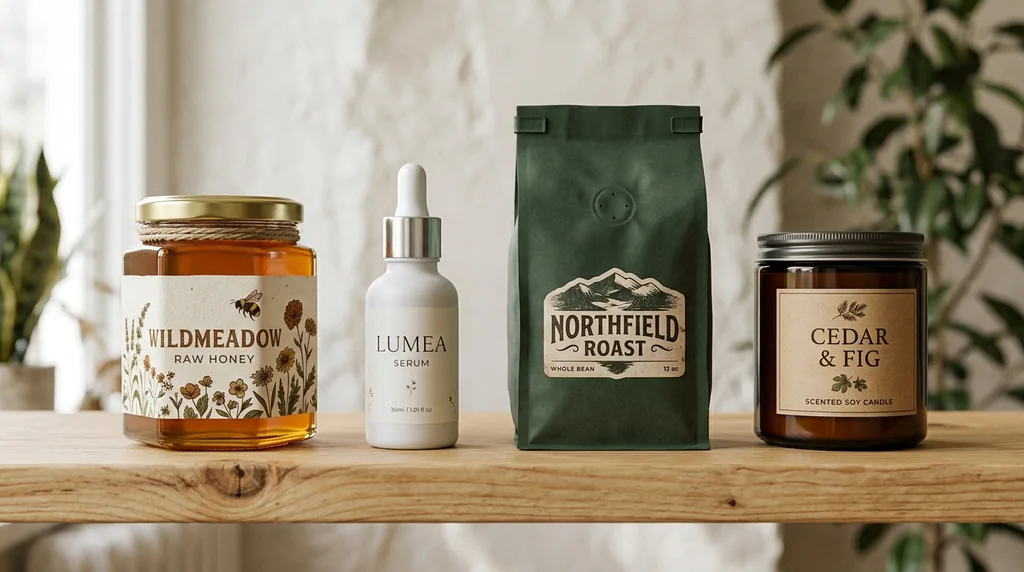
Shelf appeal
A rough product idea becomes a design that signals quality.
Facts that are easy to find
Names, ingredients, quantities and claims in a clear order.
Ready for every market
Consistent labels in the languages your customers read.
Labels shoppers understand instantly
Category-right visuals and clear cues; for food and drink the design highlights flavour, freshness and quality.
Create a label free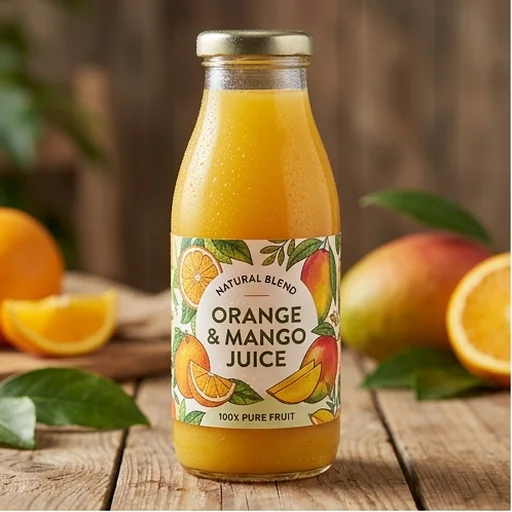
Brand personality on the shelf
Typography, colours and graphics follow your brand, so a skincare label reads as natural, clinical or premium.
Create a label free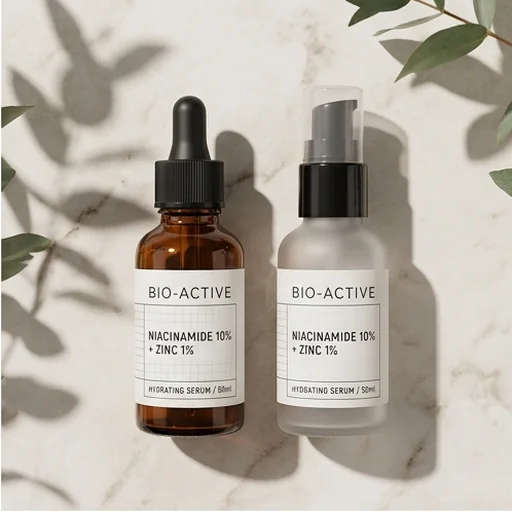
Details that are easy to scan
Dense product copy becomes a clear hierarchy of name, ingredients, dosage and claims.
Create a label free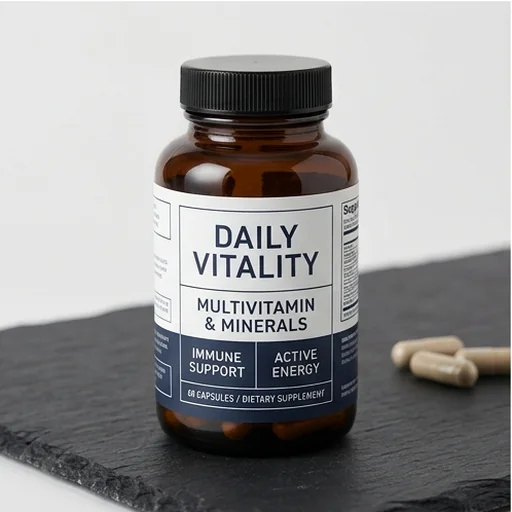
Clear in every language
Multilingual labels keep crisp text, consistent layouts and your brand identity for international retail.
Create a label free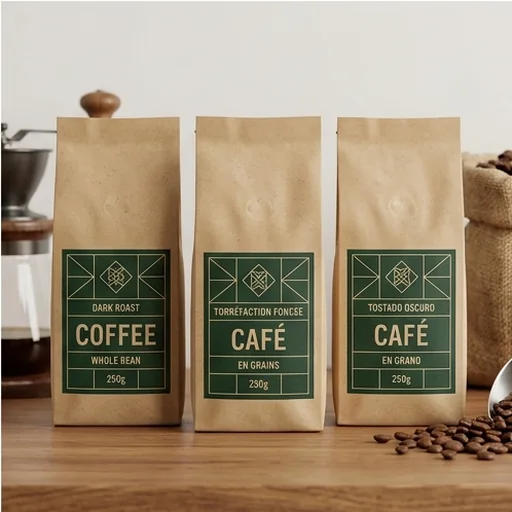
AI label designs for real buying moments
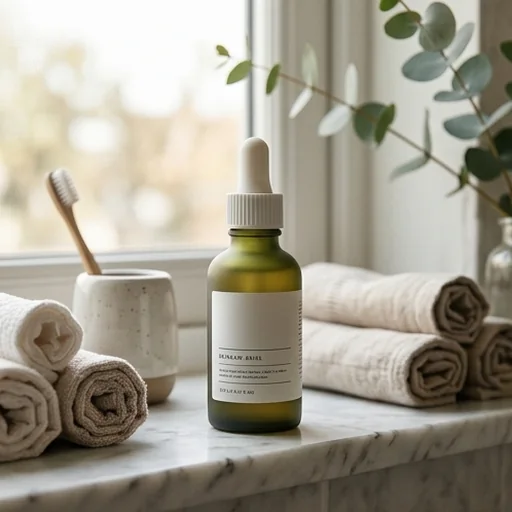
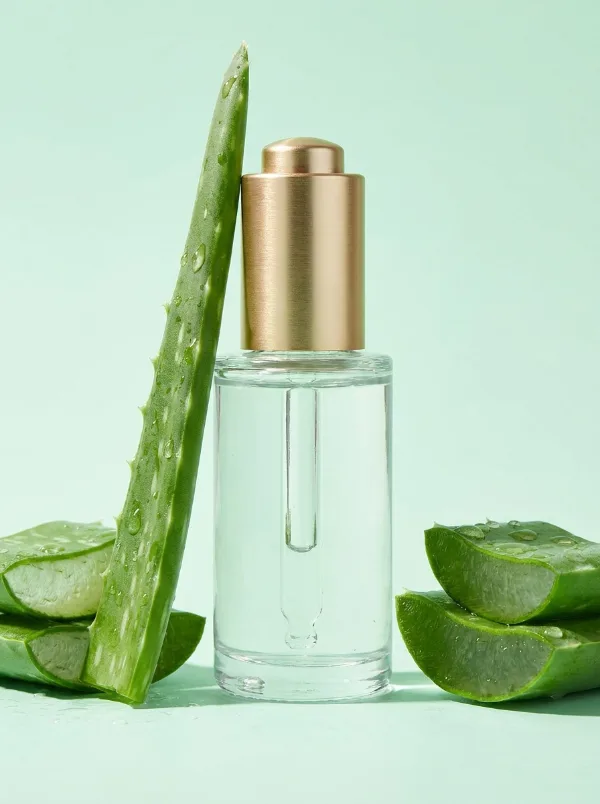
Skincare that feels considered
Refined type and benefit-led hierarchy support a clean, natural or premium position.
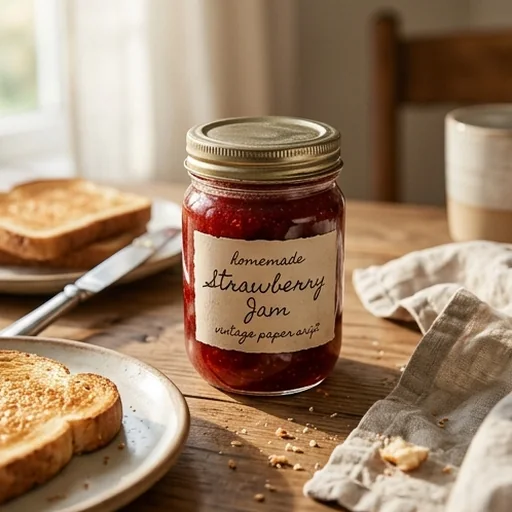
Food that looks trustworthy
Flavour, ingredients and size are organised so shoppers understand the product quickly.
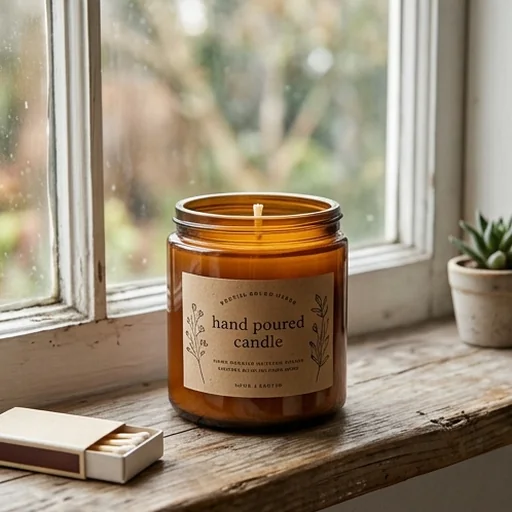
Handmade products worth paying for
Scent notes, materials and maker stories become warm, intentional candle labels.
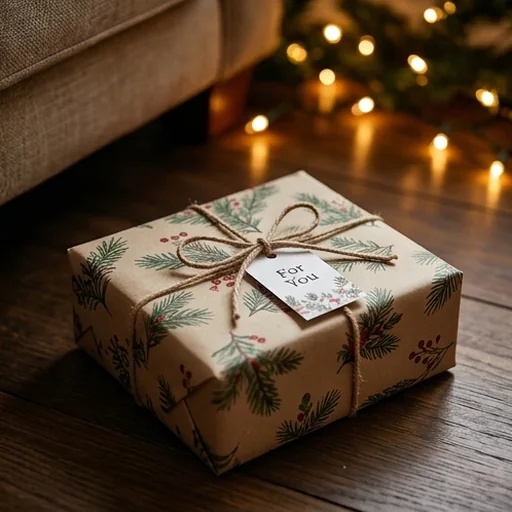
Gifts that look finished
Branded visuals for gift packaging and seasonal collections.
How to create product labels with Jitura
- 1
Step 1: Enter product details
Add the brand name, product, purpose and label shape.
- 2
Step 2: Guide the design
Describe the style, colours, language and imagery.
- 3
Step 3: Create and download
Create the label, review it and download it in high resolution.
Discover other AI image tools on Jitura
FAQs
What is an AI label generator?+
A tool that turns product and brand information into a polished label with coordinated colours, fitting graphics, readable type and a balanced layout.
How does the label generator work?+
Enter the brand name, product information, style and language. The AI creates matching graphics and arranges every element into a finished label.
What labels can I create?+
Food and drink labels that show flavour and freshness, skincare labels that signal natural care or premium quality, candle and handmade labels and gift labels.
Who is the label generator for?+
Brands, small businesses, online sellers, makers and marketers creating labels for products, packaging, gifts or seasonal launches.
Can it keep my branding consistent?+
Yes. Give the same brand name, colours, type and style in each prompt and labels across products and languages share one identity. Always proofread the text before printing.
Is the label generator free?+
Yes. Every signed-in account gets free daily operations, and each image uses one. Paid plans add more operations, higher resolutions and private outputs.
Make every label sell the product
Create a clear, distinctive label that makes your brand look credible and ready for market.
Create a label free