
AI PNG Logo Maker
Create a transparent PNG logo from your brand name, industry, graphic ideas and background needs.
Free outputs may appear in the public gallery. Learn more
Create a credible PNG logo you can use anywhere
Need a logo that makes your brand look ready to trust? Describe your brand and style and Jitura creates several transparent logo options you can drop onto a store header, product label or launch graphic.
Try the PNG logo maker free
Logo from a few words
Describe the brand and get a polished, transparent mark.
Matches your brand look
Add a reference image and the colours and mood carry over.
Clean transparent files
Logos sit neatly on websites, packaging and launch assets.
Turn brand notes into a usable logo fast
Give your brand name, industry, theme and request, and the logo maker turns it into a clear mark for a launch page or new product.
Create a PNG logo free
Keep the logo consistent with your brand
Add a photo or reference image; its colours, mood and visual cues guide the logo so the new mark matches your existing identity.
Create a PNG logo free
A logo people can read and remember
Ask for an icon with text, a symbol on its own or a lettering-only mark for app icons, listings and watermarks.
Create a PNG logo free
Several transparent logos in one run
Choose how many results you want, compare the options and download the strongest one for your site, profile or brand kit.
Create a PNG logo free
PNG logo ideas for launches, stores and social brands

Look credible before the first click
Startups place a clean logo on landing pages, decks and product shots where first impressions shape trust.

Make every profile feel connected
Creators keep the same mark on avatars, banners and post templates without awkward background boxes.
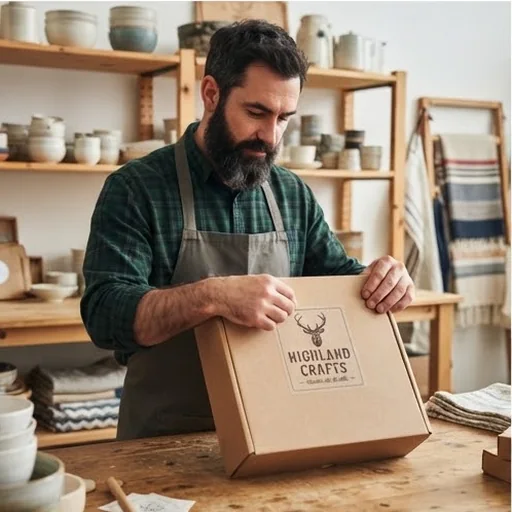
A brand mark buyers remember
Small shops put a clear logo on labels and storefront headers so they feel more established.
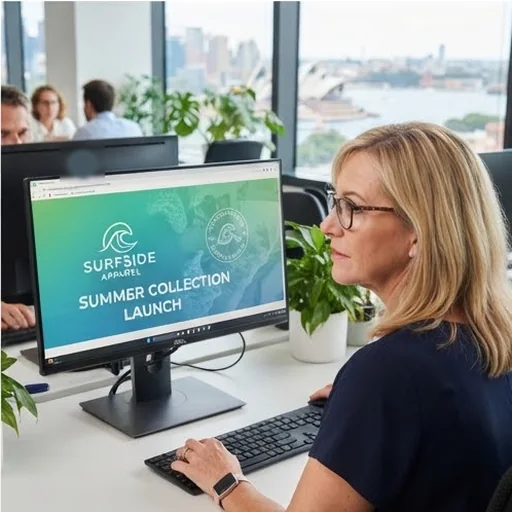
Campaign marks without long design rounds
Short-term promos and seasonal graphics still look branded with a quick transparent mark.
How to make a PNG logo with Jitura
- 1
Step 1: Describe the brand
Enter the brand name, industry and what the logo is for.
- 2
Step 2: Add a reference (optional)
Upload an image to guide the colours and style.
- 3
Step 3: Create and download
Create several logos and download your favourite.
Discover other AI image tools on Jitura

FAQs
What is a PNG logo maker?+
An AI tool that turns your brand name, industry and design notes into logo designs on a transparent background, ready for store headers, profiles, labels, decks and app icons.
How do I make a PNG logo from my brand idea?+
Write your brand name and what you need, or add a reference image, then press Create. The AI turns those cues into several logo options in a matching style.
Can I create a transparent logo without design experience?+
Yes. Describe the brand and the look you want and the AI does the design work for you.
Why use Jitura's PNG logo maker?+
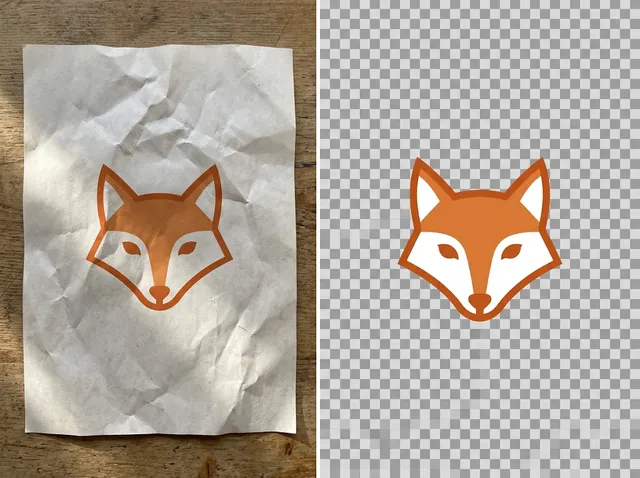
You get several logo options from one prompt, can steer them with a reference image and can refine the favourite with other Jitura tools such as the Logo Background Remover.
What should I include in my logo prompt?+
Your brand name, type of business, audience, mood, preferred style, colours and whether you want a text logo, a symbol or both.
Is the PNG logo maker free?+
Yes. Every signed-in account gets free daily operations, and each image uses one. Paid plans add more operations, higher resolutions and private outputs.
Create a PNG logo that makes your brand look ready
Turn your brand idea into a transparent logo for your website, store, profiles and launch materials.
Try the PNG logo maker free