
AI Storyboard Generator
Turn your script into a polished multi-panel storyboard with consistent characters and clear shots.
Free outputs may appear in the public gallery. Learn more
See your story take shape before production
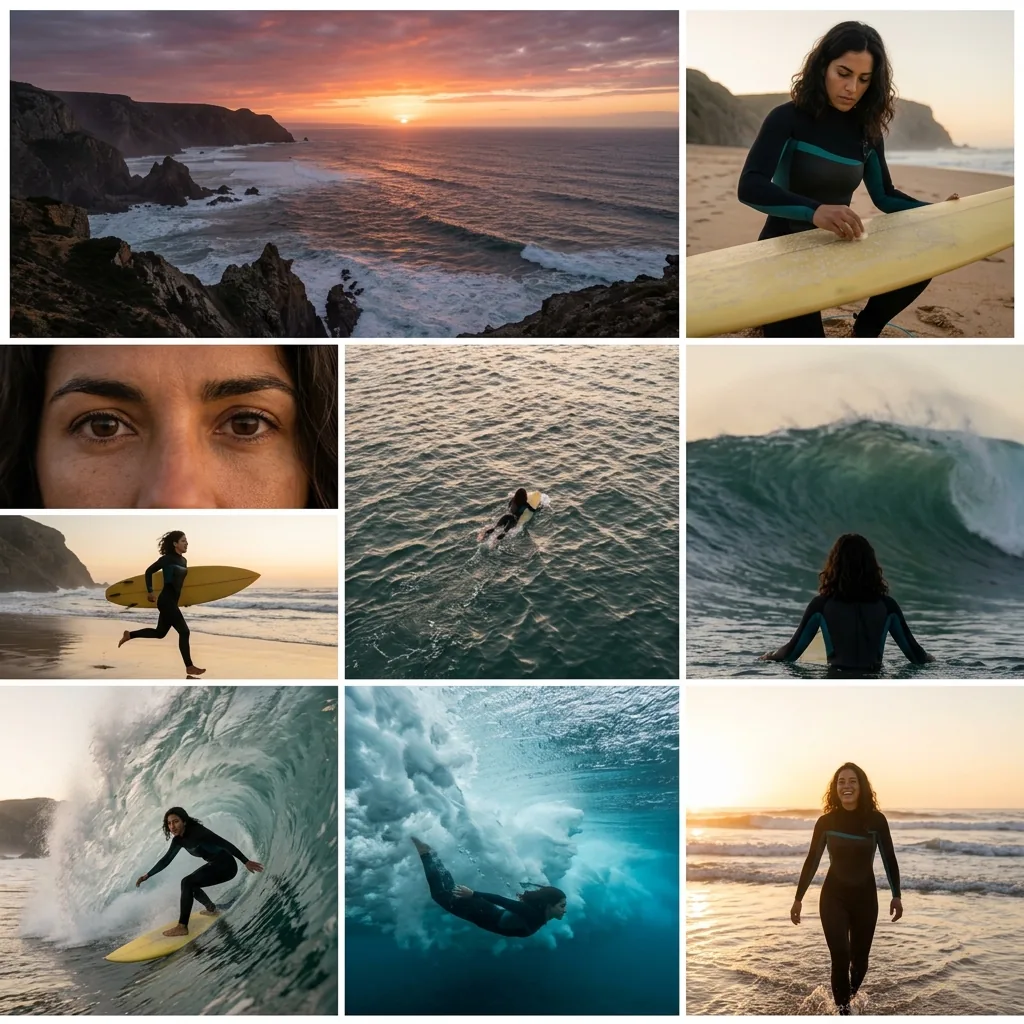
Still sketching every frame by hand? Jitura's storyboard generator turns your script into a polished multi-panel sequence with consistent characters and compositions, so you can test pacing, align the team and avoid costly rework once filming or animation begins.
Create a storyboard free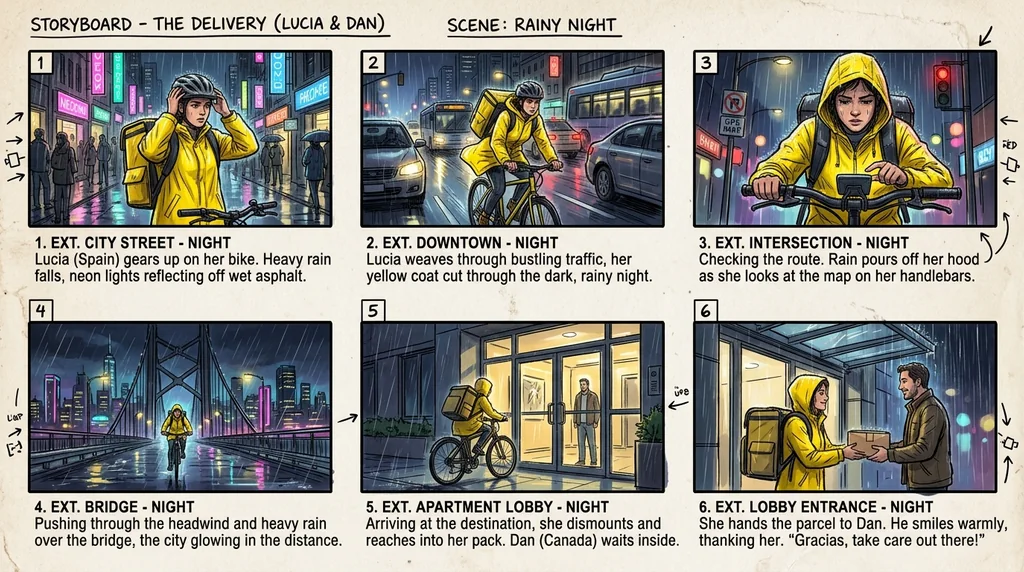
See it before the shoot
Scripts become visual beats you can review.
Recognisable characters
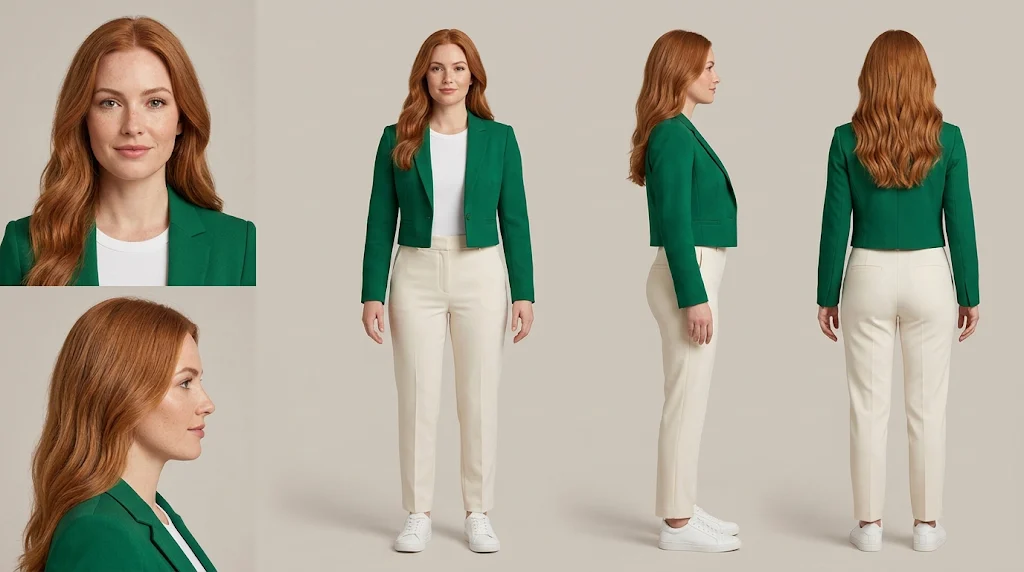
Faces, hair and clothing stay the same across shots.
4, 6 or 9 panels
Boards that make scene order easy to check.
Find the shots that make the story flow
Your text becomes visual beats with characters, actions, settings and key moments laid out in order.
Create a storyboard free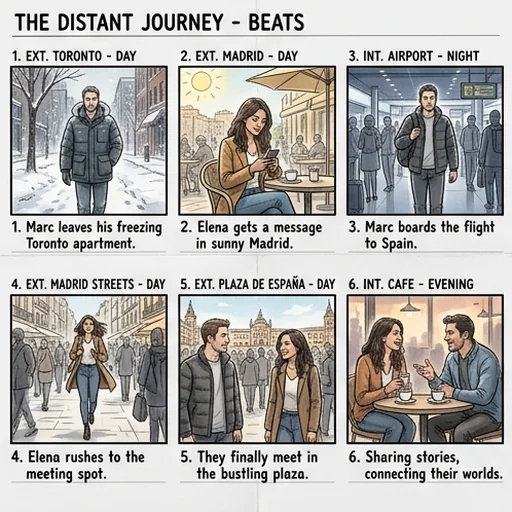
Characters stay recognisable
Each character keeps the same face, hairstyle and outfit across changing actions and scenes.
Create a storyboard free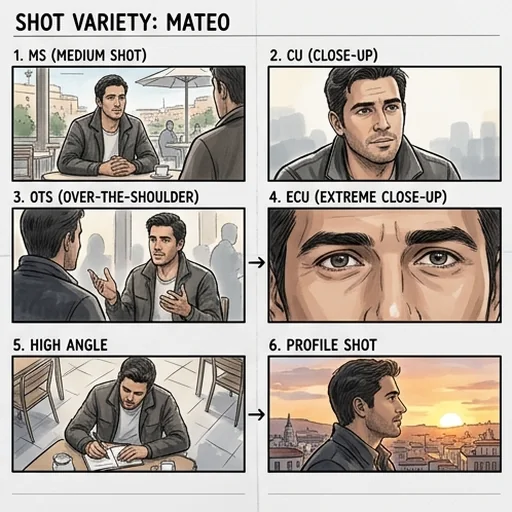
Direct every frame in words
Describe framing, camera angles, positions and action and the panels follow your direction.
Create a storyboard free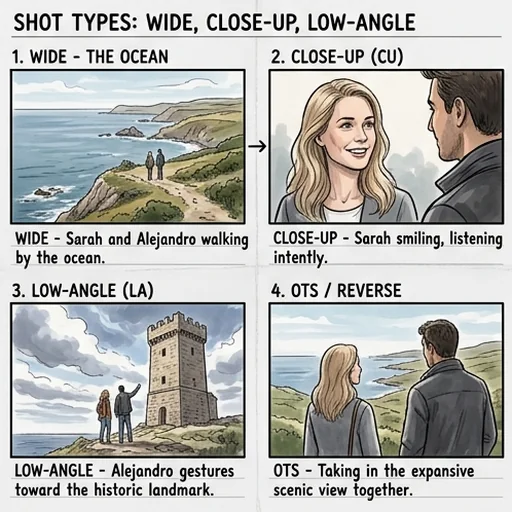
All shots on one clear board
4-, 6- or 9-panel boards in one image for pitches, approvals and handoffs.
Create a storyboard free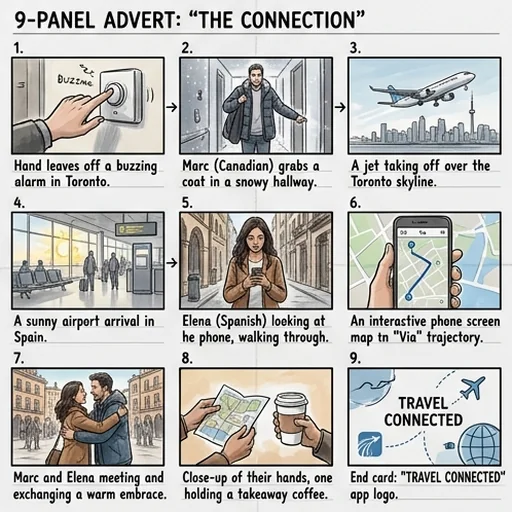
Polished storyboards without manual drawing
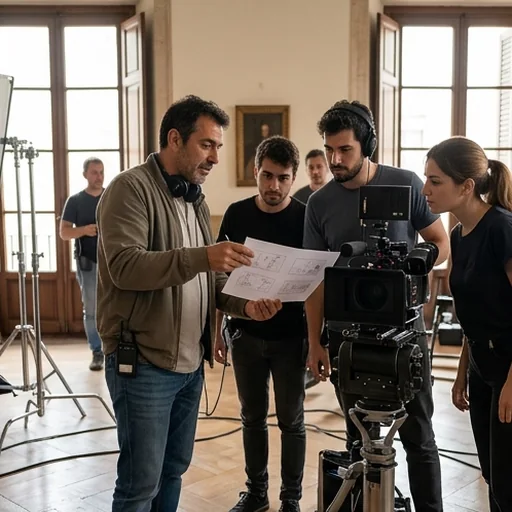
Plan every shot before filming
Directors confirm angles, positions and shot order.

Show clients the campaign
Agencies map the hook, product and payoff into a persuasive sequence.
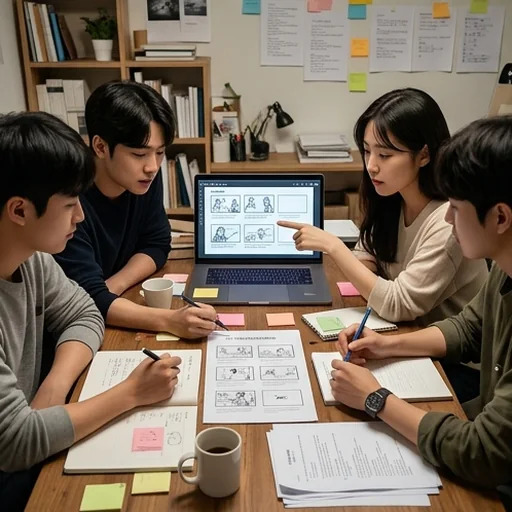
Fast-moving short dramas
Teams keep characters consistent and pacing sharp.
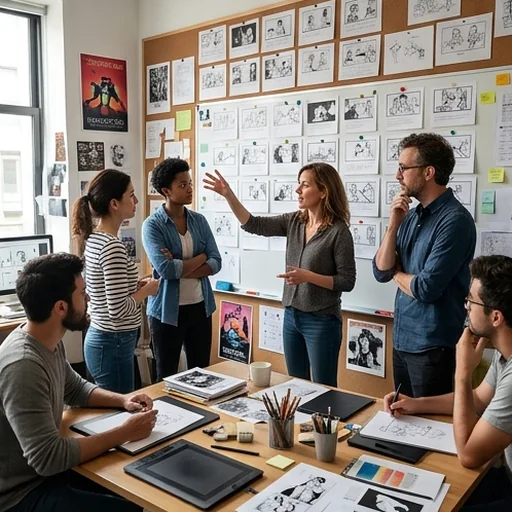
One reference for every department
Animation and game teams share scene flow and camera direction.
How to make a storyboard with Jitura
- 1
Step 1: Paste your story
Enter the plot, script or scene description.
- 2
Step 2: Direct the shots
Describe shot sizes, angles, positions and the number of panels.
- 3
Step 3: Create and download
Create the storyboard, review it and download it.
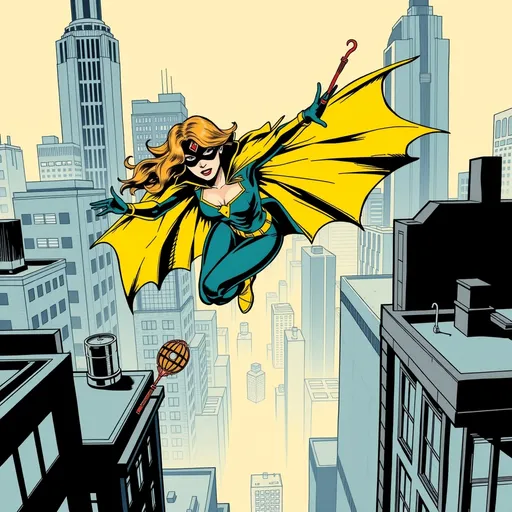
Discover other AI image tools on Jitura
FAQs
What is an AI storyboard generator?+
A tool that turns written ideas into high-resolution storyboards with consistent characters, purposeful compositions and clear flow.
How do I create a storyboard with Jitura?+
Enter your story, say how many panels and which style you want and press Create.
How does storyboarding help pre-production?+
It makes flow, coverage, composition and continuity visible early, so teams spot gaps and agree before expensive work starts.
Which shot types can I direct?+
Close-ups, medium and wide shots, overhead and low angles, character positions, movement and focus.
Do I need drawing skills?+
No. The AI draws the panels from your text and shot directions.
Is the storyboard generator free?+
Yes. Every signed-in account gets free daily operations, and each image uses one. Paid plans add more operations, higher resolutions and private outputs.
Create clear storyboards for smoother production
Turn scene ideas into a visual roadmap that prevents costly changes later.
Create a storyboard free