
Word Cloud Generator
Turn plain text into an engaging word cloud that highlights the words that matter most.
Free outputs may appear in the public gallery. Learn more
Turn plain text into engaging visual stories
Turn dry lists into something people actually look at. Jitura's word cloud generator gives your key words a visual weight, so feedback, lesson notes or brand values become a graphic that summarises the message at a glance.
Create a word cloud free
Smart word weighting
The most important words appear largest.
Custom shapes
Fit your words into icons or brand shapes.
Any colour palette
Match the graphic to your brand style.
Memorable presentation slides
Turn a keyword list into a visual summary or an icebreaker image for meetings that people remember.
Create a word cloud free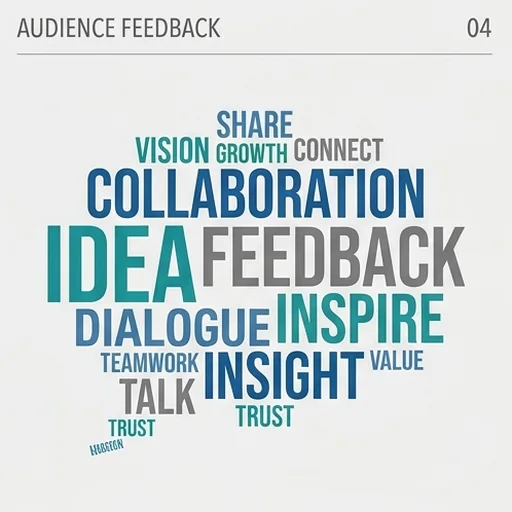
Visual learning aids
Teachers turn lesson notes into word clouds that help students spot recurring themes.
Create a word cloud free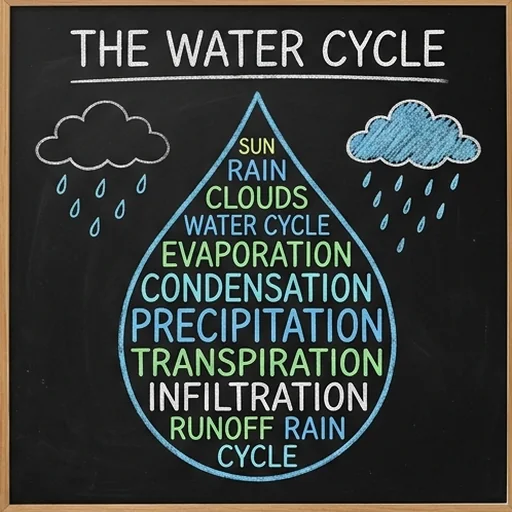
Insights from customer feedback
Survey answers become a map where common words grow larger, showing what customers say most.
Create a word cloud free
Social content from trends
Trending topics and hashtags become shareable graphics that summarise an event.
Create a word cloud free
Eye-catching word clouds for every story
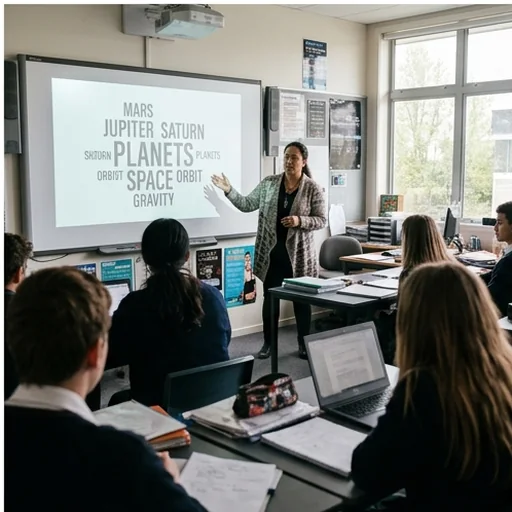
Simplify complex lessons
Summarise key terms so students see what matters most.

Visualise customer sentiment
Thousands of answers become one clear graphic for stakeholders.
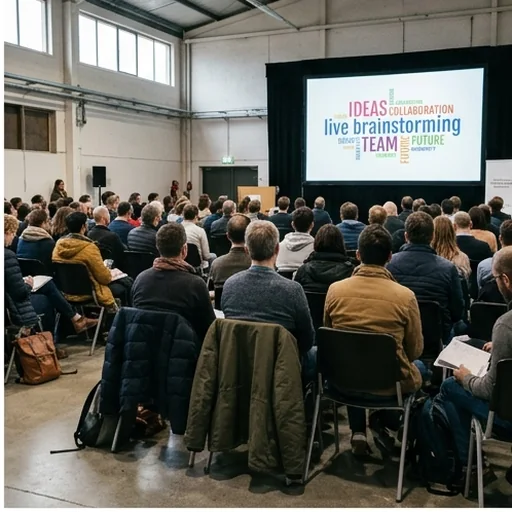
Capture live brainstorming
Show audience ideas as a shared visual during a session.

Summarise articles for social
A word cloud of the main topics gives readers a visual hook.
How to create a word cloud with Jitura
- 1
Step 1: Add your words
Paste the words or text you want to show, with the most important first.
- 2
Step 2: Describe the look
Name the shape, style and colours.
- 3
Step 3: Create and download
Create the graphic and download it in high resolution.
Discover other AI image tools on Jitura



FAQs
What is a word cloud generator?+
A tool that turns text into a graphic where the most important or frequent words appear larger and bolder.
Can I use the word cloud generator for free?+
Yes. Every signed-in account gets free daily operations, and each image uses one. Paid plans add more operations, higher resolutions and private outputs.
Can I use word clouds in business reports?+
Yes. The images are high quality and fit presentations, e-books and reports.
Can I leave out certain words?+
Yes. Only list the words you want, or say which common words to ignore.
Does it support other languages?+
Yes. Write the words in the language you need; check the spelling in the result before you publish.
Can I choose the font style?+
Yes. Describe the type you want, from modern and sleek to classic and formal.
Turn your text into a visual masterpiece
Add your words and let Jitura create a graphic that highlights your most important ideas.
Create a word cloud free