
Text Effect
Turn your words into expressive lettering art: neon, 3D, metallic, glass and more.
Free outputs may appear in the public gallery. Learn more
Vibrant text effects that give your words impact
Turn your words into expressive visual art. Describe your text and the style you want and get a custom effect for posts, thumbnails, invitations and personal projects, with a clearer mood and a more memorable look.
Create text effects free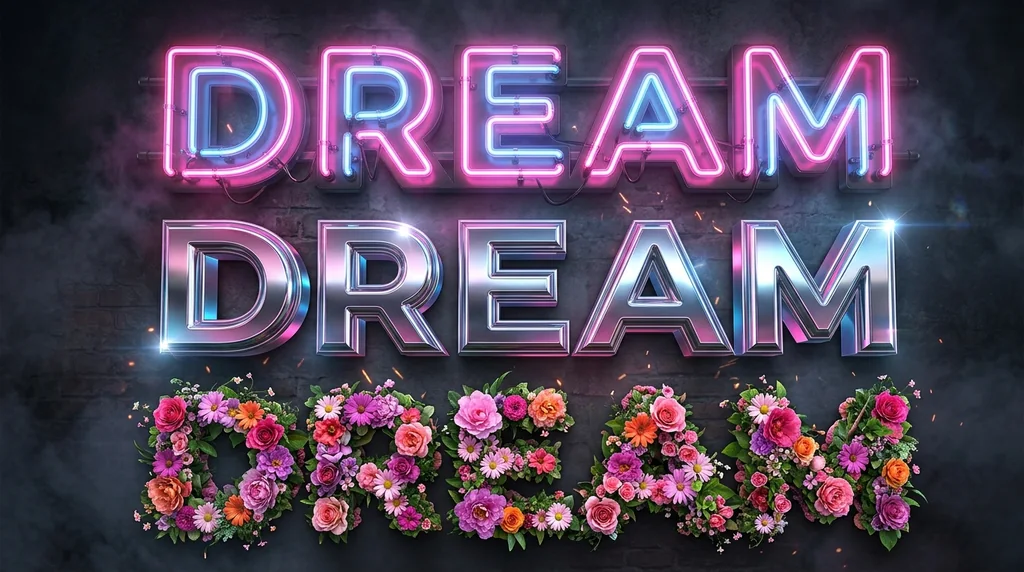
No design skills
Polished effects from simple words.
Flexible style
Texture, colour, depth and mood.
More variations
Explore effects without rebuilding them.
Save time on every revision
Change the wording in a poster or thumbnail by editing the prompt instead of rebuilding the design.
Create text effects free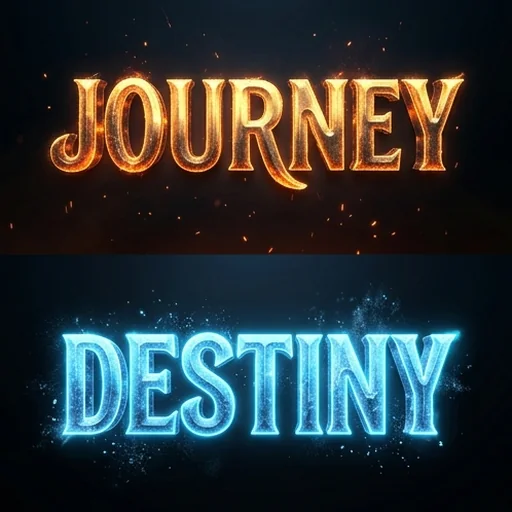
Make key messages stand out
Shadows, outlines, glow, depth and contrast direct attention to the most important words.
Create text effects free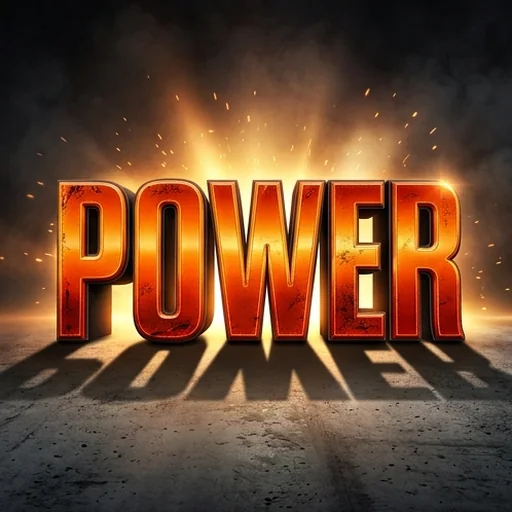
Visually consistent designs
Lettering, colours and atmosphere follow your theme across posts, invitations and slides.
Create text effects free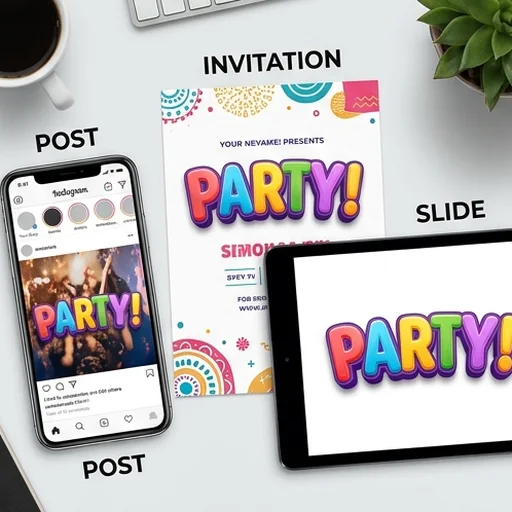
Lettering beyond standard fonts
Letters made of glass, smoke, chrome, flowers, candy or other imaginative materials.
Create text effects free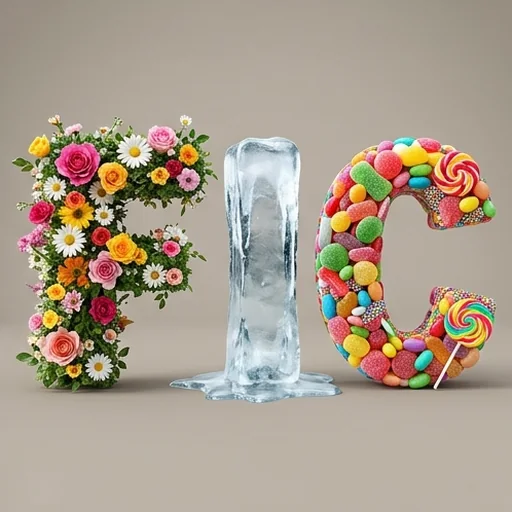
Where your text effects make an impact
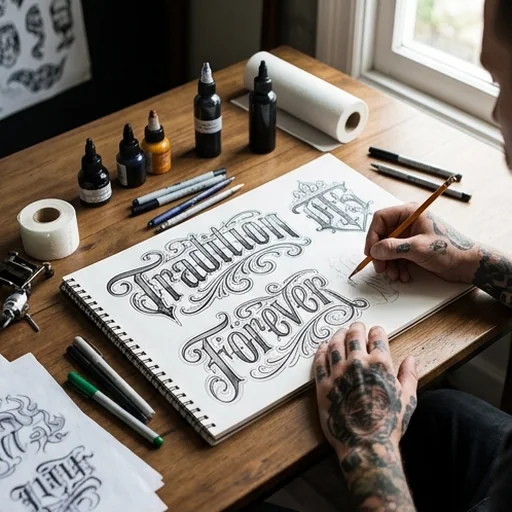
Meaningful lettering ideas
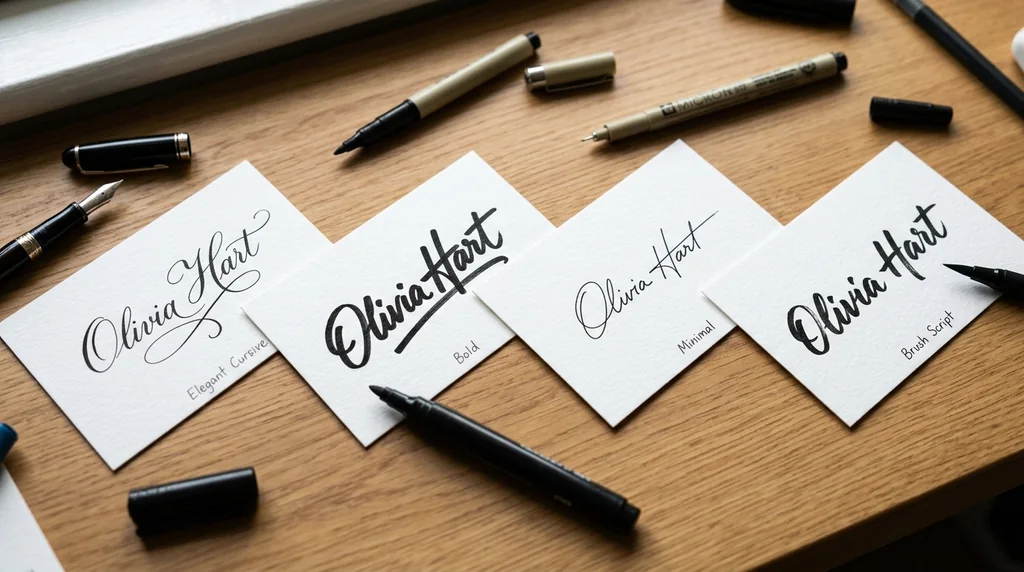
Preview names, dates and quotes in different lettering styles.

A consistent business identity
Branded lettering for menus, signs, announcements and posts.
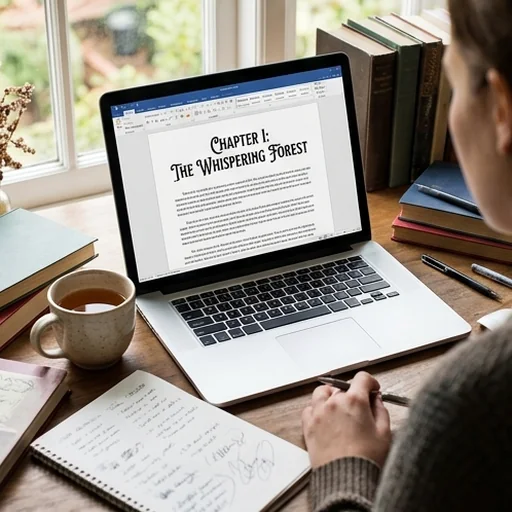
Distinctive story worlds
Titles, fictional signs and chapter graphics for writers.
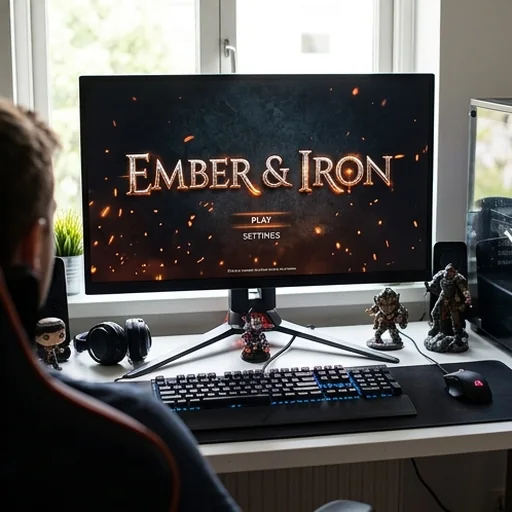
Stronger game worlds
Themed lettering for title screens, menus and achievements.
How to use the AI text effect generator
- 1
Step 1: Enter your words
Type the words you want to transform.
- 2
Step 2: Describe the style
Say the material, texture, colours and mood.
- 3
Step 3: Create and use
Create the effect and download it for your project.
Discover other AI image tools on Jitura

FAQs
What is an AI text effect generator?+
An AI image generator that turns words or short phrases into stylised lettering art with custom colours, depth, lighting and details.
Why use Jitura's text effect generator?+
A simple prompt workflow, flexible style control and high-quality results, without building each effect by hand.
Is the text effect generator free?+
Yes. Every signed-in account gets free daily operations, and each image uses one. Paid plans add more operations, higher resolutions and private outputs.
Can I create different effects for the same words?+
Yes. Keep the words and change the material, colours, mood or composition in your prompt.
What if I want to change the effect afterwards?+
Edit the prompt and create again, or refine the background and small details with the AI Photo Editor.
What can I create?+
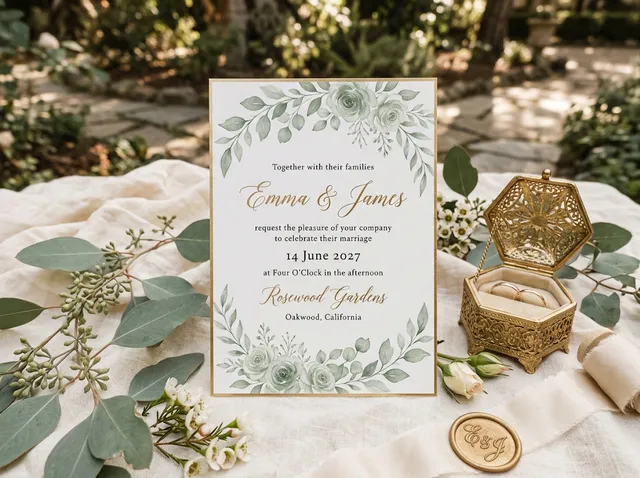
Neon lettering, metallic titles, glass or ice text, balloon letters, embroidered type, retro graphics and fantasy inscriptions for posts, thumbnails, posters, invitations and stickers.
Create bold text effects that stand out
Create distinctive lettering in seconds and make every word more memorable.
Create text effects free