
AI Infographic Generator
Turn one idea into an infographic that makes complex information clear, memorable and ready to share.
Free outputs may appear in the public gallery. Learn more
Turn complex information into instant clarity
Need people to get your message at a glance? Jitura's infographic generator turns one idea into an infographic with short copy, clear charts and a polished layout that people save and share.
Create an infographic free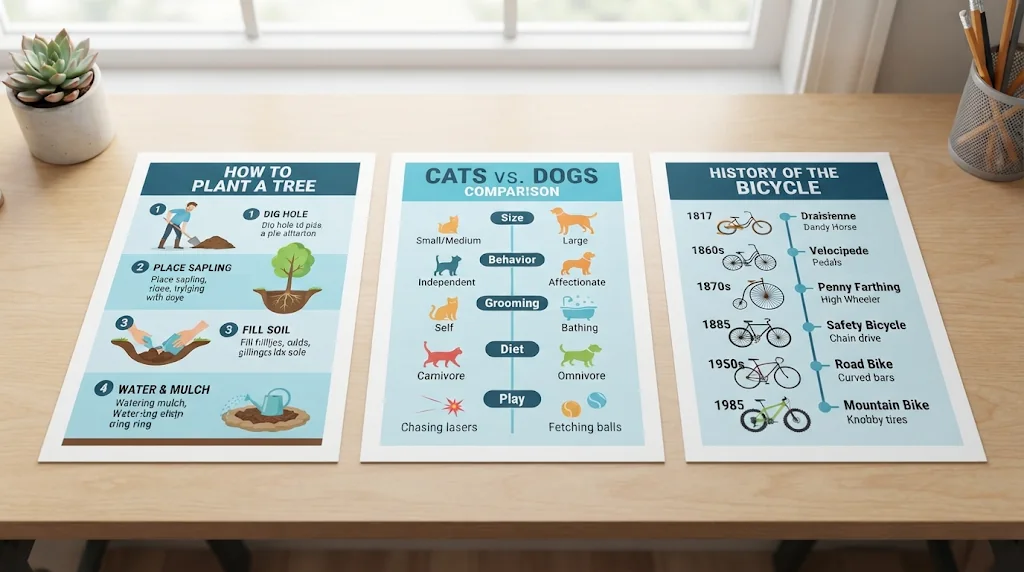
Make complex ideas click
Dense facts become a clear takeaway before readers leave.
Show data people can trust
Evidence, charts and emphasis in balance so comparisons feel credible.
Infographics people save
Branded designs that stay clear on feeds, slides and handouts.
Turn raw ideas into memorable infographics
Give it a topic, outline, notes or product facts; it picks the strongest points, writes headlines and shapes a clear visual story.
Create infographics free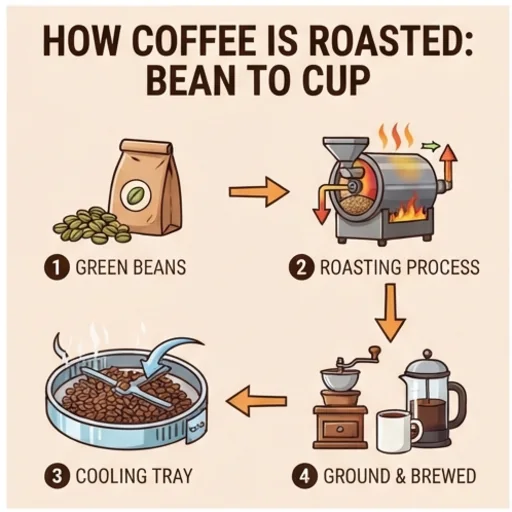
Make every number impossible to miss
Text, charts, icons and callouts follow a clean path so readers compare details and find the takeaway fast.
Create infographics free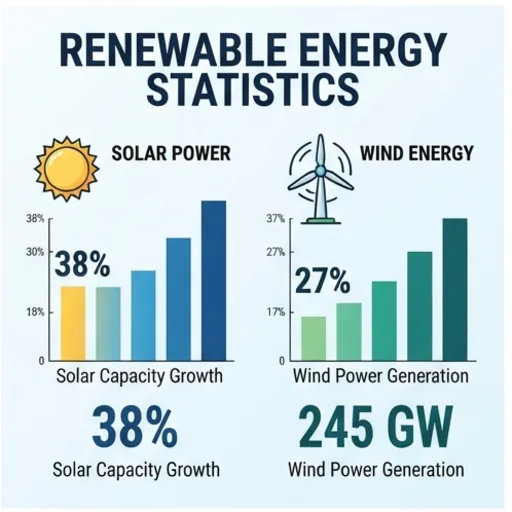
A look worth sharing
Tell it your colours, fonts, contrast and mood and get a polished visual identity.
Create infographics free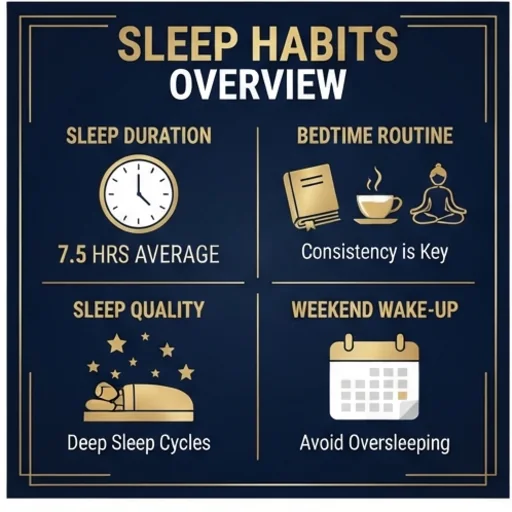
One clear message everywhere
Make portrait, landscape or long-form versions, and versions in other languages, that keep the key insight clear.
Create infographics free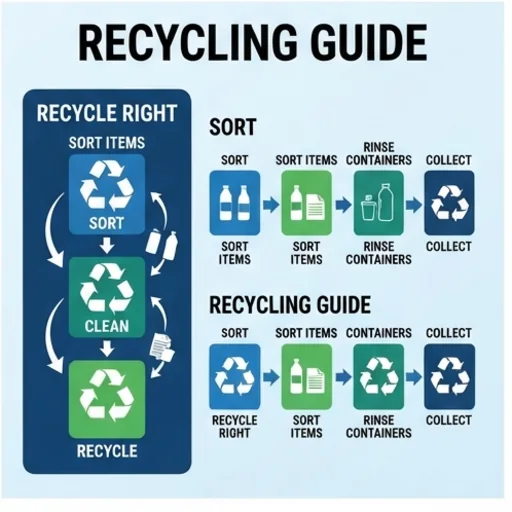
Infographics for real business and learning moments
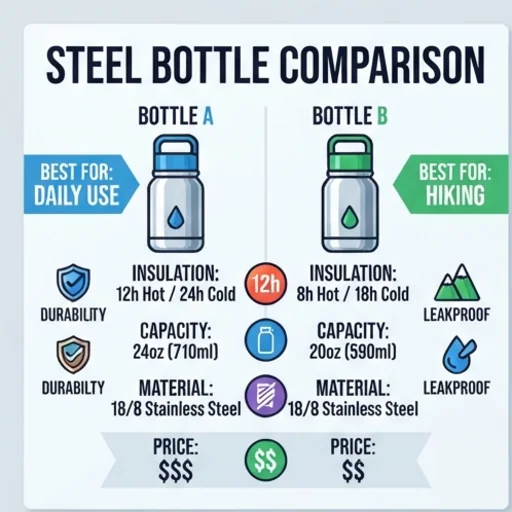
Make the value obvious before the click
Product benefits and comparisons at a glance.
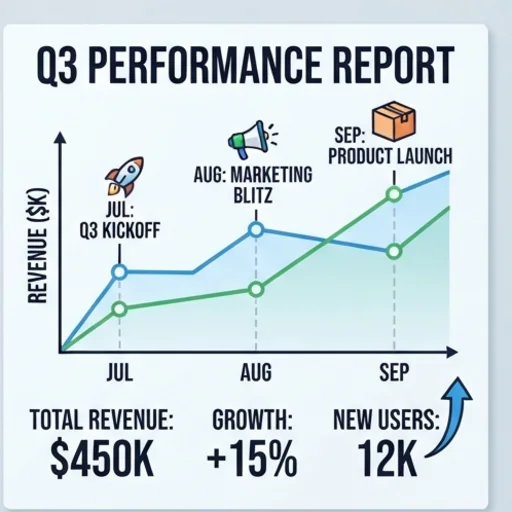
Lead with the insight
Trends, milestones and recommendations stakeholders get quickly.
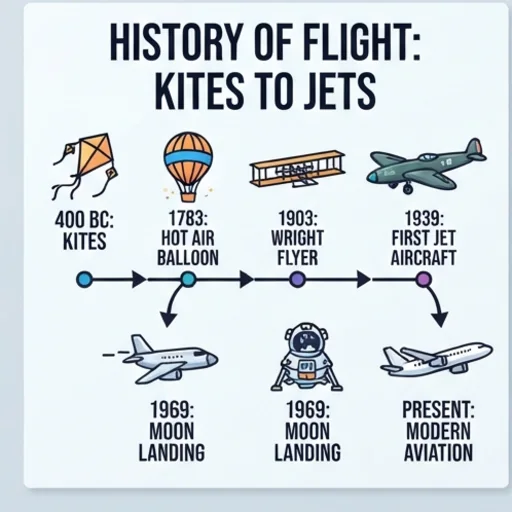
Help learners follow the idea
Processes, timelines and concepts for lessons and onboarding.

Give audiences something worth saving
Tips, checklists and public-interest data for social feeds.
How to create an infographic with Jitura
- 1
Step 1: Describe the topic
Write the topic, audience, key facts and the message.
- 2
Step 2: Set the style
Add a visual style, colours and language.
- 3
Step 3: Create and share
Create, review and share your infographic.
Discover other AI image tools on Jitura


FAQs
What is an AI infographic generator?+
A tool that turns a text prompt into a ready-to-share visual with clear hierarchy, short copy, a balanced layout and supporting icons or charts.
How does the infographic maker work?+
It writes the headlines and labels from your prompt, draws supporting visuals, organises the layout and outputs a polished infographic. Keep the text short for the cleanest result.
Can I create an infographic from notes, data or product details?+
Yes. Paste a topic, statistics, product details or lesson content and it becomes a visual summary. Check every number in the result before you share it.
Can it create designs in other languages?+
Yes. Ask for the language in your prompt and keep the same style for each version.
Do I need design skills?+
No. It handles structure, spacing, typography and balance.
Can I use the infographic generator for free?+
Yes. Every signed-in account gets free daily operations, and each image uses one. Paid plans add more operations, higher resolutions and private outputs.
Turn topics and data into polished infographics
Make important messages easier to see, remember and act on.
Try the infographic generator