
Site Plan Generator
Turn your layout idea into a clear site plan in seconds, no design skills needed.
Free outputs may appear in the public gallery. Learn more
Turn a rough idea into a well-organised site plan
Get a clear site plan to explore and build on. Describe the space, features and style you have in mind, and the site plan generator draws a concept you can review and share, for designers, planners and students alike.
Create a site plan free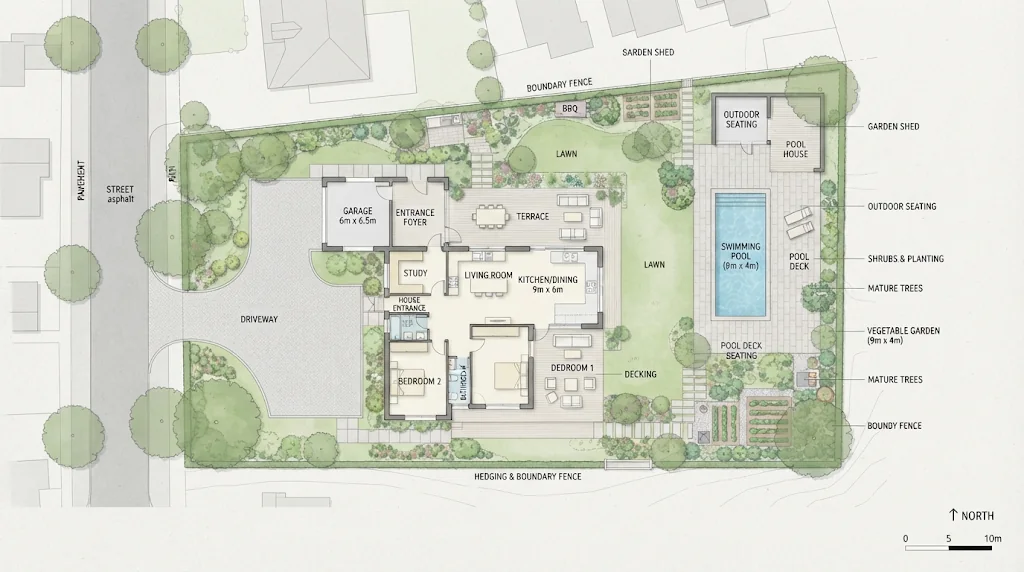
Effortless site plans
Clear concepts from simple prompts, no manual drawing.
Flexible layout control
Guide buildings, paths, planting, labels, colours and style.
More concepts faster
Explore several arrangements without redrawing each one.
Understand every spatial relationship
See how buildings, parking, paths and green spaces work together and check circulation, balance and access early.
Create site plans free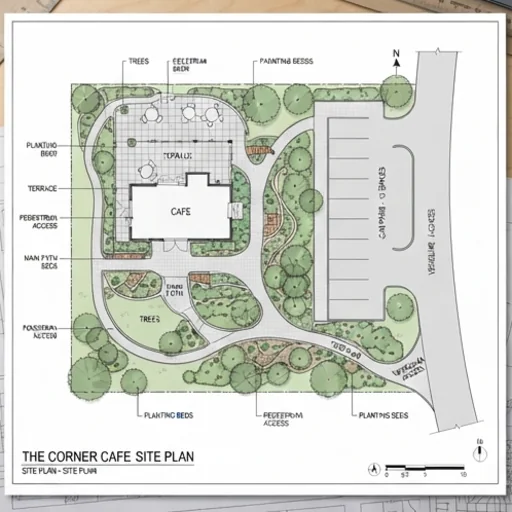
Guide every important detail
Control building placement, driveways, walkways, gardens, parking, labels, colours and viewing angle so nothing is overlooked.
Create site plans free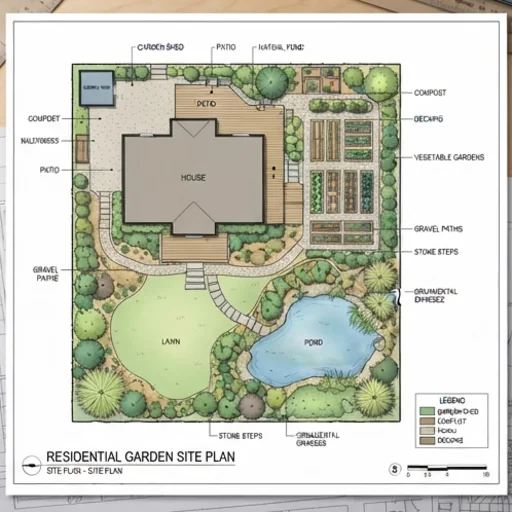
Communicate the full plan clearly
Give clients, classmates or collaborators one complete visual reference that keeps discussions focused.
Create site plans free
Reduce costly rework
A complete overhead view helps you spot unclear access or impractical arrangements before you develop the concept.
Create site plans free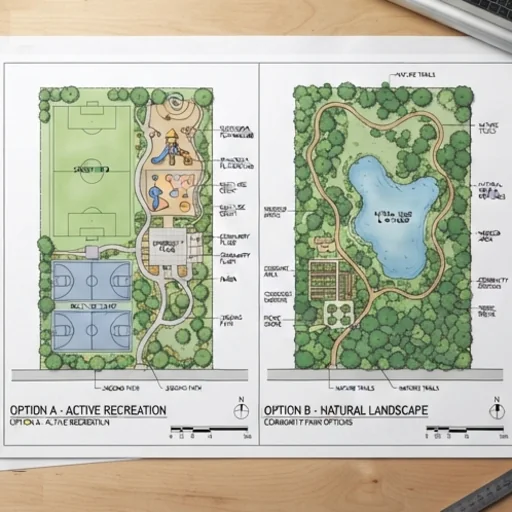
Practical ways to use your site plan
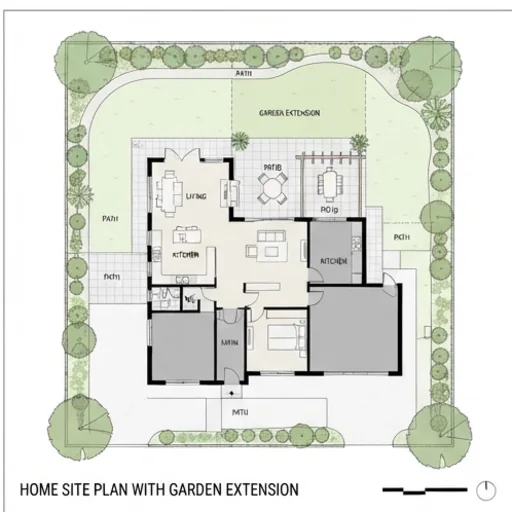
Explore property ideas
A home, garden, driveway, patio, pool or extension, and how they fit together.
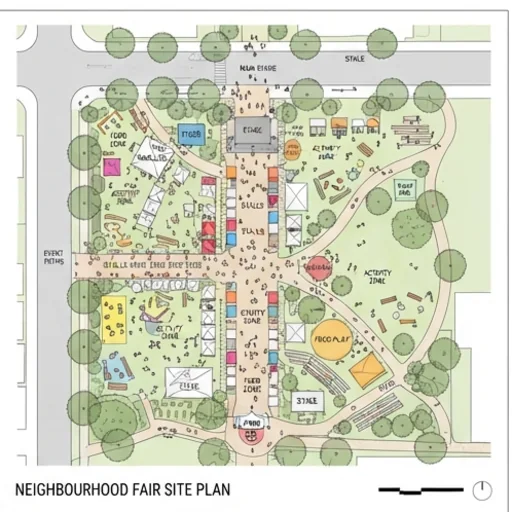
Organise shared activities
Neighbourhood fairs, gardens and activity zones with key areas marked.
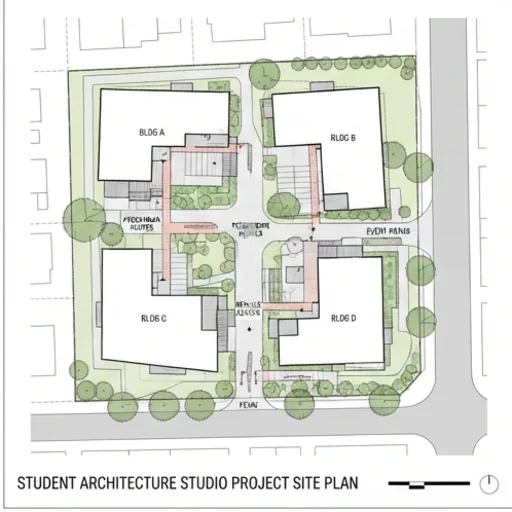
Present design thinking
Studio projects with footprints, routes and open spaces.
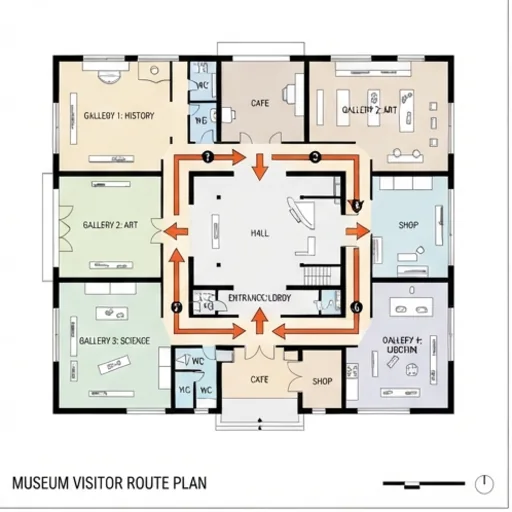
Guide visitor journeys
Galleries, installations and visitor routes with themed zones.
How to make a site plan on Jitura
- 1
Step 1: Describe your site
Write the site, layout and intended use.
- 2
Step 2: Add the details
Add buildings, planting, paths, colours and style to the prompt.
- 3
Step 3: Create and share
Create your site plan, then review, share or present it.
Explore more AI image tools



FAQs
What is a site plan?+
A top-down drawing that shows how buildings, roads, parking, paths, landscaping and boundaries are arranged, used to understand spatial relationships and communicate a design.
What is the best AI site plan generator?+
One that turns everyday language into a clear, attractive plan. Jitura's generator follows your layout description and lets you switch between top image models.
Is the site plan generator free?+
Yes. Every signed-in account gets free daily operations, and each image uses one.
Can I create site plans without design skills?+
Yes. Describe the arrangement, structures, planting, labels, colours and style in plain words.
Can I use the site plan for construction or permits?+
No. It is a concept drawing for early planning and discussion, not a surveyed or code-checked document. Work with a licensed professional for construction and permits.
Make your site plan easy to understand
Clear site plan concepts for planning, discussion and presentation.
Try the site plan generator