
AI Icon Generator
Turn text prompts into polished icon designs for sharper apps, sites and brand assets in seconds.
Free outputs may appear in the public gallery. Learn more
Create brand-ready icons in seconds
Need sharper icons before launch? Jitura turns text into icons, lets you compare styles and outputs, and gives you clean results for apps, websites and brand kits that need polish fast.
Use the AI icon generator free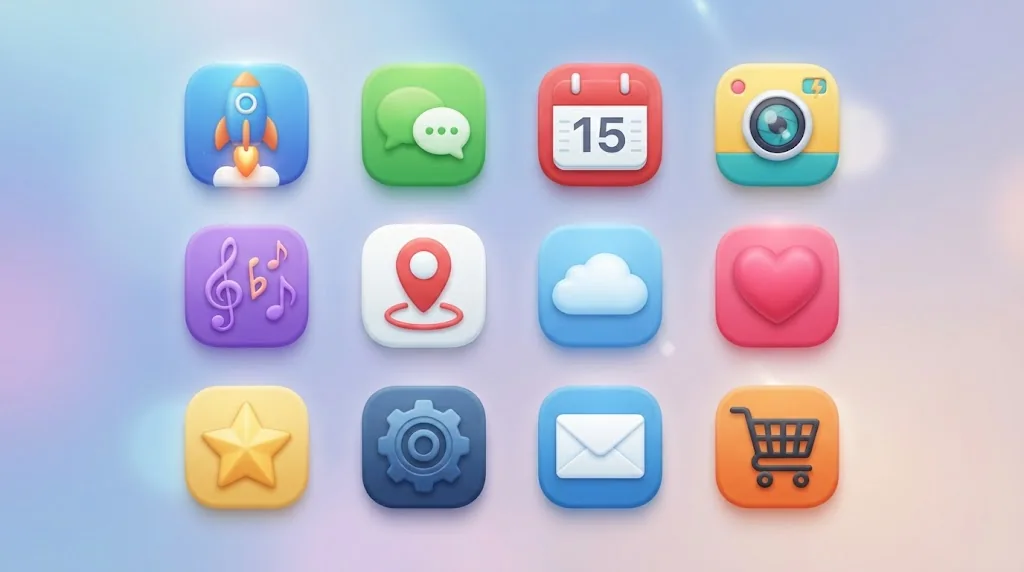
A signature look, fast
A short prompt becomes a polished icon without a long design cycle.
Matches your brand mood
Pick a style so every icon feels part of your product.
Ready for any layout
Clean icons drop into interfaces, pages and decks.
Generate icons from text
Describe the subject, colours and detail and get a crisp icon, turning rough concepts into app marks, interface badges or brand graphics.
Create icons free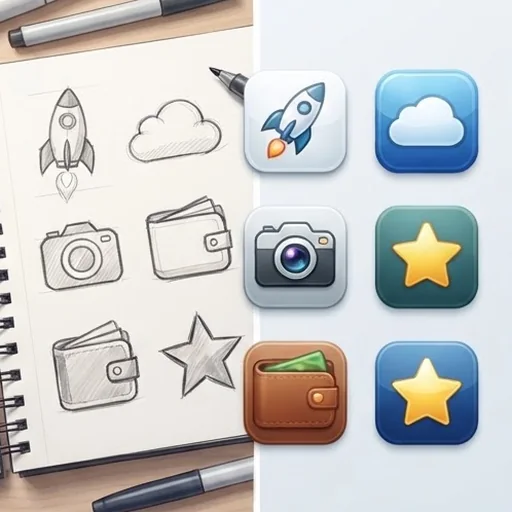
The right style for every icon
From clean line icons to soft 3D or pixel looks, name the style and the icons match your product's tone.
Create icons free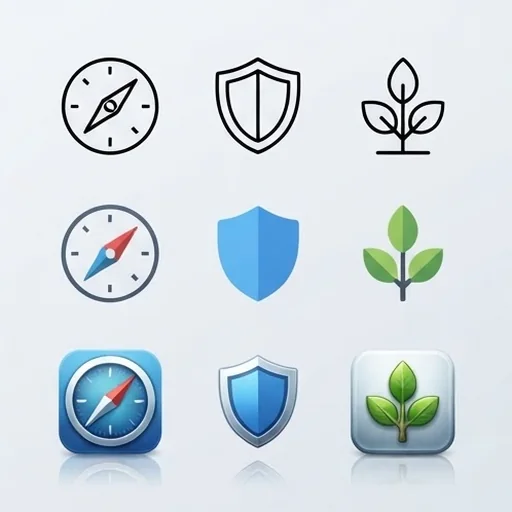
Compare several directions first
Create a few icons from one prompt and compare shape, colour and style before you commit.
Create icons free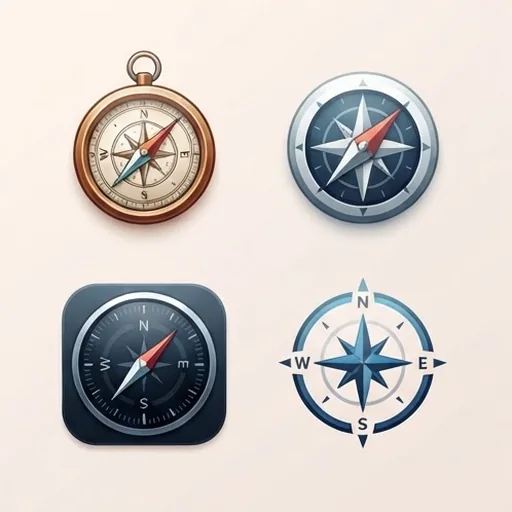
Clean backgrounds for any layout
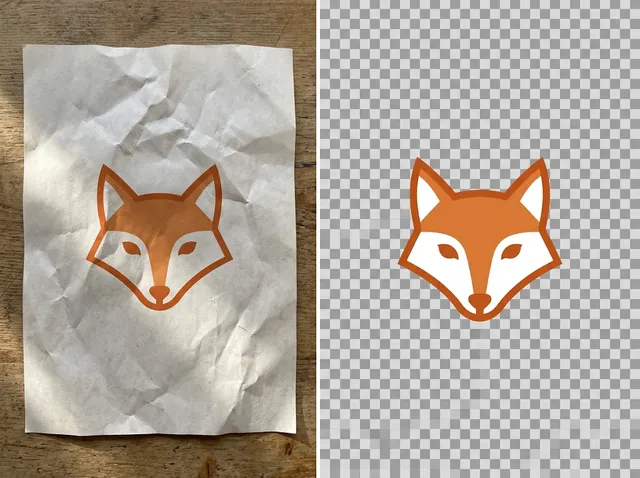
Icons come out on a plain background that is easy to remove, so they drop neatly into websites, apps and slides.
Create icons free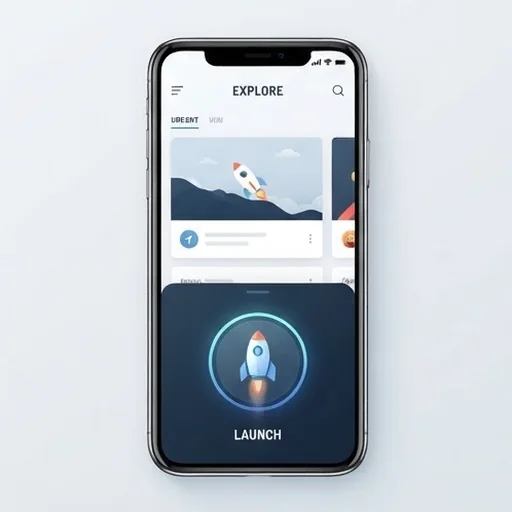
AI icons for real design and launch moments

A recognisable first impression
Create an app icon that fits the category, colours and launch mood before the store listing goes live.

Unify navigation icons
Replace mismatched assets in menus and help pages with one clear visual language.

Branded campaign graphics
Themed icons make announcements, explainers and banners easier to understand at a glance.

More options before design time
Compare flat, 3D, line and minimal routes and share the strongest concept with your team.
How to create AI icons with Jitura
- 1
Step 1: Describe the icon
Write the subject, colours, shape and detail.
- 2
Step 2: Pick a style and number
Name the style you want and choose how many images to create.
- 3
Step 3: Create and download
Create the options and download the ones you like.
Discover other AI image tools on Jitura
FAQs
What is an AI icon generator?+
A tool that turns a text prompt into custom icons for app marks, website symbols, badges and interface graphics.
Why use Jitura's icon generator?+
You can create several icons from one prompt, compare styles and edit the favourite with other Jitura tools in the same place.
Do I need design skills to create an icon?+
No. A clear prompt is enough to get high-quality icon options to compare.
Are AI icons useful for apps and websites?+
Yes. They help teams test a visual direction quickly, keep small symbols readable and make the product feel consistent.
Is the AI icon generator free?+
Yes. Every signed-in account gets free daily operations, and each image uses one. Paid plans add more operations, higher resolutions and private outputs.
Create your AI icon set now
Build brand-ready icons with Jitura and make design decisions faster.
Try the AI icon generator free