
Clone Product Image
Recreate a winning product creative with your own product, in any language.
Free outputs may appear in the public gallery. Learn more
Recreate winning product creatives for faster campaign growth
Turn proven product creatives into yours. Add a reference creative and your product photos, and the product image cloner rebuilds the layout and style around your product with your selling points, for ads, launches and store promotions.
Clone a product image free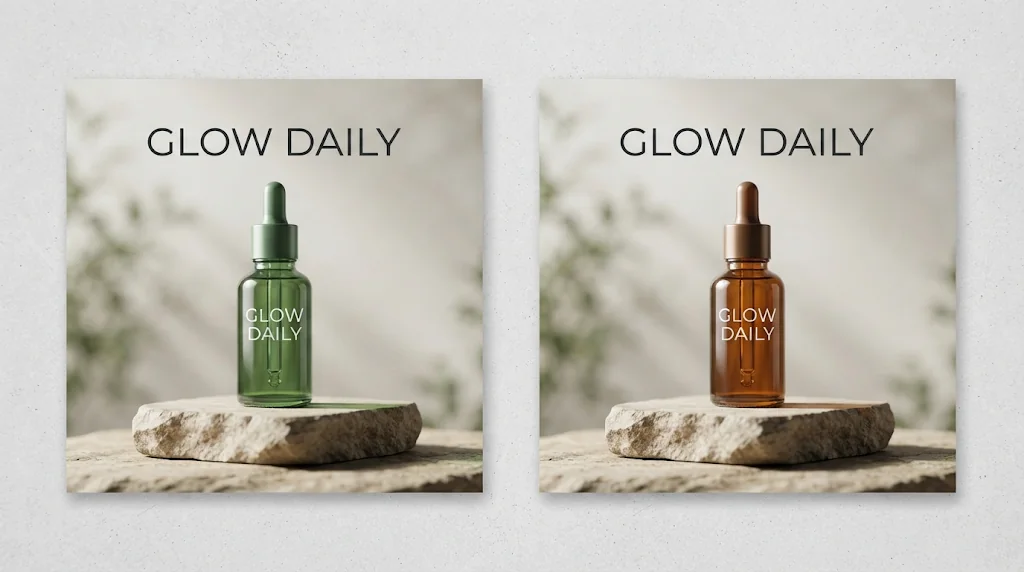
Skip the design restart
Turn reference creatives into your own product visuals without starting over.
Make product value clear
Your selling points written into the image so shoppers understand faster.
Test more, launch faster
Several reference-led creatives to test campaign directions.
Reduce product creative costs
Turn winning references into your own commercial visuals without studios or reshoots.
Clone product images free
Reach more buyers on every platform
Clone formats that work on marketplaces, stores and social channels.
Clone product images free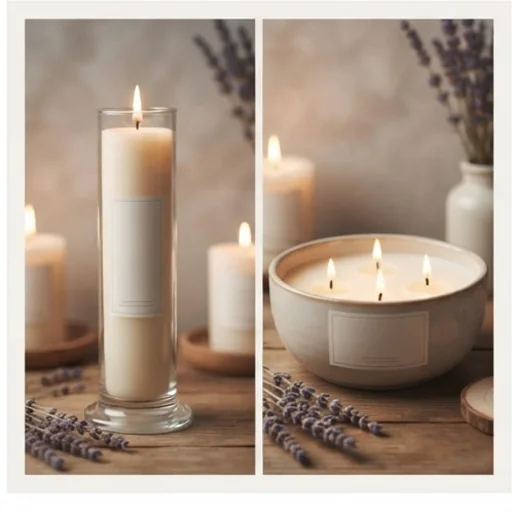
Build recognition with consistent visuals
Keep layouts, colours and messaging aligned across product lines and promotions.
Clone product images free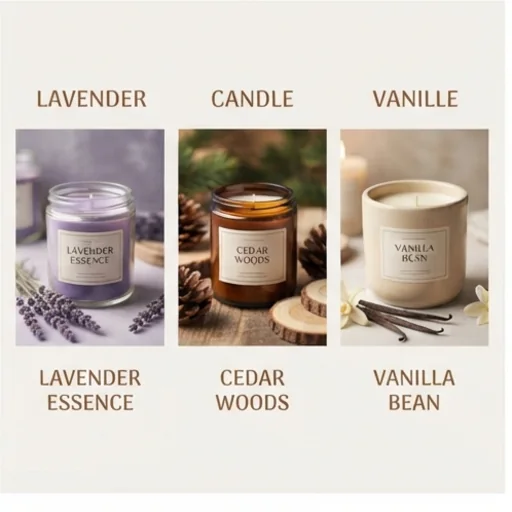
Grow sales in more markets
Choose the language of the selling points for cross-border stores.
Clone product images free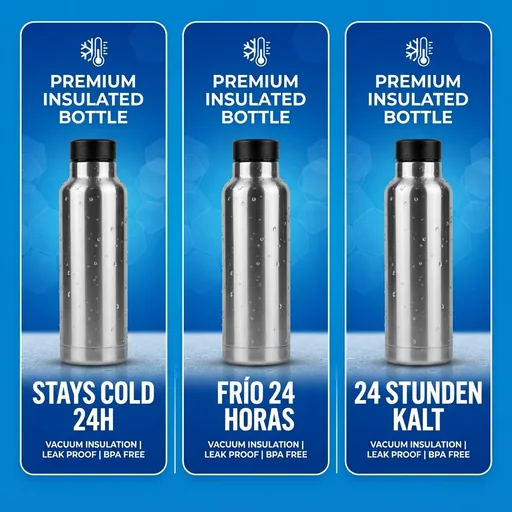
Clone product images for every marketing goal
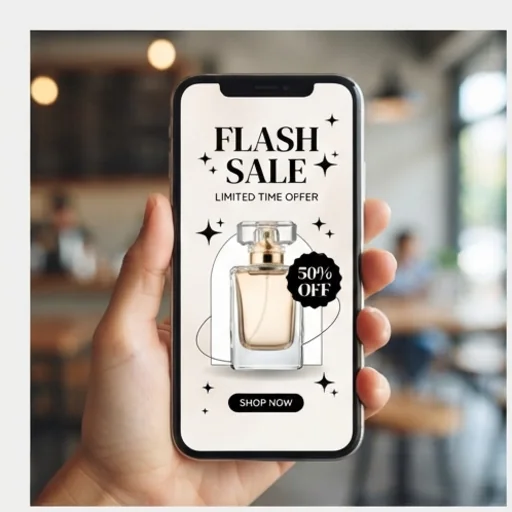
Win attention in busy feeds
Flash offers and social promotions with your product front and centre.
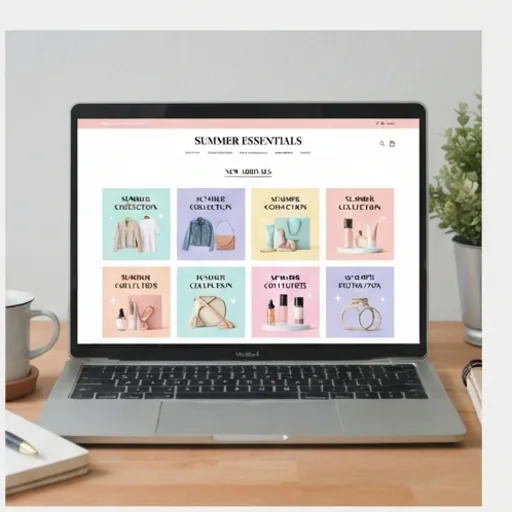
Build a more cohesive store
Proven layouts for collection pages and seasonal updates.
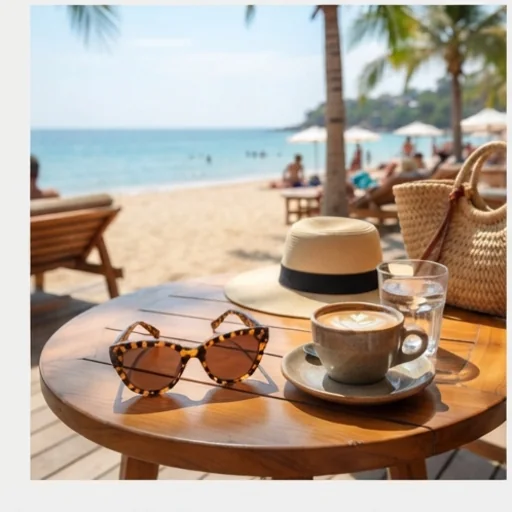
Build stronger product desire
Lifestyle contexts from strong references, around your offer.
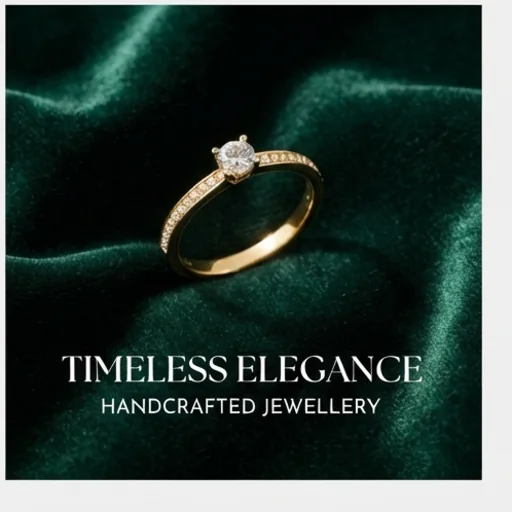
Show details with more impact
Close-up layouts for jewellery, watches and bags.
How to clone product images on Jitura
- 1
Step 1: Add the images
Add the reference creative first and your product photo second with +.
- 2
Step 2: Edit the prompt
Write your selling points, how closely to follow the reference and the output language.
- 3
Step 3: Create
Create the cloned image and download it.
Discover other AI image tools on Jitura
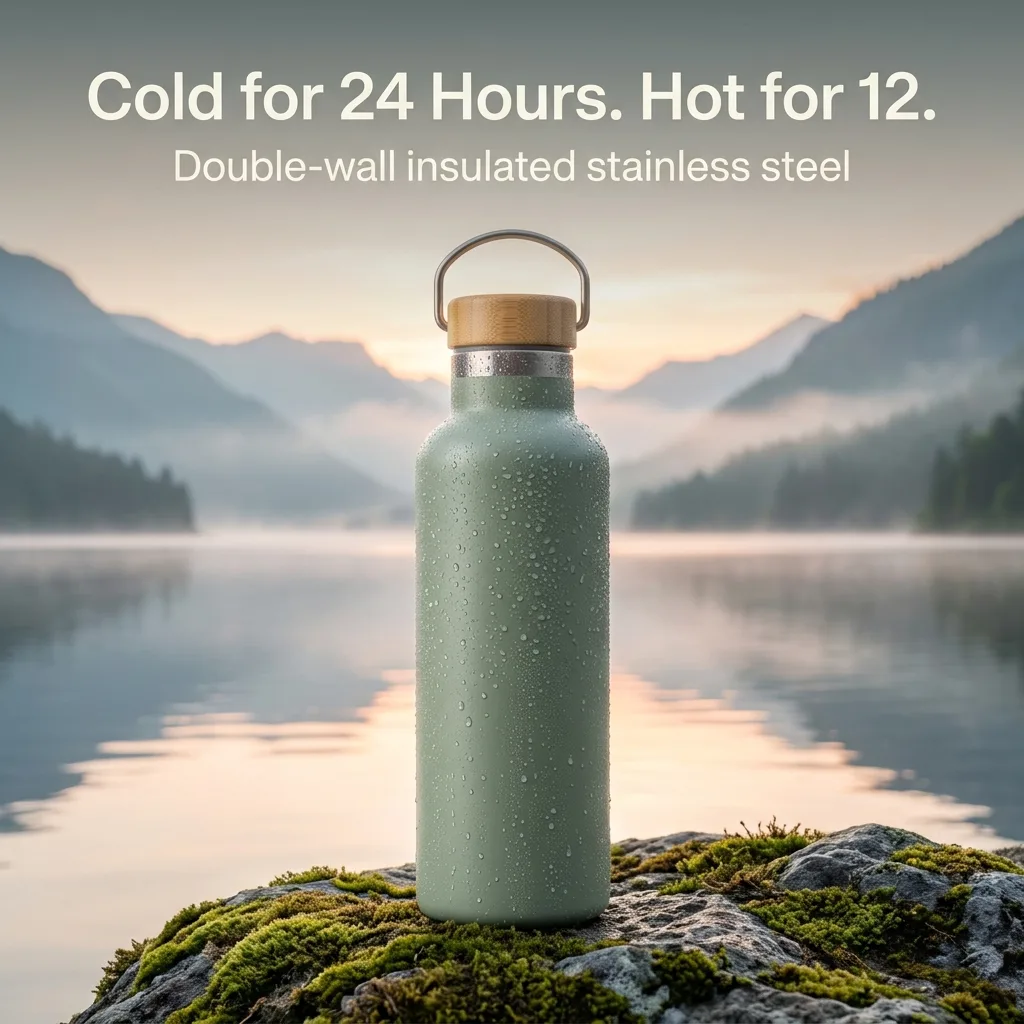

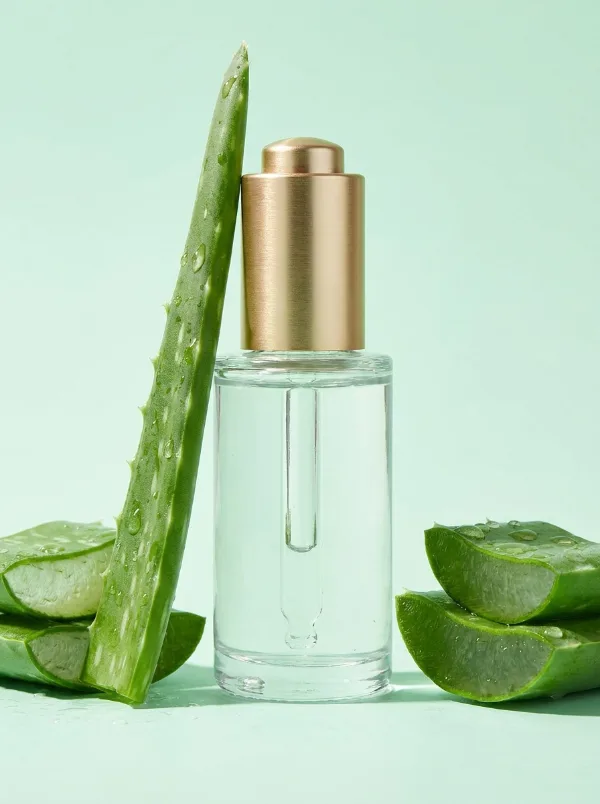
FAQs
What is the clone product image tool?+
A tool that recreates a reference creative's layout, colours and structure around your own product and selling points, so you can build new commercial visuals from formats that work.
What is the best clone product image tool?+
One that keeps your product exact while following the reference. Jitura's cloner works in the Image composer, so you can switch models and edit the prompt freely.
Can I use it for free?+
Yes. Every signed-in account gets free daily operations, and each image uses one. Paid plans add more operations, higher resolutions and private outputs.
Can I edit the cloned image afterwards?+
Yes. Open the result in the AI Photo Editor, Magic Eraser or Image Enhancer to polish details.
Can I control how closely it follows the reference?+
Yes. Ask in the prompt to follow only the layout and background, or to replicate the composition, layout and colours exactly.
Which languages can the text be in?+
Any language you name in the prompt, such as English, Spanish, French, German, Portuguese or Japanese. Check the wording before you publish.
Which images should I upload?+
The reference creative first, then one or more clear photos of the same product. Only use references you are allowed to draw on, and never copy another brand's logo or trademark.
Clone high-impact product images to win more buyers
Your product, your selling points, proven layouts.
Try the product image cloner