
Image to Prompt Generator
Upload any image and get a detailed text prompt you can copy, edit and reuse to create similar pictures.
Login Required
Sign in to use Image-to-Prompt AI analysis.
Accurate image to prompt generation
Turn any image into an accurate, detailed text prompt in seconds. Copy the prompt to recreate similar images, try new styles or reuse the description in your own projects.
Try image to prompt free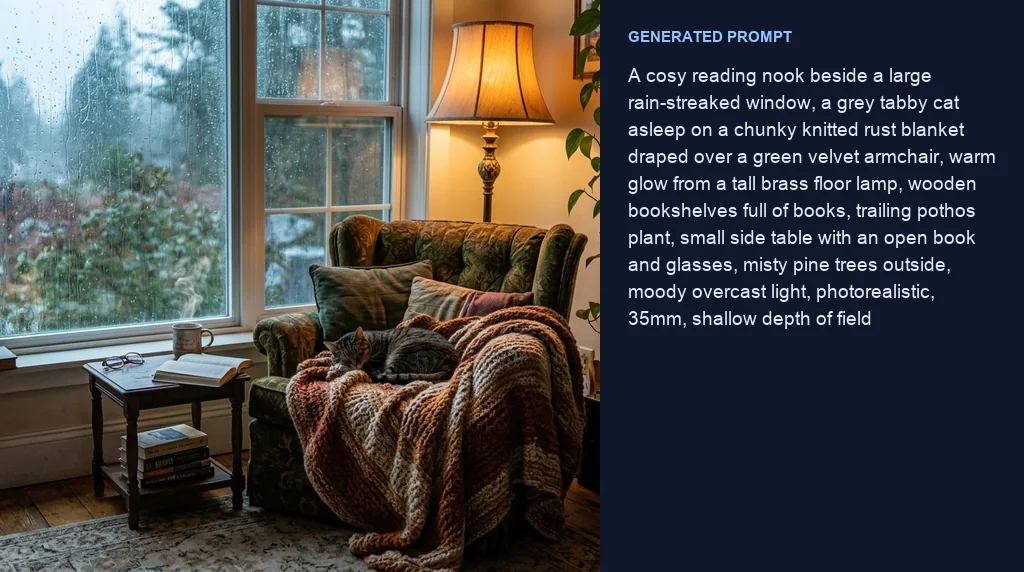
Accurate image analysis
The subjects, objects, setting, lighting, style and composition are described in detail, so you can confidently recreate the look.
Try image to prompt free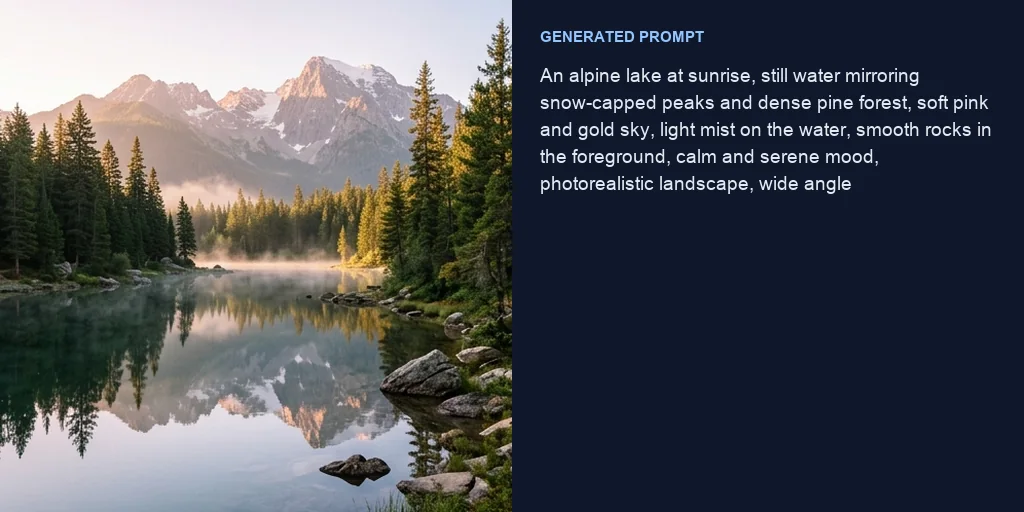
A source of creative inspiration
Upload a picture you love and use the prompt as a starting point for new ideas instead of a blank page.
Try image to prompt free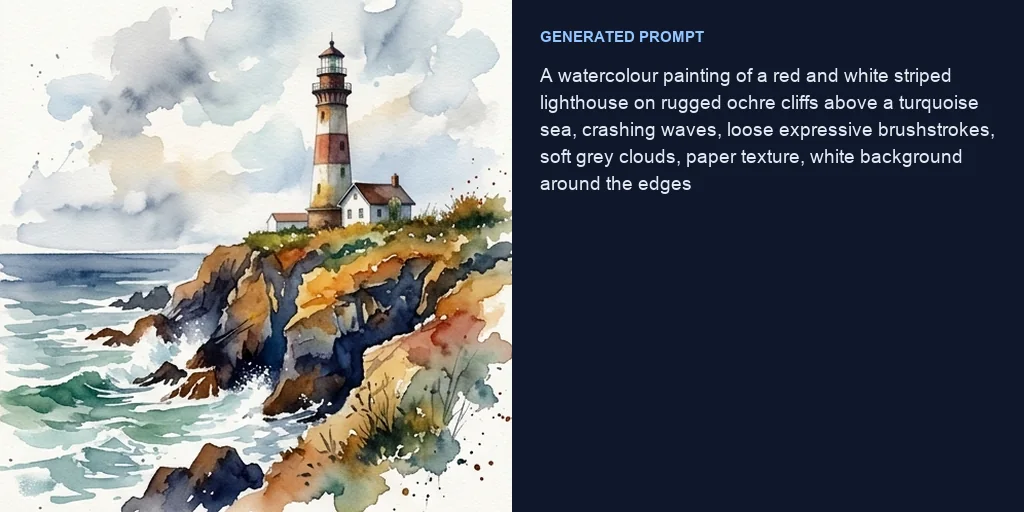
Descriptive writing in seconds
Turn visual concepts into rich descriptions you can use for captions, stories and alt text.
Try image to prompt free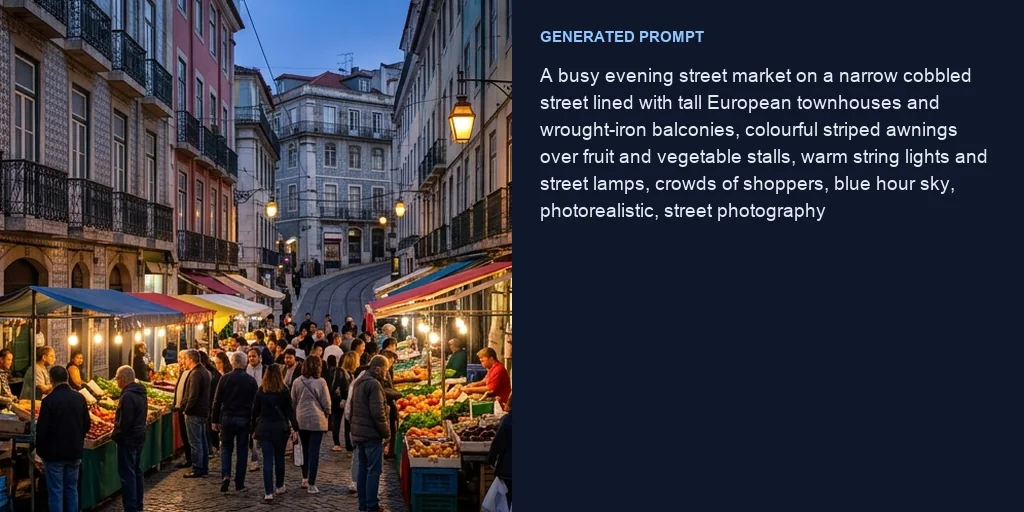
Faster product marketing
Describe product photos accurately to guide copy and keep text aligned with the images you publish.
Try image to prompt free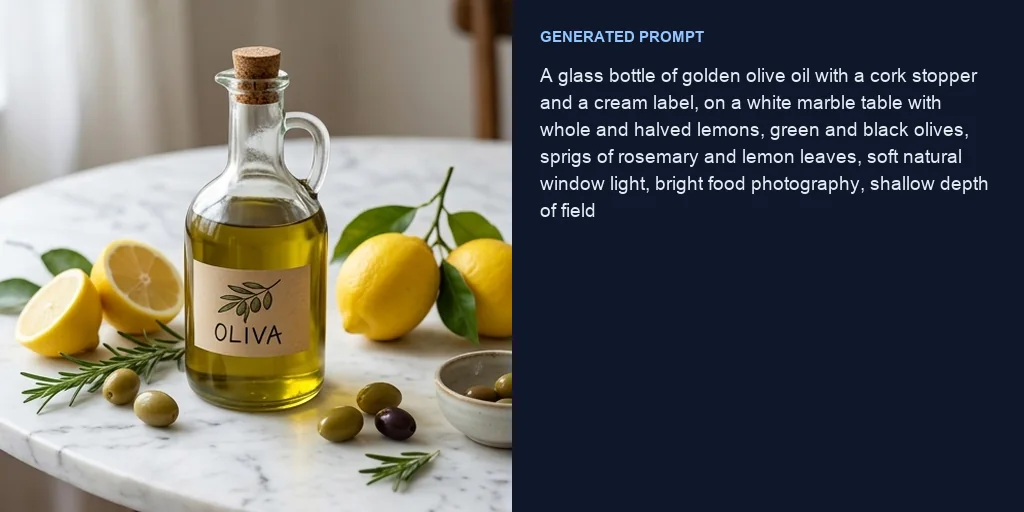
How does Jitura's image to prompt work?
- 1
Step 1: Upload your image
Add a photo, artwork or screenshot.
- 2
Step 2: Wait a few seconds
The AI analyses the image and writes the prompt.
- 3
Step 3: Copy and reuse
Copy the prompt and edit it or use it in the image generator.
Discover other AI image tools on Jitura
FAQs
What is image to prompt?+
An AI tool that writes a text prompt describing the contents of an uploaded image, so you can recreate the look or reuse the description.
Why use Jitura's image to prompt generator?+
It covers the subject, objects, background, lighting, style and composition and gives you a structured prompt you can copy straight into Jitura's image generators.
Is the image to prompt generator free?+
Yes. Every signed-in account gets free daily operations, and each scan uses one. Paid plans add more operations.
Why use an image to prompt generator?+
It speeds up content creation, product descriptions, social captions and prompt writing for new images.
How detailed are the prompts?+
Detailed and well structured; the length depends on how much is in the image.
Which image formats are supported?+
JPEG, PNG and WebP from your phone, tablet or computer.
Are there usage limits?+
Each scan uses one of your daily operations. When they run out, they reset the next day, or you can upgrade for more.
How do I get the best results?+
Use a clear, high-quality image. Very small, damaged or blurry pictures give less accurate prompts.
Is it easy to use?+
Yes. There are no settings to learn: upload the image and the tool does the rest.
What images can I use?+
Photos, landscapes, artwork, digital art, products and screenshots, one image at a time.
Try the free image to prompt generator now
Upload a photo and get a descriptive text prompt in seconds.
Try image to prompt free