
AI Brochure Maker
Turn your information and photos into clear brochures and pamphlets that help readers act.
Free outputs may appear in the public gallery. Learn more
Brochures and pamphlets that drive action
Is your message getting lost in a crowded layout? Jitura's brochure maker turns your text and images into clear brochures and pamphlets, organises the content, matches your brand and creates print-ready designs in any language for launches, events and campaigns.
Create a brochure free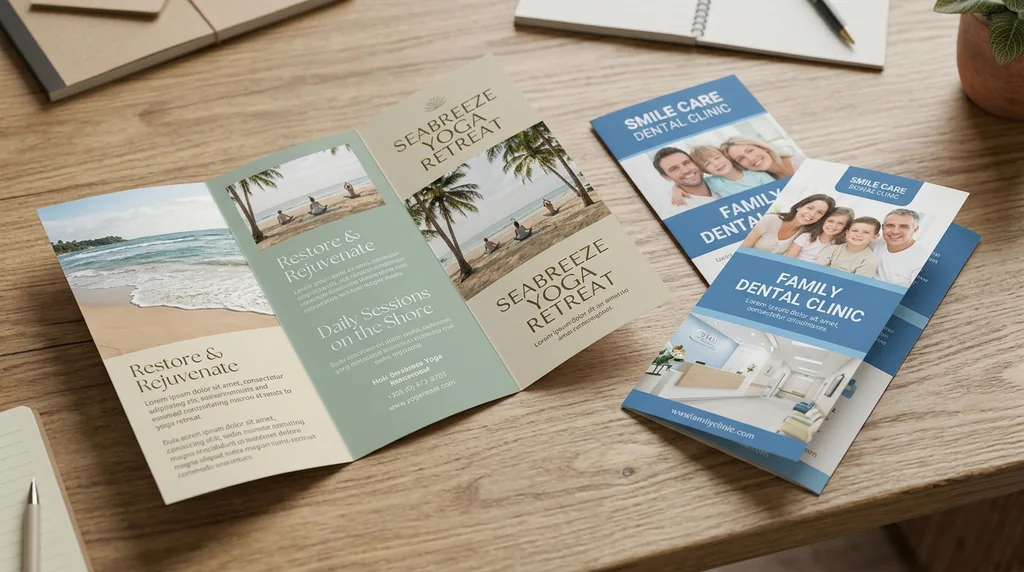
Busy information made clear
Scattered details become one clear story.
Offers worth reading
Clear copy with your brand visuals.
The right format
Polished for print, email and digital sharing.
Help readers understand and act
Brand, product, service, event and contact details become headlines, key points, descriptions and a call to action.
Create a brochure free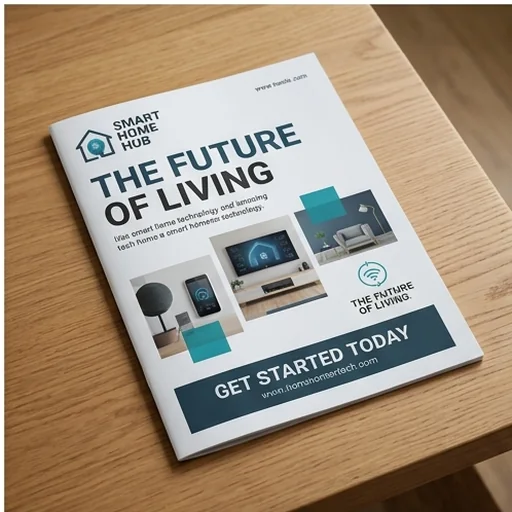
Credible at first glance
Upload product photos, people or locations and they are placed and sized for a balanced page.
Create a brochure free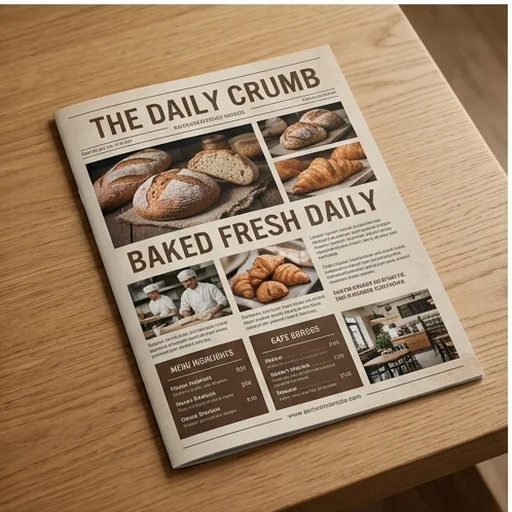
A look that fits every campaign
Describe a modern, corporate, luxury, minimal or travel direction and get matching layouts, fonts and colours.
Create a brochure free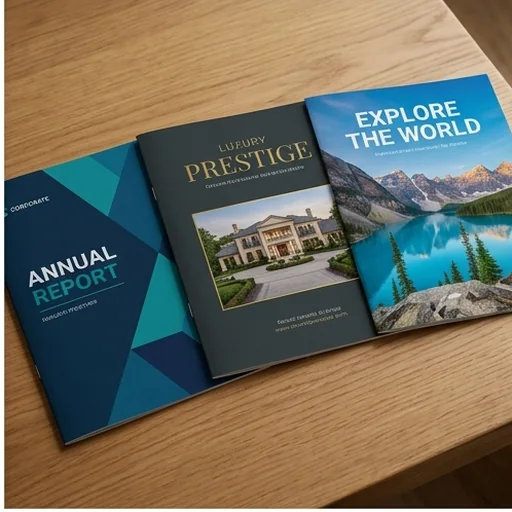
Every format and language
Pamphlets, bi-folds, tri-folds or multi-page brochures in several languages.
Create a brochure free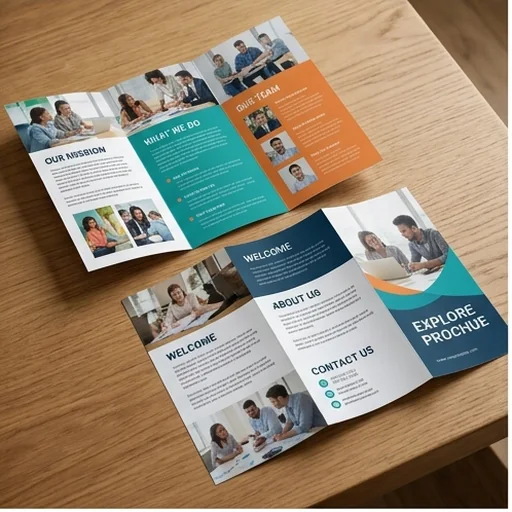
Brochures and pamphlets for any purpose
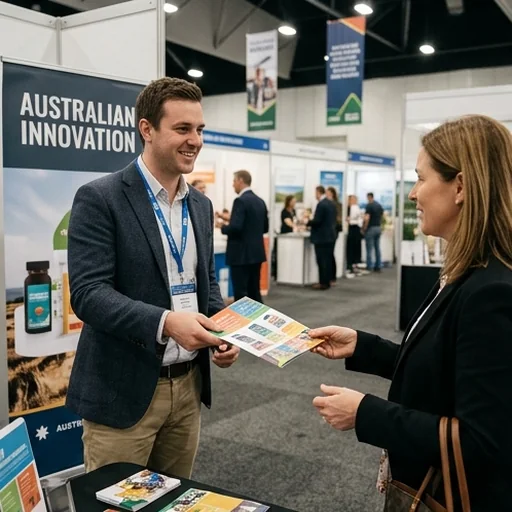
Product promotions
Photos, proof, pricing cues and a focused call to action.
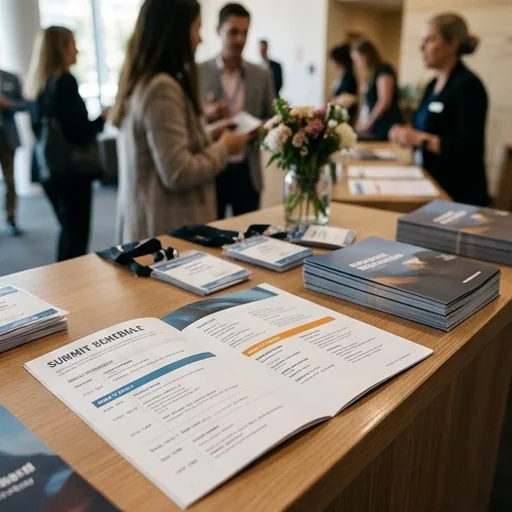
Event outreach
Date, place, schedule and reasons to attend at a glance.

Corporate communication
Services, milestones and proposals on professional pages.
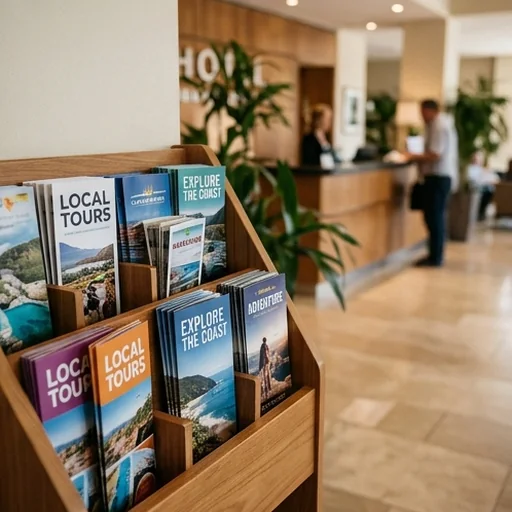
Travel, hospitality and property
Destinations, amenities and contact details in an easy-to-carry format.
How to create brochures with Jitura
- 1
Step 1: Share your content
Describe the offer, audience, details and format.
- 2
Step 2: Add images and style
Upload photos and describe the style, language and layout.
- 3
Step 3: Create and download
Create the design, review it and download it.
Discover other AI image tools on Jitura
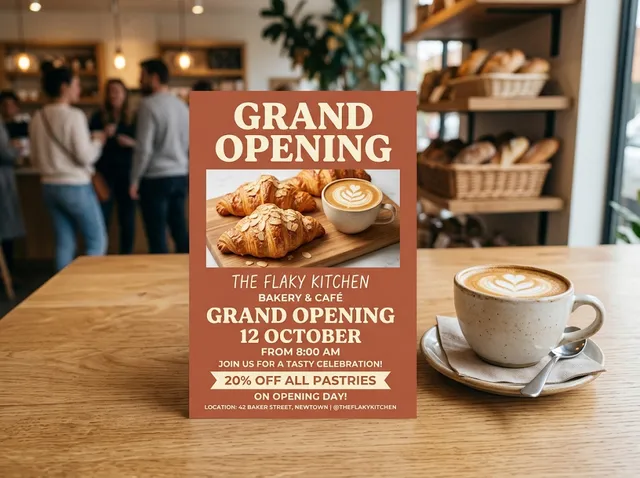
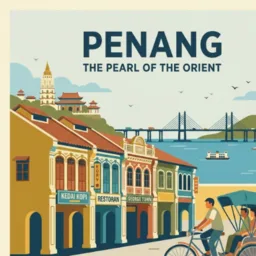
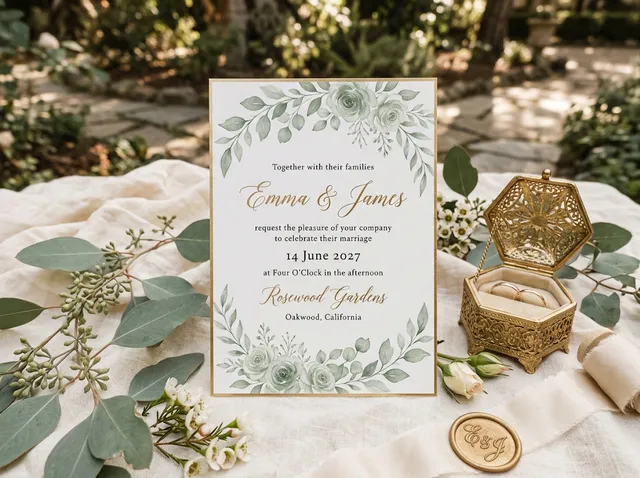
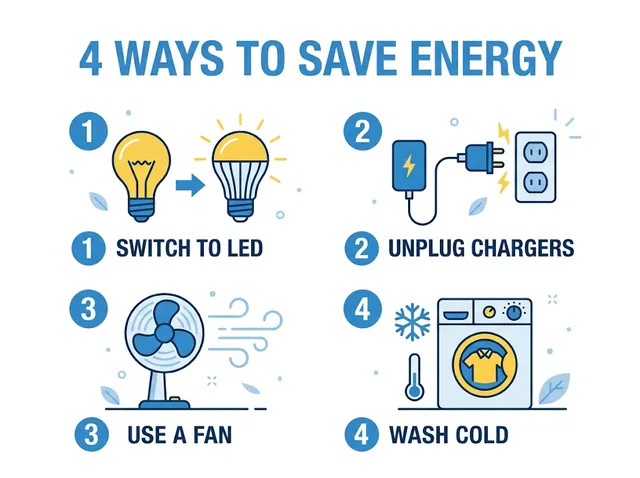
FAQs
What is an AI brochure and pamphlet maker?+
A tool that turns your information, images and design direction into organised, high-resolution promotional material.
How do I make a brochure with Jitura?+
Enter the content, upload your images, describe the style, format and language and press Create.
Can it create both brochures and pamphlets?+
Yes: single pages, bi-folds, tri-folds and multi-page looks. Describe the format that fits your printing and distribution.
How does it lay out a tri-fold?+
Content is spread across the panels in a logical reading order with headlines, visuals, details and the call to action kept clear.
Do I need design skills?+
No. Provide your content and preferences, then review and download the design. Proofread all text before printing.
Is the brochure maker free?+
Yes. Every signed-in account gets free daily operations, and each image uses one. Paid plans add more operations, higher resolutions and private outputs.
Turn every message into brochures people act on
Create polished brochures and pamphlets that make your value clear.
Create a brochure free