
AI Vector Generator
Turn prompts or photos into clean, scalable-looking vector art for logos, icons, posters and social graphics.
Free outputs may appear in the public gallery. Learn more
Create vector-style art that fits your brand
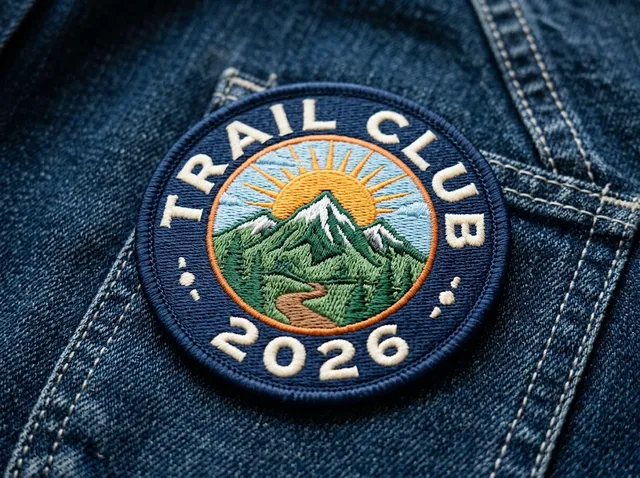
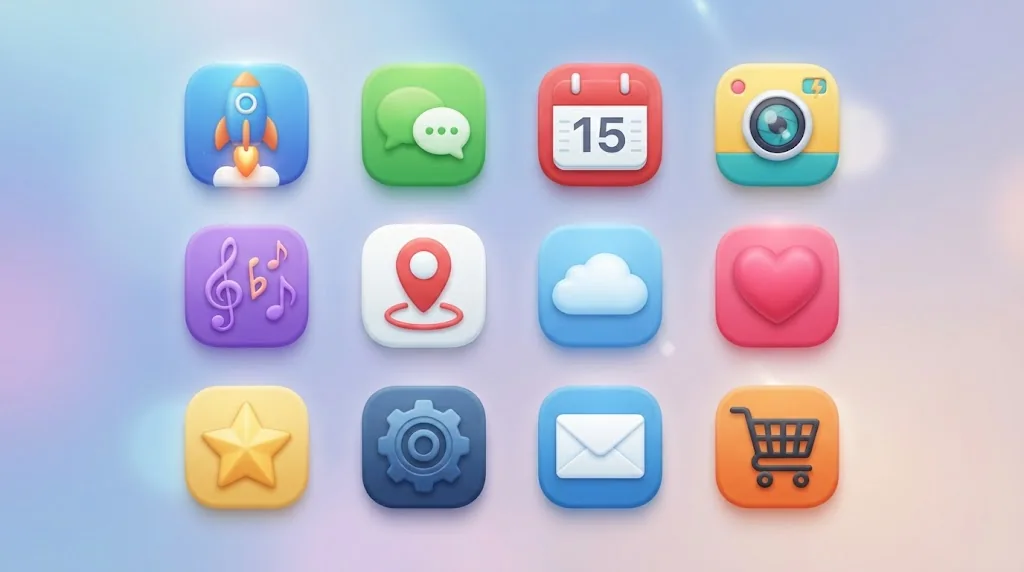
Still spending hours drawing vector graphics? Jitura's vector generator turns a prompt or an uploaded image into clean flat artwork for logos, icons, stickers, posters, ads and social graphics, in one consistent style.
Create vector art free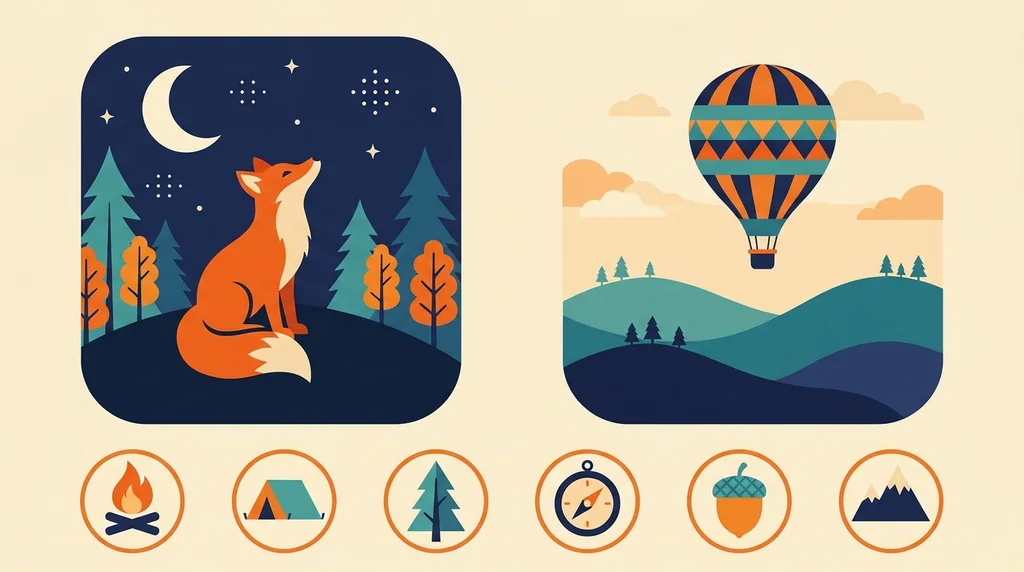
Crisp graphics
Clean lines, flat colours and sharp shapes.
No design skills
Polished vector-style art from a prompt or image.
Many styles
Icons, stickers, mascots, badges and illustrations.
Vector art without design skills
Write a prompt or upload a reference and get clean vector-style artwork, with no drawing, tracing or software.
Create vector art free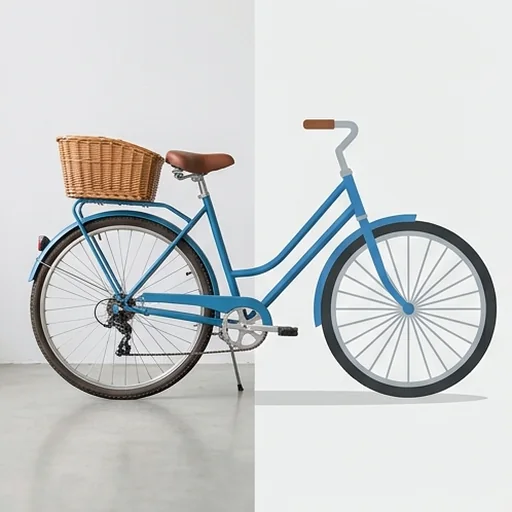
Crisp, polished results
Sharp edges, balanced shapes and clean colour blocks give a professional flat-design look.
Create vector art free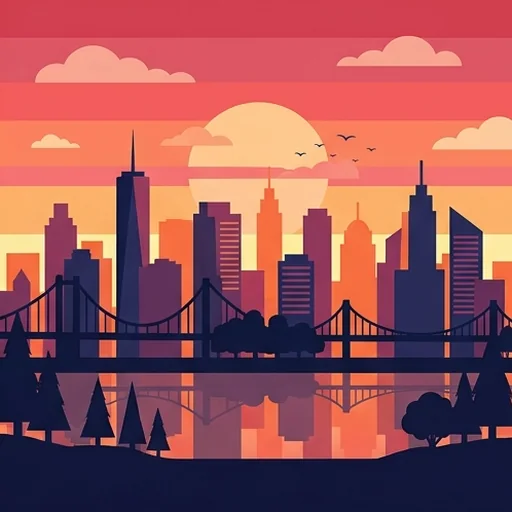
Consistent brand assets
Matching icons, badges, mascots and labels in one visual direction for your site, store and packaging.
Create vector art free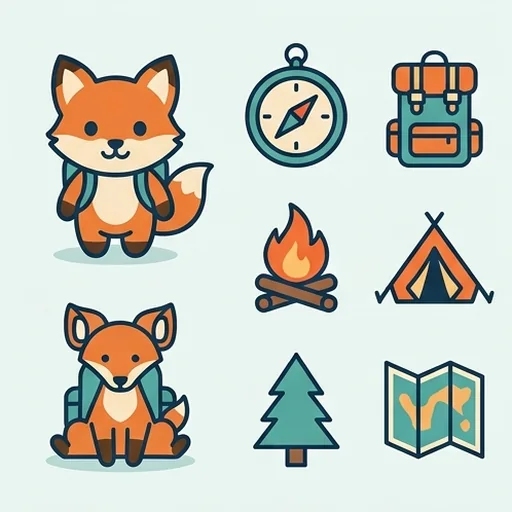
More variations, faster
Try different styles, colour versions and layouts from one idea without starting again.
Create vector art free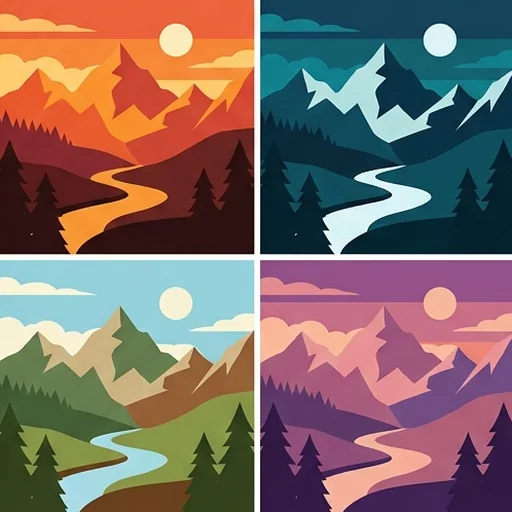
Better vector graphics for every team
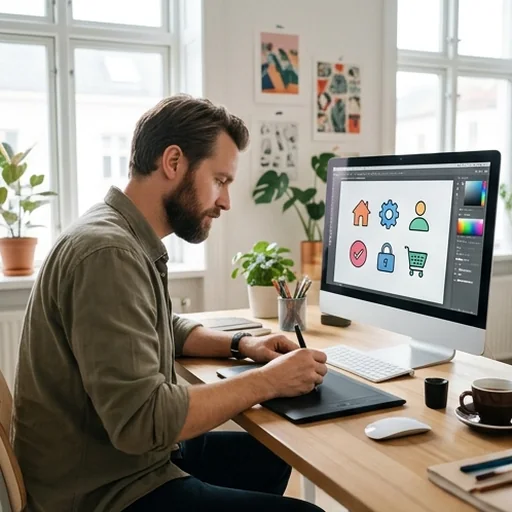
Scalable brand systems
Designers create icon sets, interface details and brand explorations.

Campaign visuals without waiting
Marketers make clean graphics for social, emails and landing pages.

Sharper store graphics
Sellers turn product benefits into simple icons for pages and inserts.
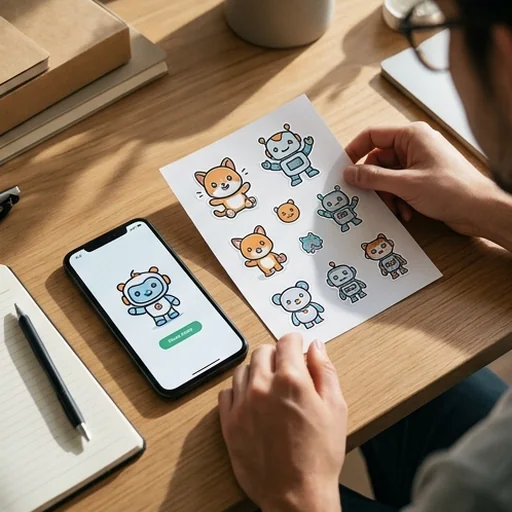
Stickers and clipart fast
Creators design avatars, badges and illustration packs for their niche.
How to create AI vector graphics with Jitura
- 1
Step 1: Describe or upload
Write a prompt or upload the image you want as vector art.
- 2
Step 2: Create
The AI creates clean, flat vector-style visuals.
- 3
Step 3: Download
Download the design for logos, icons, ads, stores or posts.
Discover other AI image tools on Jitura

FAQs
What is an AI vector generator?+
A tool that creates crisp vector-style graphics from prompts or images for logos, icons, stickers, posters and social visuals.
How do I create vector graphics with Jitura?+
Write a prompt or upload an image, name the style and press Create.
Why use Jitura's vector generator?+
It combines prompt and image input with clean flat-style results in one place, and you can refine the result with other Jitura tools.
Can I turn a photo into vector-style art?+
Yes. Upload the photo and ask for a flat vector version. The result is a high-resolution PNG in vector style; use a tracing tool if you need an editable SVG file.
Can I create vector graphics without design skills?+
Yes. A short prompt or an upload is enough.
Create brand-ready vector graphics faster
Get sharp vector-style visuals without manual tracing or design software.
Create vector art free