
Thumbnail Maker
Turn photos, products or video stills into clear thumbnails that win more attention.
Free outputs may appear in the public gallery. Learn more
Clear thumbnails that win more attention
Are good stories still losing the click? Jitura's thumbnail maker combines your photo and prompt, sharpens the main subject, designs a readable headline and gives you several high-resolution variations for every platform.
Create a thumbnail free
Earn attention first
A clear image tells viewers why to open.
Readable at feed size
Faces and products stay easy to recognise.
Compare before publishing
Several variations to pick the strongest.
Raw assets into a thumbnail that earns clicks
Upload a portrait, product shot or video still and describe the topic and headline; both come together in one design.
Create a thumbnail free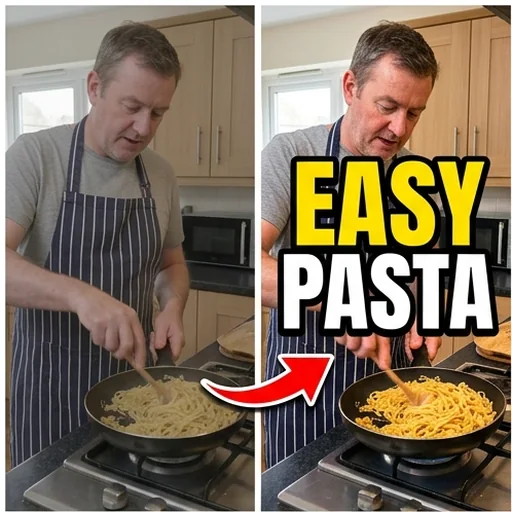
Key subjects readable at a glance
The background is softened and the subject scaled and placed so it reads on small screens.
Create a thumbnail free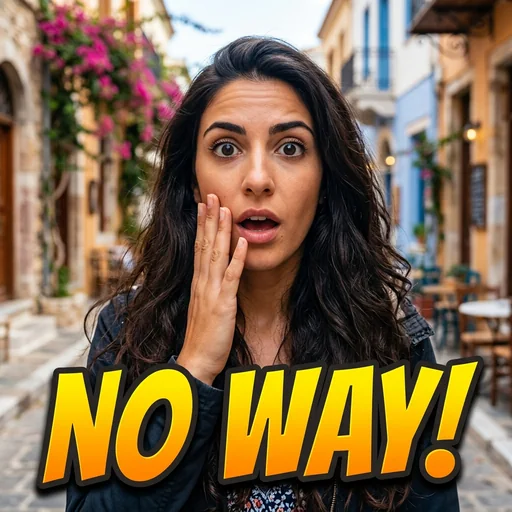
A clear promise before the click
Bold title treatments with the right font, size and hierarchy for video thumbnails.
Create a thumbnail free
Find the strongest design
Several high-resolution thumbnails in one run to compare compositions.
Create a thumbnail free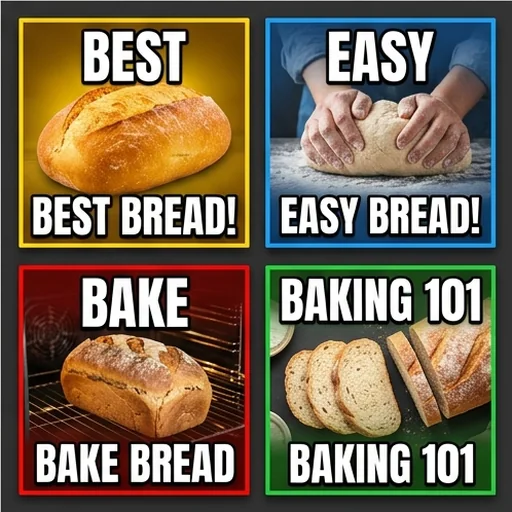
Thumbnails for every content entry point
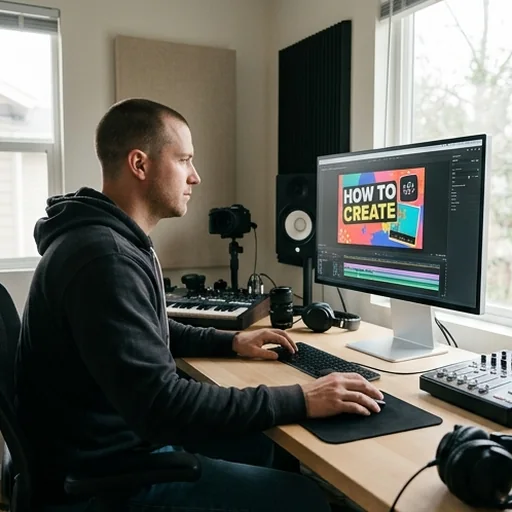
A clear reason to watch
Episode stills, a promise and bold type make video covers work.

Recognisable social series
Coordinated covers keep a series consistent in the feed.
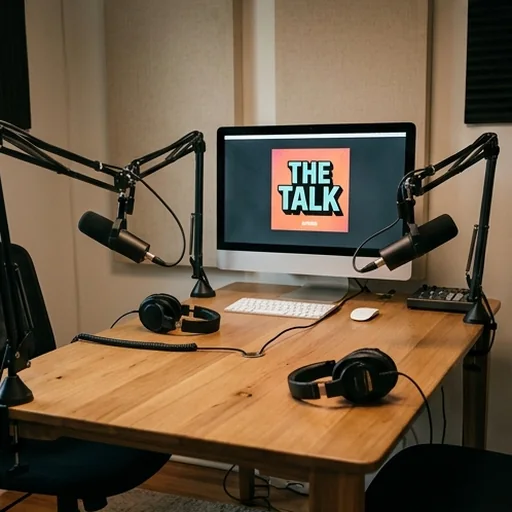
Podcasts and live events
Guest, topic and value are clear at a glance.
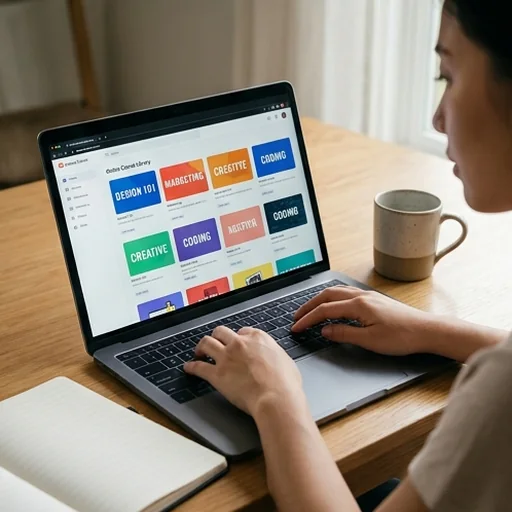
Blogs, courses and products
One visual and one benefit give readers a clear entry point.
How to create a thumbnail with Jitura
- 1
Step 1: Upload your image
Add a portrait, product image or video still.
- 2
Step 2: Describe the thumbnail
Write the topic, headline, focal point and style.
- 3
Step 3: Create and download
Create several variations and download your favourite.
Discover other AI image tools on Jitura
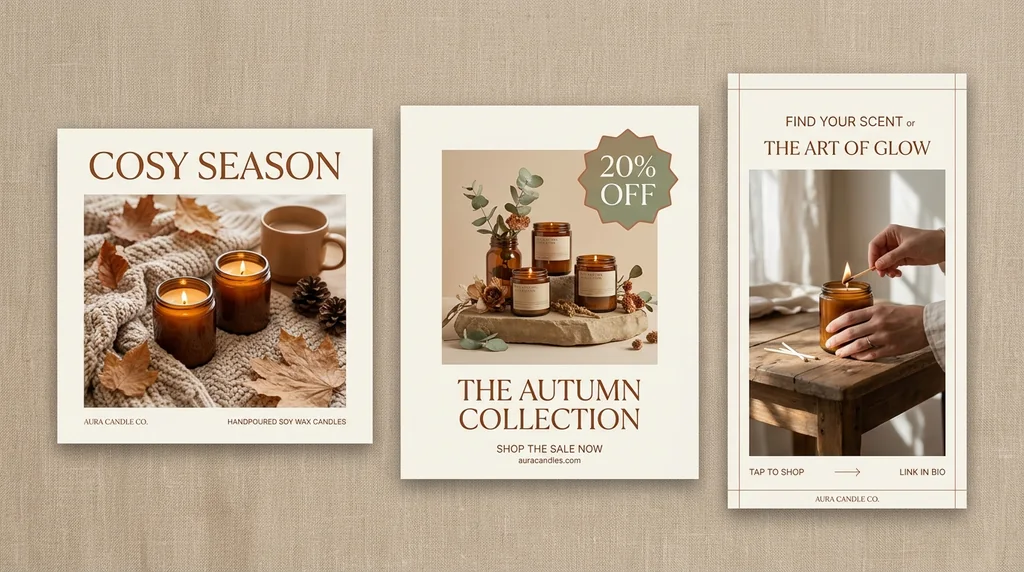
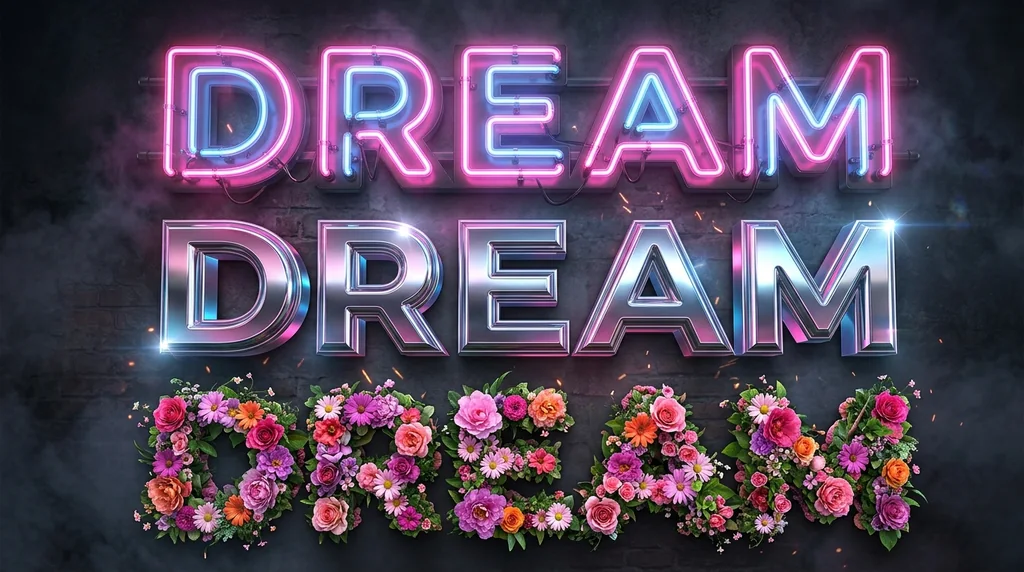
FAQs
What is an AI thumbnail maker?+
A tool that turns an uploaded image and a written direction into a complete thumbnail with composition, focus and title treatment.
How do I make a thumbnail with Jitura?+
Upload the person, product or still, describe the topic, headline and style, choose how many images and press Create.
Will my subject stay clear and recognisable?+
The AI keeps the uploaded face or product as the focus and adjusts background, scale and placement around it. Check each result before you publish.
Who is the thumbnail maker for?+
Video creators, social media managers, podcasters, hosts, teachers, bloggers and product marketers.
Do I need editing skills?+
No. Describe what you want in plain words and compare the results.
Is the thumbnail maker free?+
Yes. Every signed-in account gets free daily operations, and each image uses one. Paid plans add more operations, higher resolutions and private outputs.
Create thumbnails that earn more clicks
Turn your assets into images that make every upload's first impression stronger.
Create a thumbnail free