
AI Image Resizer
Turn one image into the right shape for every channel, with generative fill instead of awkward crops.
Free outputs may appear in the public gallery. Learn more
Ready-to-post visuals for every channel
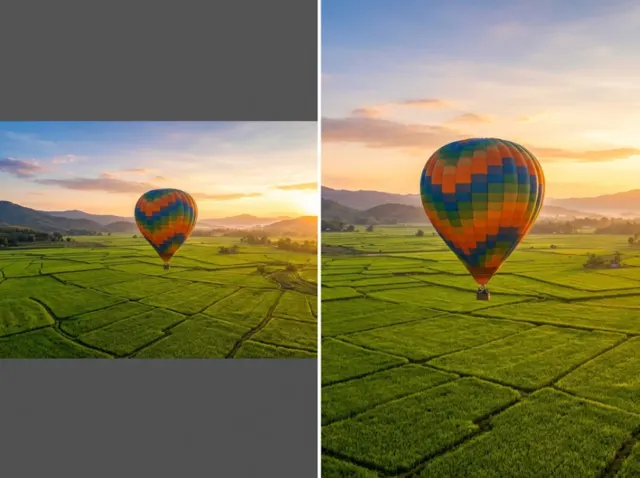
Keep your subject framed and in focus in every format. Jitura's AI image resizer changes your image to fit social feeds, ads and online stores by extending the background naturally, so one shot becomes many formats and your brand stays consistent.
Resize an image free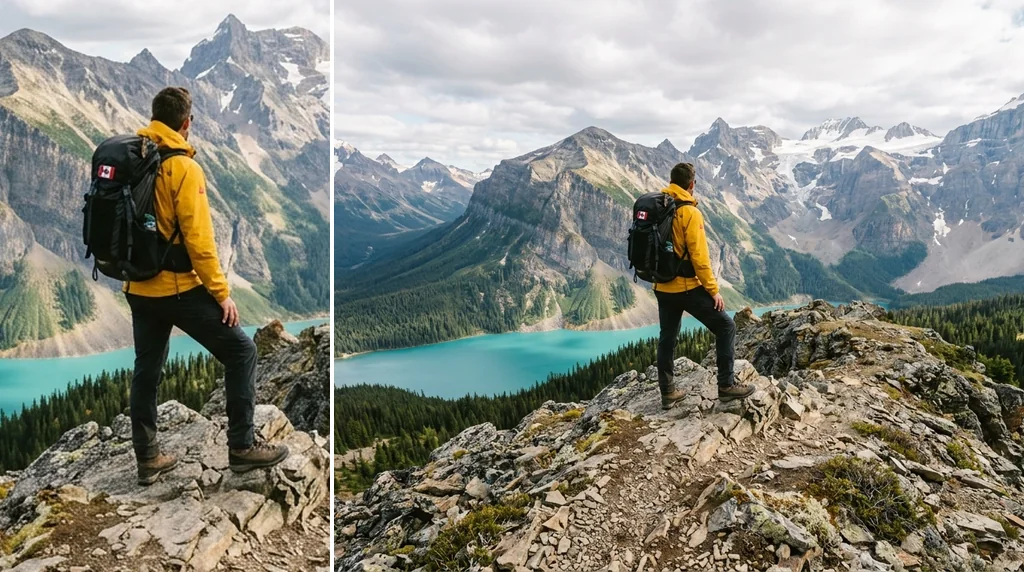
No awkward cropping
The main subject stays fully visible.
Common ratios
Square, portrait, story and wide shapes.
Smart background fill
Borders are extended naturally, without distortion.
Fit every social dimension
Turn a wide photo into vertical stories and short-video covers without losing context.
Resize an image free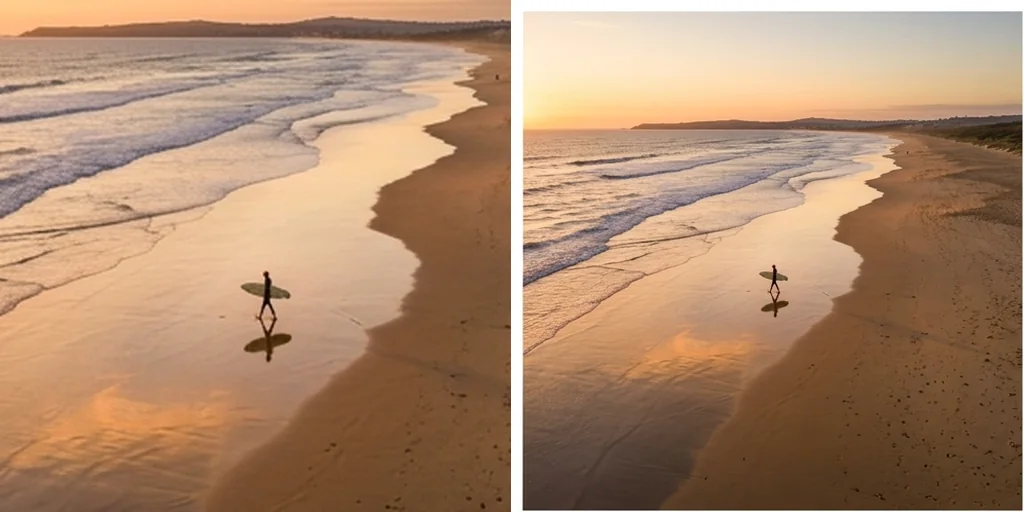
Keep subjects with generative fill
Instead of chopping edges, missing space is filled in so people, products and text stay centred.
Resize an image free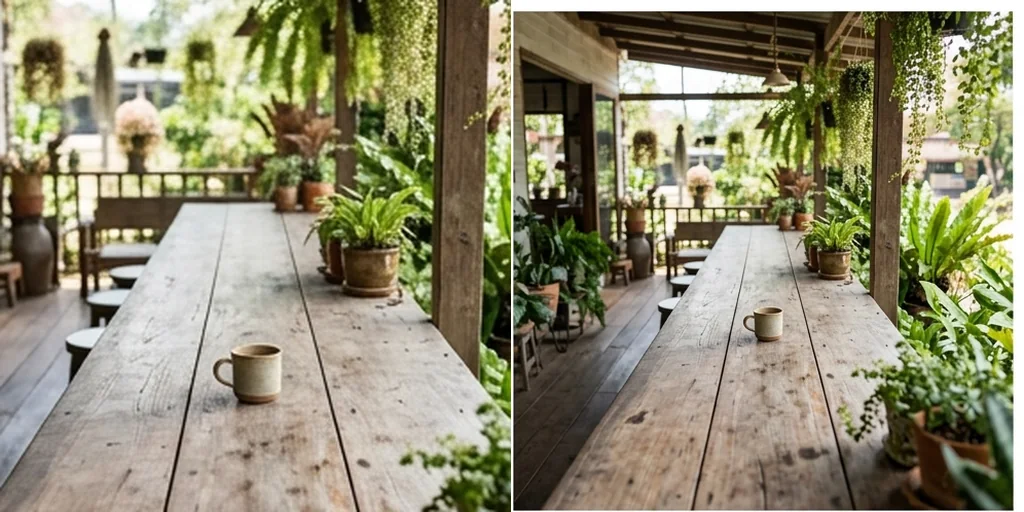
Scale ad campaigns
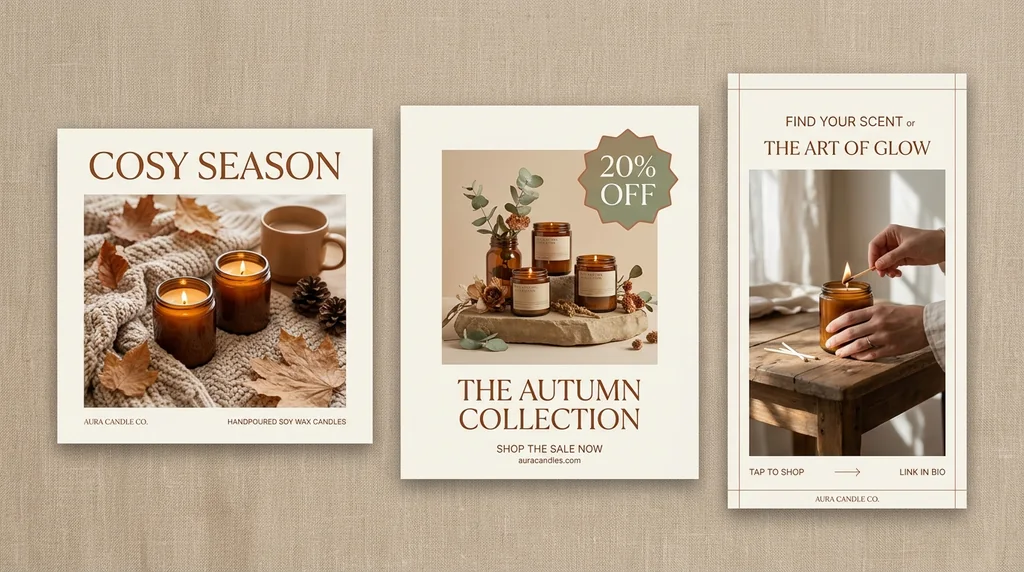
Create a set of ad shapes from one master image by resizing it to each ratio.
Resize an image free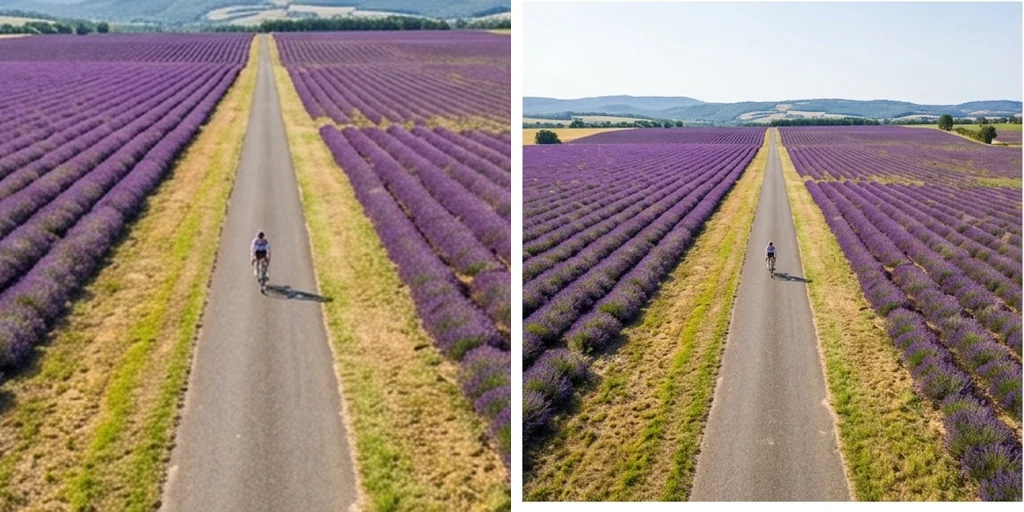
Consistent product listings
Bring catalogue photos to the same aspect ratio for a tidy, professional store.
Resize an image free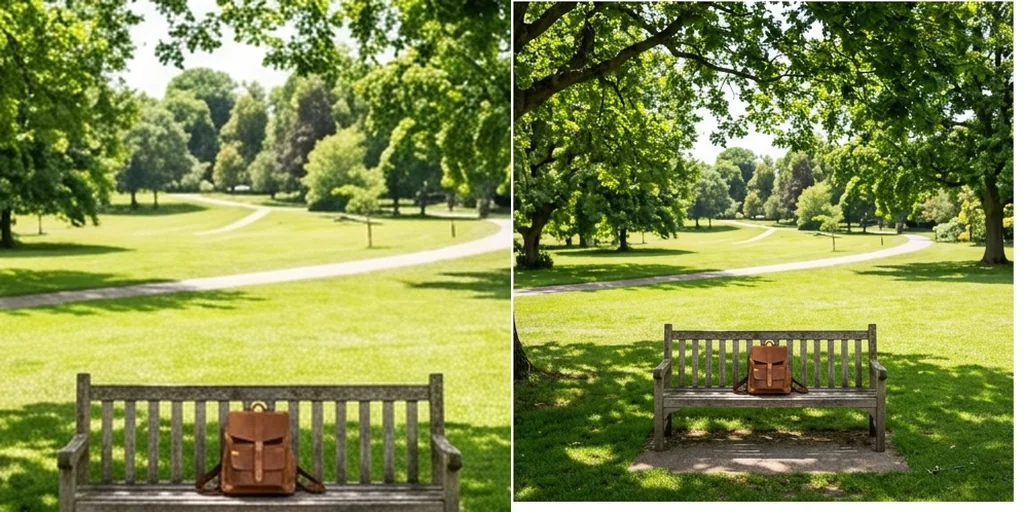
Resize assets for every display
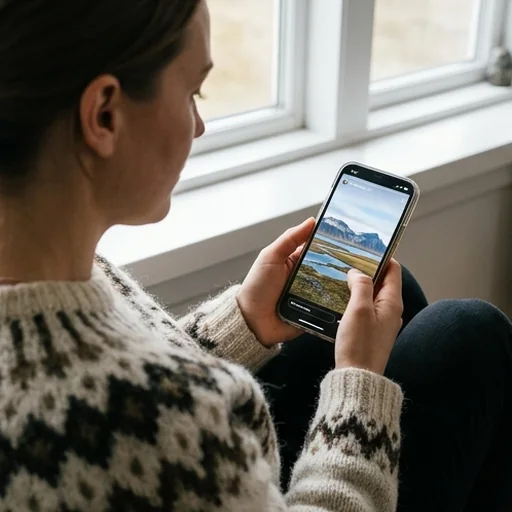
Every content feed
Turn a wide thumbnail into a 9:16 story with the hook intact.
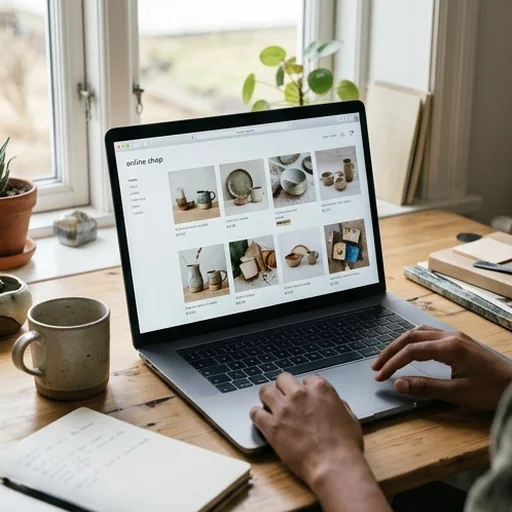
Uniform store catalogues
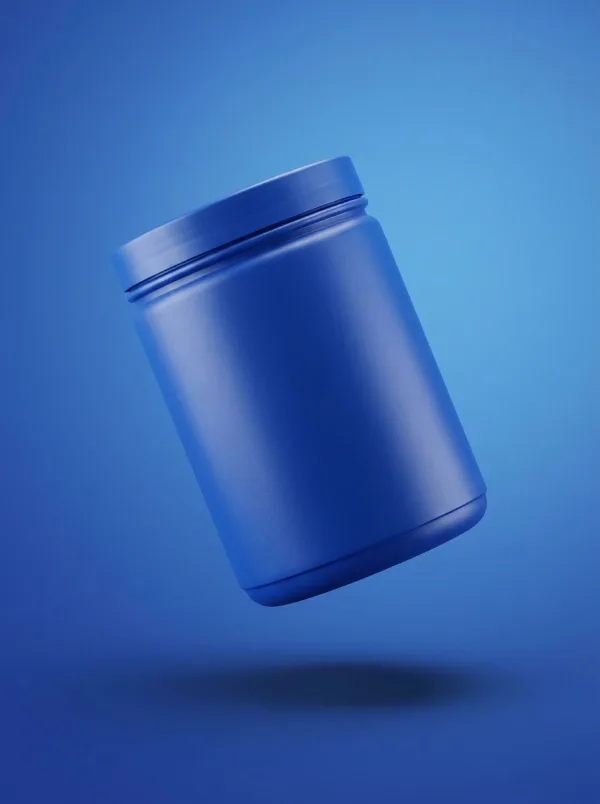
Lifestyle shots become square listing images, never stretched.
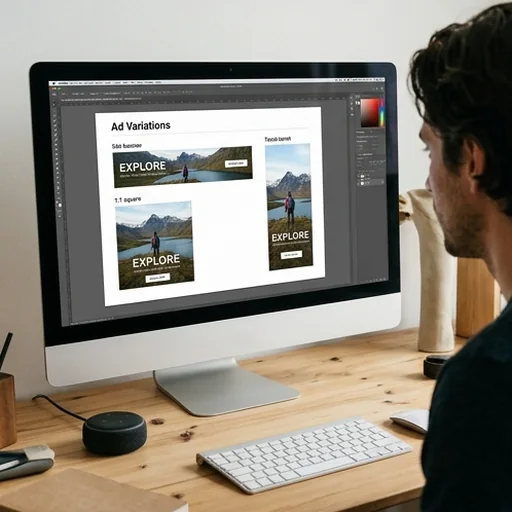
Test more ad placements
A set of display shapes from one hero image.
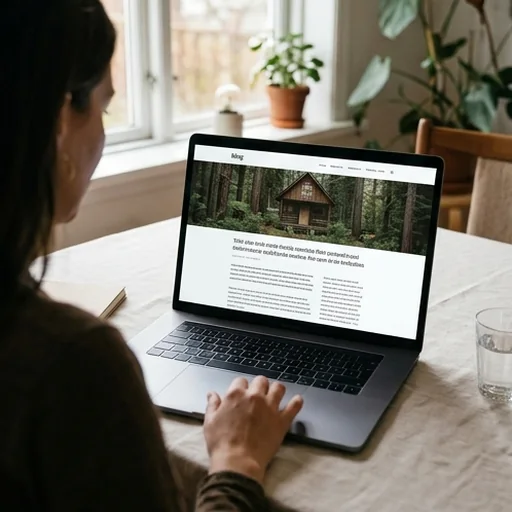
Clean website images
Featured images that fit your blog layout.
How to resize an image with Jitura
- 1
Step 1: Upload your image
Add the photo or graphic you want to resize.
- 2
Step 2: Pick the shape
Choose the aspect ratio you need in the composer.
- 3
Step 3: Create and download
Create the resized image and download it.
Discover other AI image tools on Jitura

FAQs
What is an AI image resizer?+
A tool that changes the aspect ratio of your photo while keeping the main subject framed, filling new space with a natural extension of the background.
Can I use the AI image resizer for free?+
Yes. Every signed-in account gets free daily operations, and each image uses one. Paid plans add more operations, higher resolutions and private outputs.
How do I resize a picture for social media?+
Upload the photo, choose the ratio (for example 9:16 for a story or 1:1 for a post) and press Create. Repeat for each shape you need.
Will it stretch my subject?+
No. It extends or adjusts the frame around the subject instead of stretching the pixels.
Can I resize several images at once?+
One image per run. For a set, upload each image in turn, or create several shapes from the same image one after another.
Can I convert an image to 16:9 for video?+
Yes. Choose 16:9 and the canvas is widened without distorting faces or text.
Fit every feed and publish faster
Upload any product shot, ad or photo and get the shapes you need.
Resize an image free