
Image Translator
Translate the text in your image into another language while keeping the layout, photos and style.
Free outputs may appear in the public gallery. Learn more
Take your visuals global without redesigning
Still rebuilding translated graphics by hand? Jitura's image translator finds the text in your image, translates it with context and keeps the original layout, so localised campaigns look native and launch faster.
Translate an image free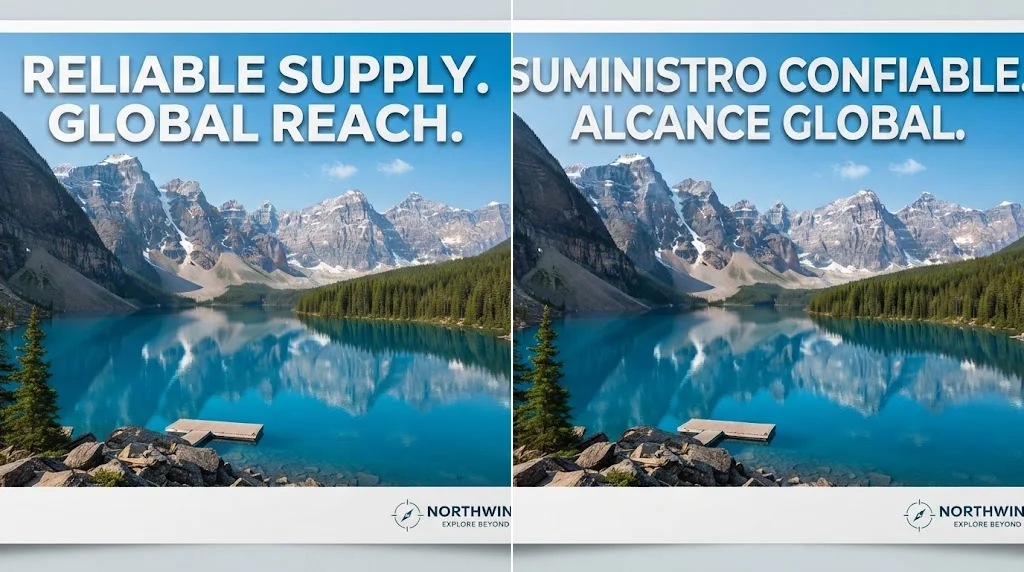
Finds every word
Text on busy posters, menus, graphics and comics.
Sounds local
Context-aware wording instead of rigid swaps.
Keeps the design
Only the language changes.
Catch every word
Text is found across posters, product images, menus, screenshots and comics, even on busy backgrounds or unusual fonts.
Translate an image free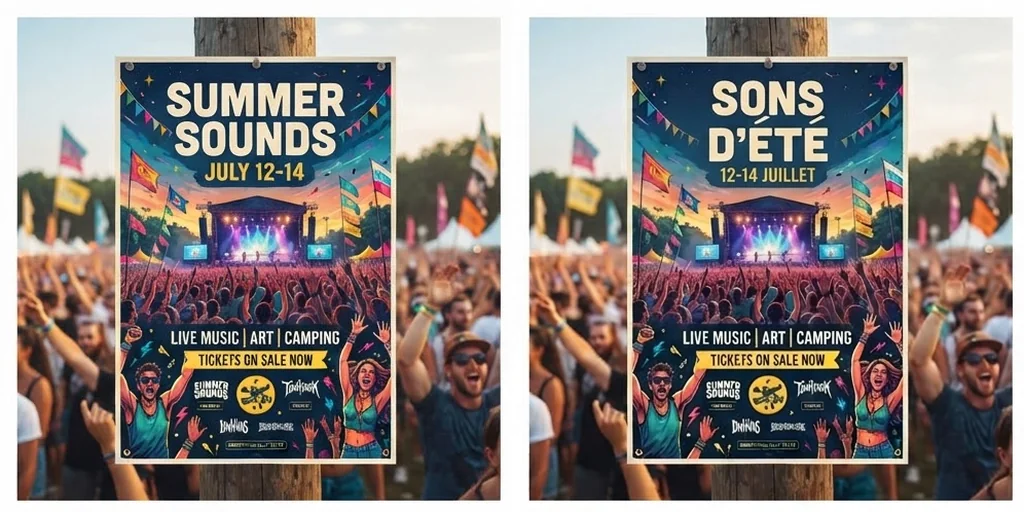
Translations that read naturally
Each line is translated with context, so international audiences understand and trust the message.
Translate an image free
Change only the language
Backgrounds, people, products, colours, composition and style stay exactly as they were.
Translate an image free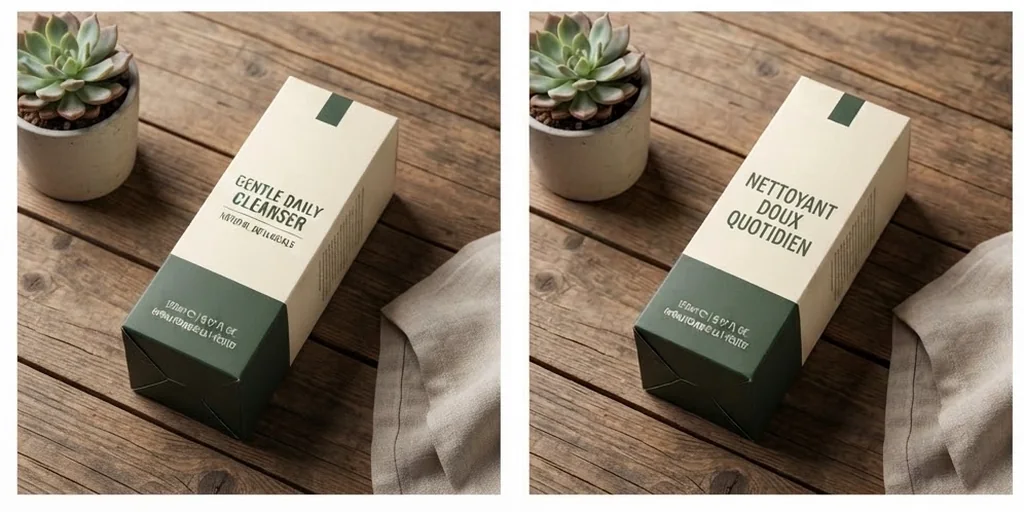
Crisp results for every channel
High-resolution images with sharp text, ready for posts, ads and listings.
Translate an image free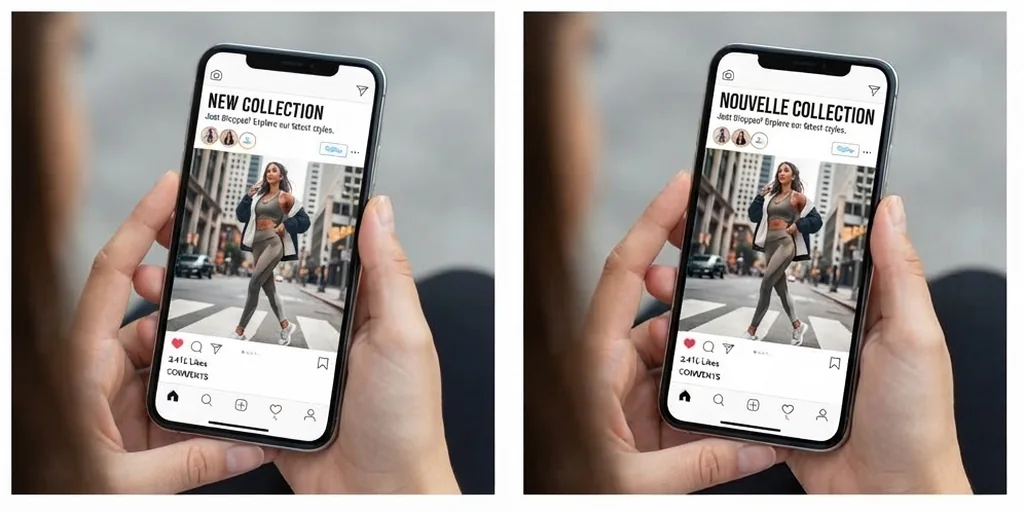
Translate images for real publishing and buying moments
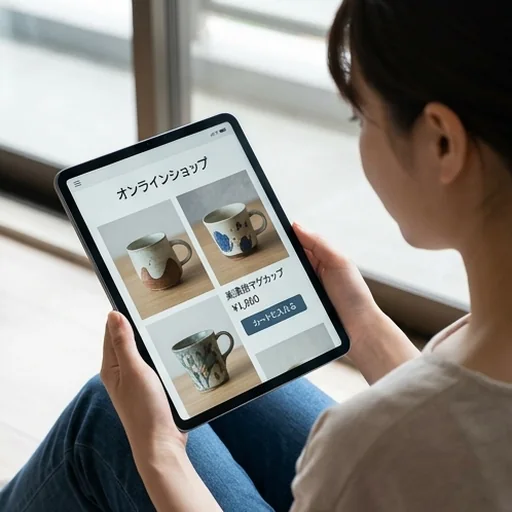
Shoppers understand before they buy
Product graphics and listing images in the shopper's language.
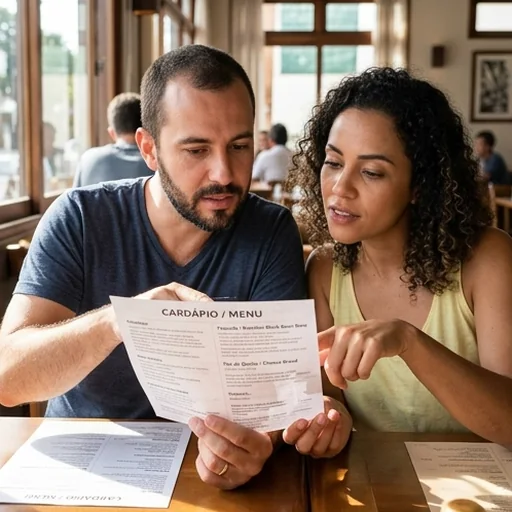
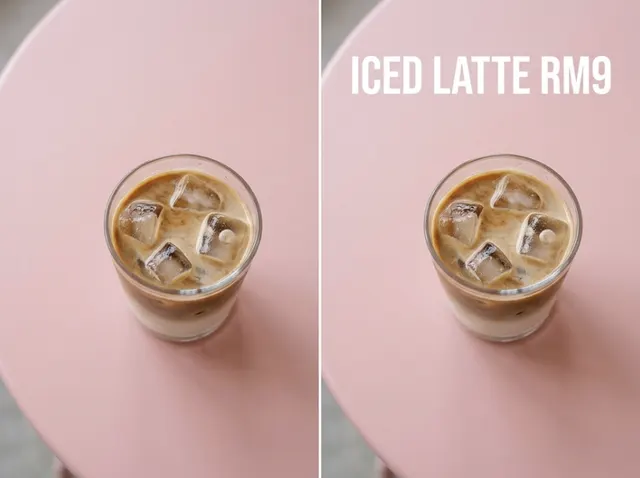
Menus every guest can read
Food photos and price layout stay; the wording becomes local.
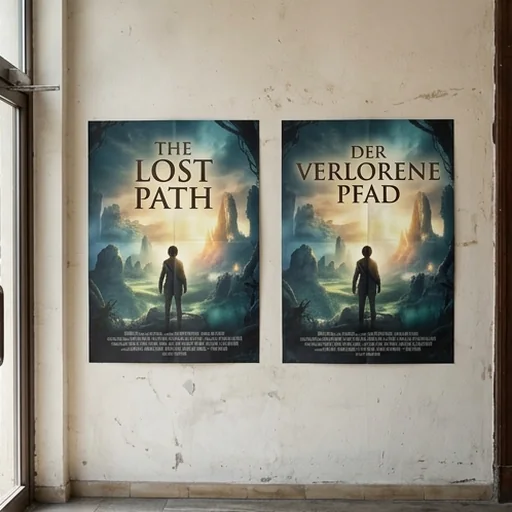
One campaign in every market
Regional launches without rebuilding the artwork.
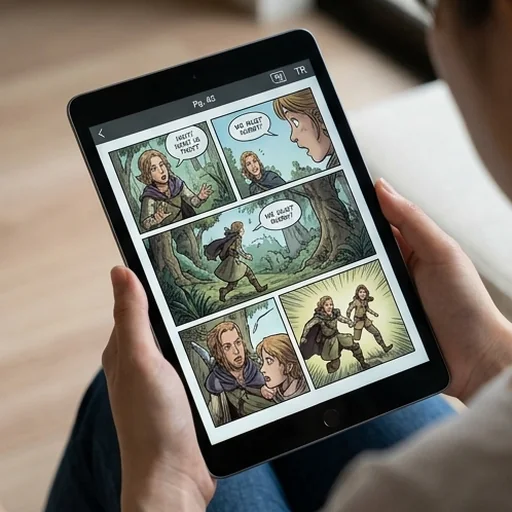
Comics and screenshots keep their meaning
Translated text stays close to its original place.
How to translate an image with Jitura
- 1
Step 1: Upload the image
Add the image with the text you want to translate.
- 2
Step 2: Choose the language
Change Spanish in the instruction to your target language and pick the size.
- 3
Step 3: Create and download
Create the translated image and download it.
Discover other AI image tools on Jitura
FAQs
What is an image translator?+
A tool that finds the text inside an image, translates it in context and puts the translation back while keeping the background, people, products, colours and style.
How does it translate accurately?+
The AI reads the text and its surroundings before writing natural wording. Always proofread important text, such as prices or legal details, before you publish.
Can I translate an image without changing its design?+
Yes. Only the words are replaced; the rest of the image stays recognisable.
Which languages can it handle?+
Most widely used languages. Write the target language in the instruction.
Can I translate images for social media, ads and stores?+
Yes. Choose the aspect ratio you need and download high-resolution results.
Is the image translator free?+
Yes. Every signed-in account gets free daily operations, and each image uses one. Paid plans add more operations, higher resolutions and private outputs.
Take your message global
Translate the text in your images naturally, keep every detail and reach new audiences.
Translate an image free