
AI Circuit Diagram Generator
Describe components and connections and get a clean circuit diagram for lessons, projects and presentations.
Free outputs may appear in the public gallery. Learn more
Clean circuit diagrams for better understanding
Build clear circuit visuals to explain and share. Describe components and connections and Jitura draws a clean diagram for learning, presentations, planning and personal projects, so it is easier to see how every part connects.
Create a circuit diagram free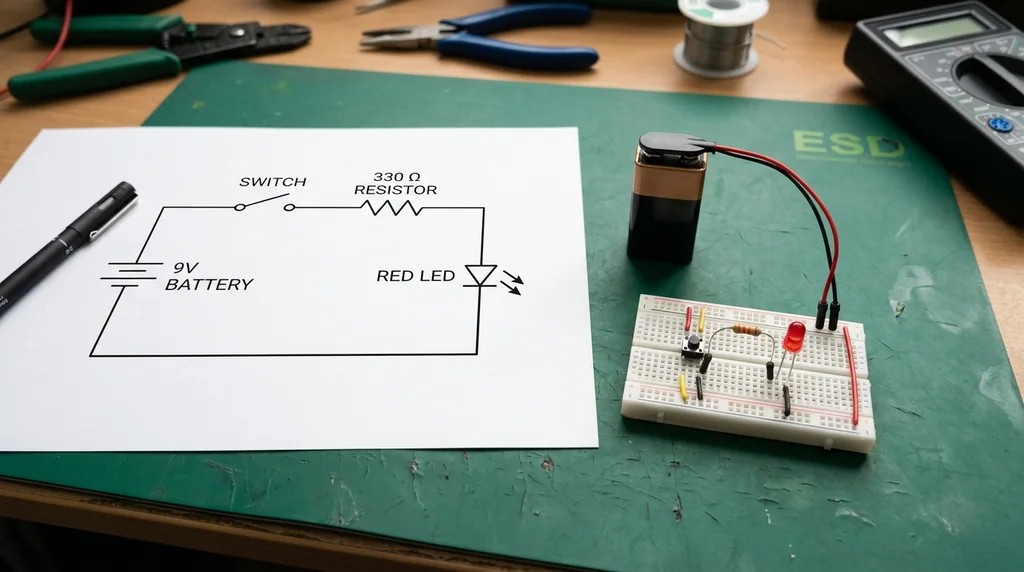
Less effort
No drawing every symbol by hand.
Flexible control
Guide symbols, labels, layout and colours.
Clearer versions faster
Compare layouts to find the clearest one.
Complex connections made easy
Dense relationships become a clear diagram with familiar symbols that collaborators read quickly.
Create a circuit diagram free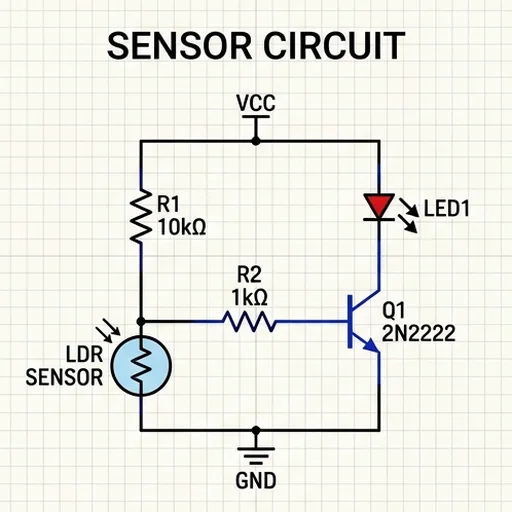
Adapt diagrams to any audience
More or less detail and labels for beginner lessons, team talks or educational posters.
Create a circuit diagram free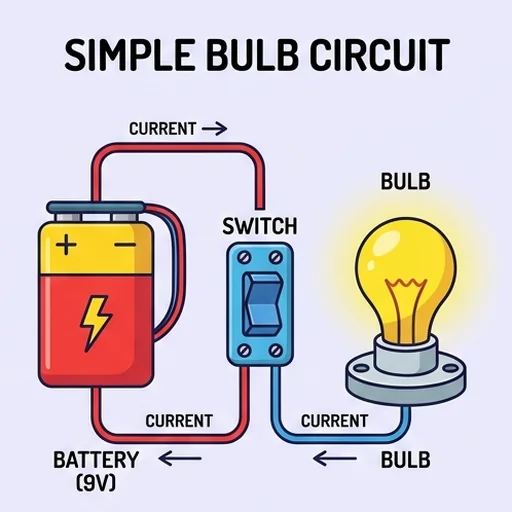
Explore alternative approaches
Compare layouts, component combinations and placements for one design goal.
Create a circuit diagram free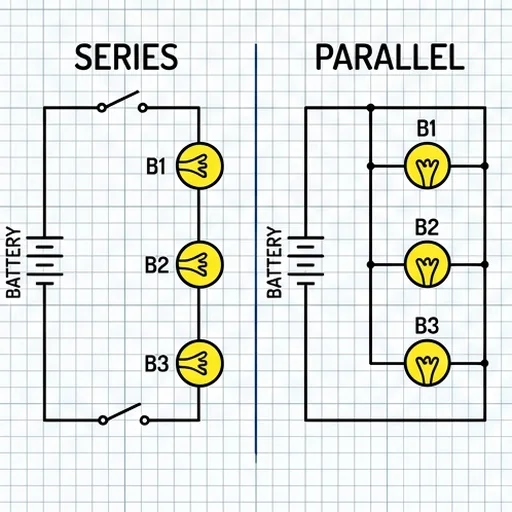
Less ambiguity before moving on
Turn written ideas into a schematic for planning, lessons or posters and spot missing links early.
Create a circuit diagram free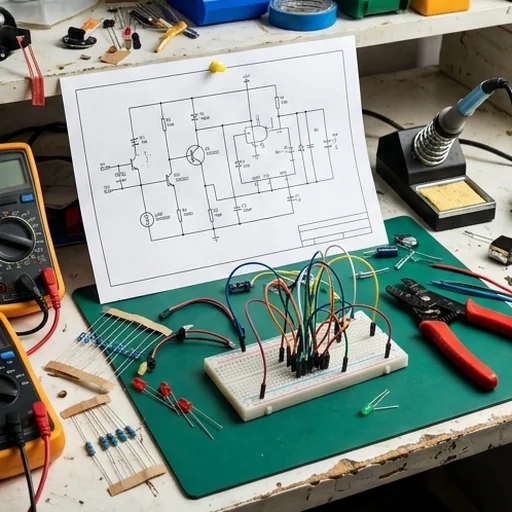
Where to use your circuit diagrams

Understand circuits faster
Students turn written problems into diagrams for notes and worksheets.

Present projects clearly
STEM clubs show how a build works at demos and competitions.

Plan builds with clarity
Makers sketch microcontroller, LED and sensor projects before wiring.

Explain technical ideas
Creators add diagrams to videos, tutorials and articles.
How to use the AI circuit diagram generator
- 1
Step 1: Describe the circuit
List the components, values and connections.
- 2
Step 2: Add the style
Say the schematic style, layout, labels and colours.
- 3
Step 3: Create and check
Create the diagram and verify every connection before you build.
Discover other AI image tools on Jitura



FAQs
What is an AI circuit diagram generator?+
An AI image generator that turns written descriptions of components, values and connections into a structured circuit diagram for lessons, planning and presentations.
Why use Jitura's circuit diagram generator?+
It is prompt-based, gives you control over style and layout and lets you explore several directions without drawing each symbol.
Is it free to use?+
Yes. Every signed-in account gets free daily operations, and each image uses one. Paid plans add more operations, higher resolutions and private outputs.
How do I read a circuit diagram?+
Find the power source and the component symbols, trace each connection through switches, resistors and LEDs, then check labels, values, polarity and junctions to see how current flows.
What circuit diagrams can I create?+
Simple, series, parallel, LED, battery, switch, sensor and stylised technical diagrams for explaining concepts and exploring ideas.
Are the diagrams safe to build from?+
Treat them as illustrations. AI images can contain mistakes, so always verify component values, polarity and connections against a trusted reference before you build anything.
Make every circuit easier to understand
Create clean circuit diagrams that show key connections and support better project decisions.
Create a circuit diagram free