
Blueprint Maker
Turn room details and layout ideas into clean blueprints that make your plans easier to share.
Free outputs may appear in the public gallery. Learn more
Blueprints that make your ideas easier to share
Planning a space from scratch gets messy fast. Describe your rooms, sizes and goals and Jitura turns them into clean blueprint-style plans for renovations, listing previews, interior planning and early design conversations.
Make a blueprint free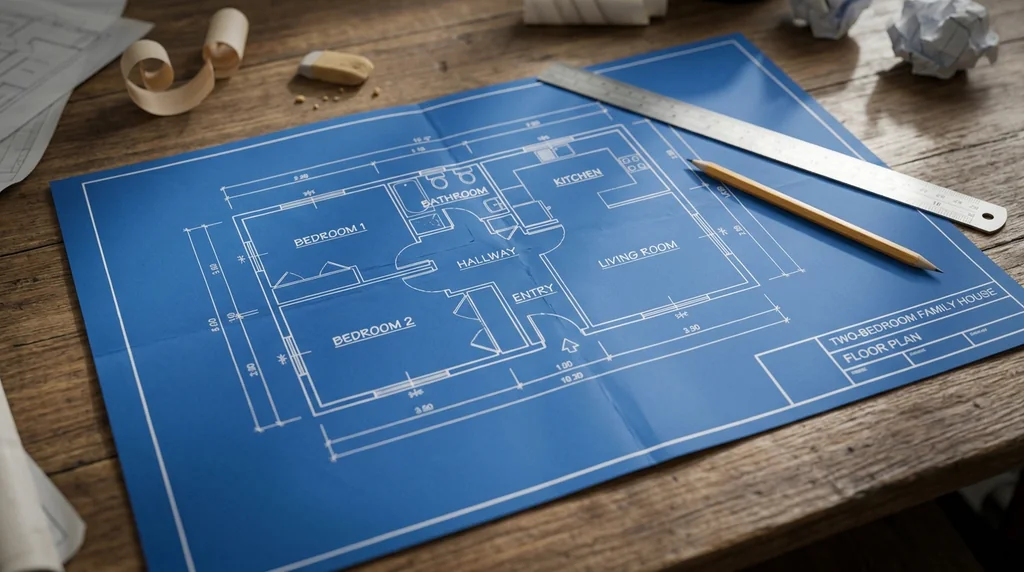
Prompt to plan
Describe the space and layout goals.
House blueprints
Organised plans for reviews and presentations.
More layout options
Compare plans before choosing one direction.
Blueprints without design skills
No CAD or drafting experience needed: describe the rooms, layout or renovation idea and get a clear blueprint image.
Make a blueprint free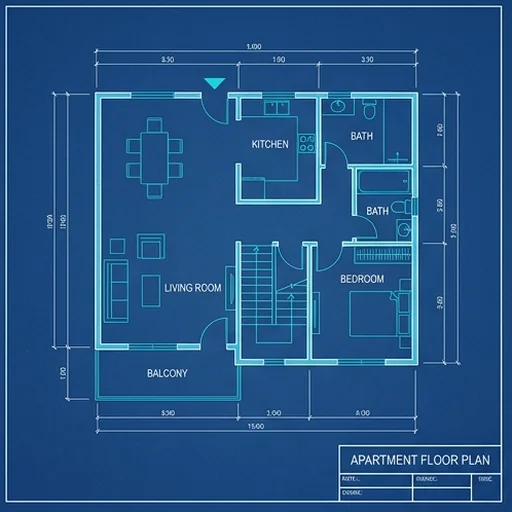
House blueprints in seconds
House plans, room layouts and renovation concepts appear quickly, so you can review directions straight away.
Make a blueprint free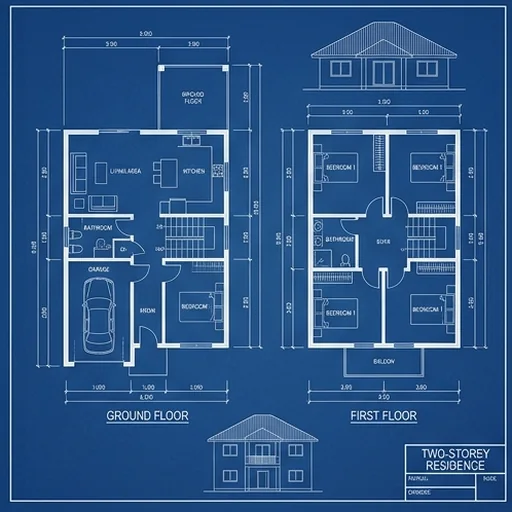
Compare layout variations
Try different styles and room arrangements, or upload a rough sketch to get a cleaner version.
Make a blueprint free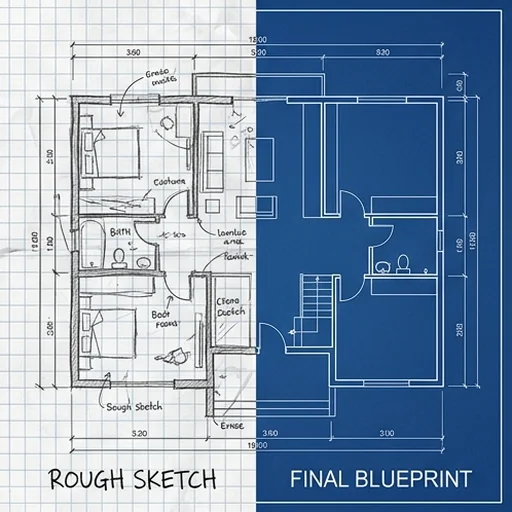
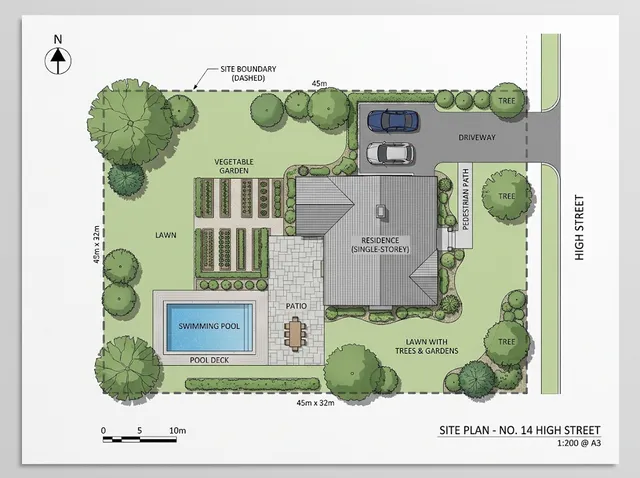
Clean, high-quality plans
Organised lines, clear room structure and a professional plan look for sharing and discussion.
Make a blueprint free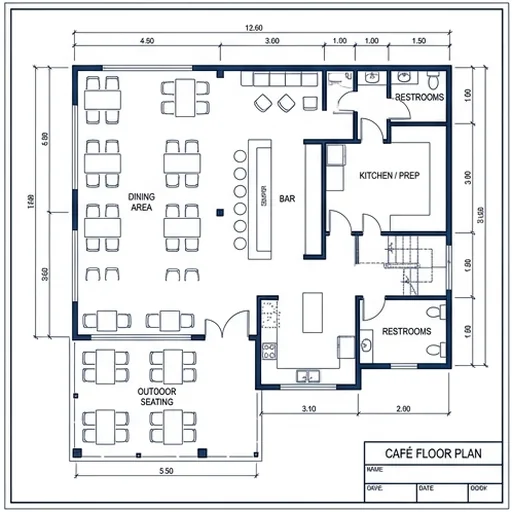
AI blueprints for every field
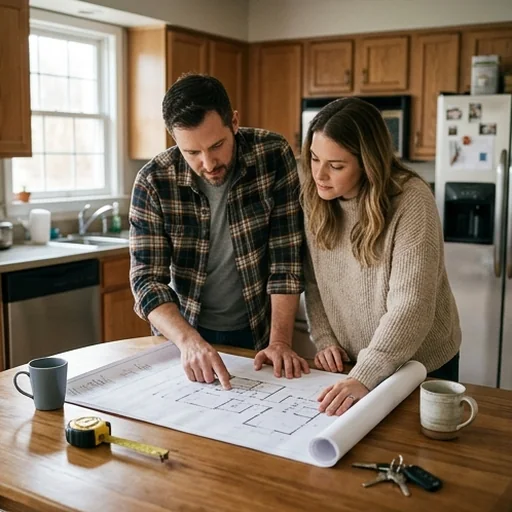
Test renovation ideas early
Homeowners picture changes before talking to contractors.
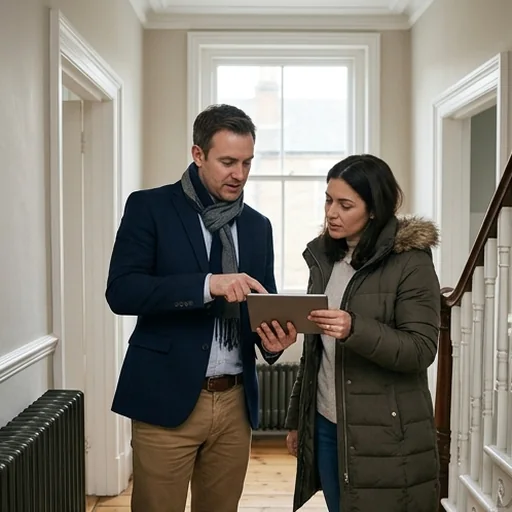
Explain spaces clearly
Estate agents show possible layouts in listings and remodel previews.
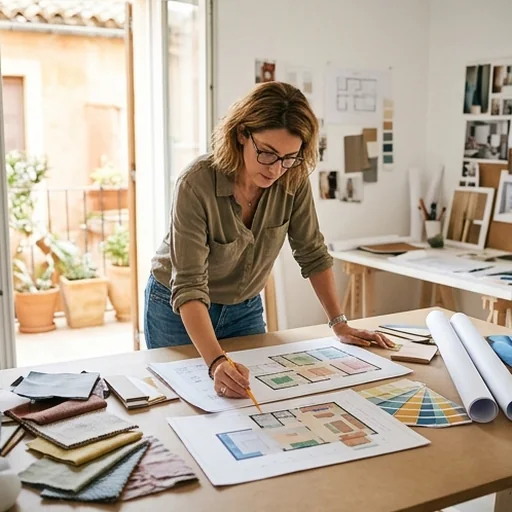
Compare concepts faster
Interior designers explore room flow and furniture zones.
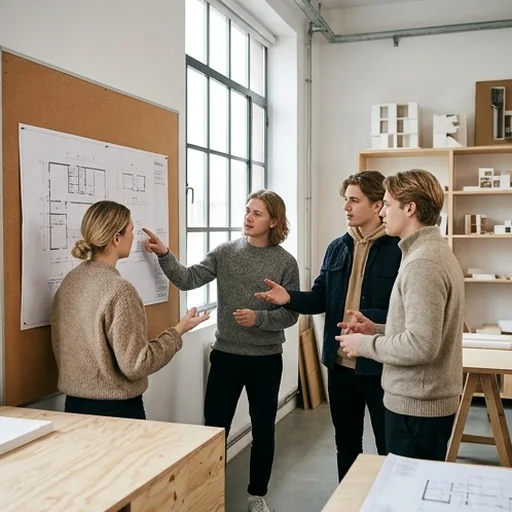
Visualise design lessons
Students and teachers make plan images for architecture projects.
How to make a blueprint with Jitura
- 1
Step 1: Describe the space
Add rooms, sizes and style notes, or upload a rough sketch.
- 2
Step 2: Create
The AI creates a clean blueprint from your layout.
- 3
Step 3: Download
Download it for planning, reviews or presentations.
Discover other AI image tools on Jitura
FAQs
What is a blueprint maker?+
An AI image generator that turns prompts, measurements and rough layout ideas into clean blueprint images for planning and design talks.
How do I make a blueprint with Jitura?+
Describe the layout, room types, sizes and style and press Create.
Are the blueprints accurate construction drawings?+
No. They are concept images for planning and discussion. Use a licensed architect or engineer for drawings you build from.
Can I turn a rough sketch into a blueprint?+
Yes. Upload the sketch and describe what to clean up, such as labels, spacing or style.
Can I use the blueprint with other Jitura tools?+
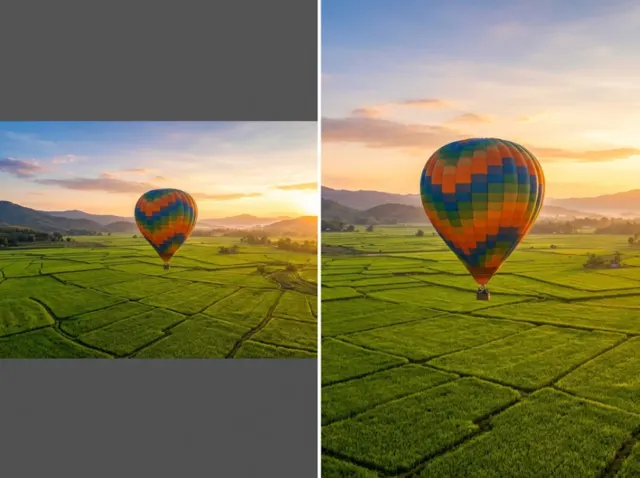
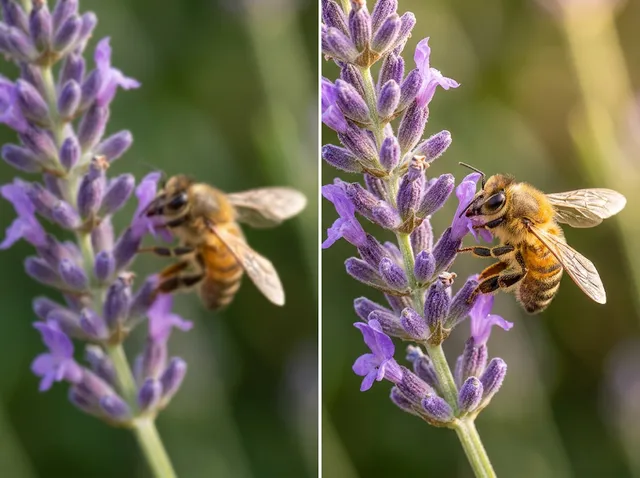
Yes. Refine details with the AI Photo Editor, sharpen it with the Image Sharpener or enlarge it with the Image Upscaler.
Create design-ready blueprints today
Turn layout ideas into clean, shareable blueprints for homes, projects and presentations.
Make a blueprint free