
Mood Board Maker
Create cohesive mood boards with consistent subjects and presentation-ready layouts for confident decisions.
Free outputs may appear in the public gallery. Learn more
Mood boards that make your vision instantly clear
Scattered references leave your idea open to interpretation. Jitura's mood board maker turns them into one cohesive board with consistent subjects, curated elements and a clear hierarchy, so a shoot, a room or a campaign has a direction everyone understands.
Try the mood board maker free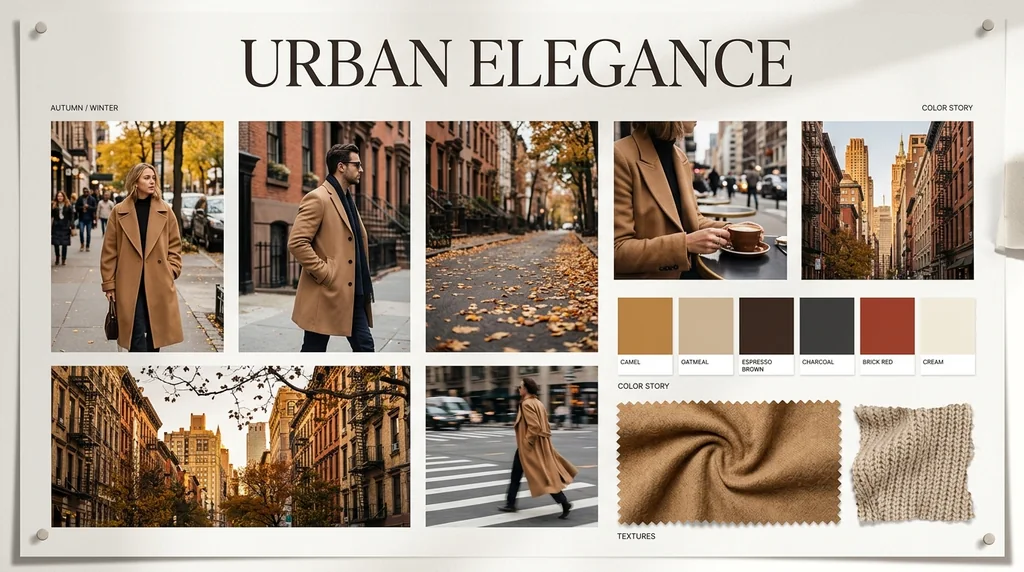
Visually consistent boards
Your subject's identity, colours and details stay faithful to the reference.
Loose ideas into one direction
Imagery, colour, type and texture are coordinated for you.
Ready to present
High-resolution boards with a clear visual hierarchy.
True to your reference
Upload a product photo or room reference and the board keeps its identity, colours and defining details at the centre.
Create a mood board free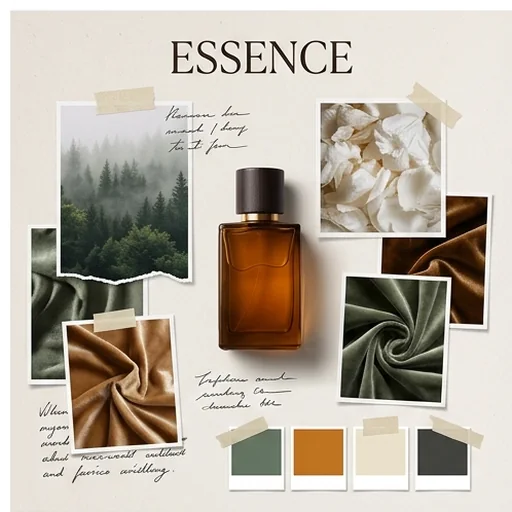
A clear visual language
Describe the theme, atmosphere and style, from minimal to vintage or luxurious, and get a focused board people understand at a glance.
Create a mood board free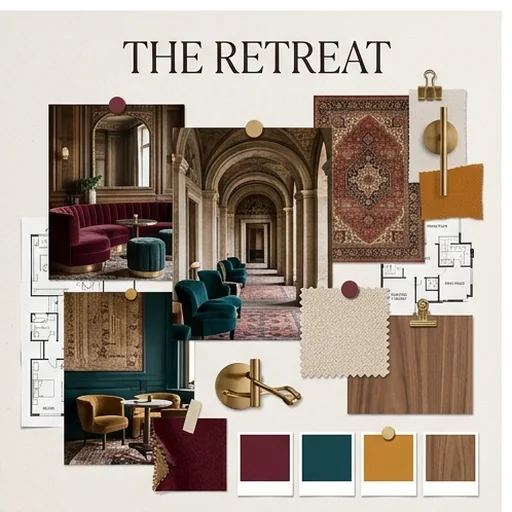
Every element feels chosen
The AI pairs your images with palettes, typography, textures and symbols so beauty, fashion or social boards feel cohesive.
Create a mood board free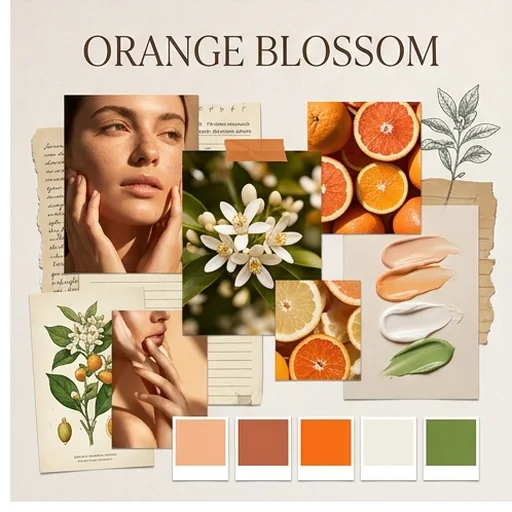
A polished board people can act on
Elements are arranged in your chosen aspect ratio, ready for presentations, renovation plans or content planning.
Create a mood board free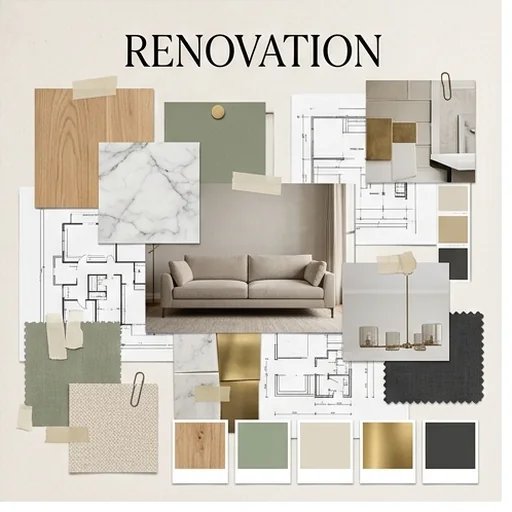
Mood boards for real creative work
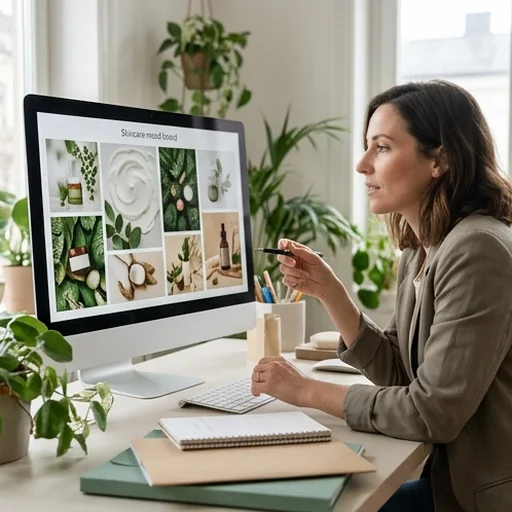
Beauty campaigns stay on brand
Coordinate shades, textures, typography and cues for launch images and product pages.
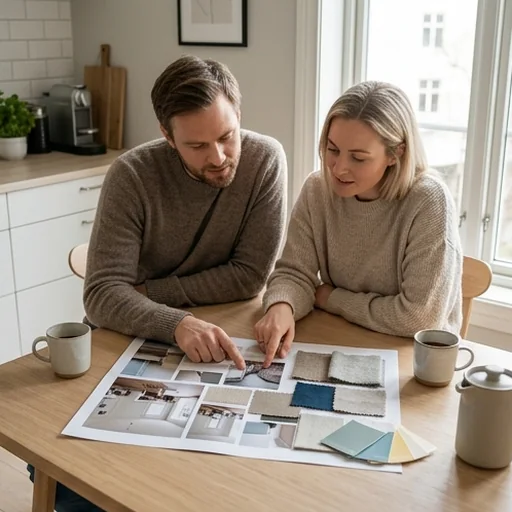
See the room before you spend
Combine furniture, materials, colours and light to picture the finished space.
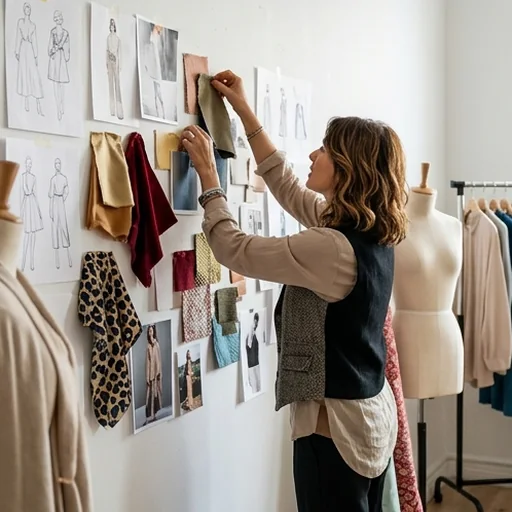
One visual story for a shoot
Connect outfits, fabrics, poses and locations from casting to the final shoot.
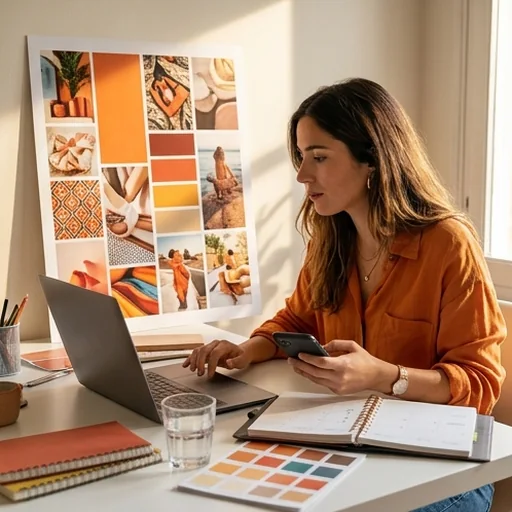
Social posts that feel connected
Recurring colours, compositions and type give every post a recognisable identity.
How to make a mood board with Jitura
- 1
Step 1: Add references
Upload images of a product, person, space or idea.
- 2
Step 2: Describe the mood
Write the theme, mood and style and choose the aspect ratio.
- 3
Step 3: Create and download
Create the board, review it and download it in high resolution.
Discover other AI image tools on Jitura
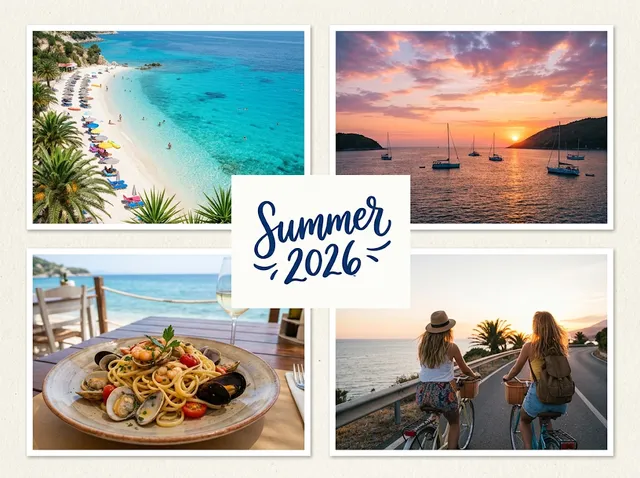
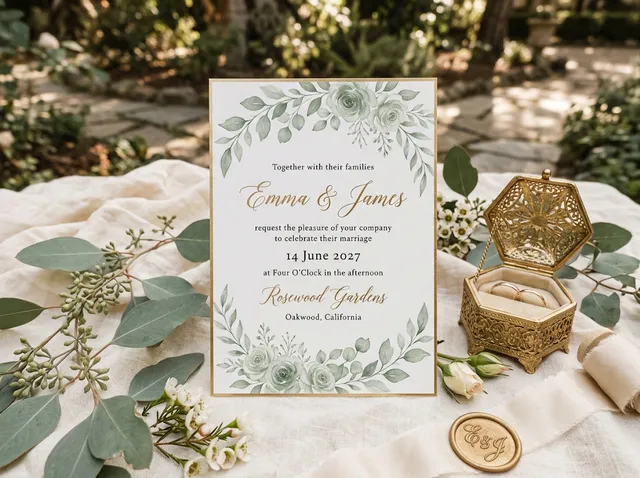
FAQs
What is a mood board maker?+
A tool that turns references and a written direction into one cohesive visual board that coordinates imagery, colour, typography, texture and hierarchy.
How do I make a mood board with Jitura?+
Upload the images you want on the board, describe the atmosphere and press Create. The AI arranges the images, adds text and builds the board for you.
What can a mood board generator create?+
Concept boards for branding, styling, interiors and campaigns with coordinated imagery, palettes, type and textures.
Will it keep my uploaded subject consistent?+
It aims to keep the identity, signature colours and key details of your reference while building matching elements around it.
Which projects suit a mood board?+
Beauty launches, interior plans, fashion shoots and social campaigns where every visual choice needs to feel connected.
Can I try the mood board maker for free?+
Yes. Every signed-in account gets free daily operations, and each image uses one. Paid plans add more operations, higher resolutions and private outputs.
Bring your creative mood to life
Create mood boards with cohesive elements and polished layouts that make your direction easy to act on.
Try the mood board maker free