
ID Card Maker
Add a portrait and details to make ID card designs people recognise instantly.
Free outputs may appear in the public gallery. Learn more
Create professional ID cards that represent your organisation
Still designing ID cards by hand? Jitura's ID card maker combines a portrait with the person's details, keeps the face recognisable, follows your style and gives you several high-resolution designs for schools, companies and project teams.
Make an ID card free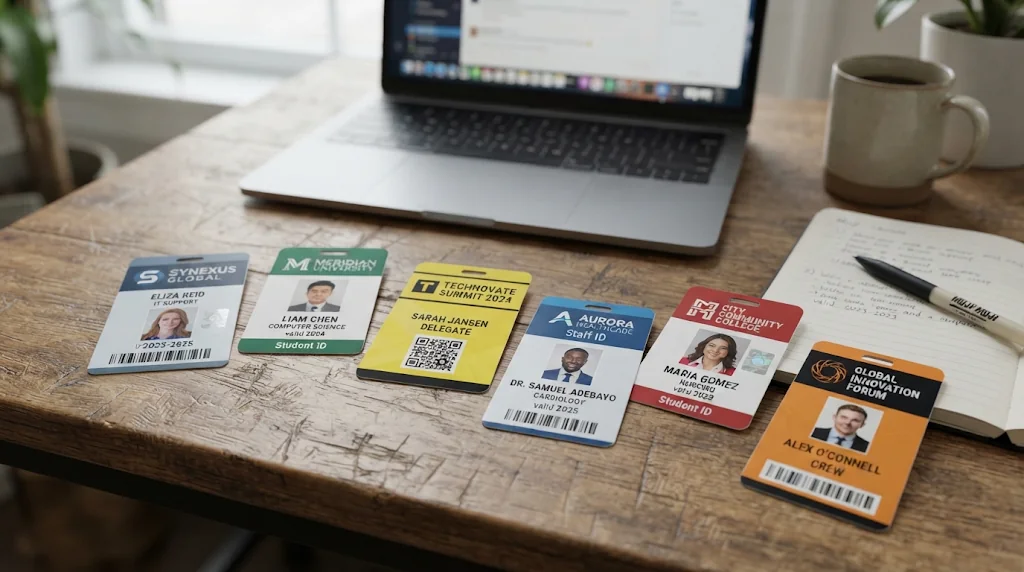
Professional IDs without repetitive work
Portraits and details become polished cards with no layout work.
Every ID type you need
Campus cards, employee badges and event passes in styles for each programme.
Every cardholder recognisable
Faces stay accurate and the result is sharp and credible.
Complete IDs without missing details
Add a portrait and the name, role, department, number or contact. The ID card maker organises everything into a complete card.
Make ID cards free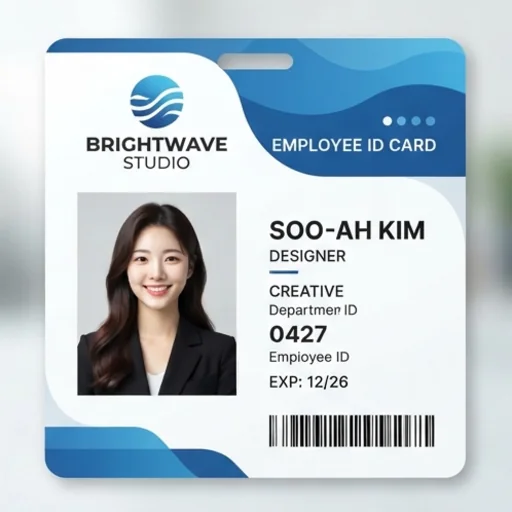
Every portrait accurate
Each person's facial features are kept while the card is designed, so people can use their cards without confusion.
Make ID cards free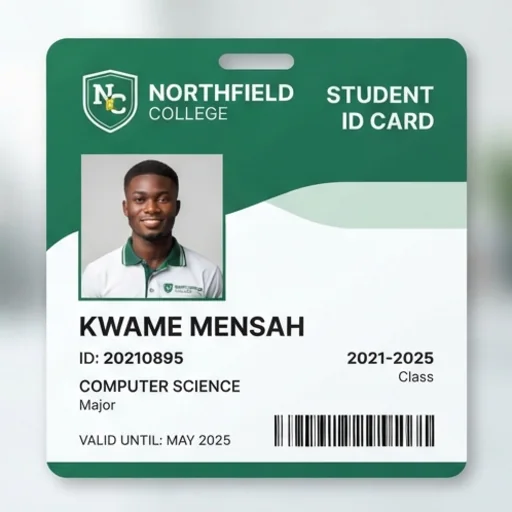
The right style for every group
Describe the layout, colours, background and tone, and get employee badges, campus cards or project passes that fit their setting.
Make ID cards free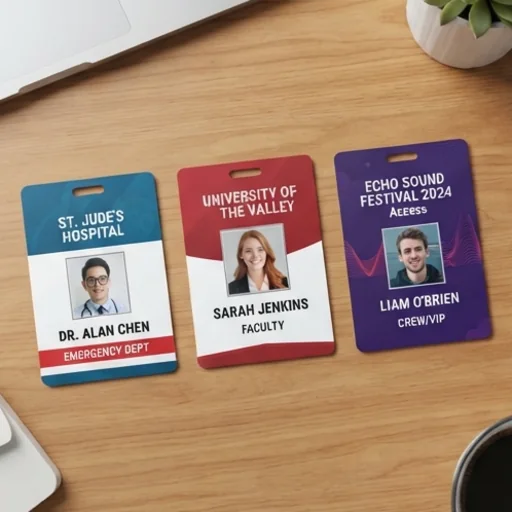
Find the right design without reworking
Generate several variations, pick the one that best represents your organisation and keep options ready for onboarding and events.
Make ID cards free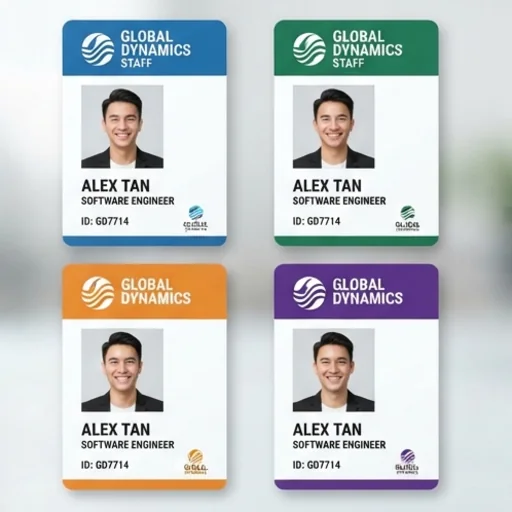
Professional IDs for every organisation you manage

Give new hires a professional start
Consistent employee cards that help colleagues identify roles.
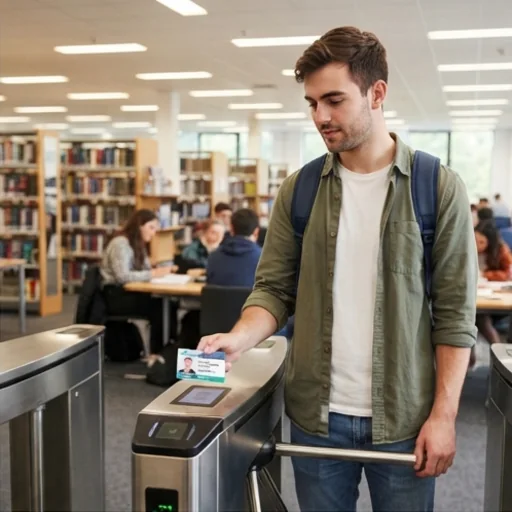
Keep student and staff identities clear
Recognisable campus cards for daily school use.
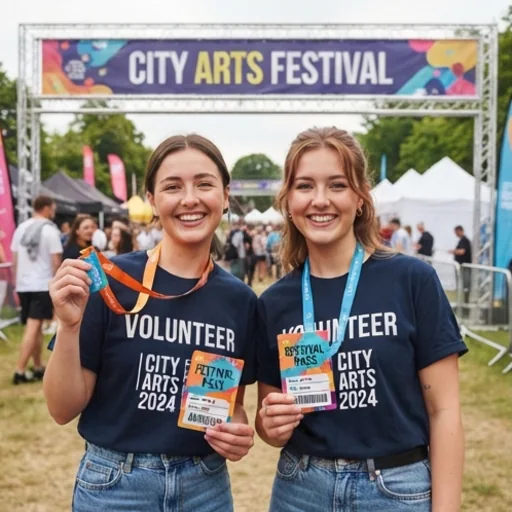
Keep fast-changing roles easy to identify
Coordinated passes for contractors, volunteers and event staff.
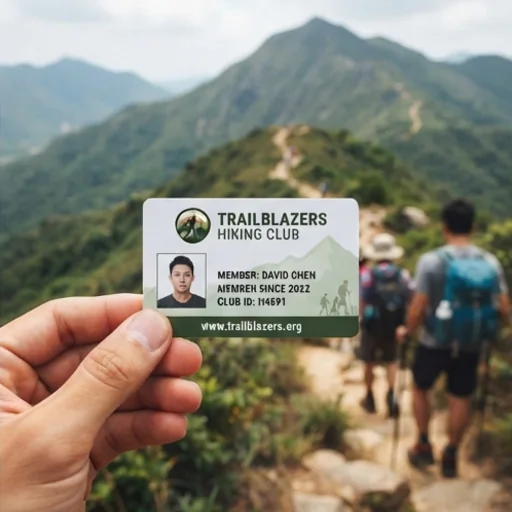
Give every member a consistent identity
Member cards that present clubs and associations professionally.
How to make ID card designs with Jitura
- 1
Step 1: Add a portrait and details
Add a clear portrait with + and write the person's details.
- 2
Step 2: Describe the style
Describe the layout, colours and look your organisation needs.
- 3
Step 3: Create and download
Create several high-resolution designs and download your favourite.
Discover other AI image tools on Jitura

FAQs
What is an ID card maker?+
An online design tool that turns a portrait, identity details and instructions into a finished ID card design.
Will it keep every cardholder's face?+
It is told to keep the face exactly the same and usually does; check each card before you use it.
What is the best ID card maker?+
One that arranges portraits and details for you and gives several polished options. Jitura's maker does both and lets you switch models in the same box.
Can it create several designs at once?+
Yes. Choose up to four images per run in one visual direction and compare them.
How do I make an ID card design with Jitura?+
Add a clear portrait, write the details and the style, choose how many designs to make, then review and download.
Do I need design skills?+
No. Plain-language details and direction are enough.
Is it free, and can I make official documents?+
Every signed-in account gets free daily operations. The cards are design samples for organisations' own badges and passes: never use it to copy or fake government IDs or any document you are not authorised to issue.
Create professional ID card designs instantly
Keep every person recognisable and every role clearly presented.
Try the ID card maker