
Change Color Of Image
Recolour products, clothing, logos and backgrounds in seconds while keeping natural light and shadows.
Free outputs may appear in the public gallery. Learn more
Recolour your visuals to match any look
Stop reshooting for every shade. Jitura's image colour changer swaps colours in seconds, from products and clothing to logos and room moods, with realistic lighting, so one photo becomes a whole colour range or a seasonal campaign.
Change colors free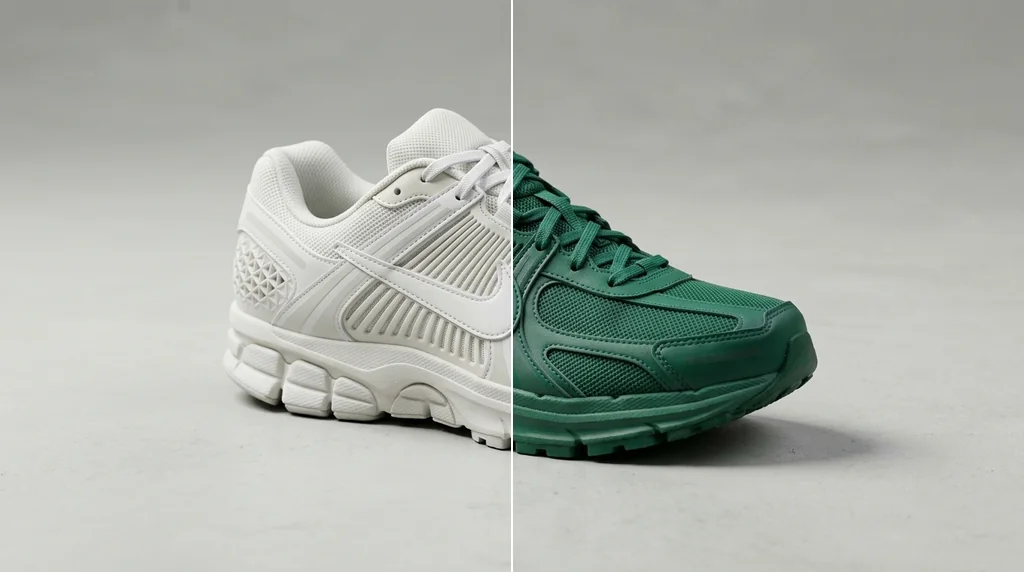
Natural lighting
Shadows and highlights stay realistic.
Recolour anything
Products, logos, packaging and backgrounds.
High-resolution output
Ready for print and online stores.
Offer every product colour
Create each shade for your listings from one photo so shoppers see the full range.
Change colors free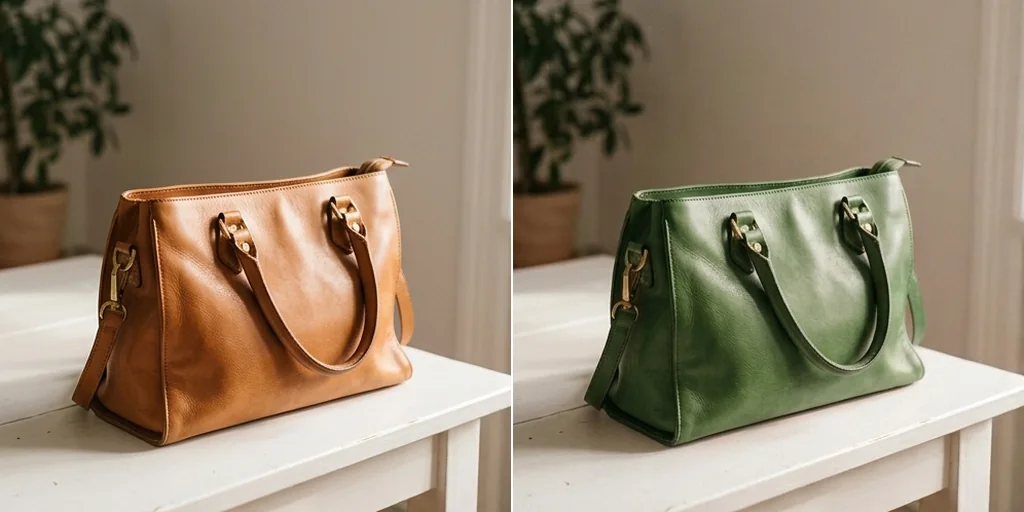
Try fashion looks risk-free
Swap clothing or hair colours to preview trends before you buy or post.
Change colors free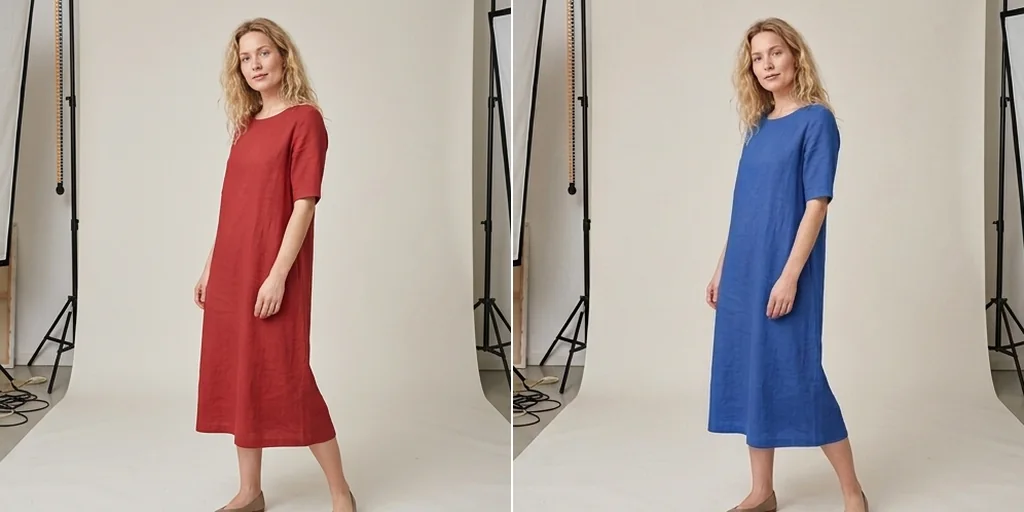
Realistic interior previews
Change furniture or wall colours while wood and fabric textures stay true.
Change colors free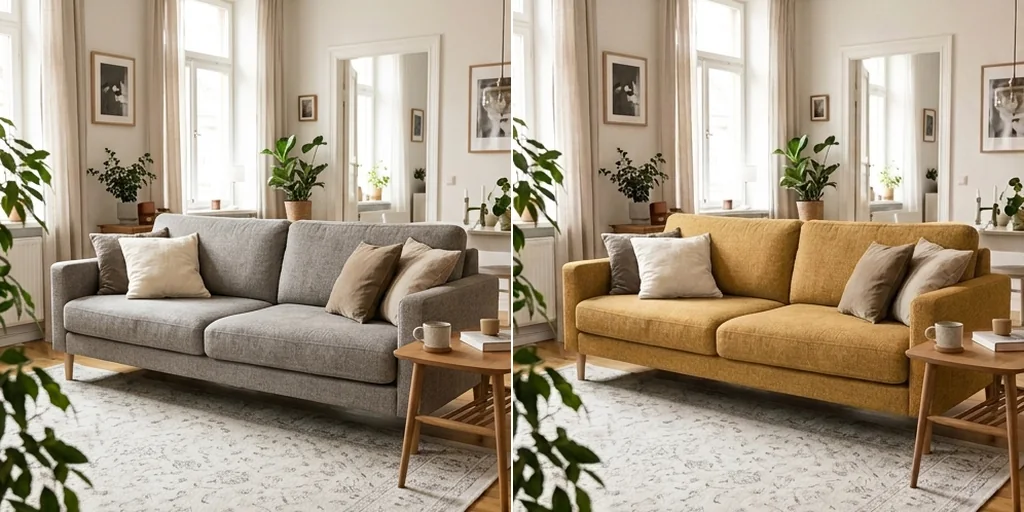
Social graphics without layers
The AI isolates the object for you, so recolouring takes seconds.
Change colors free
Change image colours for every field
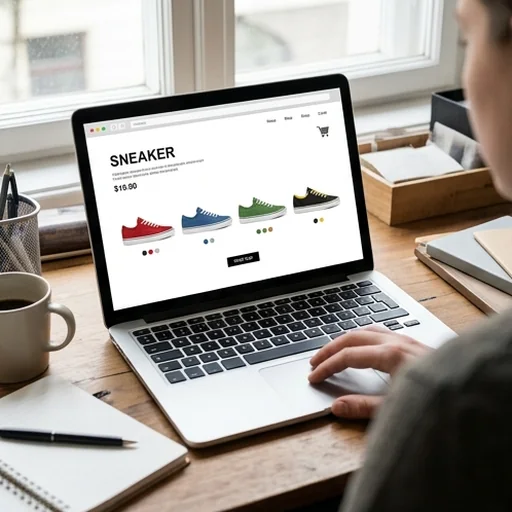
Multi-colour collections fast
Sellers create several product colours from one photo.
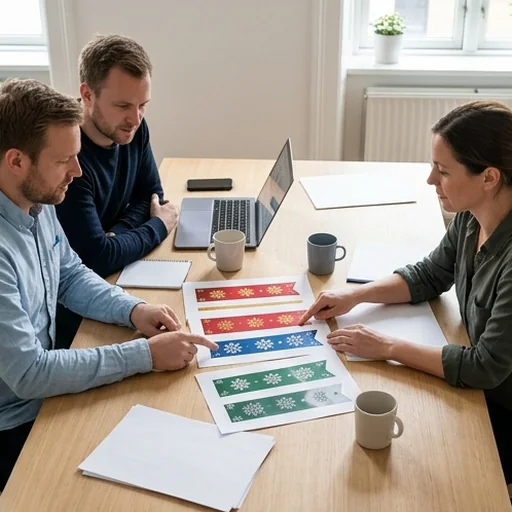
Test new palettes
Marketing teams update posts and banners for holidays.
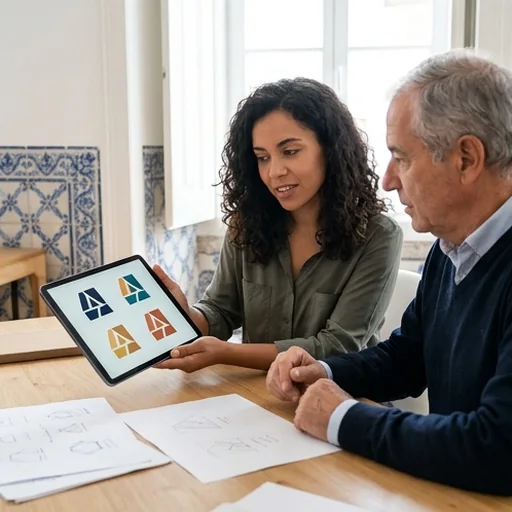
Client mockups in minutes
Designers show logo colour variations quickly.

Pro branding on a budget
Small businesses keep seasonal visuals fresh.
How to change the colour of an image with Jitura
- 1
Step 1: Upload your photo
Add the image you want to recolour.
- 2
Step 2: Describe the colour
Say which object to change and to what colour.
- 3
Step 3: Create and download
Create the result and download it.
Discover other AI image tools on Jitura

FAQs
What is the change colour of image tool?+
A tool that changes the colour of specific objects or the overall mood of a photo from a short description.
Can I use the image colour changer for free?+
Yes. Every signed-in account gets free daily operations, and each image uses one. Paid plans add more operations, higher resolutions and private outputs.
Can I change the colour of clothes in a photo?+
Yes. Describe the garment and the new colour to preview different outfits.
Will the image quality stay high?+
Yes. Results are high resolution; for extra sharpness, run the Image Upscaler afterwards.
How many colours can I try?+
As many as you like. Each run creates new images in the colour you describe.
Is it good for logo design?+
Yes. Test logo colour versions and see how they look on different backgrounds.
Every colour your customers want, in seconds
Upload any product, logo or photo and swap the colours instantly.
Change colors free