
Image Variations
Upload one image and create related variations for fresh designs, campaigns and visual exploration.
Free outputs may appear in the public gallery. Learn more
More usable creative directions from one image
Need more options without losing what makes your image work? Jitura's image variation generator keeps your subject, refreshes the details and gives you variations in the sizes you need, so every result stays visually connected.
Create variations free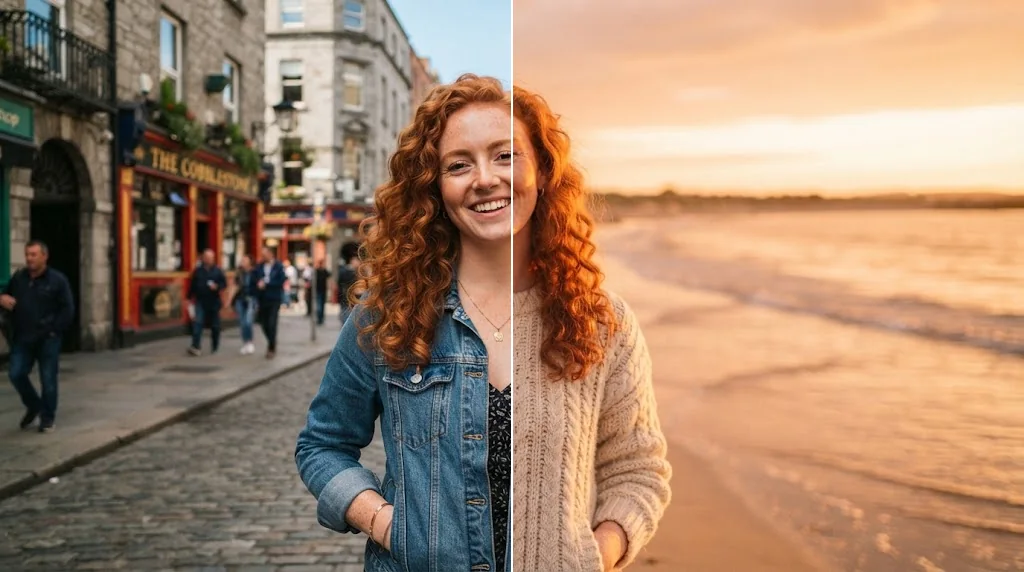
Multiply your best idea
New backgrounds, outfits and palettes from one image.
Keep your signature look
Faces, subjects and details stay recognisable.
Ready to publish
High-resolution variants in the right shapes.
Variants true to the original
Faces, subjects and key elements carry across variations for illustration, cartoon and concept-art work.
Create variations free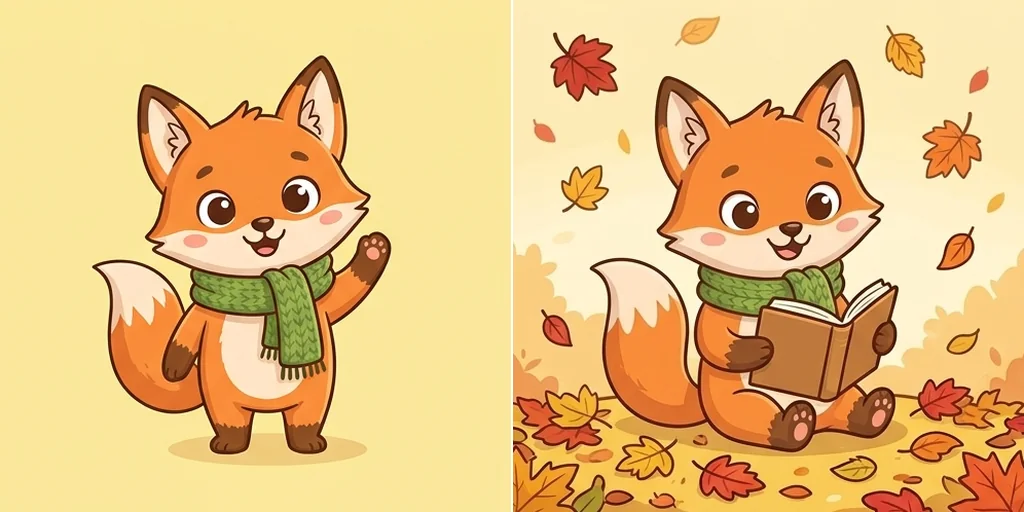
Refresh the story, not the image
Describe new backgrounds, outfits, palettes or expressions and keep the source idea.
Create variations free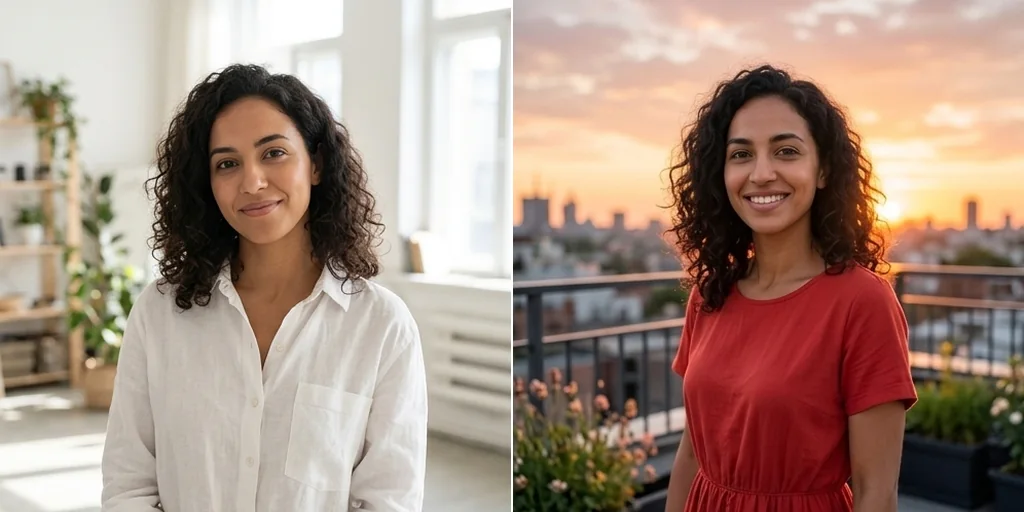
Fresh angles for your subject
New poses, camera distances and layouts that stay related to the reference.
Create variations free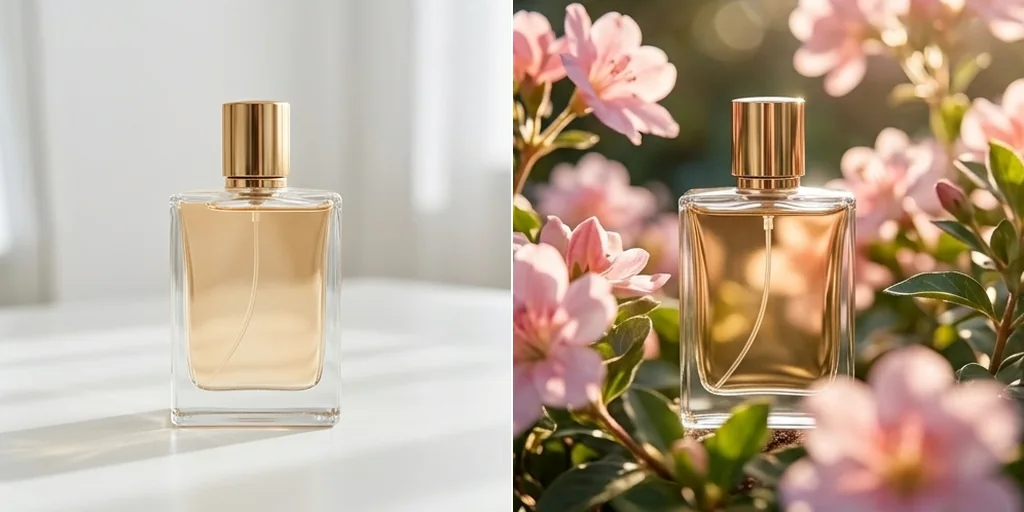
Fit every placement
Create variations in different aspect ratios for social posts or print.
Create variations free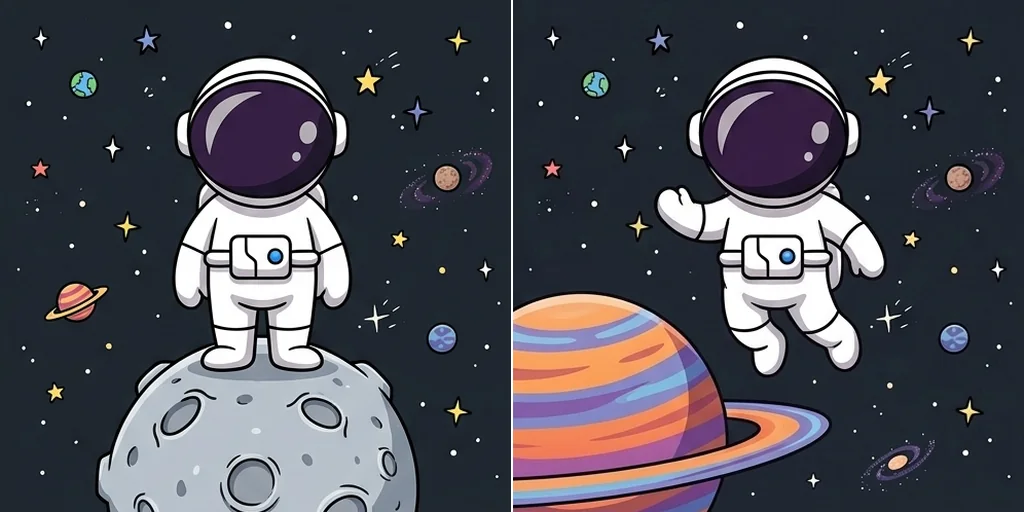
Image variations for characters, campaigns and designs
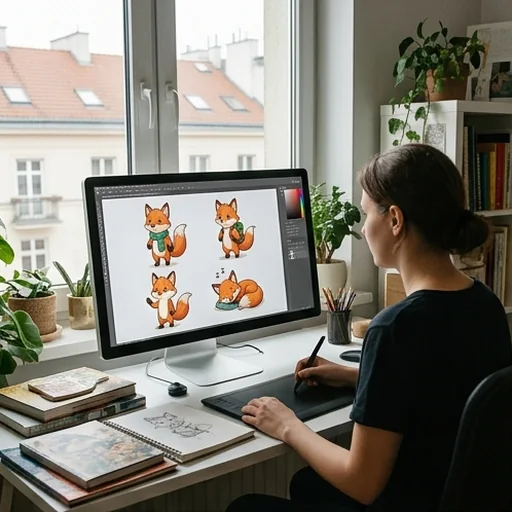
A complete character series
One character image becomes a cohesive series.
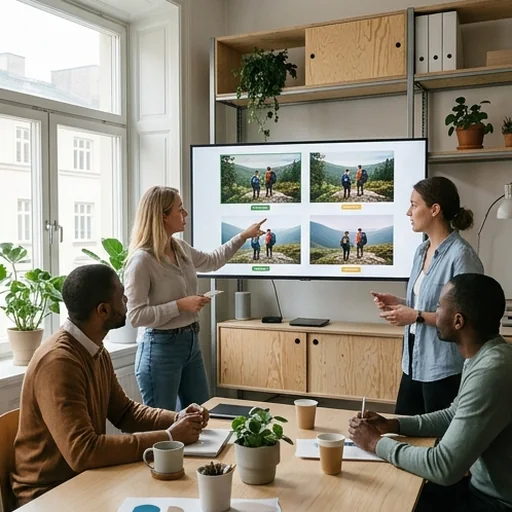
Campaign refreshes
New settings, colours or props without rebuilding the creative.
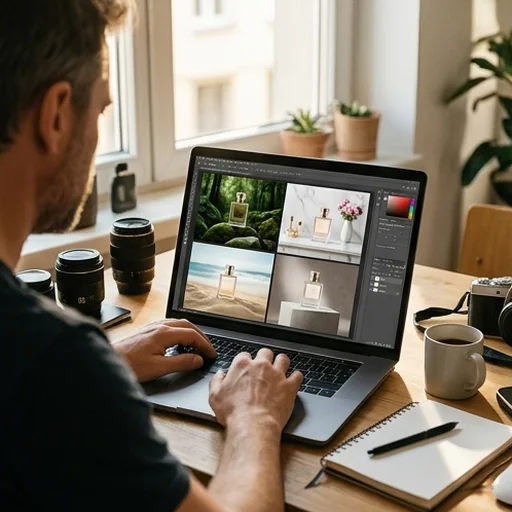
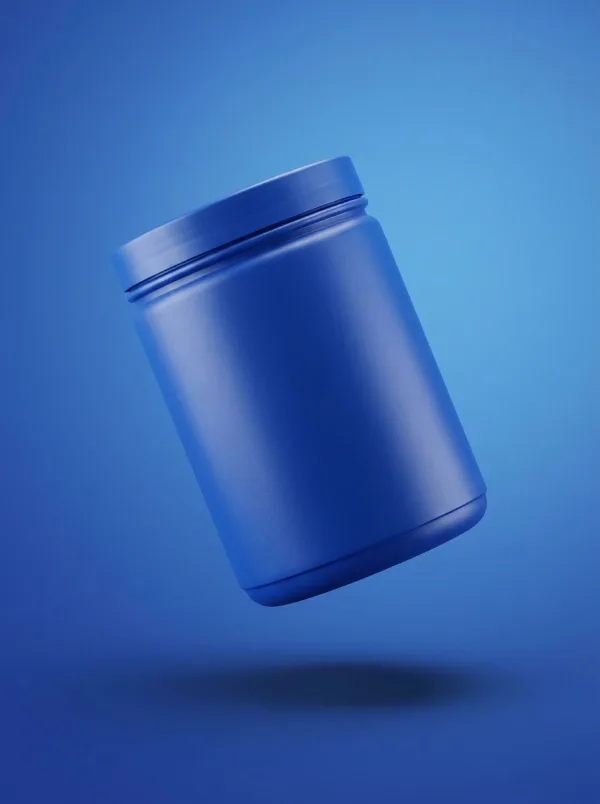
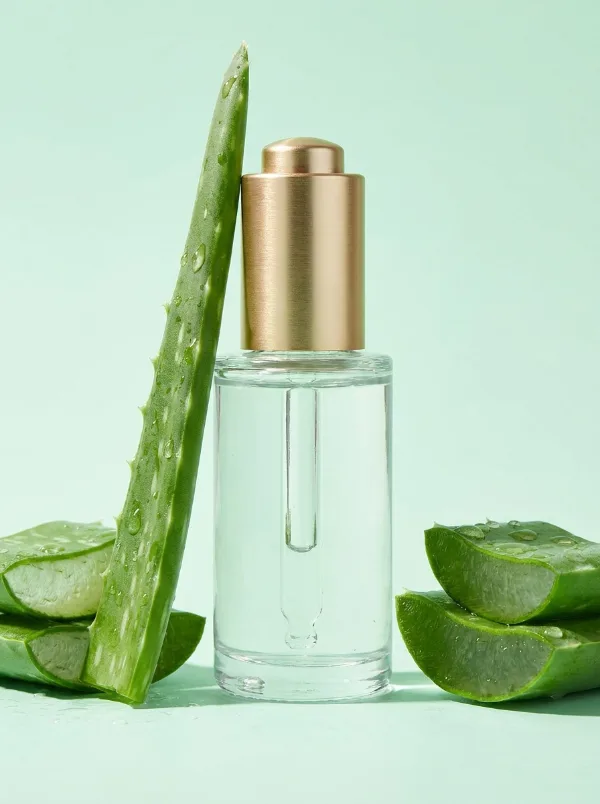
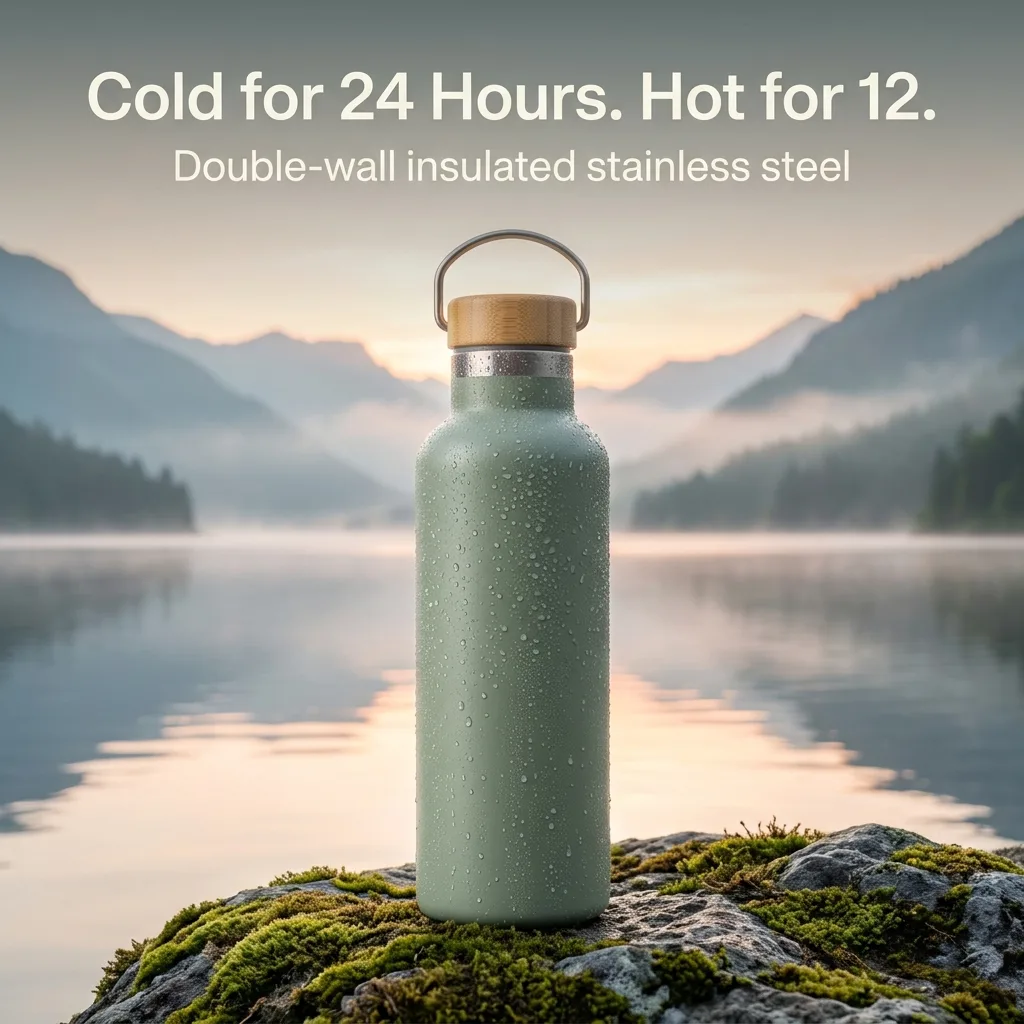
More product styles
New backgrounds, props and moods from one product photo.
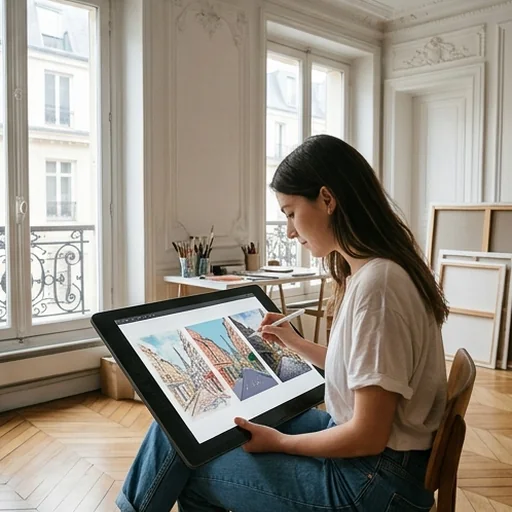
Explore art directions
Test composition, mood and styling before the final look.
How to create image variations with Jitura
- 1
Step 1: Upload the source image
Add the image you want to vary.
- 2
Step 2: Describe the change
Say what to change and choose the aspect ratio.
- 3
Step 3: Create and compare
Create variations, compare them and download your favourites.
Discover other AI image tools on Jitura
FAQs
What is an image variation generator?+
A tool that turns one reference into a set of fresh visuals, changing the scene, styling, details or composition while keeping the original idea recognisable.
How do I create image variations?+
Upload your image, describe the direction and press Create. Choose how many images to create at once.
What can I change in a variation?+
The background, clothing, props, palette, expression, perspective, pose or framing.
Who is it for?+
Creators, designers, marketers, online sellers and artists who want more usable visuals from one reference.
Do I need design skills?+
No. Upload a reference and describe what you want.
Is the image variation generator free?+
Yes. Every signed-in account gets free daily operations, and each image uses one. Paid plans add more operations, higher resolutions and private outputs.
Turn one image into your next best creative
Create fresh variations from one trusted reference.
Create variations free