



01
Clear motion guidance
Use a stable reference with one performer and a continuous movement. Keep the subject visible from head to feet.
Model
Upload Image
Motion Template
Keep your character in frame. Avoid cuts, occlusion and camera movement. MP4 or MOV · 3–30 seconds · up to 100 MB.
Keep this enabled to retain the music from your motion template.
Public videos can be viewed through a share link. Copy Protection hides the prompt on that page.
Give your character a new movement. Combine a character image with a motion reference and choose the model for your next clip.
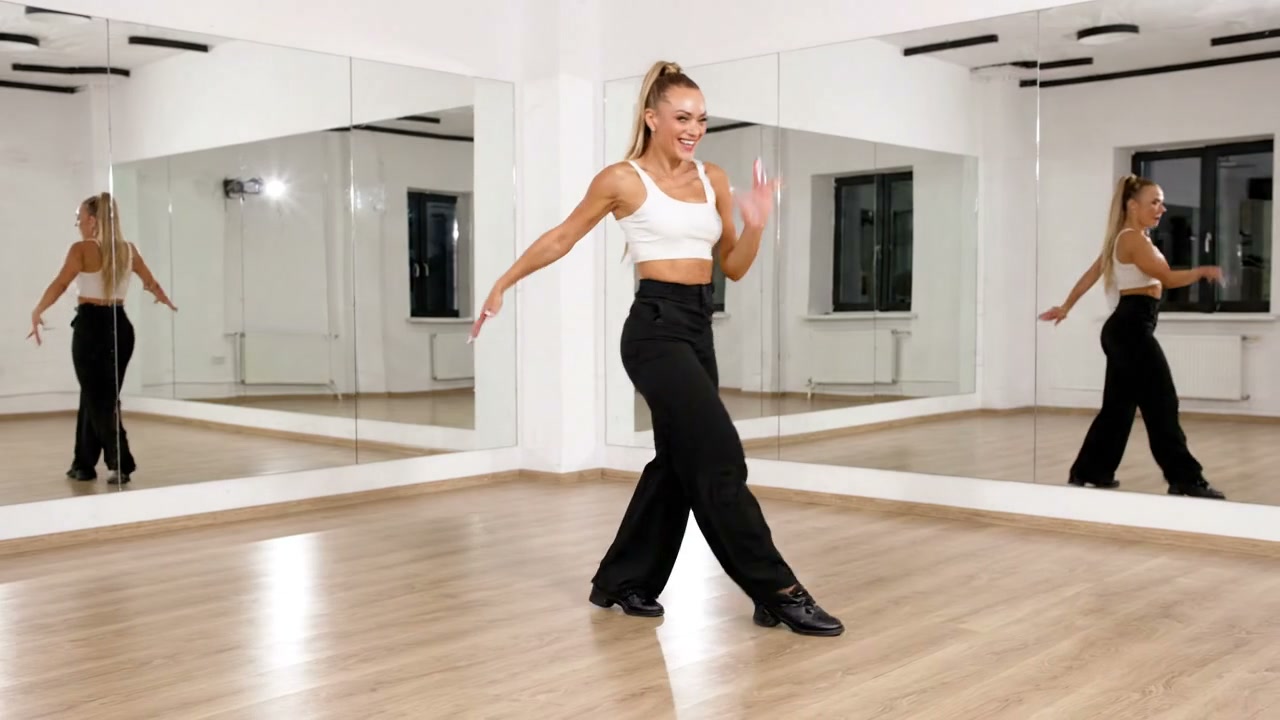
Explore this Jitura video workflow
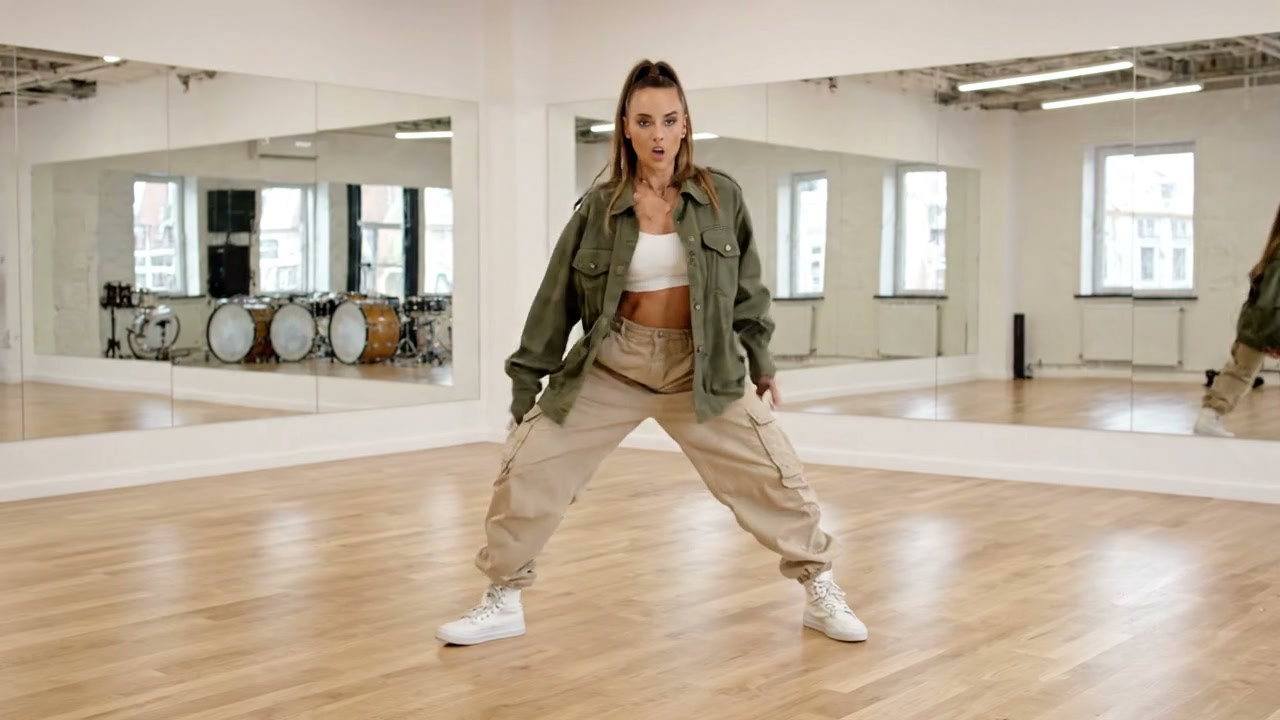
Explore this Jitura video workflow
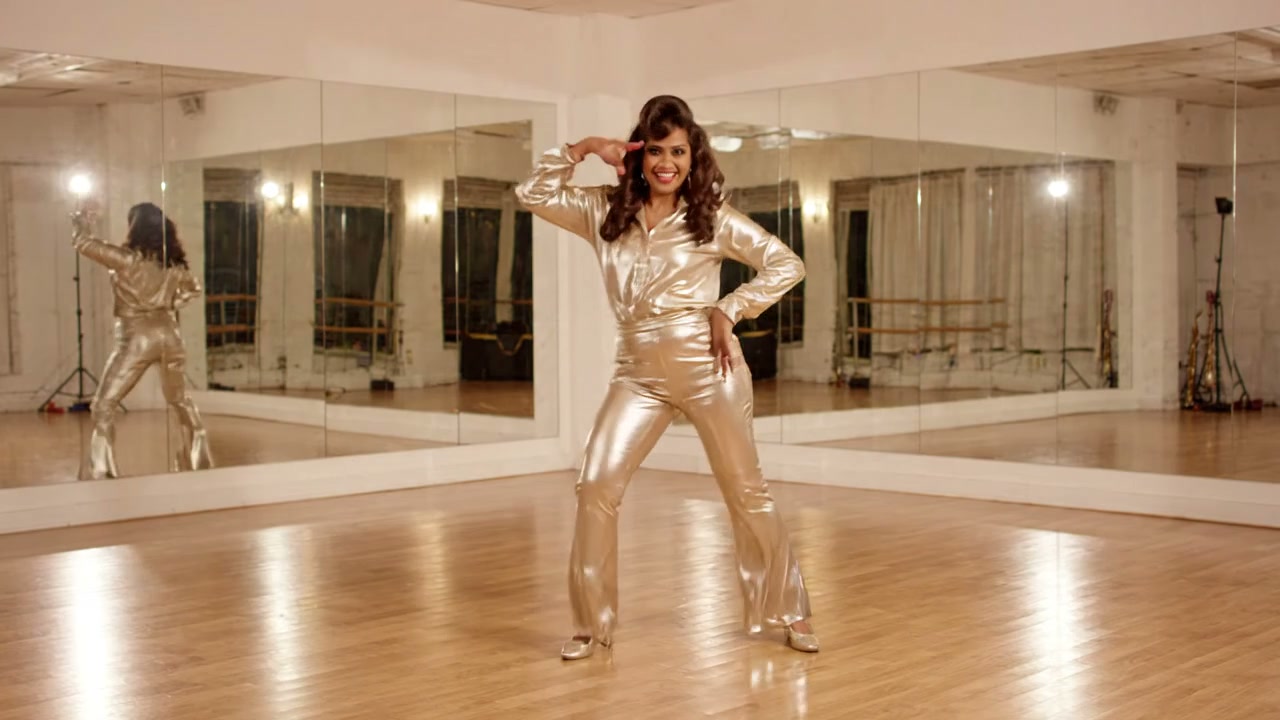
Explore this Jitura video workflow
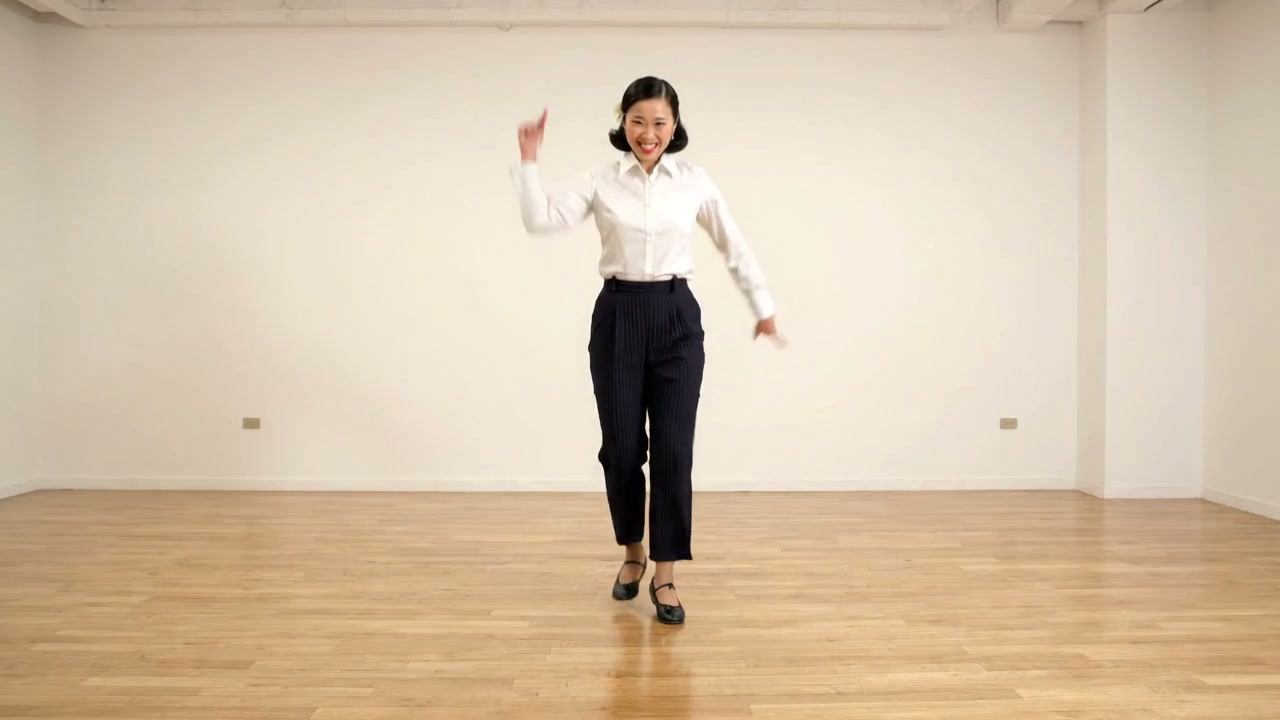
Explore this Jitura video workflow
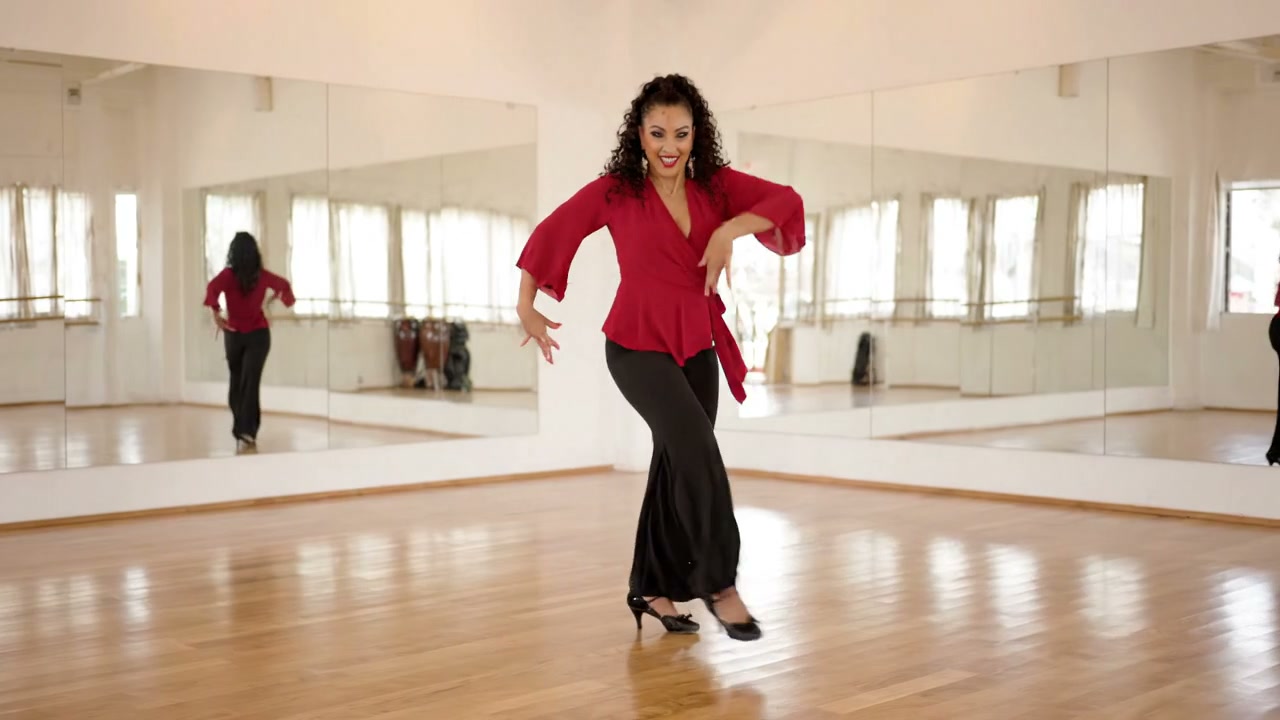
Explore this Jitura video workflow
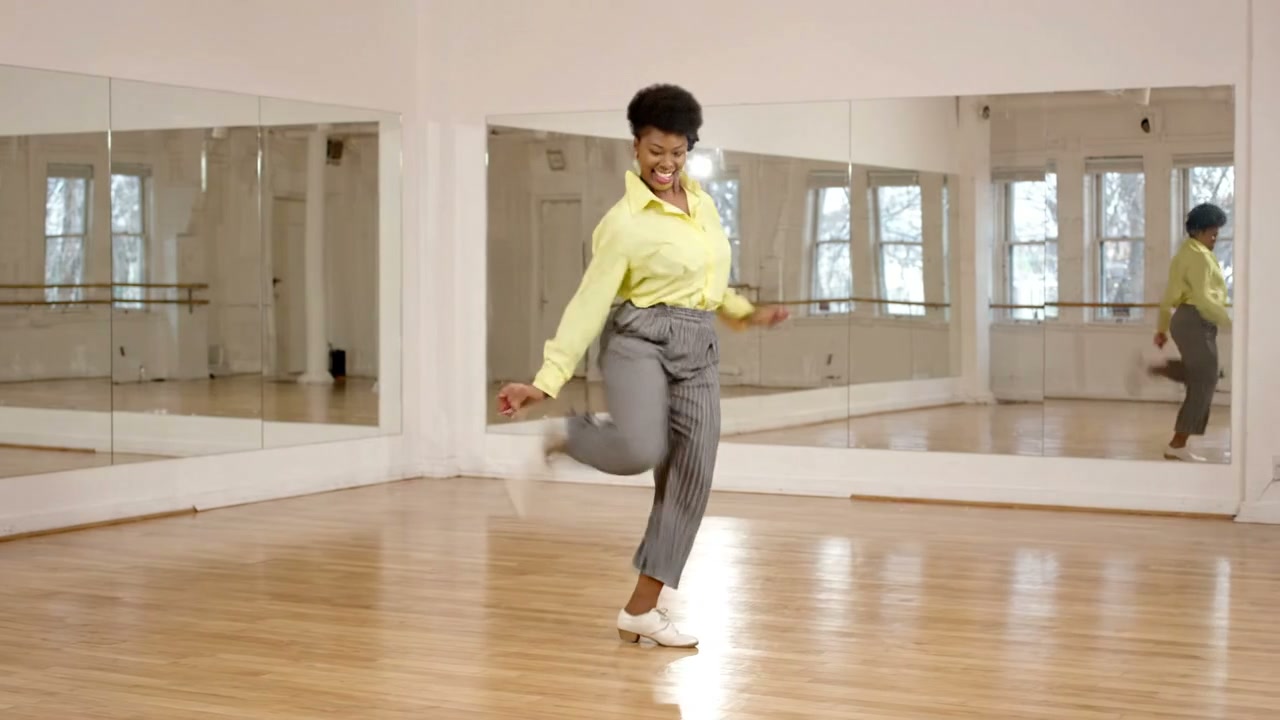
Explore this Jitura video workflow
Explore this Jitura video workflow
Explore this Jitura video workflow
Six fictional adult women performing popular dances with original upbeat instrumental music. These are reference clips created in Google Flow, ready to try from the composer.
Compare model choices using the same image and motion inputs.
Use a stable reference with one performer and a continuous movement. Keep the subject visible from head to feet.
A clear character image helps guide appearance. Review hands, feet, clothing and facial identity in every generated clip.
Start with one of the original samples or record your own movement. Upload the reference and review the credit estimate before creating.
Original reference media created in Google Flow using Veo 3.1 Lite. Motion-transfer results depend on your selected model and inputs.
Try a gesture or dance reference, compare models and refine your character image for the next clip.
Choose a clear image with a visible face and body.
Upload a 3–30 second video, use a sample or record your own template.
Choose your model and mode, check the credit amount and create. Preview and download the completed video.
Avoid crowds, sudden cuts and hidden limbs in your reference.
Camera shake and fast zooms can make motion harder to transfer.
Choose an image with a clear silhouette and visible limbs.
Start with a short continuous gesture before attempting complex dancing.
Enable public visibility only when you intend to share the result.
Inspect facial identity and anatomy throughout the video.
Motion transfer uses a character image and a reference video to generate a new clip with the reference movement. Review the result for identity and motion accuracy.
Upload a clear JPG, PNG or WebP character image and one continuous MP4 or MOV motion reference. A full-body image and a fixed camera usually provide clearer guidance.
Use a reference between 3 and 30 seconds and up to 100 MB. Each model has additional input requirements, which are checked before generation.
Jitura provides Kling 3 motion control, Kling 2.6 motion control, Wan 2.2 Animate and ByteDance Dreamactor. Available models differ from those on other services.
Wan Animate offers Move and Mix. Move animates your character from a motion reference. Mix replaces the subject within the reference scene.
Kling accepts an optional prompt up to 2,000 characters. Wan and Dreamactor use your uploaded references without a text prompt.
Yes. Enable your camera in the recorder, record at least three seconds, review the clip and choose Use recording to upload it. Your browser must support MP4 recording.
Results are private by default. Enable Public visibility before generation if you want a public share link. Copy protection hides the prompt on the shared page.
The panel shows the premium credit estimate for the selected model, mode and reference duration. Wan pricing also accounts for frame rate. The server validates the final amount before starting.
Completed results can be previewed and downloaded from the composer. Use media you own or have permission to use, and inspect the finished clip before publication.
Start with a clear image and a motion reference.