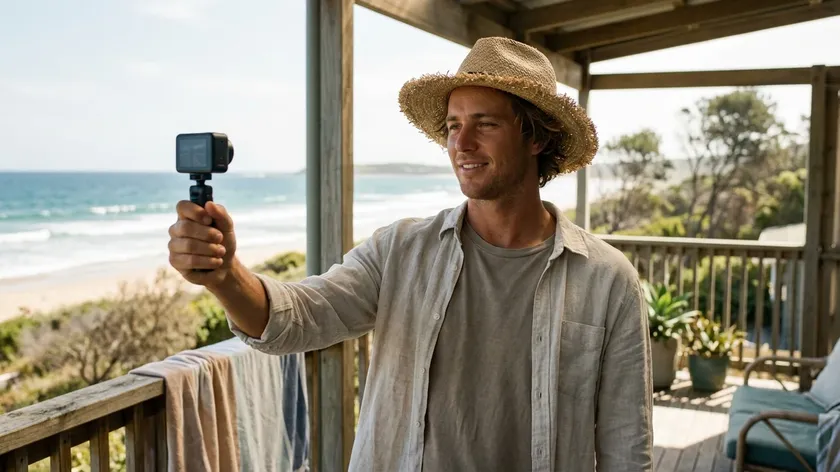
Turn Footage into Fresh Channel Content
Restyle clips you already have into Shorts, intros and channel moments with a look your viewers will recognise.
Upload Video
Your clip keeps its own length, from 3 to 10 seconds. A steady camera and one clear subject give the cleanest restyle.
Style
Public videos can be opened through a share link. Copy Protection hides your prompt there.
Transform your videos into different styles with AI. Apply anime, clay animation, 3D animated film and 67 more looks to any clip.
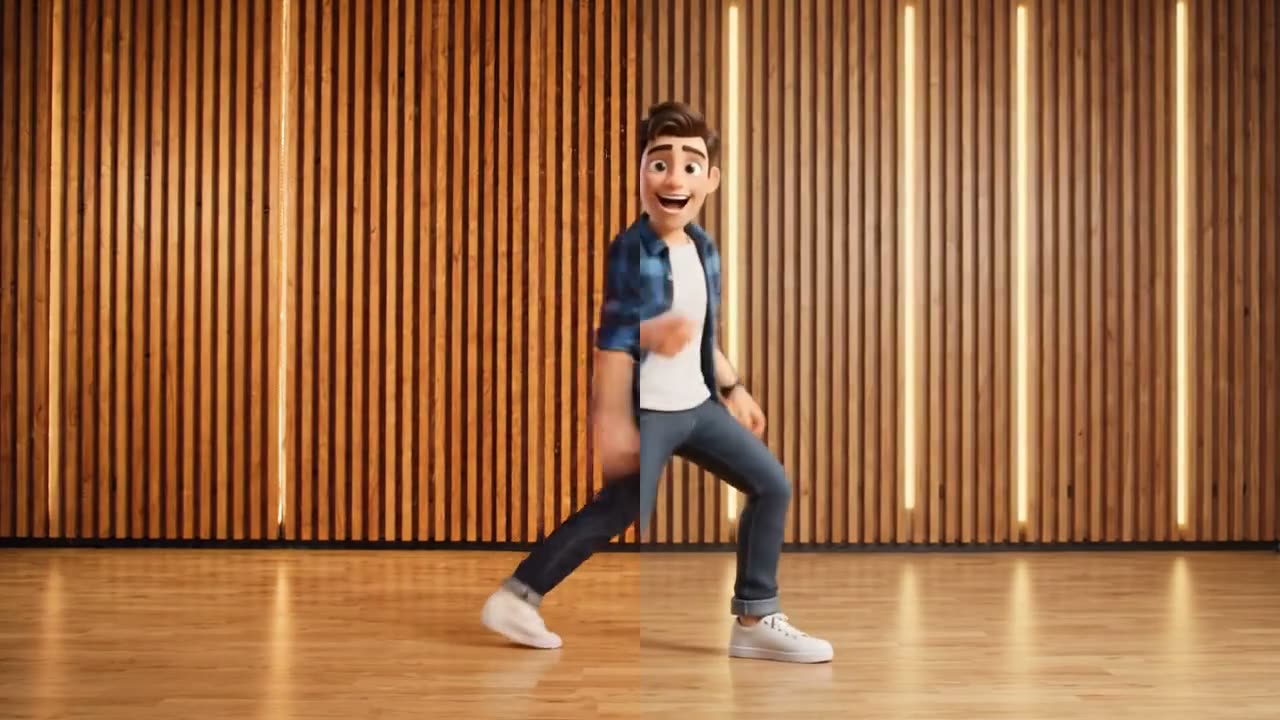
1 / 3 · Anime
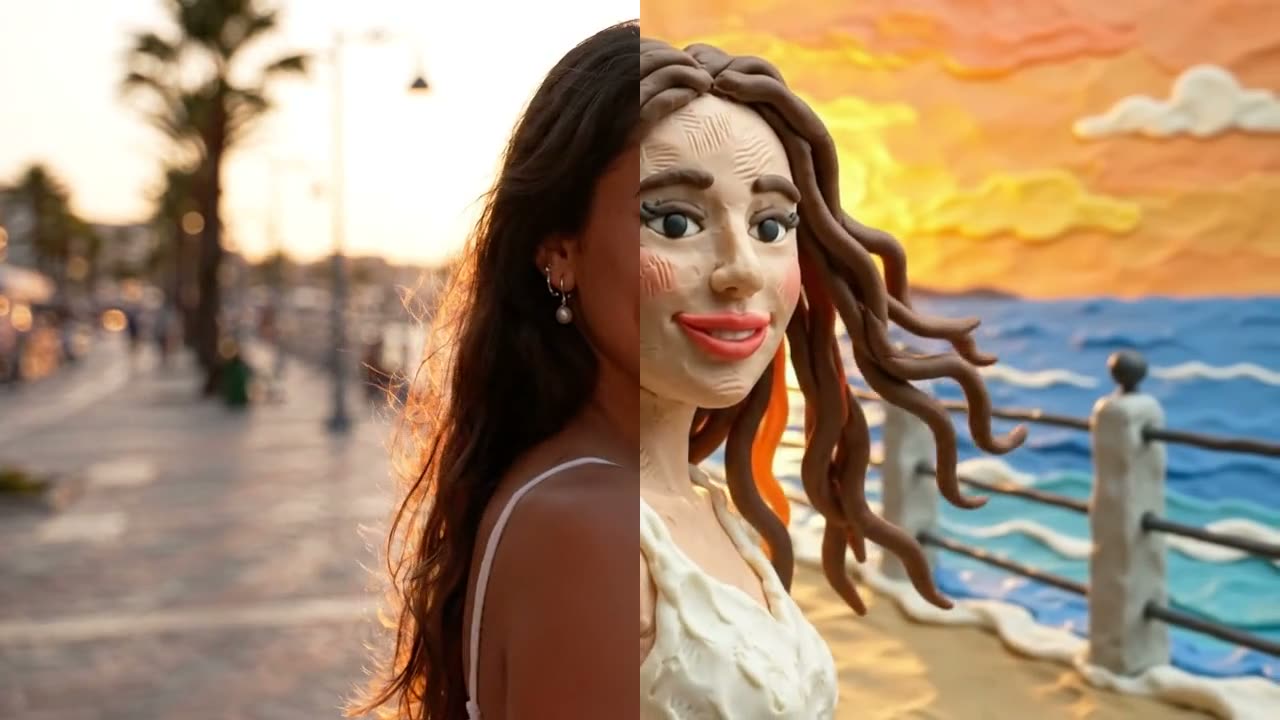
Turn everyday footage into eye-catching clips. Choose a look such as anime, clay animation or a 3D animated film and Jitura restyles your video while keeping its movement. Want more control? Add your own details or try our AI video generator.
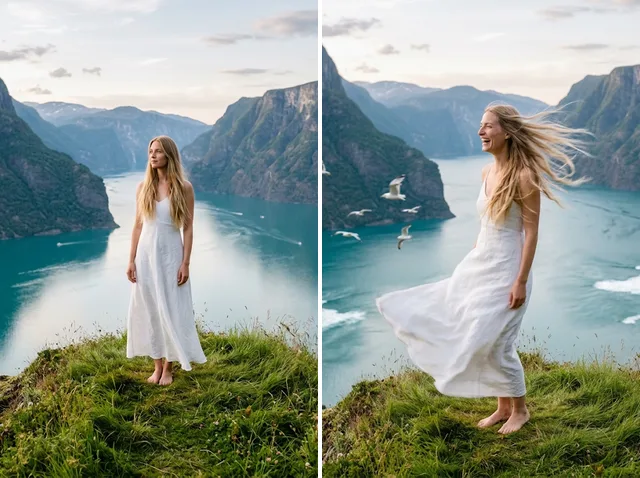
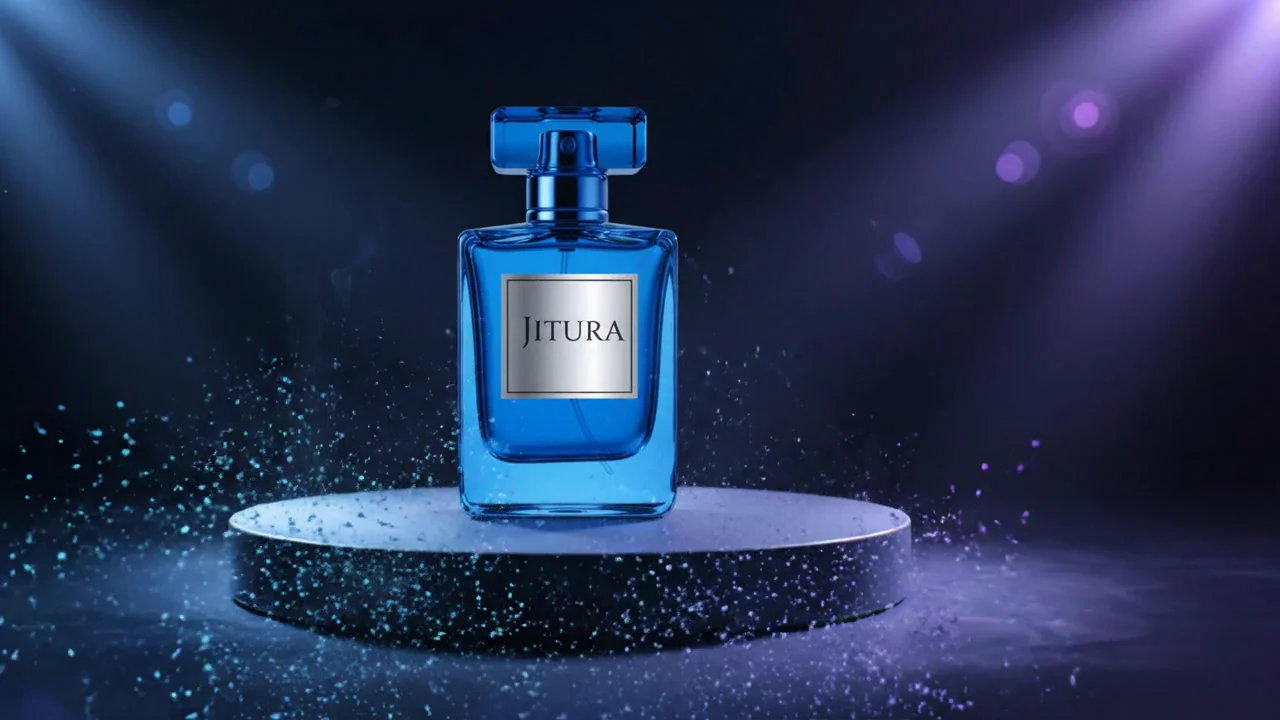
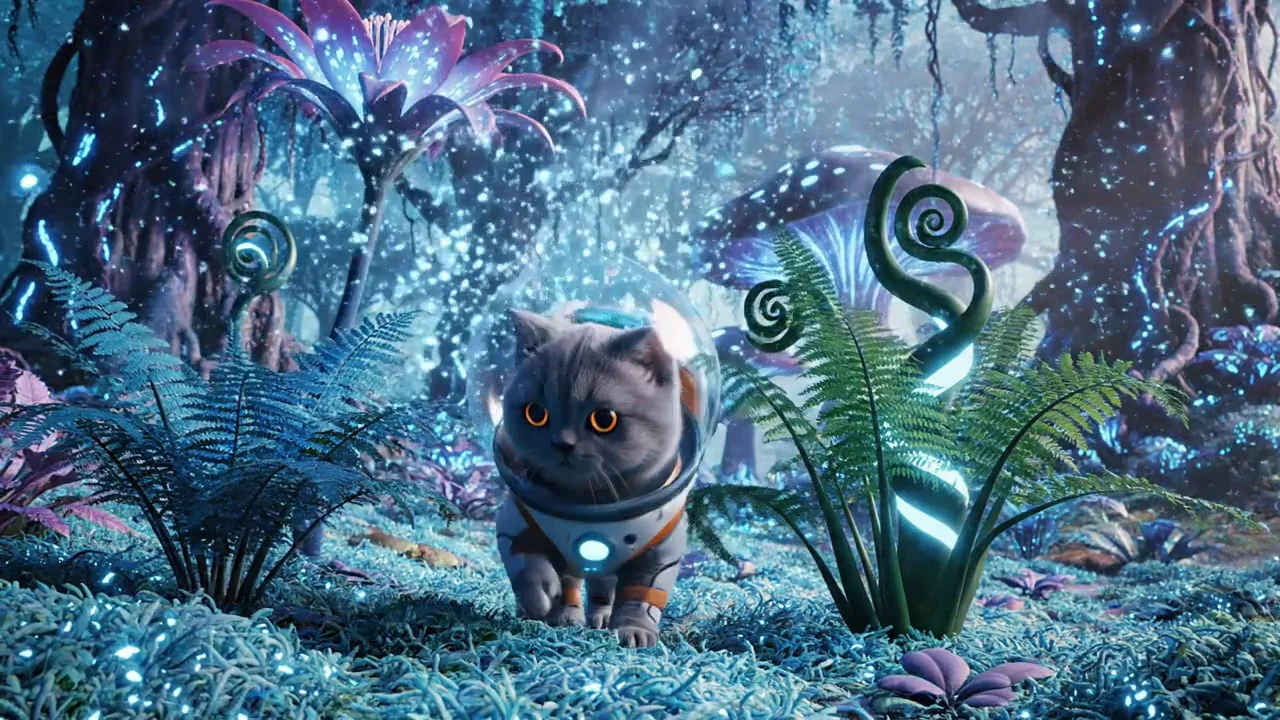
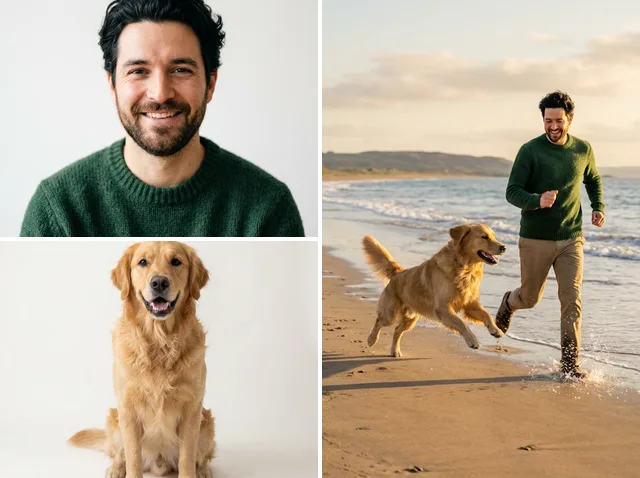
From vibrant anime to nostalgic pixel art, change the whole look and feel of a clip in one step. Every style below was applied to the same original video, so you can compare them side by side.
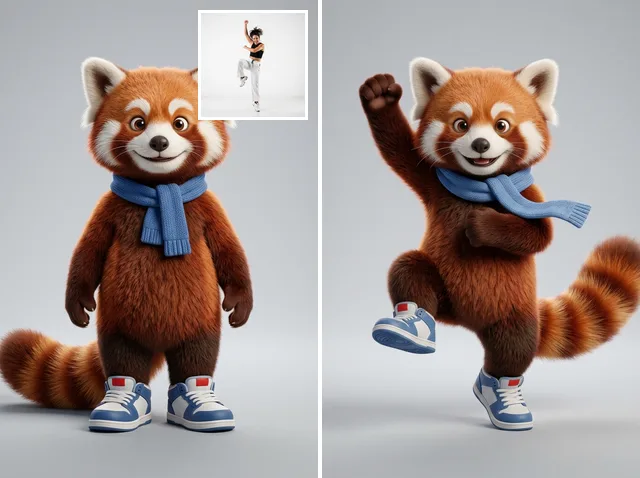
Give your dance clips a new visual identity. Video to Video AI recreates the routine in a different style, from playful animation to bold graphic looks.
Every step stays in place, so the performance still reads clearly in its new form.
Jitura restyles the look of each frame and keeps the gestures, timing and framing of your original clip, so the new version still feels like your footage.
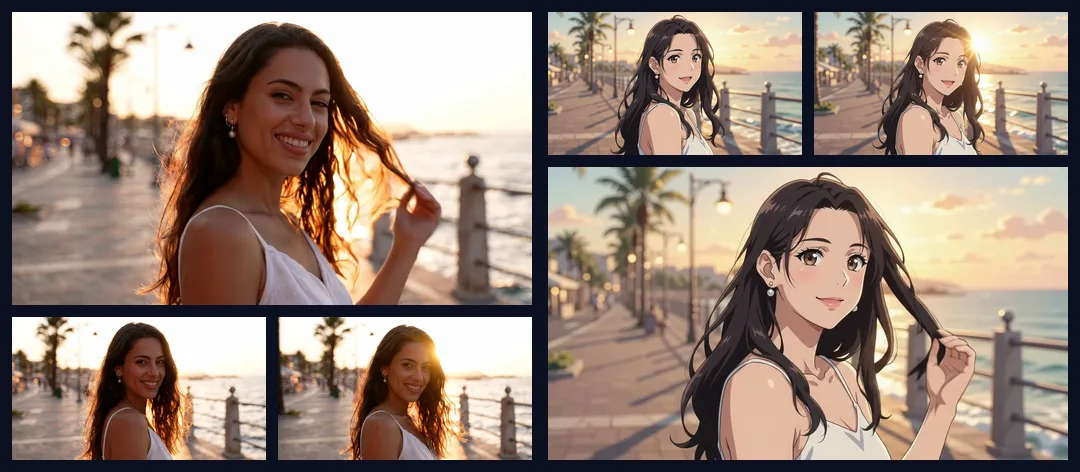
Shape the result yourself. Pick one of 70 styles, add extra details in your own words, choose whether to restyle only the main subject or the whole scene, and upload a new background if you want one.
Get eye-catching videos from footage you already have.
Restyle clips you already have into Shorts, intros and channel moments with a look your viewers will recognise.
Turning your video into another style takes three steps:
Upload your video (MP4, 3–10 seconds) or try one of the samples.
Choose a style and set any advanced options, such as Restyle Subject Only or a custom background.
Click Create. Your restyled video is ready to preview and download in a few minutes.
It restyles a video you upload. You pick a style, such as anime or clay animation, and Jitura creates a new clip with the same movement and framing in that look.
Video to Video runs on Kling O1 video reference through fal. The style you choose and any extra details are turned into instructions for the model, and your clip is the motion reference.
The model receives your video as a reference and is told to keep every movement, gesture, timing and the camera framing, while changing the visual style. Review the result, as fast motion and small details can still change.
Open Advanced to restyle only the main subject, upload a custom background image, keep or remove the original sound, add your own details and set public visibility or copy protection.
Upload an MP4 between 3 and 10 seconds, up to 12 MB, with at least 720 pixels on each side. The result keeps the length of your clip. A steady camera and one clear subject give the cleanest results.
The cost follows the length of your video and is shown on the Create button before you start. Credits for a failed job are returned.
Yes. Results are private by default. Turn on Public Visibility only if you want a share link, and use Copy Protection to hide your details on that page.
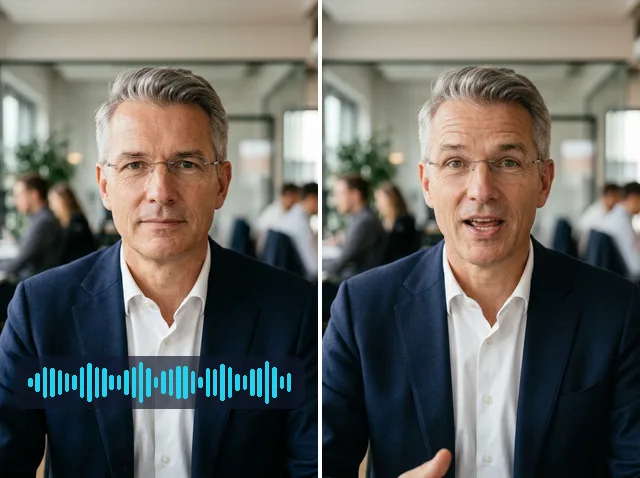
Example clips were filmed and restyled in Google Flow (Veo 3.1 Lite and Omni 1.1 Flash) for this page. Jitura results depend on your video and the style you choose.