
Capture the Hook, Skip the Recut
Jitura reads the reference video's hook, pacing, scene order and call to action. You keep the rhythm that made it work and get fresh AI videos with new creative angles, ready to test across campaigns.
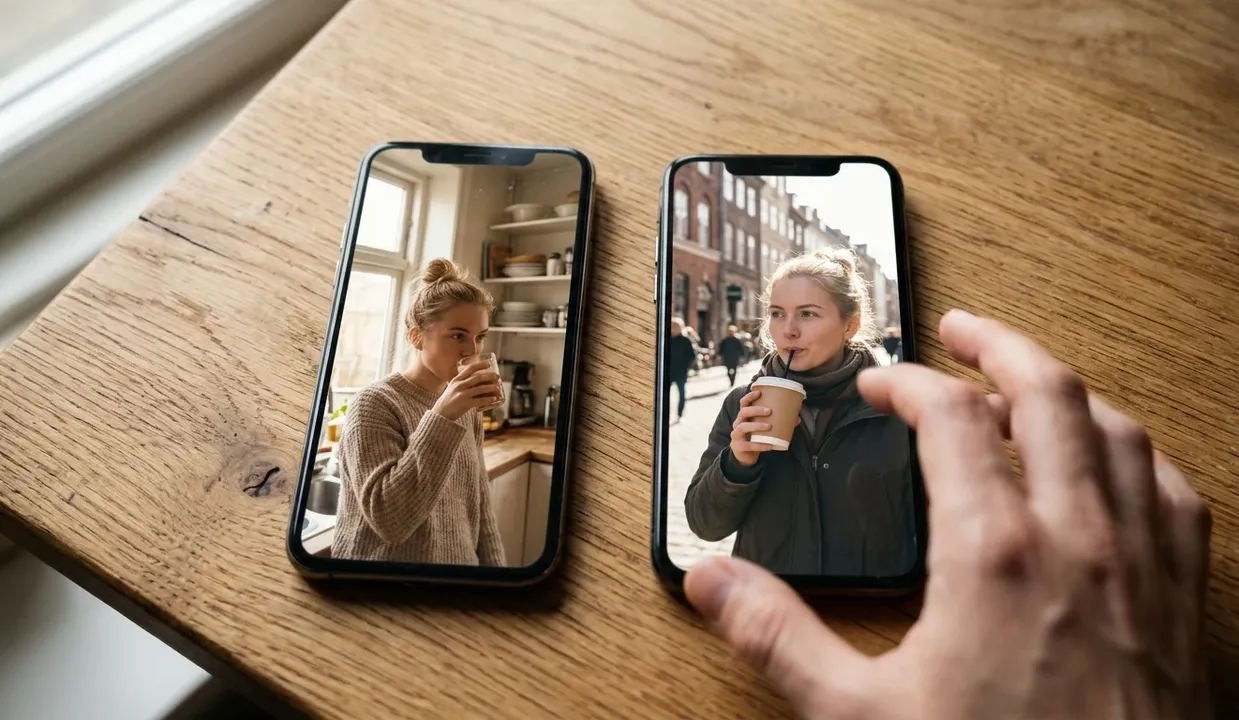
Reference Video
Product
Avatar (Optional)
Settings
Language
Upload a viral reference clip, add your product images and an idea, and generate several fresh short-form versions in one go. No editing needed.

Creative Idea

Trends move fast and editing every version by hand is slow. Jitura studies a reference clip's hook, pacing and scene flow, then builds several new versions around your product for TikTok, Instagram Reels and social ads, so your team can test more angles before the trend fades.
Turn one viral reference into up to four different shorts for faster testing.
Keep the hook, pacing, captions and scene logic that made the original work.
Add product photos, an avatar and your idea so every version is clearly yours.
Jitura reads the reference video's hook, pacing, scene order and call to action. You keep the rhythm that made it work and get fresh AI videos with new creative angles, ready to test across campaigns.
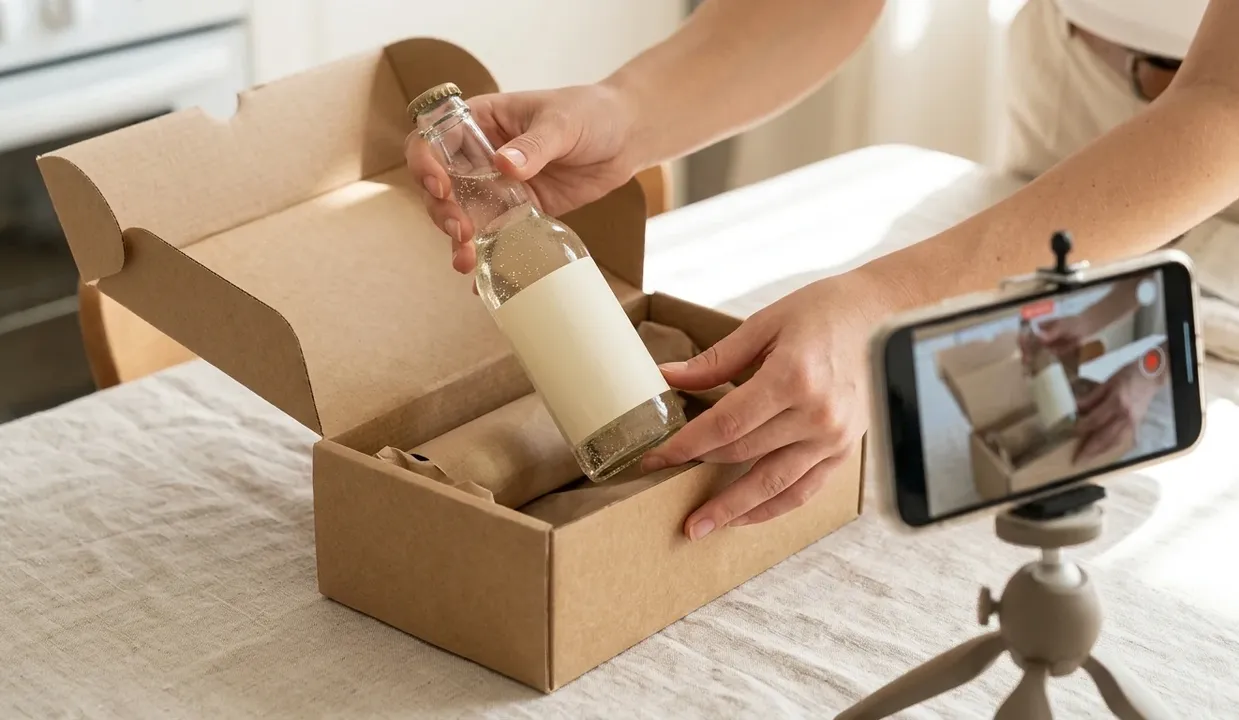
Upload product photos or brand images and Jitura reshapes the viral structure into demos, unboxings, offer clips and problem-and-solution scenes. Your product becomes the star of a format people already watch.
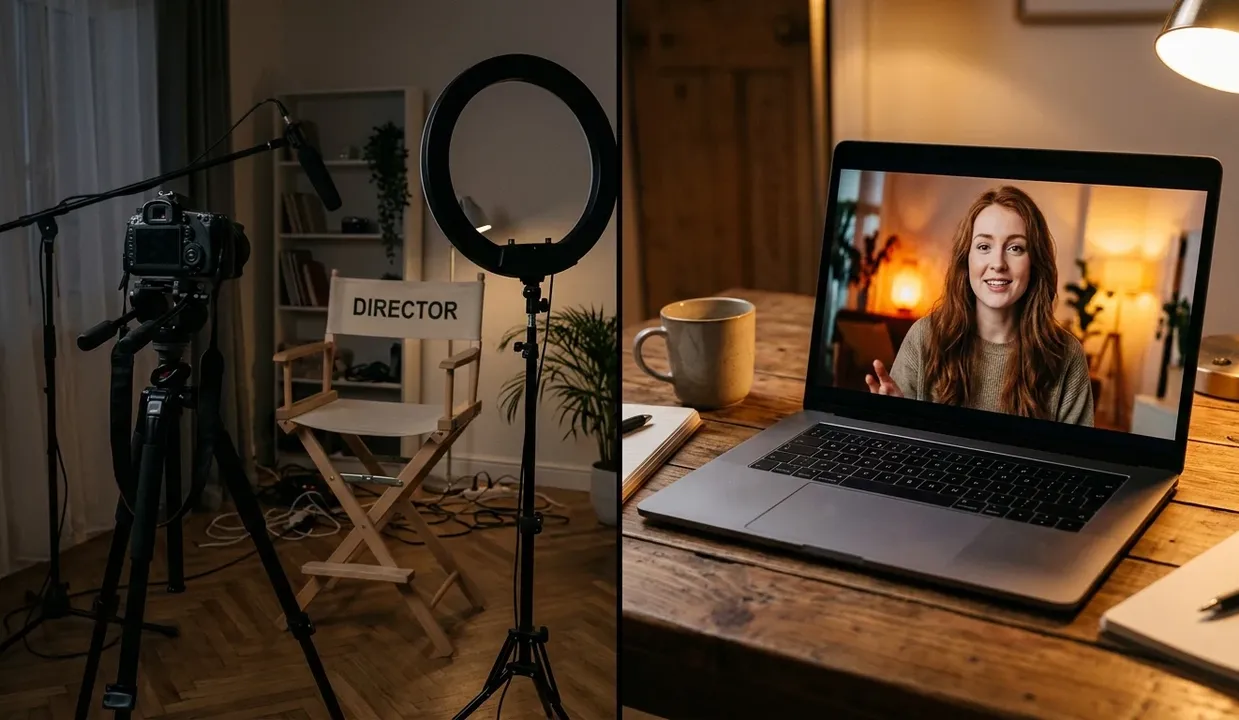
Bring a human face to your message with avatar-led clips. Add an avatar image and Jitura pairs it with the cloned structure, or turn a photo into a presenter with our AI avatar generator — no camera crew needed.
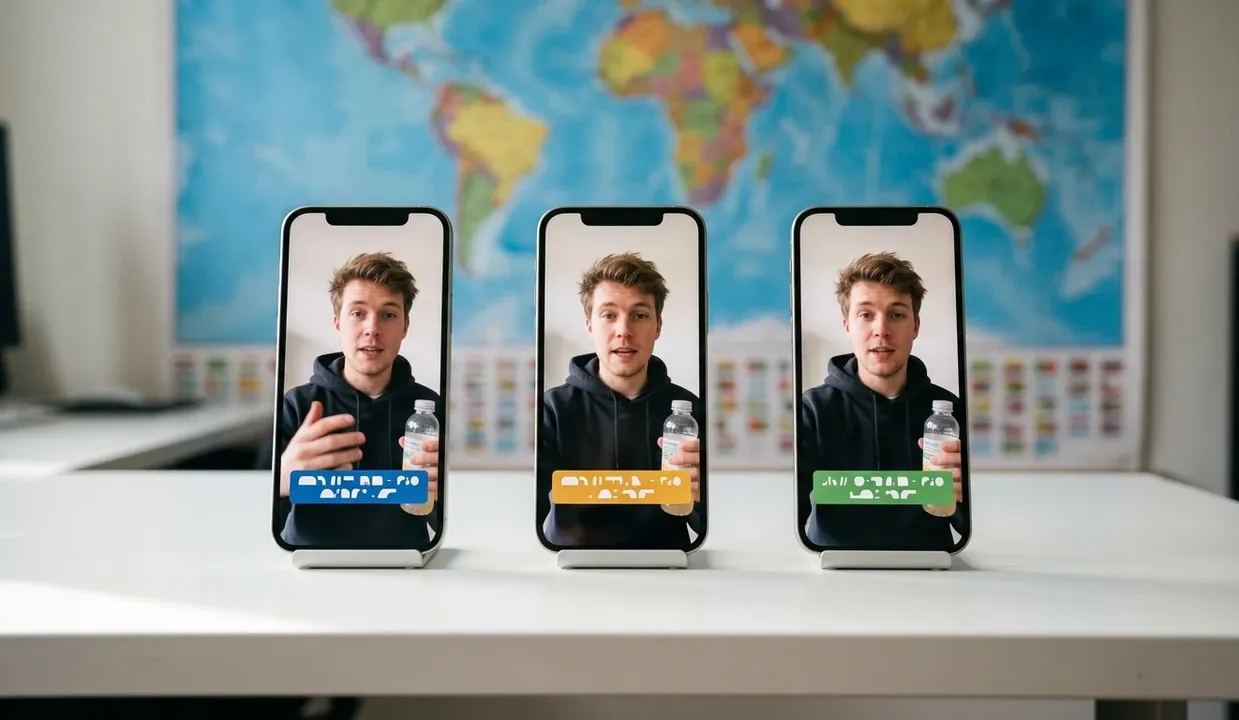
Make regional versions from one reference. Choose the language for speech and captions, adjust the idea for each audience and compare different tones and calls to action — or add a voice with AI text to speech while the format stays recognisable.

Clone a format you love and adapt it with your face, niche and idea. Keep your posting calendar full and make TikTok videos while the trend still feels fresh.

Build several campaign angles from one proven format, then compare hooks, captions, products and calls to action. For paid social you can also make Facebook video ads around the same idea.

Upload product images and an idea to turn viral clips into demos, unboxings and offer videos. Support every launch with more product videos for ads and stores.

Use one reference clip to make many short variations for Reels, Shorts and daily posts. Keep the workflow moving and make Reels without rebuilding every edit.
Upload the reference video you want to learn from (MP4 or MOV, 2–15 seconds).
Add product photos, an optional avatar and your idea to guide the new creative angle.
Choose how many versions, the shape, length and language, then generate and download them.
 Use This ToolBulk Create Viral Videos
 Use This ToolTikTok Video
 Use This ToolReel Video
 Use This ToolYouTube Shorts
It means turning one viral reference clip into several new versions that follow the same hook, pacing, scene logic and call to action, but with your own product, presenter and message.
Upload a reference clip, add one to five product images, an optional avatar and your idea, pick 1–4 outputs plus the shape, length and language, then click Generate. Each version is made as its own video.
No. The reference is used as a creative structure only. Jitura is told not to copy its people, faces, logos or on-screen text, and each extra version gets a different creative angle.
Jitura can't download videos from social platforms for you. Save a clip you have the rights to use and upload the file. A direct MP4 link works when the site allows your browser to read it.
Each version runs on Wan 3.0 reference-to-video at 720p. The cost covers the reference seconds plus the output seconds and is shown on the Generate button before you start. Credits for a failed version are returned.
Example clips and pictures were made for this page in Google Flow (Veo 3.1 Lite and Nano Banana). The drink is fictional. Your results depend on the reference, images and idea you add.
Stop rebuilding trends one by one. Bulk clone viral videos with Jitura, turn references into campaign-ready variations and catch trends while they last.