

Marketers & brands
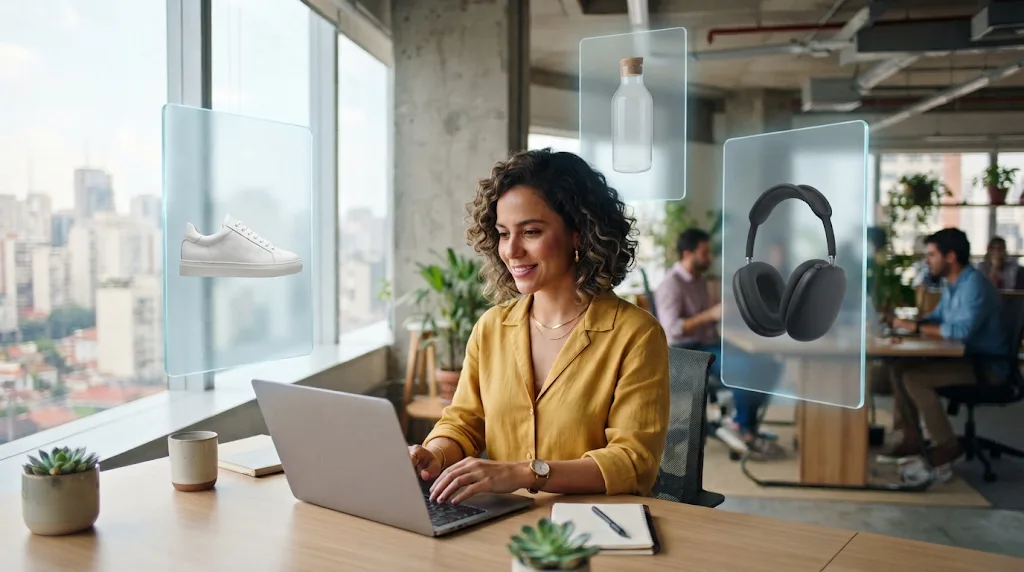
Turn plain assets into ad creatives
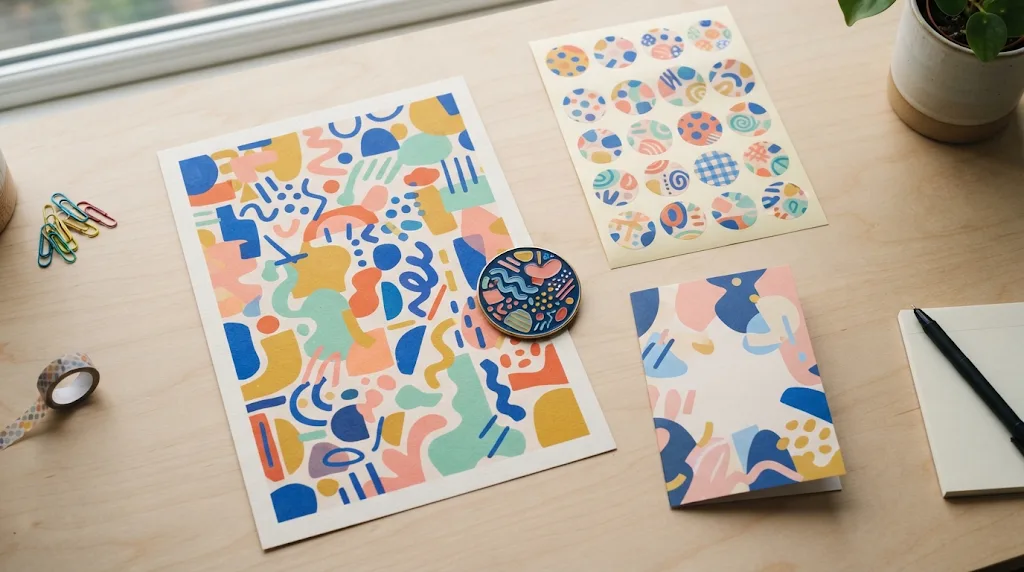
Upload a product photo or a mockup and restyle it for seasons, campaigns and ads. Get polished visuals that keep your brand's look and layout.
Try for freeTurn any photo into a finished asset with image to image AI. Restyle and edit pictures with a short prompt, for storyboards, product shots and social posts.
Free outputs may appear in the public gallery. Learn more
Turn any photo into something new. Restyle portraits, rework product shots, turn sketches into renders and change scenes with a short prompt, using leading AI image models that keep the parts of your photo you want to keep.
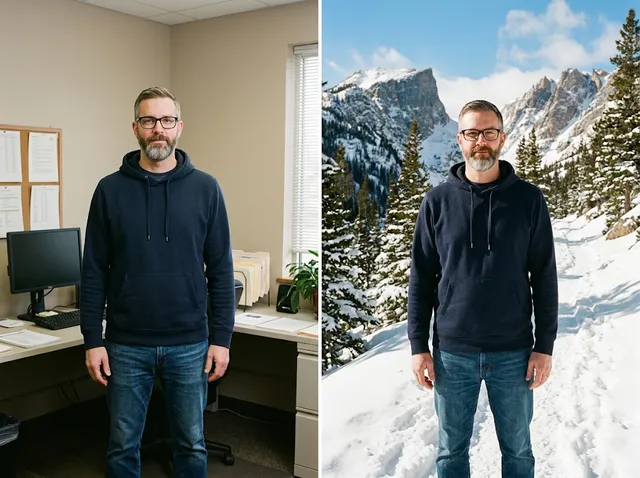
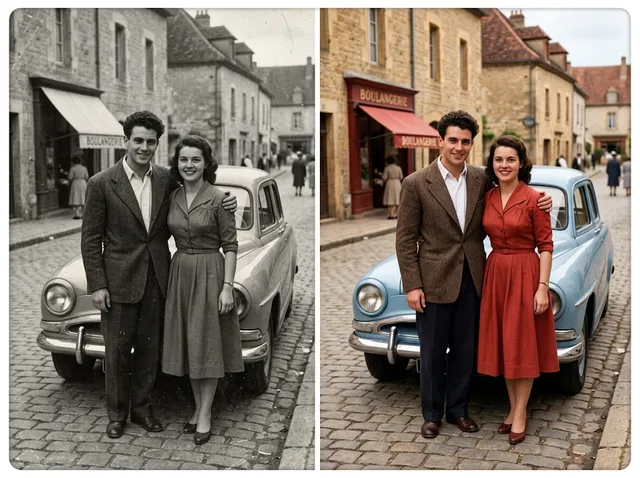
Keep the layout, depth and shape of your photo while the scene around it changes. Jitura holds on to what is already there instead of drawing over it, so the new picture still looks like your subject, only with a fresh setting and finish.
Try image to image AI free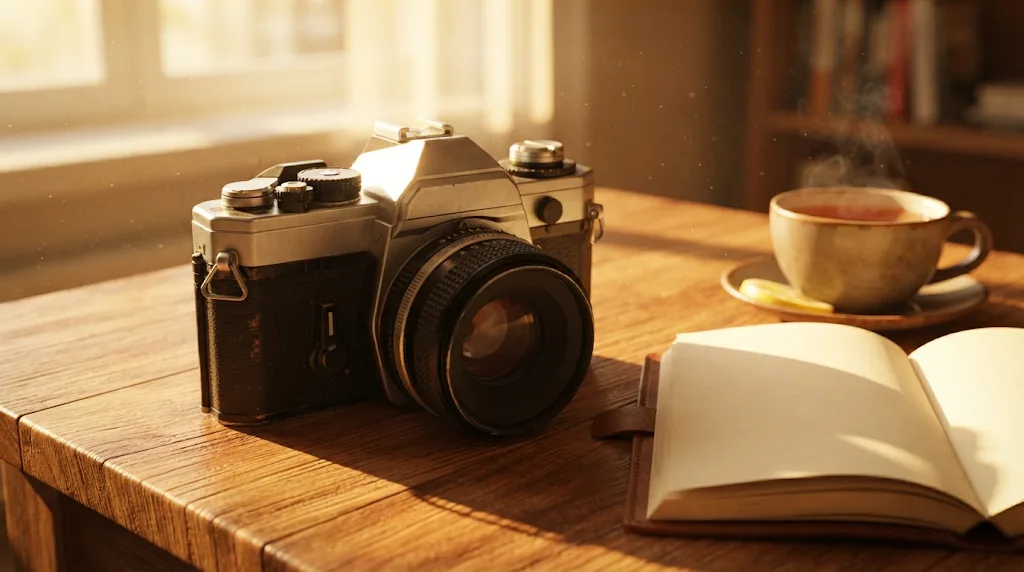
 Generate
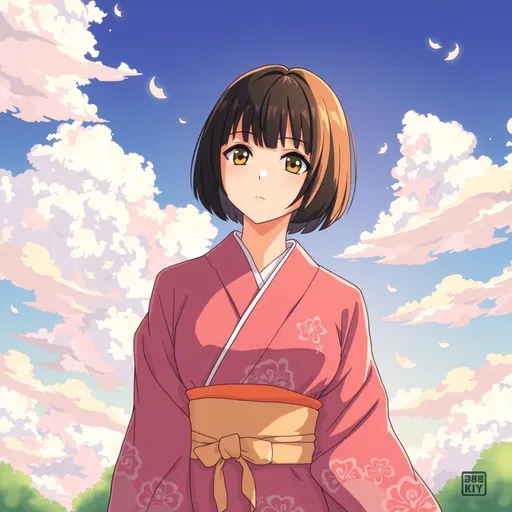
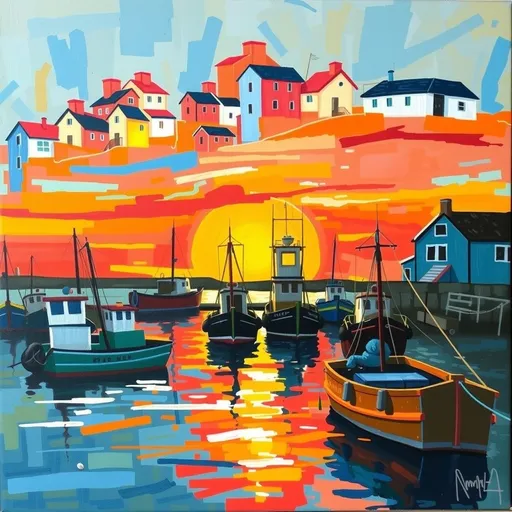
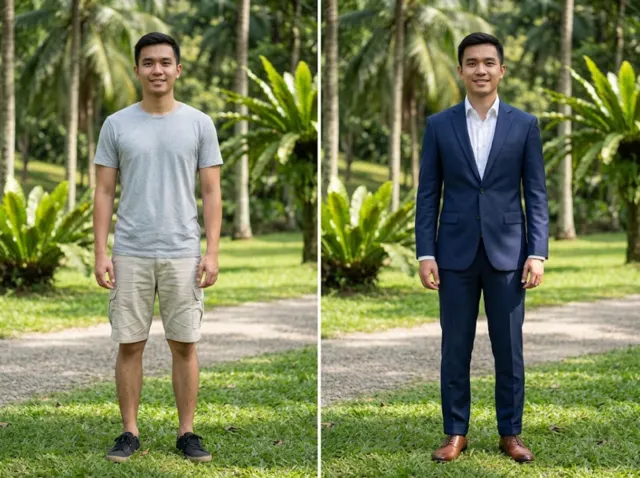
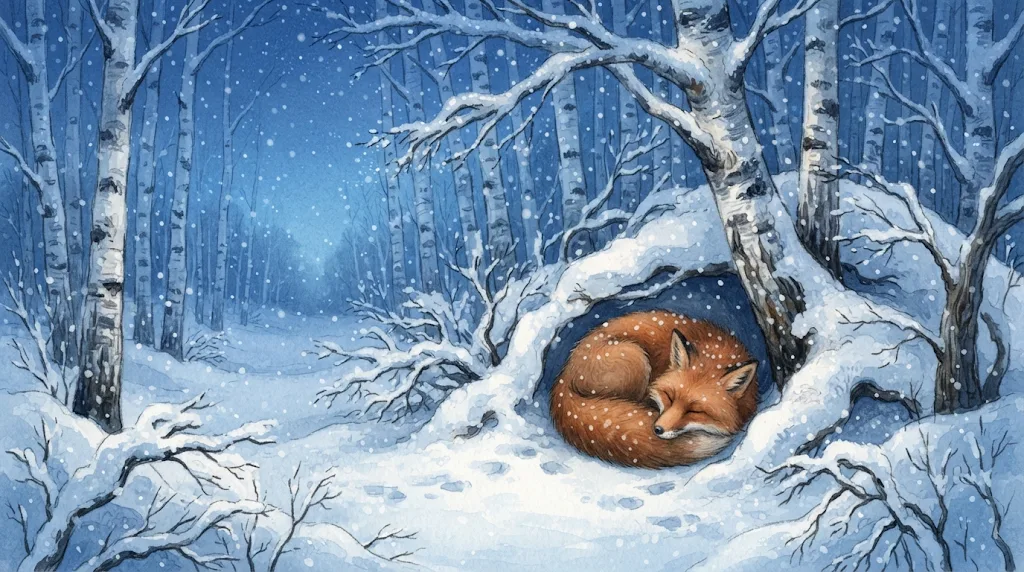
Turn a photo into a 3D cartoon, an anime frame, an oil painting or a cyberpunk scene. Pick one of more than 80 looks from the Style menu, or describe your own, and the light and colours change together so the result looks finished.
Restyle a photo free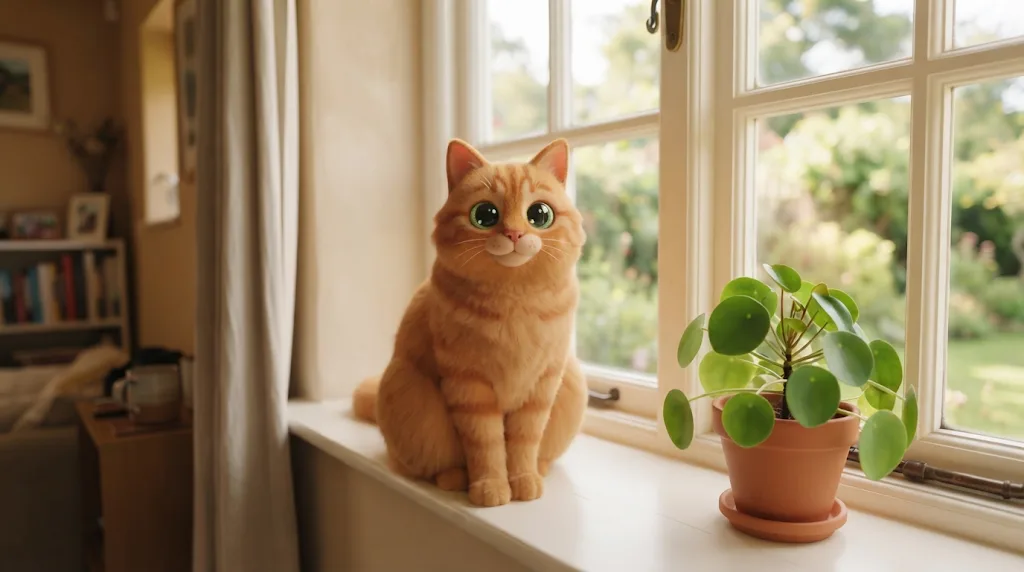
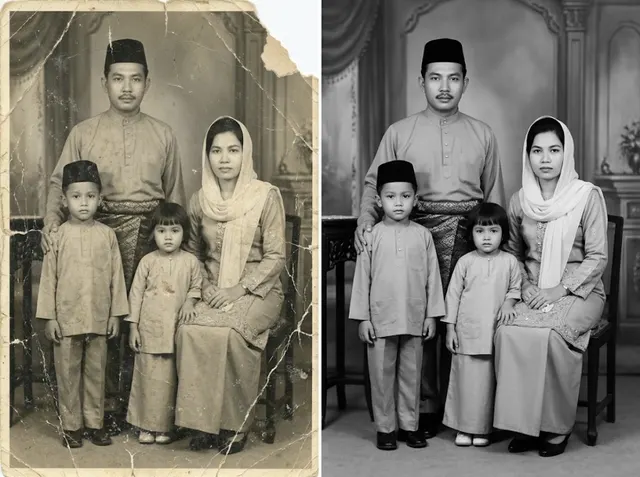
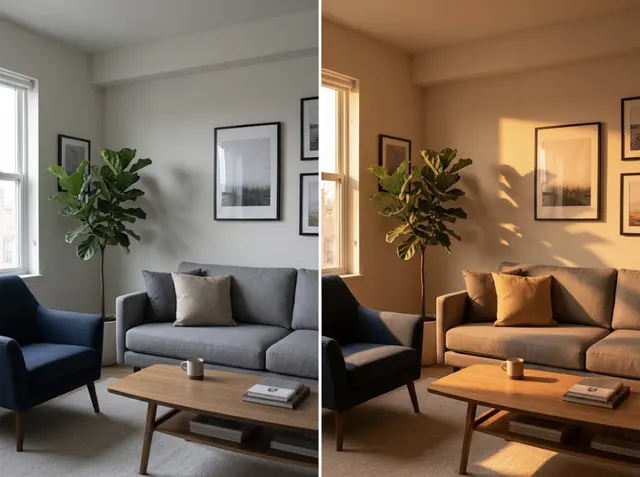
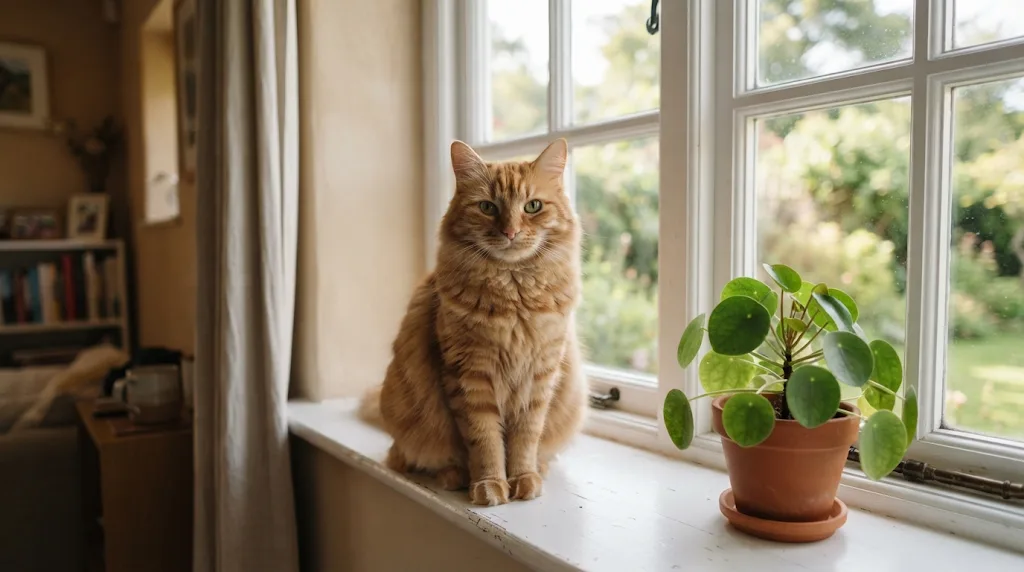 BeforeAfter
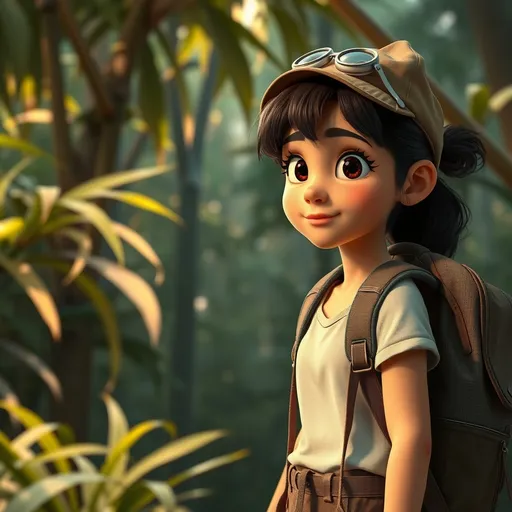
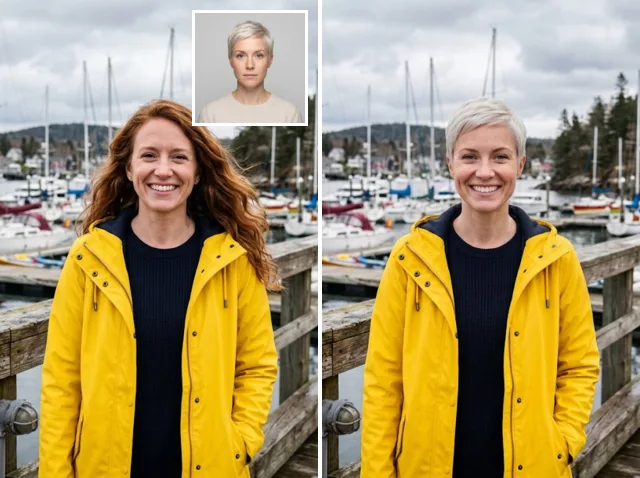
Add a portrait and describe a new pose, outfit or place. The face, hair and features stay recognisable from picture to picture, which suits storyboards, campaigns, mascots and recurring social posts.
Keep a character consistent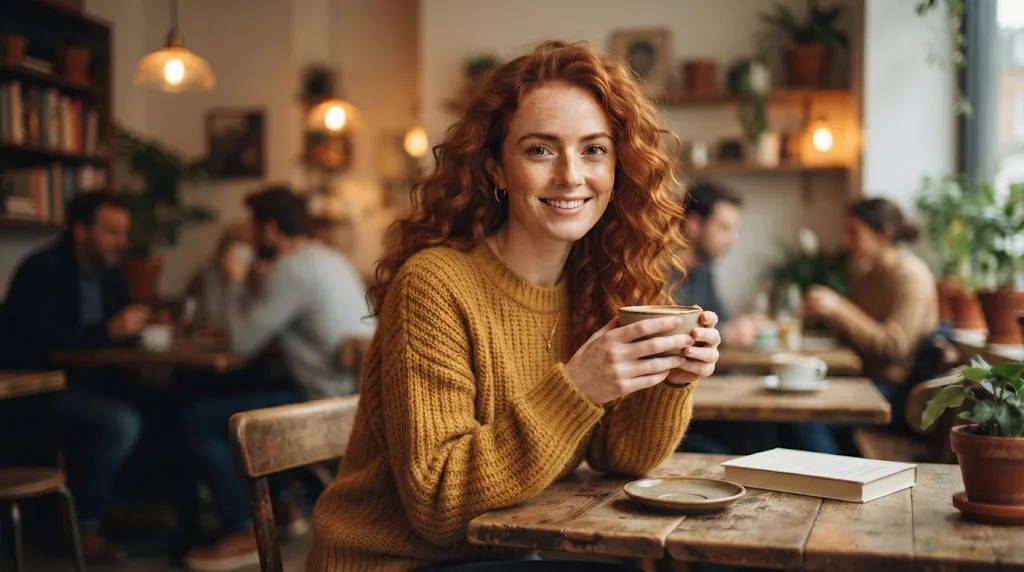
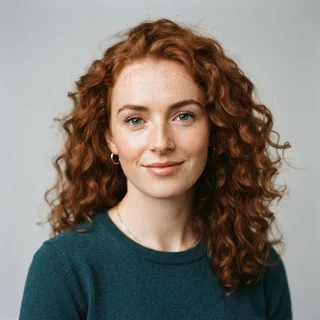
Go further than one-click filters. Say what should change, from the background and the light to the mood and the props, and how far it should go, from a small fix to a completely new scene.
Edit with a prompt free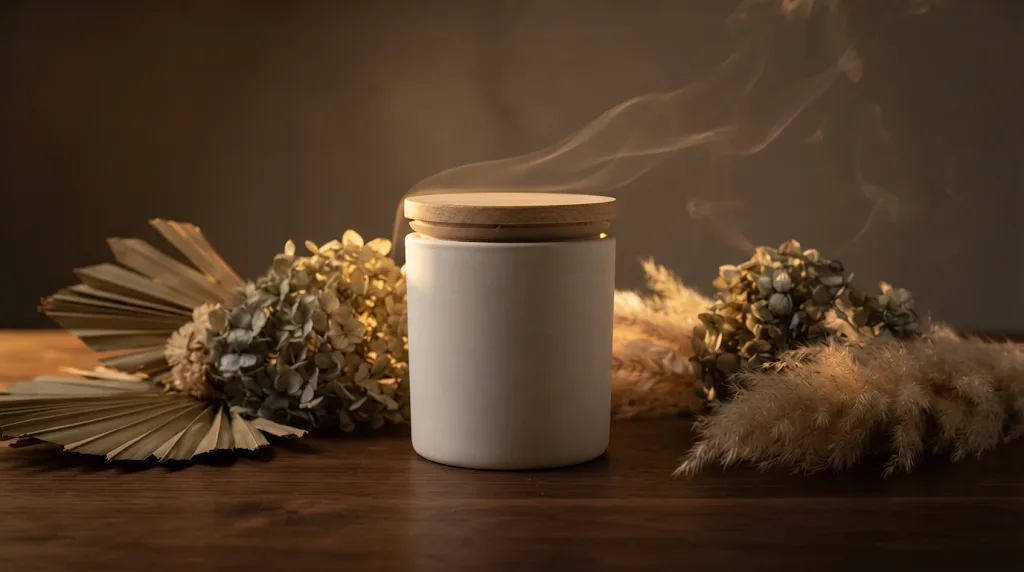
 Your photo
Get sharp results with real texture: skin, fabric, wood grain and hair stay crisp instead of smudged. Choose 2K or 4K on models that support it and use the picture for print, ads and large screens.
Try image to image AI free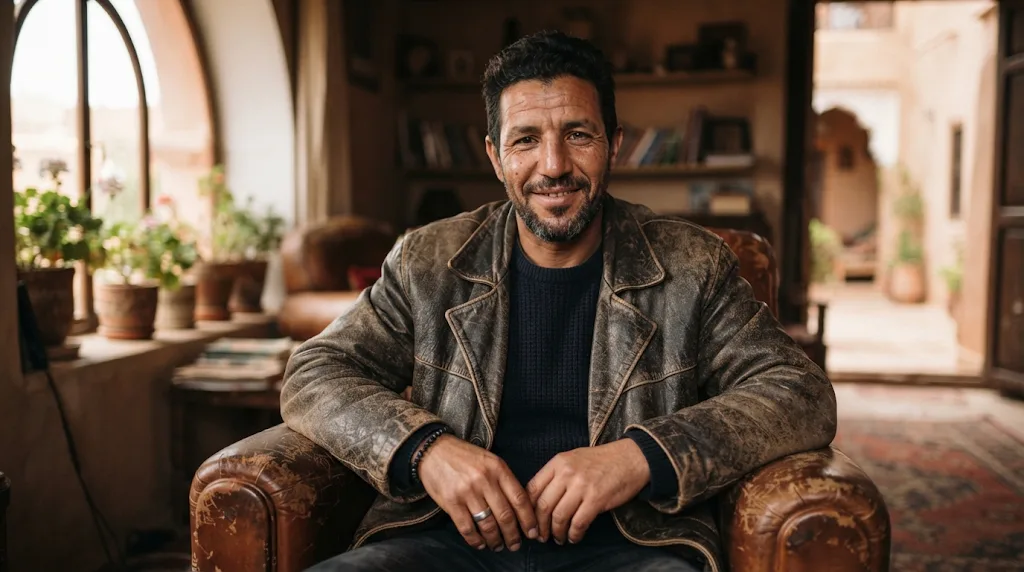
Use the model that suits each edit: Nano Banana for faithful edits, GPT Image for long instructions, Seedream and FLUX Kontext for bold restyles, and more, all from the same prompt box.
Upload a product photo or a mockup and restyle it for seasons, campaigns and ads. Get polished visuals that keep your brand's look and layout.
Try for free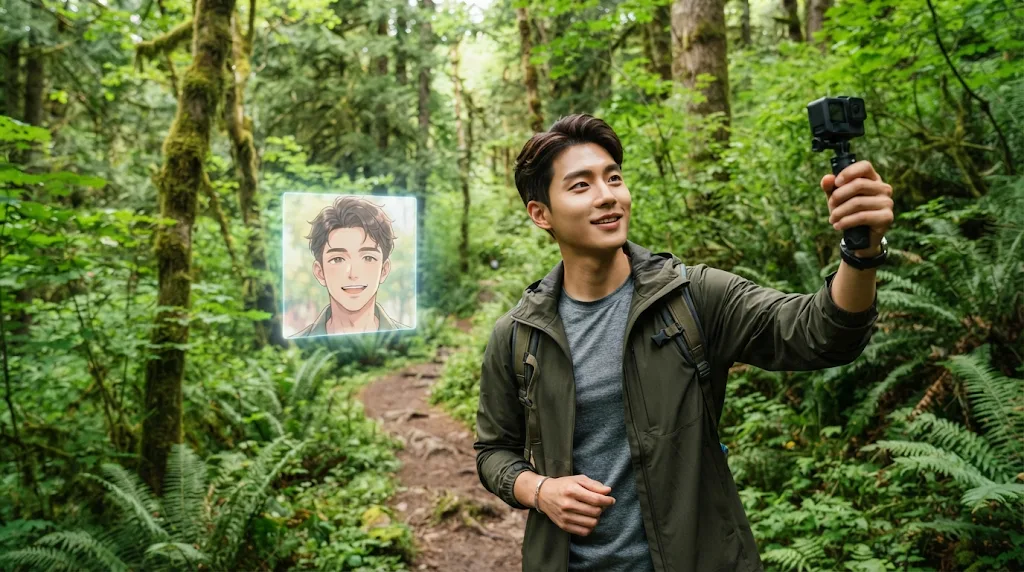
Turn a phone photo into an anime avatar, a cinematic profile picture or a thumbnail that fits the look of your feed.
Try for free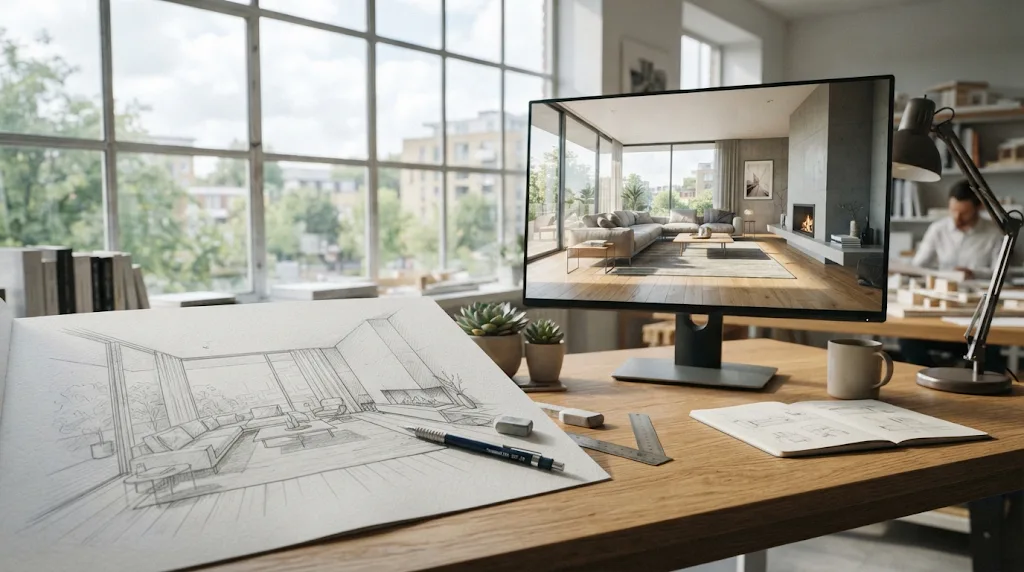
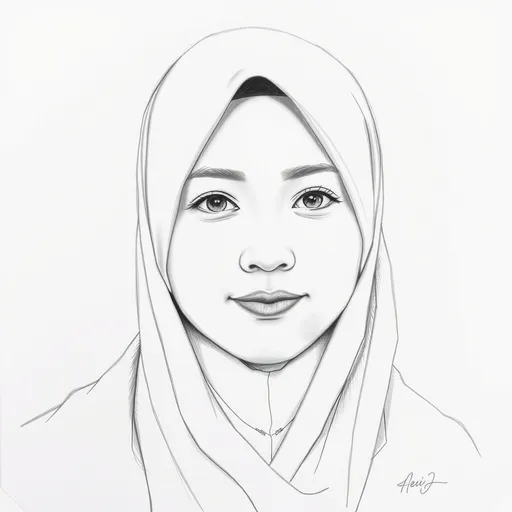
Upload a hand sketch, a wireframe or a simple 3D block-out and get a realistic render. Try interior and concept ideas fast without starting over.
Try for free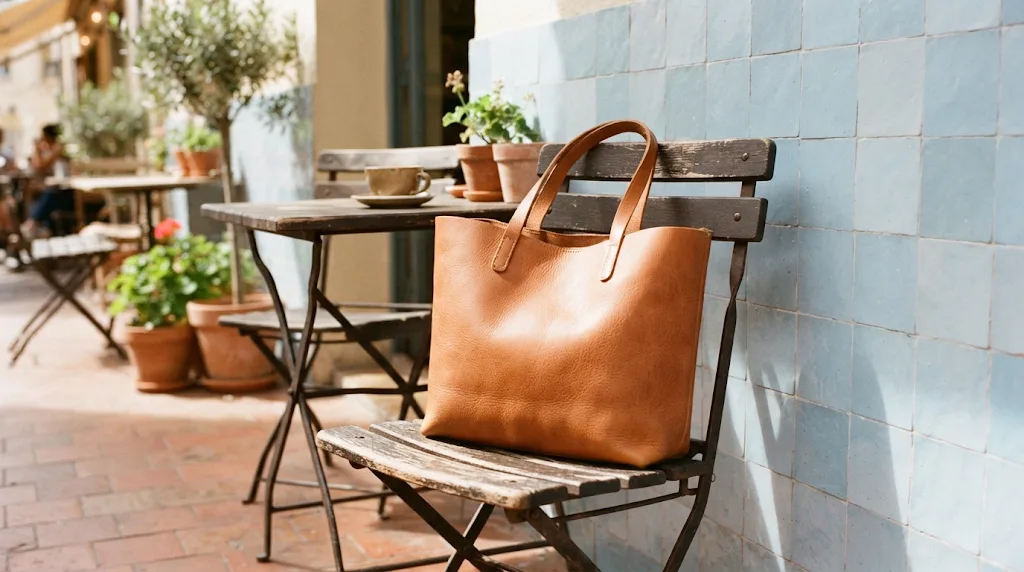
Take one photo of your item and place it in lifestyle scenes, studio sets and banners that help shoppers buy with confidence.
Try for freeUse ready-made generators and AI photo tools to create, transform, enhance and finish every image, from a rough idea to the final asset.
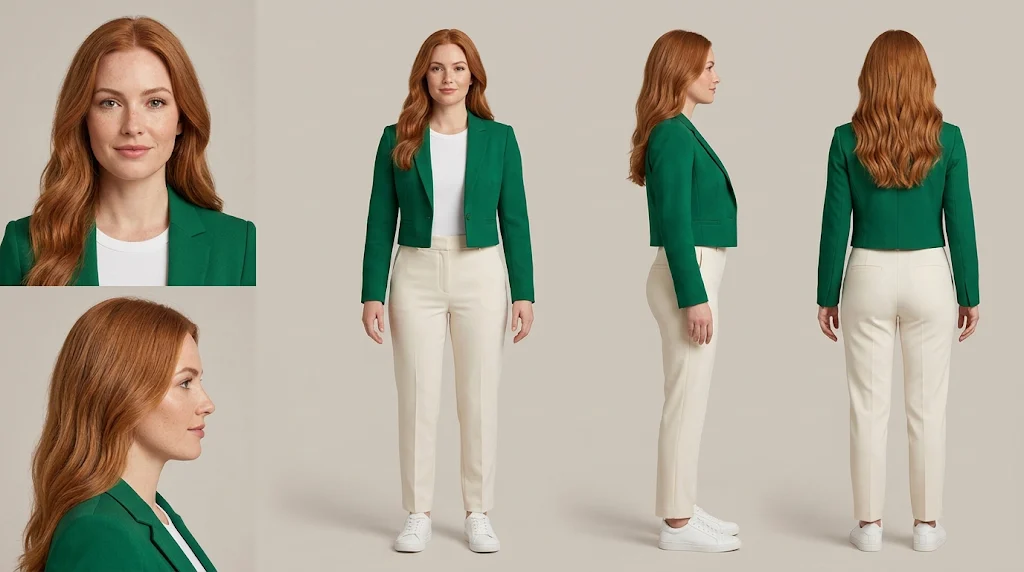 AI Character Generator
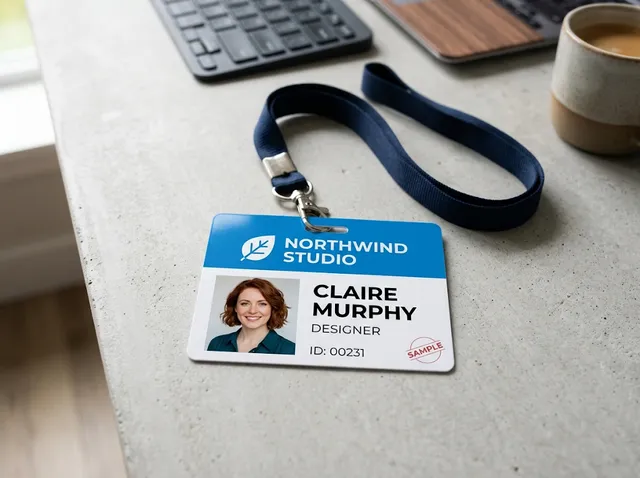 ID Card Maker
 AI Sticker Generator
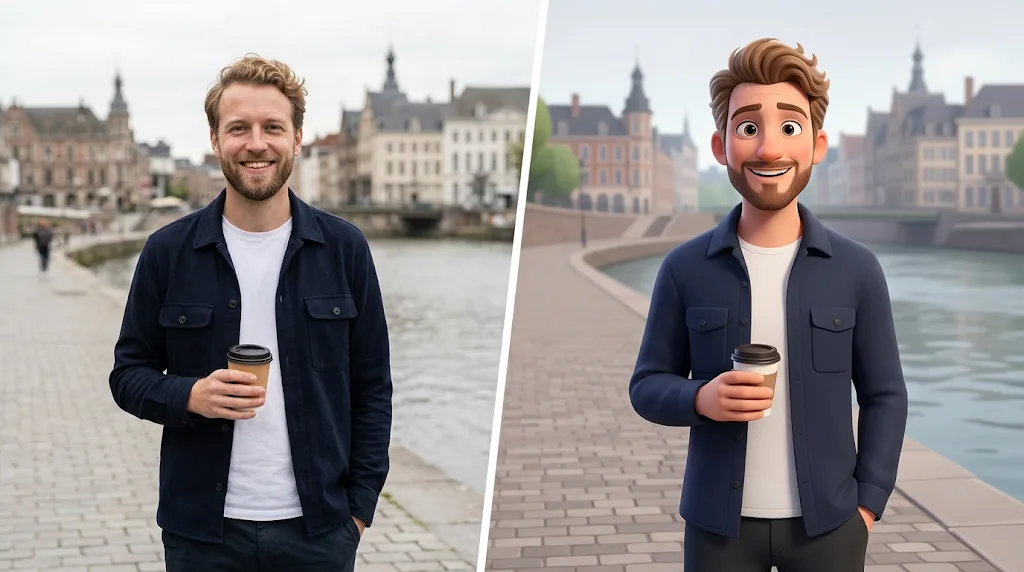 Cartoon Avatar Maker
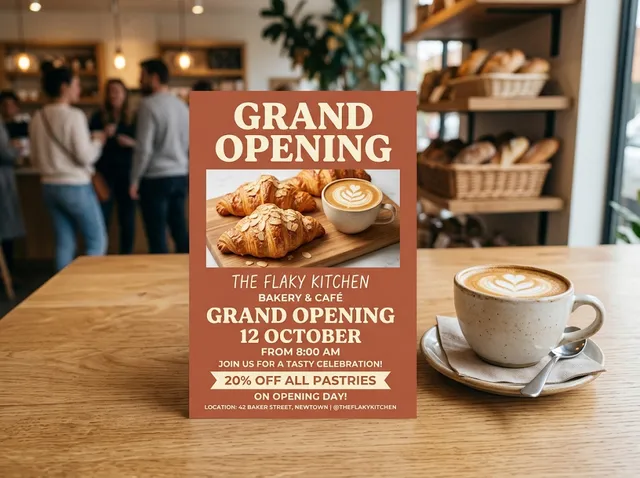 AI Flyer Generator
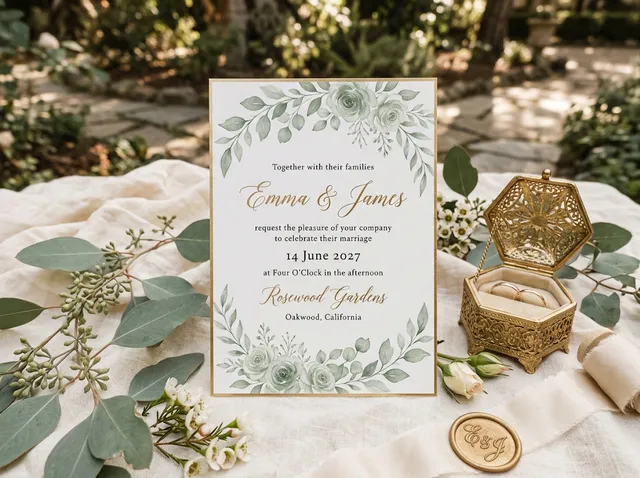 AI Invitation Maker
 AI Logo Generator
 AI Badge Maker
 Product Poster
 AI Banner Generator
Add your photo with + and write the change you want.
Pick an AI image model, or keep the default.
Press the arrow and let Jitura do the rest.
Bring your new image to life as a video, give it a voice, or build a whole campaign with Jitura's creative apps.
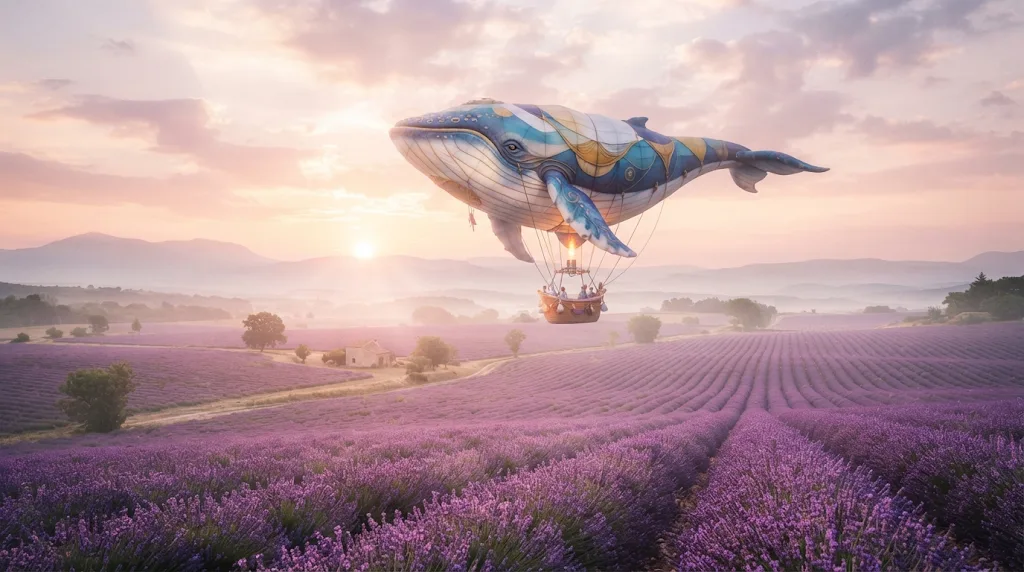
Go from a written idea to a finished, photo-real picture with text to image AI.
Try it nowStart free every day. Upgrade for more operations, private images and 4K output.
Free
Perfect for trying out Jitura
Free
5 operations/day
Pro
For educators & power users
$7/month
500 operations/day
Team
For departments & research groups
$19/month
500 operations/day per seat · 5 seats
Institutional
For universities & large organisations
$49/month
2,000 operations/day per seat · 25 seats
Prices in USD. See yearly prices, FPX and e-wallet payment
Image to image AI makes a new picture from one you already have. Upload a photo, describe the change, and the AI restyles it, edits parts of it or places its subject in a new scene while keeping what you want from the original.
The model looks at your photo and your prompt together. It keeps the parts you do not mention, such as the face, the pose or the product, and changes the parts you describe, like the background, the light, the outfit or the art style. You can make up to four versions at once.
Yes. Every signed-in account gets free daily operations, and each standard image uses one. Paid plans add more operations, private outputs and 4K images.
Start with Nano Banana, which is fast and keeps faces and products very close to the original. GPT Image models follow long instructions well, Seedream and FLUX Kontext suit strong restyles, and Qwen Image is good at clean edits. You can switch models without losing your prompt or photo.
Text to image starts from nothing and draws a picture from your words alone. Image to image starts from your photo, so the result keeps its subject, layout or identity and only changes what you ask for.
Yes. Press + in the prompt box to add up to four images. Say what each one is for, for example "put the jacket from the second photo on the man in the first", and Jitura combines them into one picture.
Uploaded photos are never shown in the gallery. Free outputs are public and may be chosen for the Jitura gallery; paid plans can switch Public Visibility off to keep new images private. Your past creations are listed on your Assets page.
Start with a sharp, well-lit photo and write exactly what should change and what should stay, such as "keep her face and pose, change the background to a snowy mountain at sunrise". Then pick a model and compare a few versions.
AI image generators, editing tools and creative apps in one place for your whole creative workflow.
Upload a photo, add a prompt and let image to image AI handle the change for you.
Try image to image AI free